How to Migrate From Jira to Another Tool: Step-by-Step Guide (2026)
5 hours agoPUBLISHED INWeekly Sharing
 ali
ali 2026-07-27 04:13:00
 0
0
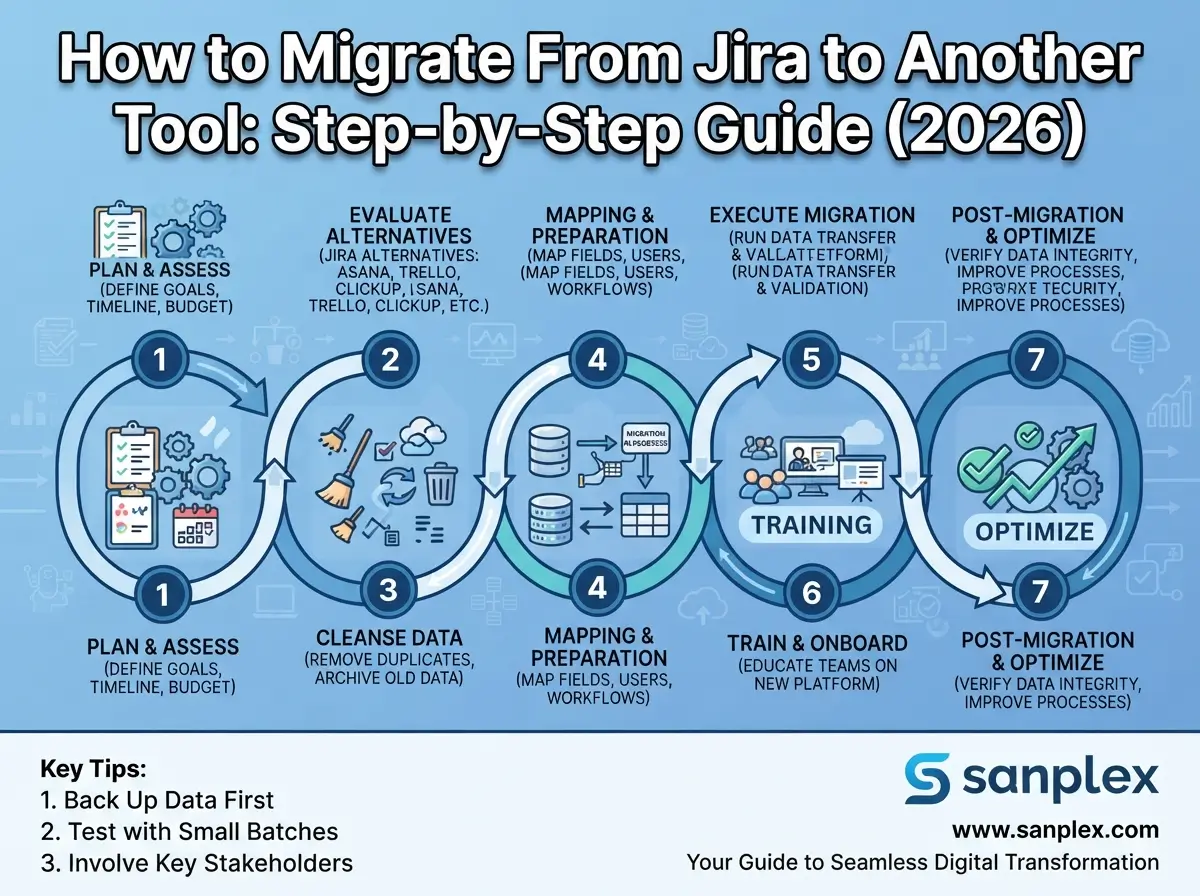
Migrating from Jira to another project management tool means moving your issues, projects, workflows, custom fields, and users to a new platform while preserving data integrity and minimizing downtime. Done well, it takes a structured plan built around three phases: pre-migration audit, execution, and post-migration validation. Done poorly, teams lose historical data, break workflow automations, or face weeks of duplicated work across two systems.
This guide walks through the exact steps to migrate from Jira safely in 2026, whether you're moving because of the Jira Data Center end-of-life deadline, rising Cloud costs, or simply because Jira no longer fits how your team works.
Step 1: Audit Your Current Jira Instance
Before touching any migration tool, document exactly what you're moving. List every project, custom field, workflow, permission scheme, and Marketplace app in use. Sort issues by last-updated date to identify dead projects that don't need migrating at all — this alone often shrinks the scope of a migration significantly.
-
Total issue count and attachment volume across all projects
-
Custom fields, issue types, and workflow transitions in active use
-
Marketplace apps and their data dependencies (e.g., Zephyr test cases, Gantt add-ons)
-
User accounts, groups, and permission schemes
-
Integrations connected to Jira (Slack, GitHub, CI/CD pipelines)
Step 2: Choose Your Migration Approach
Big Bang Migration
All data moves in a single event, and the old instance goes offline immediately after. This is fast and simple for smaller teams, but risky for large instances — any missed customization or mapping error surfaces only after the cutover, when rollback is difficult.
Phased (Zero-Downtime) Migration
Projects or teams move gradually, with both systems running in parallel during the transition. This is safer for larger organizations: teams validate data in the new tool before fully committing, and issues can be reconciled incrementally rather than all at once.
Step 3: Map Fields Between Jira and Your New Tool
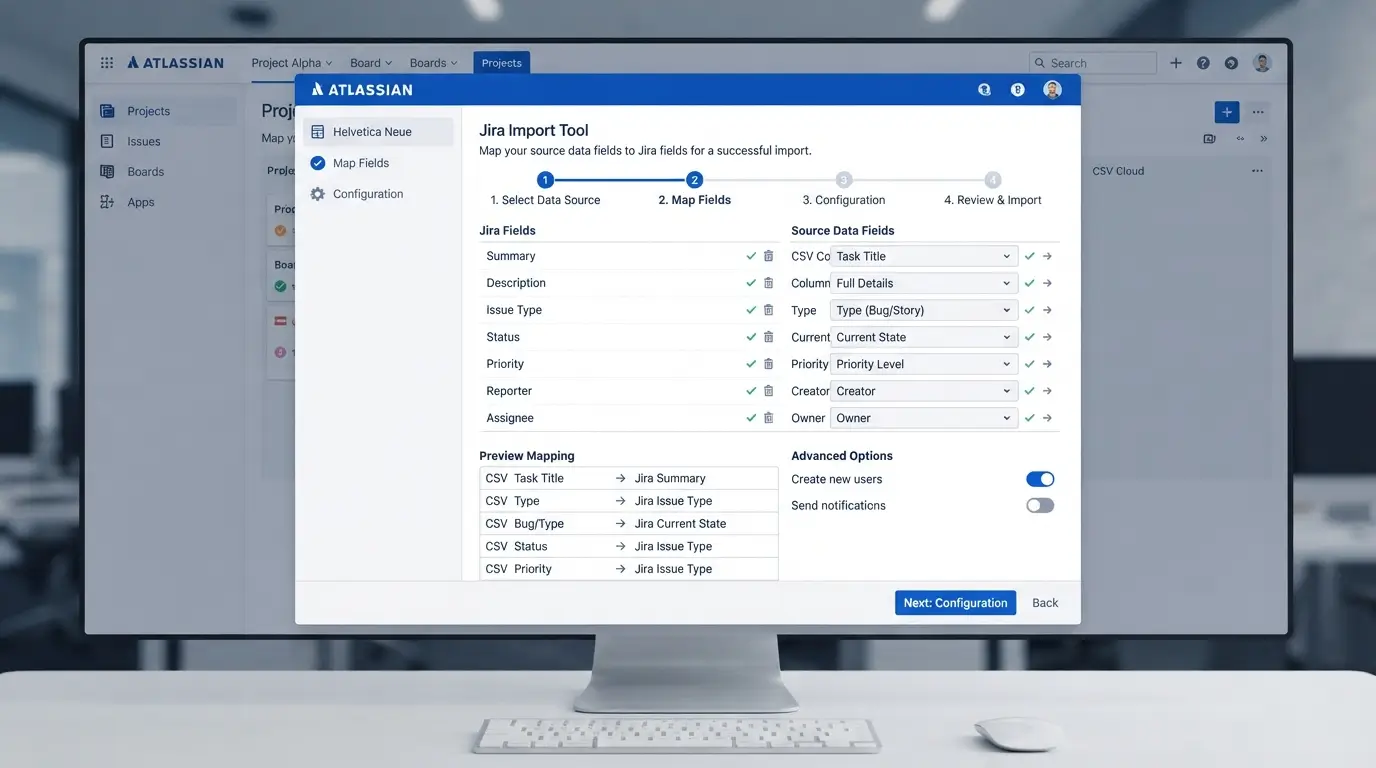
Field mapping is where most migrations go wrong. Every custom field, issue type, and workflow status in Jira needs a clear equivalent in the destination tool. Build a mapping document before migration day — not during it — so your team can catch mismatches (like a Jira 'Epic' mapping to a different hierarchy level) before data moves.
|
Jira Concept |
Typical Destination Equivalent |
What to Check |
|---|---|---|
|
Epic |
Feature / Epic |
Hierarchy level and linked child issues |
|
Story / Task / Bug |
Story / Task / Bug |
Custom fields attached to each issue type |
|
Workflow status |
Workflow status |
Transition rules and required fields per status |
|
Sprint |
Sprint / Iteration |
Sprint history and velocity reports |
|
Zephyr test case |
Test case module |
Test steps, linked defects, and execution history |
Step 4: Run a Pilot Migration
Never migrate your entire Jira instance on the first attempt. Choose one or two smaller, non-critical projects, migrate them fully, and have the actual team members validate the result — issue counts, attachments, comments, and workflow behavior — before scaling the process to the rest of the organization.
Step 5: Migrate Data and Reconcile
-
Back up your entire Jira instance before starting (database, attachments, and configuration).
-
Use a one-click import tool where available — platforms like Sanplex offer direct Jira data import that maps issues, users, and workflows automatically.
-
Run the migration in off-peak hours to reduce disruption.
-
Reconcile issue counts and attachment totals between old and new systems immediately after migration.
-
Keep the old instance in read-only mode for a defined period as a fallback reference.
Step 6: Train Users and Decommission the Old Instance
Migration isn't finished when data lands in the new tool — adoption is the real finish line. Train teams on the new workflow at least a few weeks before decommissioning Jira, gather feedback on any missing functionality, and only shut down the old instance once teams are confidently working in the new one full-time.
Frequently Asked Questions (FAQs)
How long does it take to migrate from Jira to another tool?
Small teams with a few hundred issues can migrate in a few weeks. Enterprise instances with thousands of issues, custom workflows, and Marketplace apps typically take 3 to 12 months when done in a phased, zero-downtime approach.
Will I lose my Jira data during migration?
Not if you follow a proper process: full backup before migration, a pilot run on a small project first, and reconciliation of issue and attachment counts after each migration wave. Data loss almost always stems from skipping these validation steps.
What's the difference between Big Bang and phased migration?
Big Bang migrates everything in one event and switches off the old system immediately — faster but riskier. Phased migration moves projects gradually while both systems run in parallel, reducing risk and downtime for larger organizations.
Can Zephyr test cases be migrated along with Jira issues?
Yes, if your destination tool has native test case management support. Platforms like Sanplex include built-in test case and test request tracking that can map Zephyr-style test data during migration.
Do I need a migration tool, or can I do it manually?
Manual migration (CSV export/import) works for very small projects but breaks down quickly with custom fields, attachments, and workflow history. For anything beyond a handful of projects, a dedicated migration tool or one-click import feature is strongly recommended.
Should I migrate all at once or team by team?
For most organizations beyond 50 users, a phased, team-by-team migration is safer. It limits the blast radius of any mapping error and lets you validate the new tool with real users before committing your entire organization.
Conclusion
A Jira migration succeeds or fails based on the planning that happens before any data actually moves. Audit your instance, choose the right migration approach for your size, map every field carefully, and always validate with a pilot project first. Whether you're moving because of the Jira Data Center end-of-life deadline or simply looking for a better fit, a structured, phased approach — supported by one-click import tools where available — is what separates a smooth transition from a costly one.
Related Blogs