Sanplex vs Azure DevOps: Which Fits Your Delivery Stack?
July 31, 2026PUBLISHED INWeekly Sharing
 ali
ali 2026-07-31 18:31:00
 0
0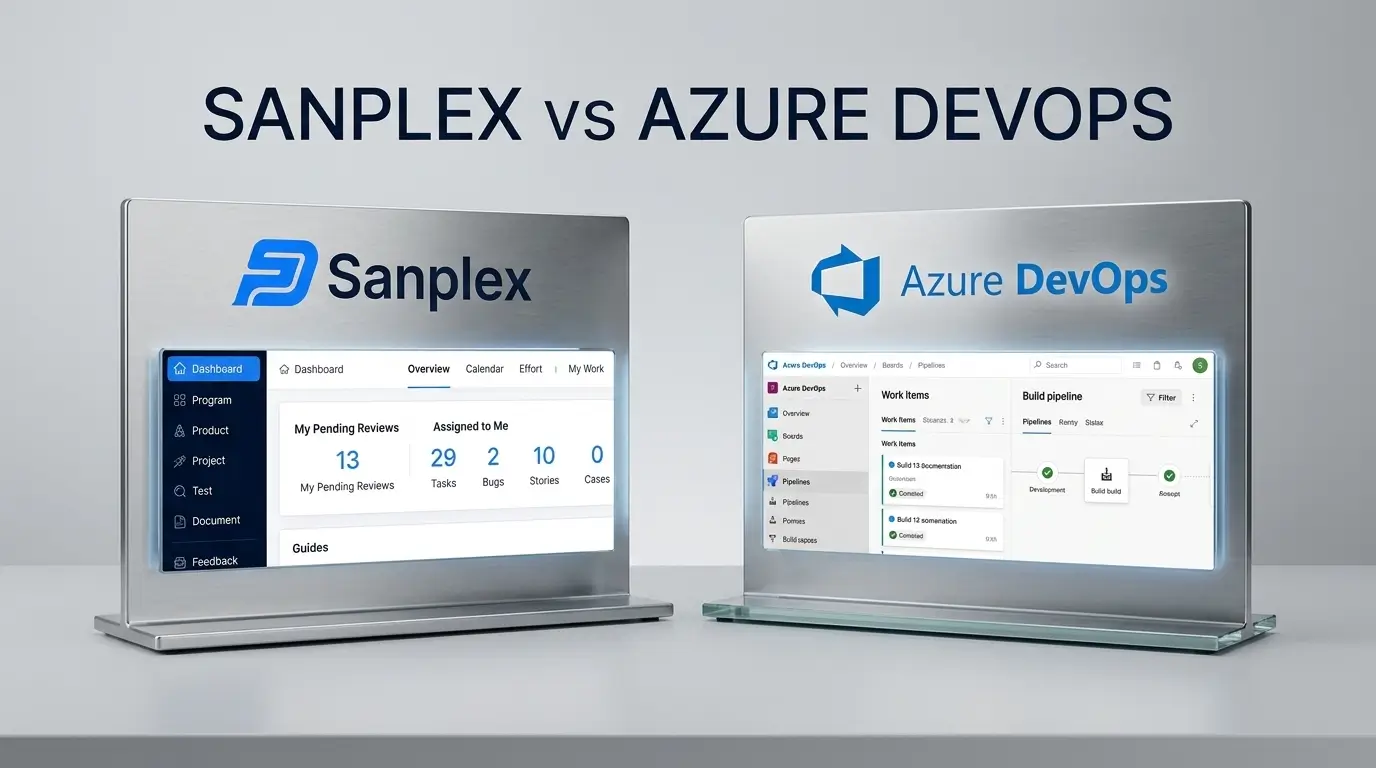
These two products overlap less than a feature grid suggests. Azure DevOps is a DevOps toolchain with planning attached. Sanplex is a lifecycle management platform with no CI/CD of its own. Comparing them usefully means being clear about which end of the delivery pipeline you are trying to solve, because the answer for a team that lives in Azure Pipelines is genuinely different from the answer for a team whose bottleneck is requirements, test coverage, and release coordination across five products.
This comparison covers licensing, where each product's costs concentrate, and the team profiles each one actually suits.
What each product is
Azure DevOps Services is Microsoft's integrated toolchain: Azure Boards for work tracking, Azure Repos for Git hosting, Azure Pipelines for CI/CD, Azure Test Plans for manual test management, and Azure Artifacts for package feeds. It also exists as Azure DevOps Server for on-premises deployment. Its centre of gravity is the build and release pipeline, and its integration with Entra ID, Visual Studio, and Azure infrastructure is genuinely deep.
Sanplex is an application lifecycle management platform covering program, product, project, and execution management, with native test case management, document and knowledge management, feedback and ticket handling, Gantt charts, and release management. It has no source control or CI/CD engine; it expects to sit alongside whatever pipeline you already run. It is available as cloud or [on-premises](https://www.sanplex.com/on-premises) deployment.
|
The clean framing: Azure DevOps optimises the path from commit to production. Sanplex optimises the path from requirement to verified release. Plenty of teams need both. |
Licensing and where the money goes
The two use different pricing shapes, which makes headline comparison misleading.
|
|
Azure DevOps Services |
Sanplex |
|
Free tier |
First 5 users on Basic; unlimited private Git repos; 1 hosted parallel job with limited monthly minutes; 2 GiB Artifacts |
Free edition, unlimited seats, unlimited projects |
|
Core paid tier |
Basic at ~$6/user/month beyond the first 5 |
Standard, per user per year |
|
Test management |
Basic + Test Plans at ~$52/user/month per assigned user |
Included in the product, not a separate access level |
|
Read-only access |
Stakeholder access free and unlimited |
Covered by permission groups |
|
Additional CI capacity |
~$40/month per extra Microsoft-hosted parallel job |
Not applicable — no built-in CI |
|
Package storage |
2 GiB free, then ~$2/GiB/month |
Not applicable |
|
Self-hosted option |
Azure DevOps Server, licensed separately |
On-premises edition of the same product |
Confirm all figures against each vendor's live pricing page before budgeting; both change.
Where Azure DevOps costs concentrate: Test Plans
Basic at roughly $6 per user per month is one of the better values in the category. The number that catches teams out is Basic + Test Plans at around $52 per user per month — roughly 8.5× the Basic rate, and the only route to manual test case management inside Azure DevOps. There is no cheaper Test-Plans-only tier; the $52 figure bundles ordinary Basic features with test management in a single access level.
The mitigations are real but narrow. Test Plans is assigned per user, so you can license only the QA engineers who need it while everyone else stays on Basic or free Stakeholder access. It is also included with Visual Studio Enterprise, Test Professional, and MSDN Platforms subscriptions — if your organisation already holds those, the marginal cost may be zero.
The arithmetic is straightforward. Six QA engineers on Basic + Test Plans is roughly $3,700 a year for test management alone, on top of everything else. For a QA-heavy organisation with twenty testers, it is the largest line in the tooling budget.
Where Sanplex costs concentrate
Per user per year across all seats, with test management, Gantt, documents, and the feedback module included rather than metered. The trade is that you are paying for modules some users will not touch, and you still need — and pay for — source control and CI separately.
Feature comparison
|
Capability |
Azure DevOps |
Sanplex |
|
Work item tracking |
Azure Boards, highly customisable process templates |
Distinct native object types: story, task, bug, test case |
|
Source control |
Azure Repos (Git and TFVC) |
None — integrates with your existing repository |
|
CI/CD |
Azure Pipelines, mature, YAML-defined |
None |
|
Manual test management |
Azure Test Plans, ~$52/user/month access level |
Included: test case library, suites, execution tracking, reporting |
|
Requirements traceability |
Work item links; reporting via Analytics and Power BI |
Story tracking matrix built in |
|
Gantt / scheduling |
No native Gantt; delivery plans and Marketplace extensions |
Native Gantt for phases and tasks |
|
Knowledge base / docs |
Azure DevOps Wiki |
Document module with spaces, permissions, versioning |
|
Service desk / feedback |
Not included |
Feedback and ticket modules |
|
Waterfall and hybrid support |
Process templates including CMMI |
Scrum, Kanban, Waterfall, and hybrid modes |
|
Program-level hierarchy |
Areas, iterations, portfolio backlogs |
Four-tier program / project / product / execution model |
|
Package management |
Azure Artifacts |
None |
|
On-premises |
Azure DevOps Server |
On-premises edition |
|
Identity |
Entra ID native |
LDAP integration |
Which one fits which team
Azure DevOps is the stronger fit when
• Your organisation runs on Microsoft infrastructure and Entra ID, and single sign-on plus governance alignment matters more than module breadth.
• CI/CD is your active problem. Azure Pipelines is a mature build and release engine and Sanplex has no equivalent.
• Your developers want work items, pull requests, branches, and builds in one interface with automatic linking.
• You already hold Visual Studio Enterprise subscriptions, which neutralises the Test Plans cost.
• Package management through Azure Artifacts is part of your workflow.
Sanplex is the stronger fit when
• Test management is central and you are not prepared to pay a per-user premium for it. This is the single clearest dividing line between the two.
• You run waterfall, hybrid, or stage-gated delivery alongside agile, or work to CMMI expectations. Sanplex Premium includes baseline, review, risk, opportunity, and process tailoring modules aimed at CMMI Level 4 and 5 quantitative management.
• You manage multiple product lines and need program-level structure above the project layer.
• You need Gantt scheduling natively rather than through an extension.
• Requirements traceability is a compliance obligation and you want the matrix generated rather than assembled.
• You need on-premises deployment as a first-class option, including for teams outside the Microsoft ecosystem.
• Service desk or customer feedback needs to connect directly to development work without another product.
Running both
This is more common than either vendor's marketing implies, and it is a legitimate architecture. Azure DevOps owns repos, pipelines, and artifacts. Sanplex owns requirements, test management, traceability, and release coordination across products. The integration point is the build: Sanplex's REST API can record which build a release contains, and pipeline results can update release status.
The cost of this arrangement is a synchronisation boundary and the discipline to decide, once, which system is authoritative for each object. Teams that leave that undecided end up maintaining work items in both.
Migration notes
If you are moving planning work off Azure DevOps, three things need attention.
1. Work item history does not export cleanly. State transitions, comment threads, and attachments are the fragile parts. Decide what history genuinely needs to move; most does not.
2. Area and iteration paths do not map one-to-one. Sanplex's four-tier hierarchy is a different shape. Map it deliberately rather than trying to reproduce the old structure.
3. Pipeline definitions stay put. If you are keeping Azure Pipelines, this is not a migration at all — it is an integration project, which is considerably easier.
Frequently asked questions
What is the main difference between Sanplex and Azure DevOps?
Azure DevOps is a DevOps toolchain built around source control and CI/CD with work tracking attached. Sanplex is a lifecycle management platform covering requirements, testing, documentation, and release coordination, with no built-in source control or CI/CD. Teams frequently run both.
How much does Azure DevOps cost per user?
The first five users get Basic access free, then Basic is about $6 per user per month. The Basic + Test Plans access level, required for manual test case management, is around $52 per user per month. Extra hosted parallel jobs are roughly $40 per month each. Verify current figures on Microsoft's pricing page.
Is Azure Test Plans worth the cost?
It depends on whether you already hold Visual Studio Enterprise or Test Professional subscriptions, which include it. If not, at roughly $52 per user per month for the access level, teams with more than a handful of testers typically find dedicated or bundled test management materially cheaper.
Does Azure DevOps have a Gantt chart?
Not natively. It offers delivery plans for cross-team timeline views, and Gantt-style visualisation is available through Marketplace extensions. Sanplex includes Gantt charts for both project phases and tasks in the product.
Can Sanplex replace Azure DevOps entirely?
Only for the planning, testing, and lifecycle layer. Sanplex has no source control, CI/CD, or package management, so a full replacement means adopting separate tools for those functions.
Is there a self-hosted alternative to Azure DevOps?
Azure DevOps Server is Microsoft's own on-premises edition. For the planning and lifecycle layer specifically, Sanplex offers an on-premises edition alongside its cloud product.
Related Blogs
Sanplex vs Redmine: Two Self-Hosted Options Compared