Release Management Process for Multi-Product Teams
July 31, 2026PUBLISHED INWeekly Sharing
 ali
ali 2026-07-31 17:49:00
 0
0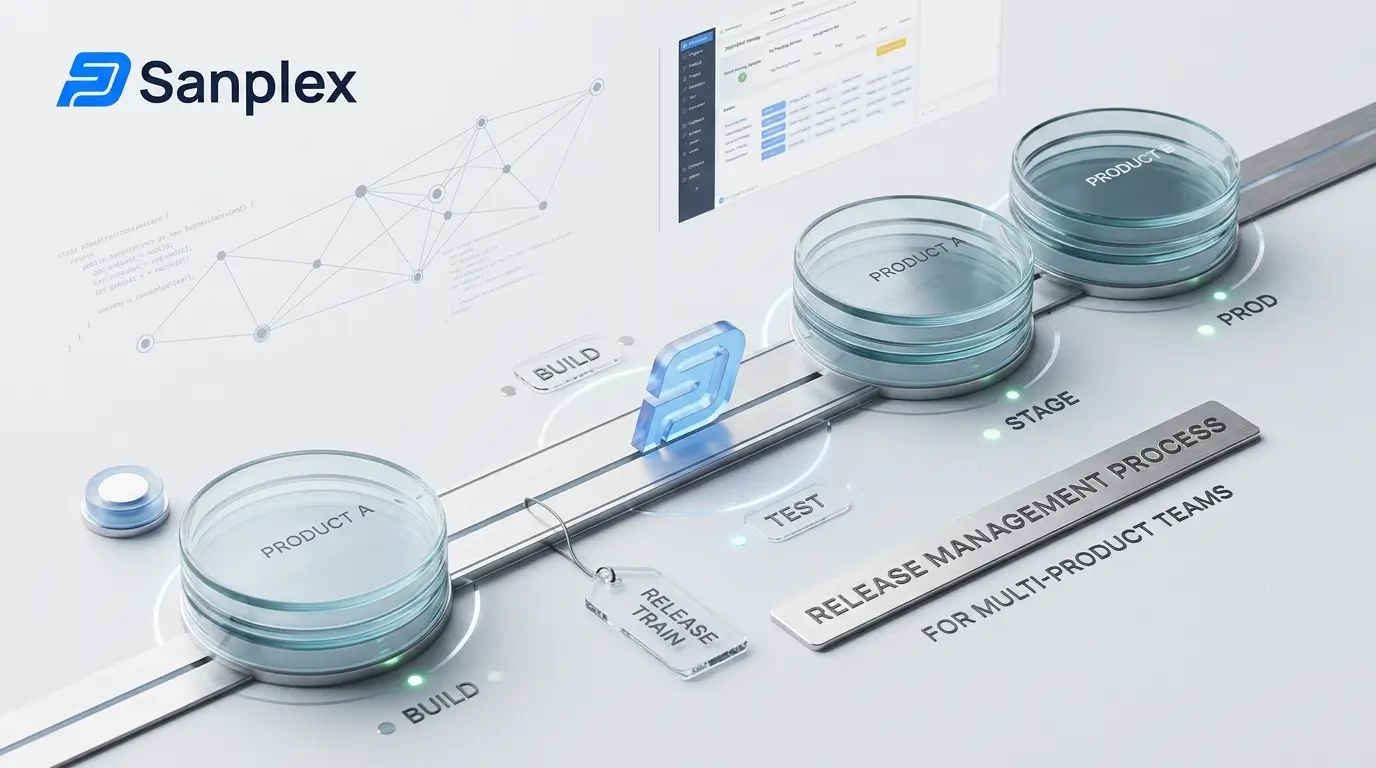
Release management is straightforward with one product. You cut a branch, run the regression suite, hold a go/no-go, ship, and write the notes. The process is a checklist and the checklist mostly fits on one page.
It stops being straightforward the moment you have four products sharing two libraries, on different cadences, with one shared QA environment and a customer who consumes three of them together. At that point release management becomes a coordination discipline, and the failure mode is not a bad deployment — it is two teams discovering on release day that they need incompatible versions of the same component.
This guide covers the process stages, what changes at multi-product scale, and how to measure whether any of it is working.
Three words that are not synonyms
Getting these apart resolves a surprising amount of process confusion.
• A release is a versioned collection of changes made available to users. It is a product decision. Release 4.2.0 contains these seventeen stories and these nine fixes.
• A deployment is the technical act of putting a build into an environment. It is an engineering event. The same release may be deployed a dozen times across staging and production.
• A change is a modification to a service, in the ITIL sense. ITIL 4 treats release management and deployment management as separate practices for exactly this reason, with change enablement governing authorisation.
The practical payoff: once release is decoupled from deployment, feature flags become obvious. You deploy code continuously and release capability on a business schedule. That single decoupling removes most of the pressure that makes release day stressful.
|
If your team says "the release failed" and means the deployment broke, the process vocabulary is costing you clarity in incidents. |
The six stages
1. Scope definition
The release gets a version number, a target date, and a defined content set. Content is defined by linking work items to the release, not by "whatever is merged by Friday." That distinction is the whole stage: a release with an implicit scope cannot be assessed for readiness because nobody agrees what is in it.
Output: a versioned release record with linked stories, features, and fixes.
2. Build and integration
The content set is built into a release candidate. Everything merged is traceable to a linked work item — anything unlinked is either an undocumented requirement or unauthorised scope, and both are worth catching here rather than in a post-incident review.
Output: a release candidate build with a manifest.
3. Verification
The candidate goes through regression, integration, performance, and security testing as appropriate. This is where release management touches test management directly: you need to know not just that tests passed, but which requirements in this release are covered by tests and which have open defects against them.
Output: test execution results and a defect status by requirement.
4. Readiness assessment
The go/no-go. This should be a review of evidence, not a discussion of feelings. The evidence is the checklist below.
Output: a documented go, no-go, or conditional-go with named approvers.
5. Deployment and release
Execute the deployment plan, verify in production, and make capability available. Release notes are published here, and they should be generated from the linked work items rather than written from memory — memory-written notes routinely omit changes and always omit the ones nobody remembers making.
Output: deployed release, published notes, updated documentation.
6. Post-release review
Close the loop. Did anything escape? Did the rollback plan get used? What did the metrics say? Feed it into the next cycle.
Output: escaped defect list, metric snapshot, actions.
Release readiness checklist
Adapt to your risk profile, but keep the evidence column — a checklist with no evidence requirement becomes a formality within two releases.
|
Gate |
Criterion |
Evidence |
|
Scope |
All content linked to the release record; no unlinked merges |
Release manifest |
|
Requirements |
Every requirement in scope has linked test coverage |
Traceability report |
|
Testing |
Regression suite executed against the candidate build |
Test execution report with build number |
|
Defects |
No open blockers; known issues documented and accepted |
Defect list by severity |
|
Dependencies |
Required versions of shared components confirmed available |
Dependency matrix |
|
Performance |
Benchmarks within agreed thresholds |
Performance test results |
|
Security |
Scans clean or findings accepted with owner and date |
Scan report |
|
Documentation |
Release notes drafted; user docs and help content updated |
Draft notes |
|
Support readiness |
Support team briefed; known issues and workarounds shared |
Briefing record |
|
Rollback |
Rollback plan documented and rehearsed |
Rollback procedure with named owner |
|
Approval |
Named approvers signed off |
Approval record |
What changes with multiple products
Shared component versioning
The core problem. When products A and B both depend on library L, and A needs a breaking change to L, you have three options and should choose deliberately: version L semantically and let B stay on the old major until it can migrate; force-coordinate both products onto a single release; or fork, which is a decision you will regret and should therefore make explicitly rather than by drift.
Semantic versioning is not bureaucracy here — it is the contract that lets products release independently. Without it, every shared-component change becomes a cross-team negotiation.
Cadence: train or independent?
Two viable models.
Release trains run on a fixed schedule. Work that is ready boards the train; work that is not waits for the next one. The date never moves, only the scope. This is predictable, simplifies environment booking and coordinated announcements, and makes dependency planning tractable. The cost is that finished work sometimes waits.
Independent cadence lets each product ship when ready. Faster to value, and it removes artificial waiting. The cost is coordination overhead and the need for genuinely stable interface contracts between products.
The pragmatic answer for most multi-product organisations is independent cadence within a shared quarterly milestone framework — products ship freely, but coordinated capabilities that span products land on agreed dates.
One release calendar
Whichever model you choose, there must be a single visible calendar showing every product's planned releases, freeze windows, shared environment bookings, and blackout periods. Most multi-product coordination failures are calendar failures: two teams booked the same integration environment, or a release landed during a customer's month-end freeze that nobody knew about.
Environment contention
With one product, environments are a scheduling detail. With five, the staging environment is a shared resource with a queue. Treat it as one — book it, timebox it, and make the booking visible on the release calendar.
Roles and accountability
|
Role |
Responsibility |
|
Release manager |
Owns the calendar, the process, and the go/no-go; accountable for coordination not for content |
|
Product owner |
Defines and approves scope; accepts known issues |
|
QA lead |
Owns verification evidence and coverage reporting |
|
Engineering lead |
Owns build integrity, deployment, and rollback |
|
Support lead |
Owns readiness of the support path and customer communication |
|
Change authority |
Authorises the change in regulated or ITIL-governed environments |
At small scale one person holds several of these. That is fine — what is not fine is leaving them unassigned, because unassigned release accountability defaults to whoever is most anxious.
Measuring it
The DORA research programme's metrics remain the most defensible baseline. The set has evolved: the original four keys are now commonly presented as five, with failed deployment recovery time replacing the older MTTR framing and deployment rework rate added to capture unplanned deployments driven by production issues.
|
Metric |
What it measures |
|
Deployment frequency |
How often you deploy to production |
|
Lead time for changes |
Commit to running in production |
|
Change failure rate |
Share of changes causing a fault, incident, or rollback |
|
Failed deployment recovery time |
How long to return to a good state after a bad deployment |
|
Deployment rework rate |
Proportion of deployments that are unplanned responses to production issues |
Two release-specific measures are worth adding: release scope stability (how much scope changed between definition and ship) and escaped defect rate per release. Scope stability in particular is the leading indicator of a release process that is not really gating anything.
A caution worth holding: the 2025 DORA research found that rising AI adoption improved individual output while measurably degrading team-level delivery stability. If your throughput metrics are climbing while change failure rate and rework rate worsen, you are manufacturing rework rather than shipping faster.
Tooling requirements
For a multi-product release process, the tooling has to do five things:
1. Model a release as a first-class object with linked content, not a label on a filter.
2. Show coverage by release — which requirements in this release are tested, which have open defects.
3. Handle multiple product lines with data isolation but shared visibility and a common calendar.
4. Generate release notes from linked work items.
5. Provide a timeline view of releases and dependencies across products.
Where this typically fragments: releases in the issue tracker, test results in a separate test management tool, documentation in a wiki, and the calendar in a spreadsheet. Readiness assessment then means assembling evidence from four systems, which is why so many go/no-go meetings run on assertion instead of evidence.
[Sanplex](https://www.sanplex.com/) addresses this by keeping the pieces in one system: a dedicated release module, native test case management with execution tracking, a story tracking matrix for requirement coverage, a document module for notes and specifications, and a four-tier program / project / product / execution hierarchy designed for coordinating multiple product lines with data isolation and resource sharing. Because releases, stories, bugs, and test cases are native linked objects, a readiness view is a query rather than a compilation exercise. Cloud and [on-premises](https://www.sanplex.com/on-premises) deployment are both available.
What is the release management process?
Release management is the process of planning, scheduling, verifying, and controlling the movement of a defined set of changes into production. It typically runs through six stages: scope definition, build and integration, verification, readiness assessment, deployment and release, and post-release review.
What is the difference between a release and a deployment?
A release is a versioned set of changes made available to users — a product decision. A deployment is the technical act of putting a build into an environment — an engineering event. Decoupling them, usually with feature flags, lets you deploy continuously while releasing on a business schedule.
What should a release readiness checklist include?
Scope confirmation, requirement test coverage, regression execution against the candidate build, defect status with no open blockers, shared dependency versions confirmed, performance and security results, drafted release notes, support briefing, a rehearsed rollback plan, and named approvals — each with documented evidence.
How do you manage releases across multiple products?<
Related Blogs
Jira Pricing 2026: Full Cost Breakdown and Cheaper Alternatives