
Import & export
Can I import my Jira projects into Sanplex?
Short answer
Yes. Sanplex supports one-click import from Jira for projects and related data. The feature is available in Sanplex Free, Standard and Premium.
Availability: Available in Free, Standard and Premium
In this article
When to use it
Use this option when your team is moving work from Jira to Sanplex and wants to continue from the existing projects rather than rebuild them manually.
Before you begin
Confirm which Jira projects you want to migrate. For the first run, review the available migration instructions so you understand which project information will be carried over.
How to import from Jira
- Open www.sanplex.com and find the One-click import from Jira section on the homepage.
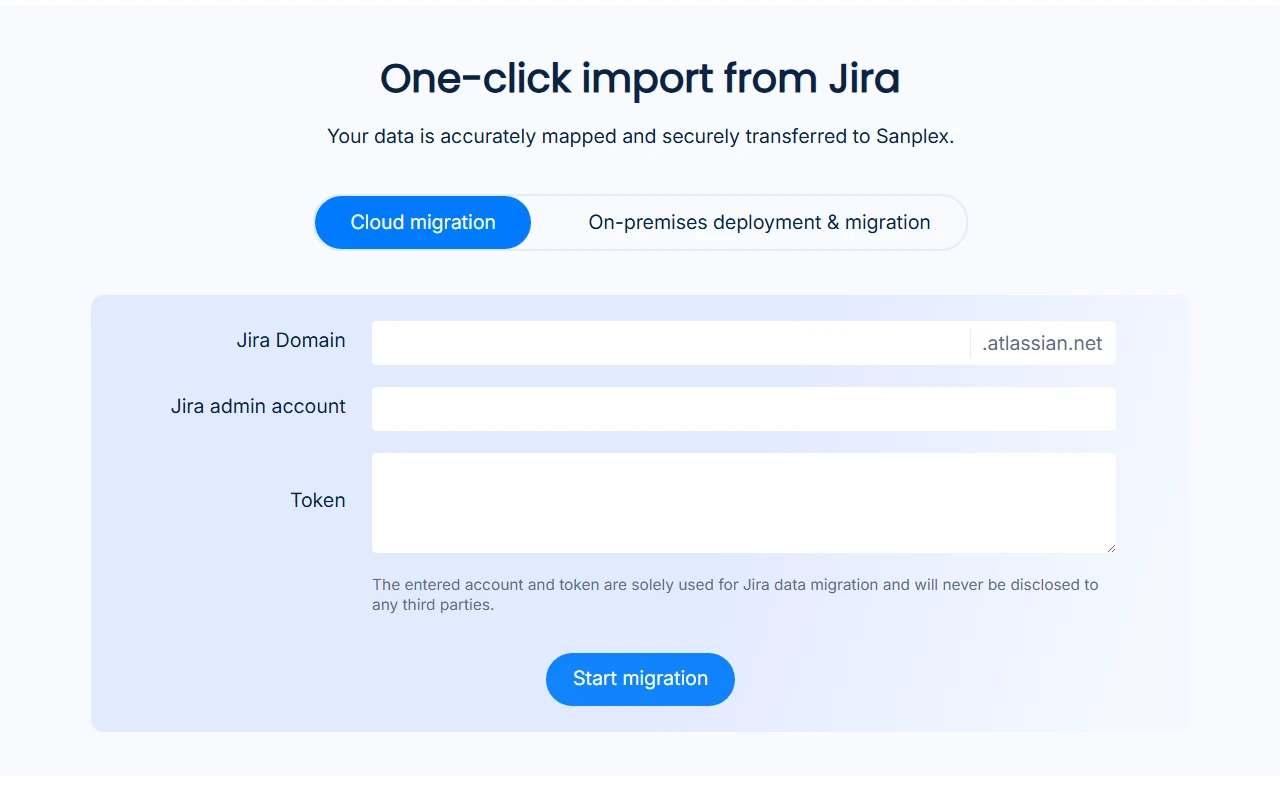
- Follow the prompts and provide the requested Jira and project information.
- Complete the import, then open Sanplex and verify the imported project and related data before the team starts working in it.
Note: For detailed preparation instructions, see Migrate Jira Data to Sanplex. Keep the migration guide open while running the first import.


