How to Migrate from Asana to Sanplex
August 29, 2026PUBLISHED INAgile
 ali
ali 2026-08-29 20:41:52
 0
0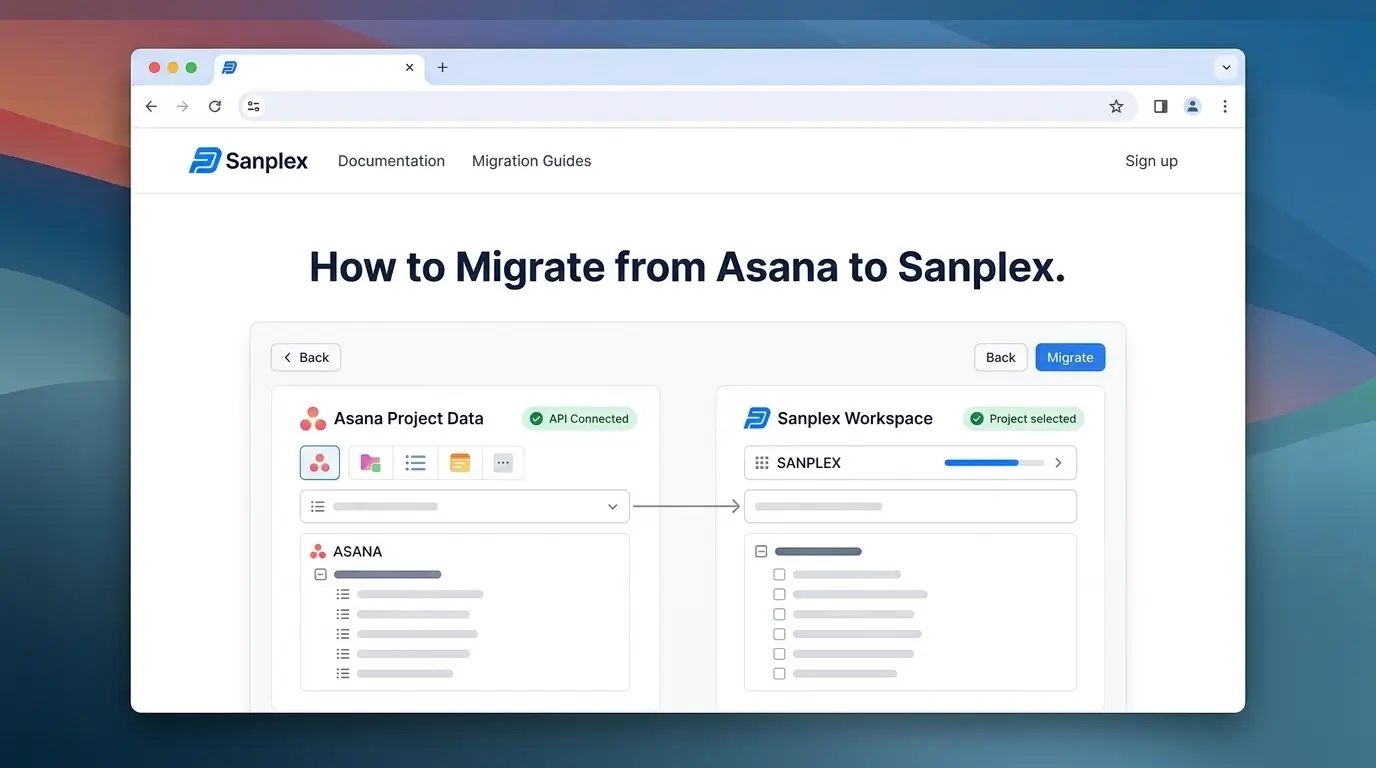
Migrating from Asana is a different exercise than migrating from a simple kanban tool. Asana already has real structure, portfolios, custom fields, dependencies, multiple views on the same data, and the goal of a good migration is preserving that structure rather than flattening it into something simpler. Teams usually make this move for one of two reasons: they've outgrown Asana's general-purpose task model and need requirements traceability and test management built in, or they need multi-level program and product structure Asana wasn't designed to represent.
Getting Data Out: The Export Reality
Asana supports CSV export per project through the project's menu, which captures task names, assignees, due dates, custom field values, and section groupings. Sanplex doesn't currently connect to Asana's API for a direct import, so once you have your export, convert it to Excel (.xlsx) and map the fields using Sanplex's import template before bringing the data into Sanplex, that's the actual import path today, not a one-click sync. If you're migrating multiple projects, export each one separately rather than trying to merge them beforehand, mapping is easier project by project.
The Part Most Teams Get Wrong: Custom Fields
This is worth its own section because it's where migrations quietly lose the most value. Before touching a single task, inventory every custom field currently in use across your Asana projects: priority, status, effort estimate, department, whatever your team has configured. Decide which map cleanly to fields Sanplex already supports natively, and which need to be recreated as custom fields on the Sanplex side. Skip this step and custom field data either disappears entirely or gets dumped into a generic notes field where it's no longer usable for filtering or reporting, which defeats half the point of migrating carefully in the first place.
Where Asana Users Actually Gain Structure
Here's a detail worth knowing upfront, since it changes how you should think about the migration: Asana organizes work as Teams containing Projects containing Tasks (with Subtasks and Sections). If you're using Asana Portfolios to group related projects, those map naturally to a higher level in Sanplex's Program, Project, Product, and Execution structure, rather than everything collapsing into a single flat project. Teams migrating from Asana often end up with more usable structure than they started with, not less, since Sanplex's multiple levels represent a portfolio-to-task hierarchy more natively than Asana's flatter project model.
Two Things That Silently Break: Dependencies and Views
If your Asana projects use task dependencies or Timeline (Gantt-style) views, these need explicit attention, dependency relationships between tasks don't always survive a basic CSV export cleanly. Rebuild critical dependency chains manually if the export doesn't preserve them accurately, particularly for any project where sequencing genuinely matters.
Custom views (Board, List, Timeline, Calendar) are the other quiet loss point. Before rebuilding every view out of habit, check which ones your team actually opened regularly versus which existed but rarely got used. Recreating unused views adds setup overhead without adding real value.
Cutting Over Without Losing Momentum
Keep Asana in read-only mode for reference during a short transition window while the team works actively in Sanplex, and set a firm date to fully retire the old projects. Teams that skip a firm cutover date often end up with some people still updating Asana out of habit, which defeats the purpose of migrating.
Quick Answers
Will custom fields transfer automatically?
No, they need intentional mapping.
Do Portfolios map to Sanplex?
Yes, to Program or Project level, not a flat list.
Should every view be rebuilt?
Only the ones people actually used.
Want help planning your specific migration from Asana?
Book a demo and bring your current project structure to the conversation.
Related Blogs
How to Migrate from Monday.com to Sanplex