How to Set Up a CMMI-Compliant Workflow
August 18, 2026PUBLISHED INAgile
 ali
ali 2026-08-18 00:54:00
 0
0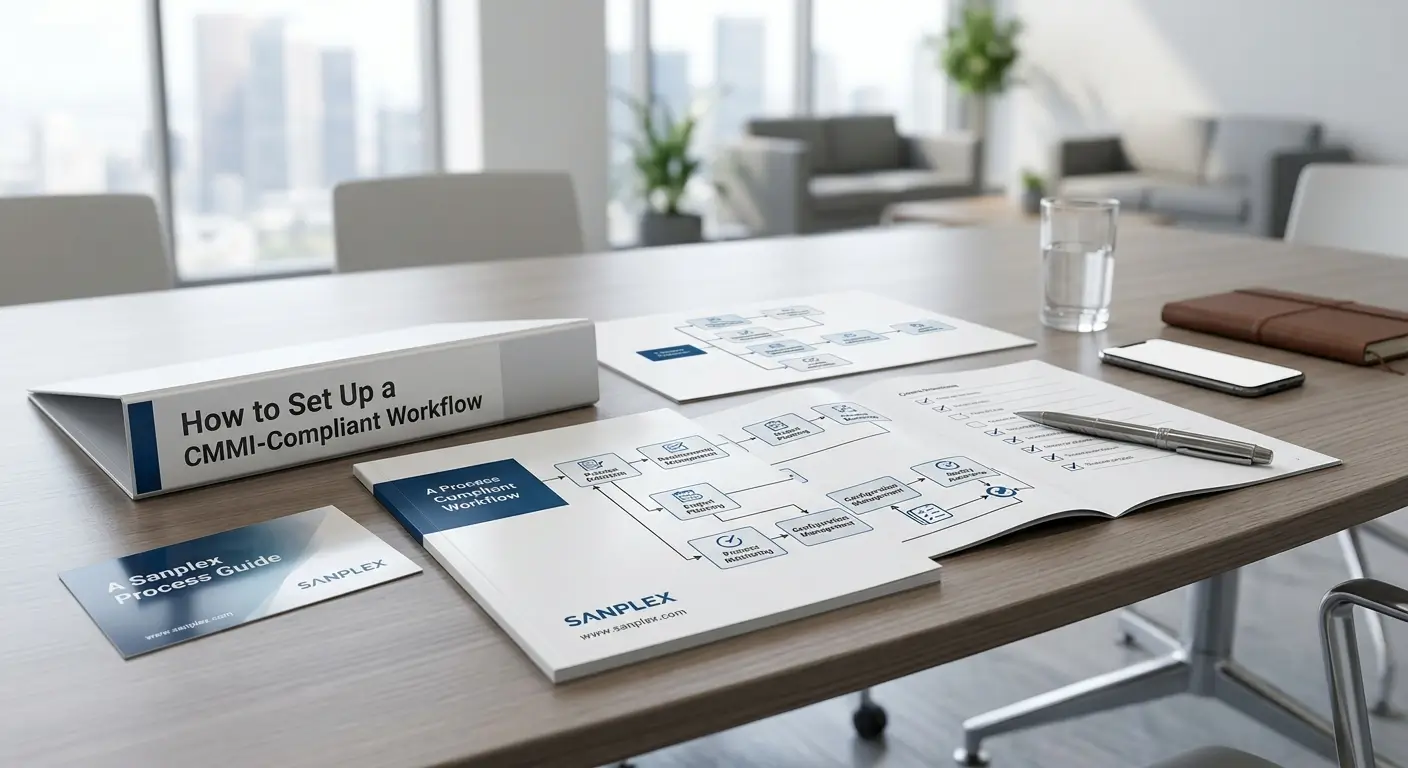
CMMI, the Capability Maturity Model Integration, isn't a development methodology the way Scrum or Waterfall is. It's a set of best practices, organized into process areas, describing what a mature engineering organization does, not a specific lifecycle to follow. That distinction matters, because setting up a "CMMI-compliant workflow" really means building your actual development process, whatever methodology it uses, so it satisfies the practices CMMI expects: traceability, configuration management, verification, and measurable process discipline.
Here's what that actually involves in practice.
Start With Requirements Management and Traceability
CMMI places heavy emphasis on being able to trace a requirement forward through design, implementation, and testing, and backward from a test result to the requirement it verifies. In practice, this means every requirement needs a unique identifier, a clear owner, and links to whatever work items (tasks, code, test cases) fulfill it. If your current process tracks requirements in one tool and everything downstream in another, closing that gap is usually the first real step toward CMMI alignment, since manual traceability tends to decay exactly when it matters most.
Set Up Configuration Management and Baselines
A baseline is a formally reviewed and agreed-upon snapshot of a work product, requirements, design, code, at a specific point in time, used as a stable reference for measuring and controlling change. Configuration management means having a defined process for how baselines get created, how changes to a baselined item get proposed and approved, and how you can reconstruct exactly what a system looked like at any prior baseline if needed. This is one of the areas generic project management tools handle weakly, since it requires structured version and change tracking, not just a task status.
Build in Process and Product Quality Assurance
CMMI expects an objective, independent check that both the process being followed and the product being built actually meet defined standards, not just a developer's own assessment that something looks fine. In practice, this usually means defined review checkpoints (design reviews, code reviews, test result reviews) with a documented outcome, and a record of any deviation from the defined process along with how it was resolved. The record matters as much as the review itself, since CMMI assessment relies on evidence, not just the claim that quality checks happened.
Add Verification and Validation Steps Explicitly
Verification (did we build the product right, according to its requirements) and validation (did we build the right product, one that actually meets the intended use) are treated as distinct activities under CMMI, and a mature workflow makes both visible as explicit steps rather than folding them informally into general testing. Test cases should trace back to the specific requirement they verify, and validation activities, user acceptance testing, stakeholder review, should be tracked as their own recorded step.
Introduce Quantitative Process Management if You're Aiming for Higher Maturity Levels
Higher CMMI maturity levels (4 and 5) expect quantitative management, using measured process data (defect rates, cycle time, review effectiveness) to manage performance statistically and drive continuous improvement, rather than relying on subjective judgment about whether a process is working. This requires a system that actually captures consistent process metrics over time, which is difficult to retrofit onto a workflow that wasn't built with structured data capture from the start.
How a Platform Built Around This Helps
Retrofitting CMMI practices onto a workflow built purely around a Kanban board or a simple ticket tracker tends to mean bolting on separate spreadsheets and manual review logs to cover what the tool doesn't natively support. Sanplex is built to align with CMMI directly, supporting concept item management, formal baselines, and review and configuration management as native parts of the platform, alongside quantitative management capabilities aimed at CMMI Level 4 and 5 process discipline. That means traceability, baselines, and review records live inside the same system tracking the actual work, rather than as a parallel compliance paperwork exercise maintained separately from where the work happens.
Frequently Asked Questions
Is CMMI a specific development methodology like Scrum?
No. CMMI is a set of best practices describing what a mature process looks like. It can be applied alongside Agile, Waterfall, or hybrid methodologies, not as a replacement for any of them.
What's the difference between verification and validation in CMMI?
Verification checks whether the product was built correctly according to its requirements. Validation checks whether it's actually the right product for its intended use. CMMI treats them as distinct, trackable activities.
Do we need to reach CMMI Level 5 to benefit from these practices?
No, meaningful benefits come from establishing traceability, configuration management, and quality assurance at any maturity level. Higher levels add quantitative, statistically-managed process control on top of that foundation.
Can generic project management tools support CMMI compliance?
Often only partially, since traceability, formal baselines, and review records typically require structure most simple task-tracking tools weren't built to provide natively.
Is Sanplex specifically built for CMMI, or does it just support it?
Sanplex integrates CMMI alongside other frameworks like Agile, Scrum, and Waterfall, supporting concept item management, baselines, and quantitative management for organizations working toward CMMI alignment.
Want to see CMMI-aligned traceability and baselines in a real system?
Book a demo and bring your current process to the conversation.
Related Blogs
Multi-Project Resource Planning Explained