Onboarding Checklist for New Project Management Tools
August 25, 2026PUBLISHED INAgile
 ali
ali 2026-08-25 14:23:00
 0
0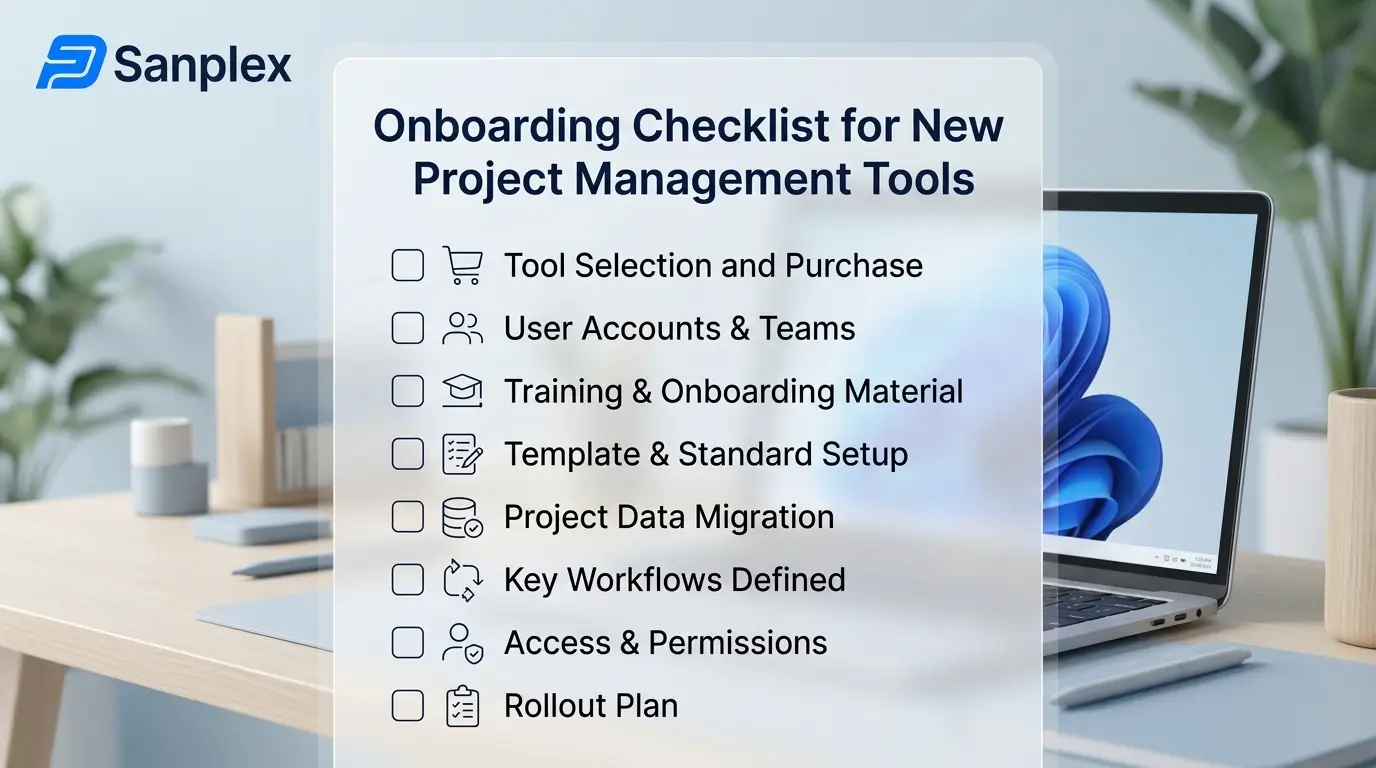
The technical part of adopting a new project management tool, migrating data, configuring fields, setting up boards, is rarely what determines whether the rollout actually works. What determines it is whether people keep using the new tool three months later instead of quietly drifting back to email, spreadsheets, and old habits. That's a change management problem more than a technical one, and it needs its own checklist, separate from the data migration itself.
Before Launch: Set Clear Ownership
Every rollout needs someone whose job it explicitly includes making the new tool succeed, not just someone who set it up and moved on to the next project. This person, sometimes called a tool champion or system owner, fields questions, catches early frustration before it hardens into "this doesn't work," and has the authority to make configuration decisions without every change needing a committee. Rollouts without a clear owner tend to stall the moment the person who did the initial setup gets pulled onto something else.
Before Launch: Decide What 'Done' Looks Like for the Migration
Define specifically what needs to be true before you consider the tool ready for the team, all active projects migrated, core workflows tested with real scenarios, key integrations connected, rather than launching the moment the software is technically installed. An incomplete migration that gets pushed live under deadline pressure tends to generate the exact frustration, missing data, broken workflows, that convinces people the new tool is worse than the old one.
Launch Week: Run a Focused Training Session, Not a Feature Tour
A training session that walks through every feature the tool offers loses people within the first fifteen minutes and teaches almost nothing that sticks. A focused session covering exactly the workflows this specific team will use daily, submit a task, update status, find what's assigned to you, is dramatically more effective than comprehensive coverage nobody retains. Save the advanced features for a follow-up session once people are comfortable with the basics.
Launch Week: Make the First Real Use Case Low-Stakes
Where possible, have the team's first real experience with the new tool be something low-pressure, an internal task list, not the highest-visibility project on the roadmap. Early friction is inevitable with any new tool, and it's much easier to work through minor confusion on something low-stakes than on a project senior leadership is actively watching.
First 30 Days: Actively Watch for Quiet Abandonment
The riskiest failure mode isn't loud complaints, those are easy to notice and address. It's people quietly reverting to old habits without saying anything, still tracking real status in a personal spreadsheet while technically having a presence in the new tool. Check in specifically about whether people are using the tool as intended, not just whether they've logged in, since login activity alone doesn't tell you if it's actually become the source of truth.
First 30 Days: Fix Friction Fast, Even Small Friction
A confusing field, an awkward extra click, a notification that fires too often, any of these seem minor individually but compound into real resistance if left unaddressed. Being able to adjust configuration quickly in response to early feedback, rather than needing a formal change request process for every tweak, matters a lot in this window. This is where Sanplex's flexibility across methodologies and configurable workflows helps, teams can adjust based on real early usage rather than being locked into whatever configuration was decided before anyone actually used the tool daily.
30-90 Days: Formalize What's Working
By this point, patterns should be clear, which workflows people naturally adopted, which ones needed adjustment, which features never got used at all. This is the point to formalize the configuration that's actually working rather than the one originally planned, document it, and stop treating the tool setup as provisional. Teams that skip this step tend to keep the same ad hoc, half-adjusted configuration indefinitely, missing the chance to actually optimize based on real usage data.
Frequently Asked Questions
How long does a project management tool rollout typically take to stick?
Most teams need 30 to 90 days of active attention before new habits are genuinely established, not just the first week or two after launch.
Who should own the rollout, IT or the project management team?
Often works best as a shared responsibility, IT for technical setup and integrations, a project management or operations lead for workflow configuration and team adoption.
What's the biggest sign a rollout is failing?
People quietly maintaining a parallel system (a spreadsheet, a personal notes doc) rather than fully relying on the new tool, even if they're technically logged in.
Should training happen all at once or in stages?
Staged tends to work better, a focused session on core daily workflows first, with advanced features covered later once the basics are comfortable.
How much should configuration change after initial launch?
Often significantly, the configuration that works best usually gets clearer only after real usage, which is why early flexibility to adjust matters more than getting it perfect before launch.
Want to plan a rollout that actually sticks?
Book a demo and bring your team's current workflow to the conversation.
Related Blogs
Project Management Software for Fintech Companies