How to Switch Project Management Tools Without Losing Data
August 25, 2026PUBLISHED INAgile
 ali
ali 2026-08-25 15:02:00
 0
0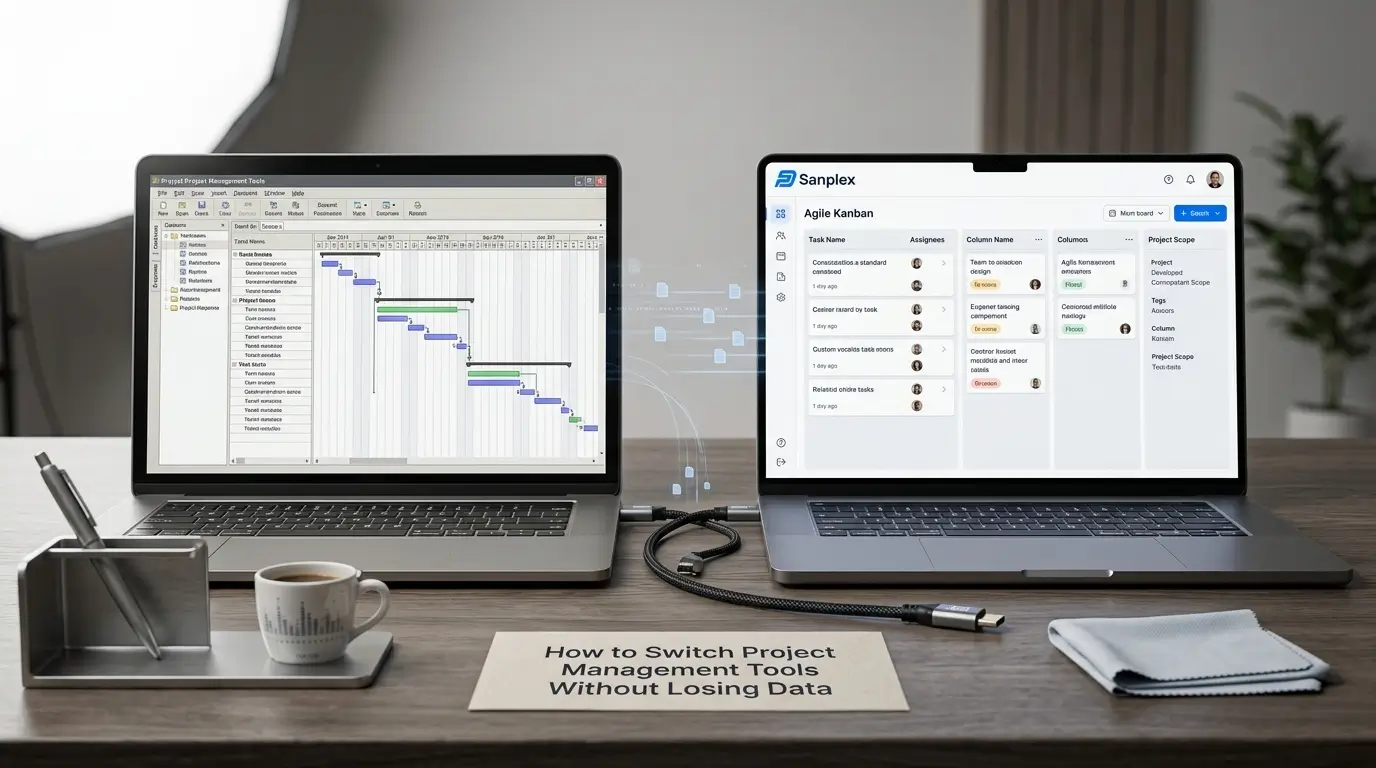
Data loss during a tool switch is rarely dramatic, nobody usually deletes a whole project by accident. It's quieter than that: a comment thread that didn't export, a formula that only carried over its last computed value, an attachment link that goes dead six months later. None of these show up immediately, which is exactly why they're worth checking for deliberately rather than assuming a successful-looking export means everything actually came through intact.
Start With a Full Inventory, Not Just the Obvious Data
Before exporting anything, list out everything that actually lives in your current tool: task titles and descriptions (the obvious part), but also comment history, file attachments, custom field values, automation rules, permission settings, and any dashboards or saved views built on top of the raw data. Most export tools handle the first category well and the rest inconsistently, knowing what you're actually responsible for verifying changes how carefully you check the results.
The Data Types That Most Commonly Get Lost
Comment and activity history is the most frequent casualty, many export formats capture current task state but not the discussion that led to it, which matters when someone needs to understand why a decision was made months later. Formula and calculated field values are another common loss point, exports typically capture the last computed result, not the underlying formula, so the calculation logic itself needs to be manually recreated. Automation and workflow rules almost never transfer automatically, they exist as configuration and logic in the old system, not as exportable data rows. And file attachments are frequently exported as links back to the old system rather than the actual files, which breaks the moment that old system gets decommissioned.
Verify Before You Trust the Export
Pick a handful of representative items, not the simplest ones, but ones with real complexity: multiple comments, several custom fields, an attachment, a dependency, and manually trace them through the export and import process. If those complex examples come through intact, simpler items almost certainly will too. If they don't, you've found the gap while there's still time to fix the process, rather than discovering it three weeks after cutover when someone needs a comment thread that no longer exists anywhere.
Keep a Read-Only Archive of the Old System
Don't fully decommission or delete the old tool immediately after migrating, even once the new tool is live and working. Keep it accessible in a read-only or reference capacity for a meaningful window, weeks or months depending on how much historical detail matters to your team, so anything the migration missed can still be retrieved rather than being permanently gone. This safety net costs little and covers for the inevitable gap between what you thought was migrated and what actually was.
Build Verification Into the New System, Not Just the Migration Day
Once live, spot-check periodically over the following weeks, not just immediately after cutover, since some gaps only surface when someone actually goes looking for specific historical information. Platforms with structural traceability between related records, like Sanplex's requirements-to-test-case linkage, make these gaps more visible naturally, a broken link or missing reference tends to stand out structurally rather than silently existing as a task with no context behind it.
What to Do When You Find a Gap
Finding missing data after cutover isn't a failure, it's close to inevitable for any migration with real complexity, and having a plan for it matters more than trying to achieve a perfect first export. Keep the old system's read-only archive accessible specifically for this, and treat gap-filling as expected cleanup work over the following weeks rather than an emergency, provided you caught it before the old system actually got decommissioned.
Frequently Asked Questions
What's the most commonly lost data type during a migration?
Comment and activity history, since many export formats capture current task state but not the discussion history that led to it.
Do formulas and calculated fields transfer during migration?
Usually not as formulas, most exports capture only the last computed value. The underlying calculation logic typically needs manual recreation.
How long should the old system stay accessible after switching?
Long enough to catch and fill gaps discovered after cutover, often several weeks to a few months depending on how much historical detail matters to your team.
How do you verify a migration was actually successful?
Trace a handful of complex, representative items (with comments, custom fields, attachments) through the full export and import process rather than assuming a clean-looking export means everything transferred correctly.
What's the biggest mistake teams make when switching tools?
Assuming a successful export means complete data preservation, then decommissioning the old system immediately, before any gaps have had a chance to surface.
Want help planning a migration that actually preserves your data?
Book a demo and bring your current setup to the conversation.
Related Blogs
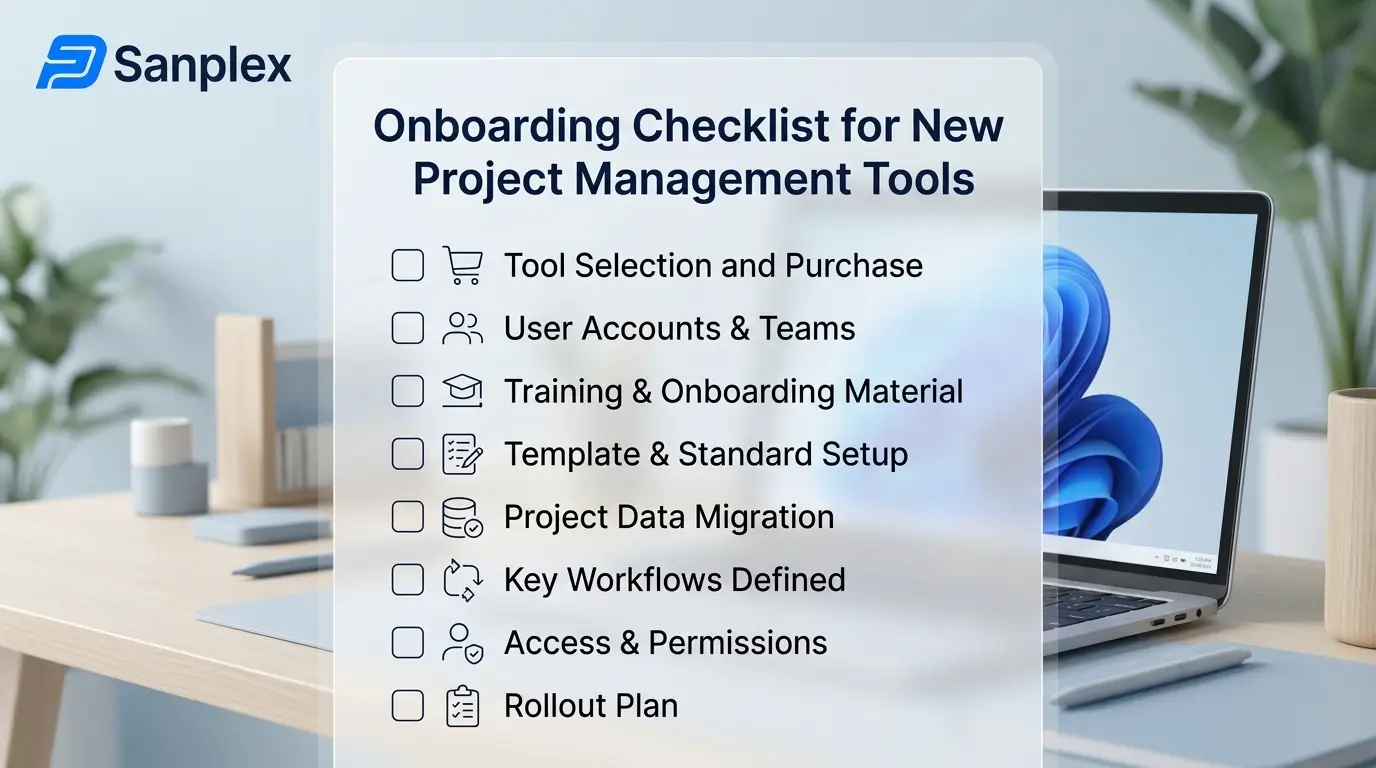
Onboarding Checklist for New Project Management Tools