Sanplex vs Smartsheet
August 6, 2026PUBLISHED INAgile
 ali
ali 2026-08-06 15:20:00
 0
0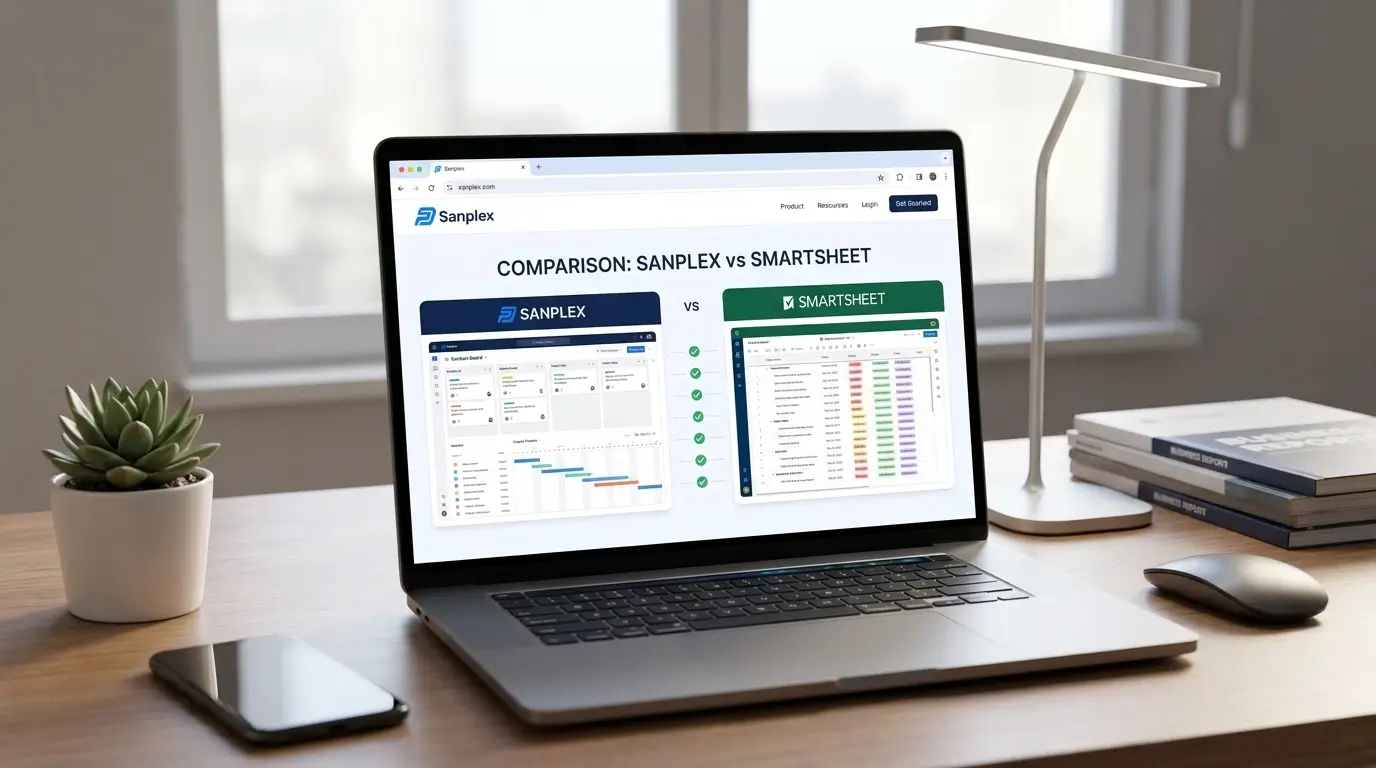
Smartsheet and Sanplex both go past a basic task list, but they start from different places entirely. Smartsheet is built around a spreadsheet-like interface, rows, columns, formulas, that scales up into project tracking, resource management, and reporting. Sanplex starts from the structure of software and hardware development itself, requirements, testing, releases, treated as one connected system rather than separate spreadsheets stitched together.
That difference in starting point shapes almost everything else worth knowing before choosing between them.
The Short Version
Smartsheet tends to fit teams that think in spreadsheets already and need that familiar structure to scale into resource management and reporting across projects. Sanplex fits better when the work is actual product development and you need requirements, test cases, and bug tracking to connect natively, not through a spreadsheet formula and a lot of manual upkeep.
Feature Comparison
Smartsheet's strength is flexibility built on a format most people already understand. Grid, Gantt, calendar, and board views all sit on top of the same spreadsheet logic, and premium add-ons (Resource Management, Control Center, Dynamic View, and others) extend it into more specialized use cases, at extra cost. For teams that live in spreadsheets and want that model with more structure, it's a natural extension.
Sanplex works from a four-tier structure instead, Program, Project, Product, and Execution, keeping strategic planning and daily execution inside one system. It natively handles requirements management, test case linkage, bug tracking, and release coordination, the pieces that Smartsheet doesn't cover out of the box and would need separate tools or heavy custom sheet-building to approximate.
Pricing Comparison
Smartsheet dropped its permanent free plan in 2025, so it's paid from day one aside from a 30-day trial. The Pro plan runs around $9 per user per month, Business around $19 per user per month, and Enterprise is custom-priced. Premium add-ons can add a meaningful amount on top of the base plan cost.
Sanplex keeps a simpler structure: a genuine free tier, a Standard plan around $39.9 per user per year, and a Premium plan around $59.9 per user per year. See the full breakdown on the Sanplex pricing page. Because Sanplex includes development lifecycle features natively that Smartsheet would need premium add-ons or separate tools to match, the sticker price alone doesn't tell the full cost story either way.
Deployment: Cloud-Only vs Your Choice
Smartsheet runs entirely in the cloud, with no self-hosted option at any tier. Sanplex offers both, run it in the cloud the same way Smartsheet works, or deploy it on-premises to keep data inside your own infrastructure. For organizations with strict compliance or data residency requirements, that's frequently the deciding factor.
Comparison at a Glance
|
Sanplex |
Smartsheet |
|
|
Core focus |
Software and hardware development lifecycle management |
Spreadsheet-based work and resource management |
|
Requirements and test management |
Built in natively |
Not native, needs separate tools |
|
Free tier |
Yes, free tier available |
No permanent free plan, 30-day trial only |
|
Deployment |
Cloud or on-premises |
Cloud only |
|
Best for |
Product and engineering teams |
Cross-functional resource and portfolio tracking |
Who Should Pick Which
Smartsheet works well for teams already comfortable in a spreadsheet mindset who need that structure to scale into broader project and resource tracking, especially across non-technical departments.
Sanplex works better for software and hardware development teams that need requirements, testing, and releases to function as one connected system, and for any organization that wants the option to self-host instead of being locked into a single vendor's cloud.
Frequently Asked Questions
Does Smartsheet have a free plan?
Not anymore. It discontinued its permanent free tier in 2025 and now offers only a 30-day trial.
Can Smartsheet handle test case management?
Not natively. It would typically need a separate tool or heavily customized sheets to approximate what Sanplex includes as a core feature.
Is Smartsheet cloud-only?
Yes, there's no self-hosted option. If on-premise deployment matters to your organization, that rules it out regardless of plan tier.
Which is better for non-technical teams?
Smartsheet's spreadsheet-based model tends to be more immediately familiar for non-technical teams. Sanplex is built more specifically around development workflows.
Can I migrate from Smartsheet to Sanplex?
Sanplex supports data migration for teams moving from other project management tools. Reach out to the Sanplex team for specifics on what a Smartsheet migration involves.
Want to see how Sanplex handles a real development workflow?
Book a demo and bring your actual use case to the conversation.
Related Blogs
Sanplex vs Wrike