
Work items & collaboration
Why is the Assign To list empty?
Short answer
The Assign to list is populated from the execution team. If the field is empty, the users you need have not yet been added to that team.
Availability: Available in Free, Standard and Premium
In this article
Add users to the execution team
- Open the relevant execution.
- Go to Execution > Settings > Team.
- Add the required team members.
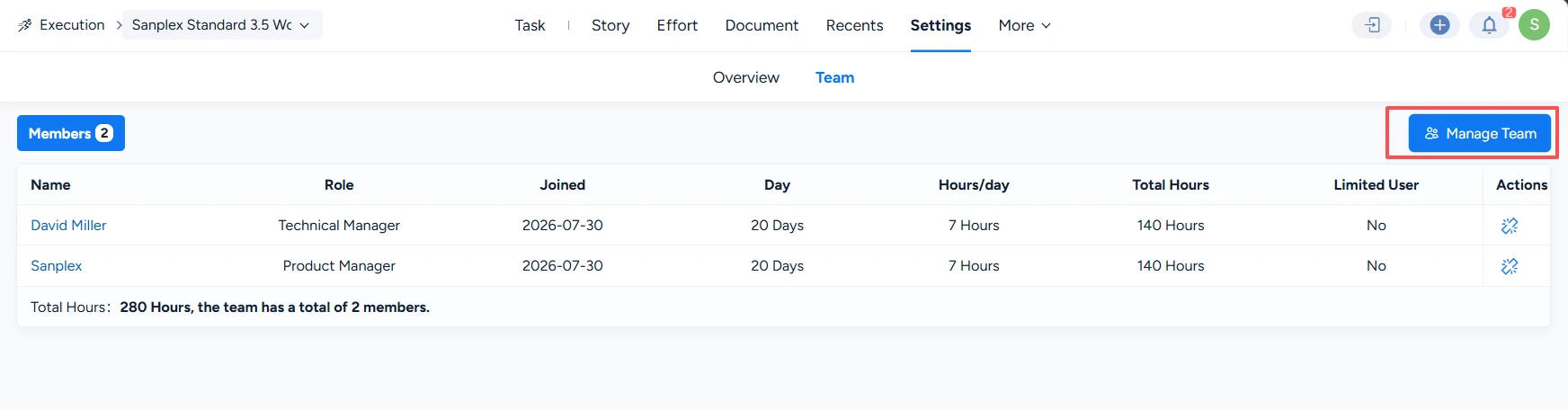
- Return to the task and open the Assign to field again.
Note: If a user is still unavailable, verify that you are working in the expected execution and that the user has the access required to participate in it.


