Sanplex vs Trello
August 6, 2026PUBLISHED INAgile
 ali
ali 2026-08-06 14:58:00
 0
0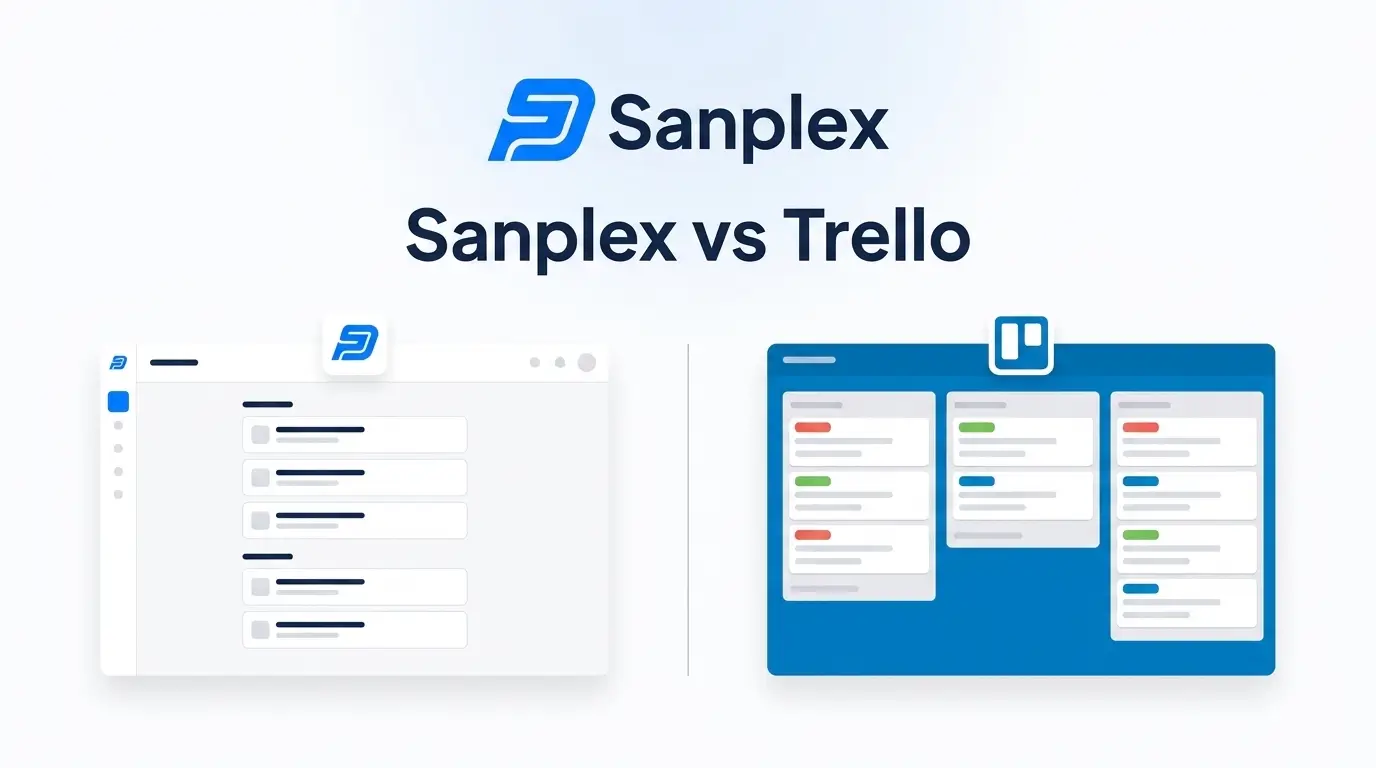
Trello and Sanplex sit at pretty different points on the project management spectrum, even though both get filed under the same category. Trello, now owned by Atlassian, is built around a simple kanban board: cards, lists, drag them across columns. It's fast to learn and genuinely pleasant to use for straightforward task tracking. Sanplex is built for something more involved, managing the full lifecycle of software and hardware development, with requirements, testing, and releases all connected rather than tracked as separate to-do items.
That gap matters more than it might seem at first glance, especially once a team grows past simple task boards.
The Short Version
If you just need a visual way to track tasks, a small team's to-do list, a simple content calendar, Trello does that well and cheaply. If you're managing actual product development where requirements need to trace through to test cases and releases, Sanplex covers that natively, without needing three or four Power-Ups bolted onto a Trello board to fake the same functionality.
Feature Comparison
Trello's whole design philosophy is simplicity. A board, some lists, cards you drag between them. Power-Ups extend it with automation, calendar views, and integrations, but the core experience stays a kanban board no matter how much you bolt onto it. That's a feature, not a limitation, if a kanban board is genuinely all you need.
Sanplex works from a different starting structure entirely. It organizes work across four tiers, Program, Project, Product, and Execution, so long-term planning and daily task tracking live in the same system. It also natively handles requirements management, test case linkage, bug tracking, and release coordination. None of that exists in Trello without stacking on multiple third-party Power-Ups, and even then, it's rarely as connected as having it built into the platform from the start.
Pricing Comparison
Trello's pricing is genuinely competitive at the low end. There's a free plan, a Standard tier around $5 per user per month billed annually, a Premium tier around $10 per user per month billed annually, and an Enterprise tier starting around $17.50 per user per month for larger organizations needing SSO and org-wide governance.
Sanplex's pricing sits at a free tier, a Standard plan around $39.9 per user per year, and a Premium plan around $59.9 per user per year. On a straight per-seat basis, Trello's entry tier is cheaper. But that comparison only holds if you're comparing like for like, and a $5 kanban board isn't doing the same job as a platform with built-in requirements traceability and test management. Once you add up what those extra Power-Ups and integrations would cost to get Trello anywhere near feature parity, the gap narrows considerably.
Deployment: Cloud-Only vs Your Choice
Trello runs entirely on Atlassian's cloud infrastructure. There's no self-hosted version, so your boards and data live on their servers regardless of plan.
Sanplex gives you both options. Run it in the cloud the same way Trello works, or deploy it on-premises and keep your data inside your own infrastructure. For teams with compliance requirements or specific data residency rules, that flexibility isn't something Trello, or most kanban-first tools, offer at all.
Who Should Pick Which
Trello fits small teams, solo users, and lightweight task tracking where a visual board is genuinely the whole requirement. It's also a reasonable entry point for teams that don't yet know exactly what structure they need.
Sanplex fits better once a team is doing real product development work, software or hardware, and needs requirements, testing, and releases to actually connect to each other instead of living in separate tools glued together with integrations.
Frequently Asked Questions
Can Trello handle test case management?
Not natively. You'd need a Power-Up or a separate tool like Zephyr integrated alongside it. Sanplex includes test case and bug tracking as part of the core platform.
Is Trello cheaper than Sanplex?
At list pricing for the entry tier, yes. But that comparison assumes you only need a kanban board. Once you factor in the tools needed to match Sanplex's built-in requirements and testing features, the total cost gap shrinks.
Does Trello offer on-premise deployment?
No. It's cloud-only through Atlassian's infrastructure. If self-hosting is a requirement, Trello won't meet it regardless of plan tier.
Is Sanplex overkill for a small team that just needs a task board?
It can be, if all you need is a simple visual board with no development lifecycle requirements. In that case, Trello's simplicity is genuinely an advantage.
Can I migrate from Trello to Sanplex later if my needs grow?
Yes, Sanplex supports data migration for teams moving over from other project management tools. Reach out to the Sanplex team for specifics on what a Trello migration involves.
Want to see how Sanplex handles a real development workflow? Book a demo and bring your actual use case to the conversation.