What Is a Pull Request? A Beginner's Guide for Teams
3 hours agoPUBLISHED INAgile
 ali
ali 2026-10-09 15:53:00
 0
0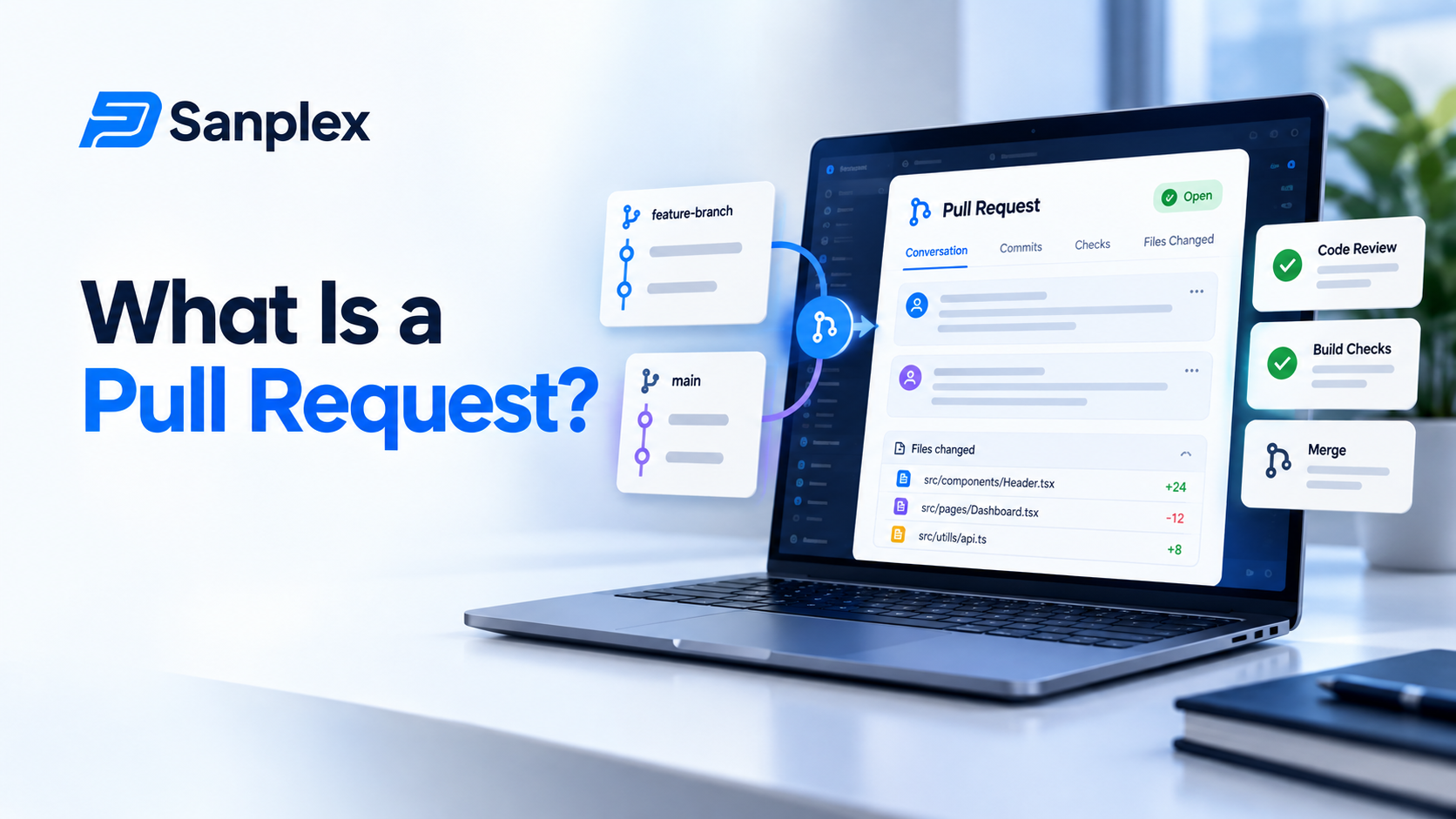
If you work with developers and you've ever heard "it's waiting on a PR," you probably nodded and moved on. I've done the same. But once you understand what a pull request actually is, a lot of things about your sprint start to make sense. Why a task sits at 90 percent for three days, for example.
This guide explains the pull request in plain English. No code, no jargon you can't look up. We'll cover what it is, how the workflow runs, the words you'll hear, and what you can do as a project manager to keep things moving.
What is a pull request?
A pull request, or PR, is a proposal to add a set of code changes into a shared project. A developer works on their own copy of the code, called a branch, then opens a pull request to ask the team to look it over. The name comes from the idea of asking the main project to pull your changes in.
Think of it like a tracked changes document in Word. Somebody edits a copy, shows exactly what changed, colleagues leave comments, and only when it's approved do the edits go into the final version.
How the pull request workflow works
1. A developer makes a branch
They create a separate line of work so they can change things without touching the main code. That keeps unfinished work from breaking what customers use.
2. They write the changes and describe them
When the work is ready for feedback, they open a pull request with a title and short explanation, often linked to the task it belongs to.
3. Automated checks run
Most teams run tests and other checks automatically. If something fails, the PR shows a red mark and the author fixes it.
4. Teammates review it
One or more developers read the changes, leave comments and ask questions. The author answers or updates the code. This back and forth can happen several times.
5. Approval and merge
When reviewers approve and checks pass, the changes get merged into the main code. That's the moment the work usually counts as done.
Words you'll hear around pull requests
|
Term |
What it means |
|---|---|
|
Branch |
A separate copy of the code where someone works safely |
|
Commit |
A saved set of changes, like a checkpoint |
|
Diff |
The view showing exactly what was added or removed |
|
Reviewer |
A teammate asked to check the changes |
|
Draft PR |
A pull request that's still in progress, not ready for review |
|
Merge |
Adding the approved changes into the main code |
|
Merge conflict |
When two people changed the same lines and the system can't combine them alone |
Pull request vs merge request
You may see both names. They mean nearly the same thing. GitHub, Bitbucket and Azure DevOps say pull request. GitLab says merge request. If your team uses GitLab and someone says MR, they're talking about the same checkpoint.
Why pull requests matter to project managers
They explain the 90 percent problem
A task can look finished while it's actually sitting in review. If your board has no status for it, the work looks stuck when it's really waiting for a person to find time.
They're a quality gate
Reviews catch mistakes before customers do. A slow review feels annoying, but a skipped one is worse.
They're a source of useful numbers
How long PRs wait for a first review, and how big they are, tell you a lot about team flow. Big PRs usually mean slow reviews and more bugs.
What a healthy pull request looks like
-
Small enough to review in under half an hour
-
A clear title and a short description of why the change exists
-
A link to the task or story it belongs to
-
Passing checks before anyone is asked to review
-
Replies to comments within a day or so
You don't need to judge the code. You only need to notice whether PRs are small, linked and moving.
How to keep pull requests moving
Agree on a review time
Something simple, like "first review within one working day." Teams that agree on this stop letting PRs rot.
Add a Ready for review status
Give the stage its own column on your board. It makes waiting visible, and visible waiting gets fixed.
Encourage small changes
Ask for work to be split. A change of 200 lines gets reviewed properly. A change of 2,000 usually gets a quick glance and a thumbs up.
Link PRs to tasks
When the PR and the task point at each other, you can see progress without asking anyone for an update.
A day in the life of one pull request
Here's an ordinary example, so it doesn't stay abstract. On Monday morning a developer finishes a small change to the login page and opens a pull request. The automated tests run and pass within ten minutes. She asks a teammate for a review.
By Monday afternoon the teammate leaves two comments, one about a confusing variable name and one about a missing error message. She fixes both on Tuesday morning and asks for another look. The teammate approves, the change is merged and the task moves to Done. Total time: about a day and a half, of which maybe two hours was real work. The rest was waiting. That's normal, and it's exactly the part a project manager can influence. Shave half a day off the waiting and, across a whole sprint of tasks, you've bought the team real breathing room without asking anyone to type faster.
What goes wrong in practice
-
The PR is huge, so nobody wants to start reviewing it
-
The description is empty, so the reviewer has to guess why it exists
-
Checks fail and the author doesn't notice
-
The only person who understands that part of the code is on holiday
Every one of these is a process problem, not a people problem, and every one has a fairly cheap fix. A short template for the description, a size guideline and a rule for who covers reviews when someone is away will clear up most of them within a sprint or two.
Where pull requests fit in your wider process
A pull request is one step in a longer chain. How you organize repositories and branches shapes everything around it, which our code repository management best practices cover well. The automated checks that run on every PR are part of a larger setup, explained in CI/CD integration for PM tools.
Some teams cut review time by working in pairs, so the second pair of eyes is there while the code is written. If that sounds useful, read our 10 ways to make pair programming more effective.
Good etiquette for authors and reviewers
You'll hear developers talk about review etiquette, and it matters more than it sounds. Tone in written comments is easy to misread, and a few bad reviews can make people dread opening a PR at all.
For the author
Explain why, not just what. Keep the change focused on one thing. Don't take comments personally. A reviewer questioning a line is questioning the line, not you.
For the reviewer
Be specific and kind. Ask questions instead of issuing orders. Say what's good as well as what needs changing. And review promptly, because a PR waiting three days costs the author far more than the few minutes it costs you.
Seeing pull requests alongside your tasks in Sanplex
The easiest win is giving review its own status in your workflow. In Sanplex you define your own statuses, so a task can move through In Progress, In Review and Done, and everyone sees where it's waiting.
Frequently asked questions
What is a pull request?
A pull request is a request to add a developer's code changes to a shared project. Teammates review the changes and automated checks run before they are merged.
What is the difference between a pull request and a merge request?
They are essentially the same thing. GitHub, Bitbucket and Azure DevOps use the term pull request, while GitLab calls it a merge request.
Why do pull requests take so long to review?
Usually because they're large, unclear or nobody has agreed on how fast reviews should happen. Small changes and a shared review time target help a lot.
Do project managers need to read pull requests?
Not the code itself. It's more useful to watch whether PRs are small, linked to tasks and getting reviewed on time.
What is a draft pull request?
A draft pull request is one the author has opened early to share work in progress. It signals that it isn't ready for a full review yet.
|
Make review time visible on your board Define your own workflow statuses in Sanplex and see exactly where work is waiting. Start free. Start with Sanplex |
Related Blogs
Project Kickoff Meeting: Agenda and Checklist