What Is Value Stream Mapping? A Guide for Agile Teams
2 hours agoPUBLISHED INAgile
 ali
ali 2026-10-20 14:22:00
 0
0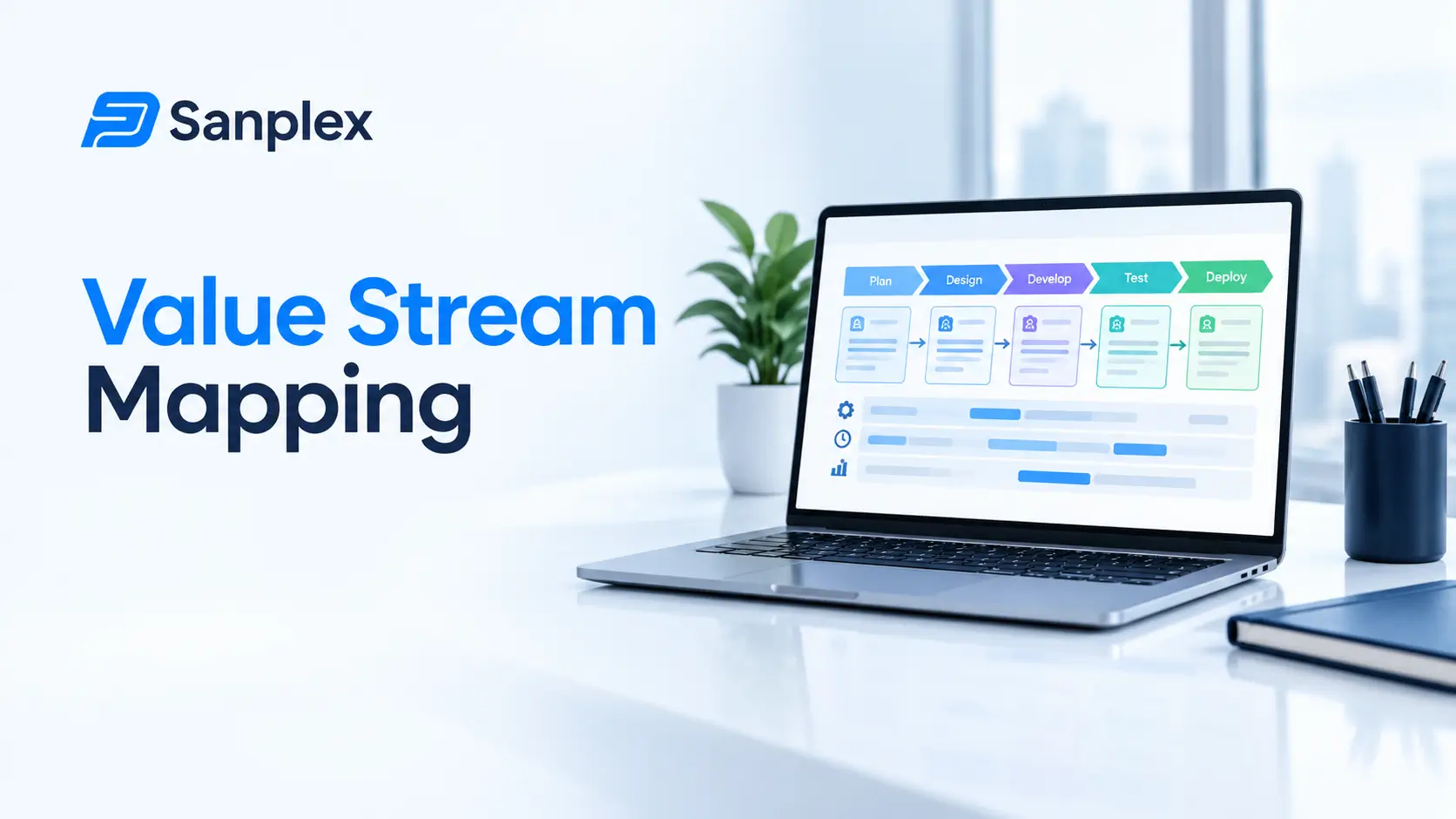
Teams often assume they have a speed problem, so they push to code faster, test faster and review faster. A value stream map shows the whole journey of a feature from idea to customer, and it usually points somewhere else. In the example we'll use below, the work itself takes nine days and the waiting takes fourteen.
That picture is called a value stream map, and drawing one is the heart of value stream mapping. This guide explains what it is, how to make one in a single session, and how to read it, with a worked example from a software team.
What is value stream mapping?
Value stream mapping, or VSM, is a lean technique that visualizes every step needed to take a request and turn it into something delivered to a customer. For each step you record two things: how long people actively work on it, and how long it waits before the next step begins.
It started in manufacturing, where factories mapped how materials and information flowed through production. Software teams borrowed it because the idea carries over neatly. A feature moves through steps just like a car part does, and it also spends a lot of time sitting in queues.
Where it comes from: lean in a nutshell
Lean thinking is about delivering value to the customer while cutting waste. One of its core ideas is to understand what the customer values, then map the stream of steps that creates it, and remove whatever doesn't help. Our overview of the 5 basic principles of lean management covers the thinking behind this, and value stream mapping is how you put it into practice.
The key terms
|
Term |
What it means |
|---|---|
|
Value stream |
All the steps from a customer request to delivery |
|
Process time |
Time people are actively working on an item |
|
Wait time |
Time an item sits idle between steps |
|
Lead time |
Total time from request to delivery |
|
Flow efficiency |
Process time divided by lead time, as a percentage |
|
Current state map |
How work flows today |
|
Future state map |
How you want it to flow after improvements |
A worked example: one feature from request to release
Here's an illustration for a typical feature in a software team. The numbers are made up but realistic.
|
Step |
Wait before step |
Active work |
Notes |
|---|---|---|---|
|
Triage the request |
3 days |
0.5 days |
Sits in the inbox until the weekly review |
|
Design |
2 days |
2 days |
Waits for a free designer |
|
Development |
1 day |
4 days |
Starts quickly once designed |
|
Code review |
2 days |
0.5 days |
Reviewers are busy with their own work |
|
Testing |
2 days |
1.5 days |
Waits for a test environment |
|
Release |
4 days |
0.5 days |
Releases go out once a week |
Add it up. Active work is 9 days. Waiting is 14 days. Lead time is 23 days, and flow efficiency is 9 divided by 23, which is about 39 percent. In plain words, the feature spent most of its life waiting, not being worked on.
Look at that map and you can already see where to start. The biggest single wait is the release, at four days. Triage is next, at three. Nobody needs to code faster to fix either of those.
How to run a value stream mapping session
1. Pick one stream
Choose a type of work, such as new features or bug fixes, and a clear start and end. Mapping everything at once makes a mess.
2. Get the right people in the room
You need someone from every step, because each person knows how work really flows through their part. Five to eight people is about right.
3. Draw the steps as they actually happen
Not as the process document says they should. Use sticky notes or a whiteboard tool and ask, what happens next?
4. Add the times
For each step, note the active time and the waiting time. Use real data where you can, such as dates from your task tool, and honest estimates where you can't.
5. Find the biggest waits and problems
Circle long waits, handoffs, loops where work goes back for fixing and steps nobody can explain. These are your targets.
6. Draw the future state
Sketch the improved version, then pick two or three changes to try over the next month. Don't try to fix it all.
What to improve first
-
Long waits, since they're usually the cheapest to cut
-
Handoffs between teams, where work often sits unseen
-
Rework loops, such as work going back from testing
-
Batching, like weekly releases or review days
In our example, moving from weekly to twice weekly releases might cut four days to about two. That's two days off every feature, with no one working harder.
What the future state could look like
Suppose the team makes three changes: a daily triage slot instead of a weekly one, a rule that reviews start within a day, and releases twice a week. The new map looks like this.
|
Step |
Wait before step (before) |
Wait before step (after) |
|---|---|---|
|
Triage the request |
3 days |
1 day |
|
Design |
2 days |
2 days |
|
Development |
1 day |
1 day |
|
Code review |
2 days |
1 day |
|
Testing |
2 days |
2 days |
|
Release |
4 days |
2 days |
Waiting drops from 14 days to 9. Active work stays at 9, so lead time falls from 23 days to 18 and flow efficiency rises from about 39 percent to 50 percent. Nobody typed faster. They just stopped letting work sit still.
How it differs from other flow tools
People sometimes ask how this compares with a plain process flowchart. A flowchart shows the steps and decisions. A value stream map adds time, and that's the part that makes it useful. It's also different from a cycle time chart, which tells you how long items take overall but not where the delays are hiding.
Value stream mapping and your workflow
A value stream map is only as good as the data behind it, and that data often lives in your project tool. If your workflow statuses match the real steps, the dates are already there. If you're not sure how your tool models the flow, read what is the workflow of project management software.
Once you start improving, you'll want to watch whether things get better. Lead time and flow efficiency are good signs. A burndown chart guide is useful too for tracking progress inside a sprint, though it answers a different question from the stream map.
Running it remotely
It works fine online. Use a shared whiteboard, keep the group small and ask each person to describe their own step. Collect dates from your task tool beforehand, so you spend the session discussing the picture instead of hunting for numbers.
Mistakes to avoid
Mapping the ideal process
The map should show what happens, not what's supposed to happen. The gap between them is exactly what you're looking for.
Mapping too big
A map of the whole company is a wall poster. Map one stream, find one improvement, and then repeat.
Blaming people
Waiting time is almost always a system problem. Make that clear at the start, or people will hide the truth.
Mapping once and filing it away
Redraw it every few months. It's a quick way to see whether your changes really worked.
Ignoring the quiet steps
Small, boring steps like approvals and handoffs often hide the longest waits. Ask about them specifically, since nobody thinks of them as real work.
Small experiments after the map
Don't change everything the day after the workshop. Pick one wait, agree on one experiment and a number to watch. For example: reviews start within one working day, measured from the date a review is requested to the date of the first comment. Run it for two sprints, look at the result, and keep it or drop it. The map tells you where to look. The experiments tell you what works.
Using Sanplex to see the stream
Because every work item in Sanplex moves through statuses you define, the dates for each step are recorded as the work flows. That gives you real numbers for a map, instead of guesses made in a meeting.
Frequently asked questions
What is value stream mapping?
It's a lean technique that maps every step from a customer request to delivery, recording active work time and waiting time at each step, so you can see where delays and waste are.
What is flow efficiency?
Flow efficiency is the share of total lead time that work is actually being worked on. It equals active work time divided by lead time, shown as a percentage. In many teams it's surprisingly low.
Is value stream mapping only for manufacturing?
No. It began in manufacturing, but software and knowledge work teams use it to see how requests flow through design, development, review, testing and release.
How long does a value stream mapping session take?
A first session usually takes two to three hours for one stream. Collecting real data beforehand speeds it up.
What is the difference between a current state map and a future state map?
A current state map shows how work flows today. A future state map shows the improved flow you're aiming for, usually with a few specific changes.
|
See where your work really waits Define your own statuses in Sanplex and get real dates for every step. Start free. Start with Sanplex |
Related Blogs
SWOT vs PESTLE Analysis for Project Managers