Catalog
Import and Export Excel Files
ZenTao Biz exports records as xls files with the help of the phpexcel class library. Compared to the csv format, xls files offer better formatting control and appearance.
The extension Excel Export/Import supports bulk import and export of requirements/stories, tasks, bugs, and cases.
Data format filling reference: About ZenTao - ZenTao Open-Source 12.0 - ZenTao
1. Export xlsx or xls Files
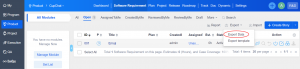
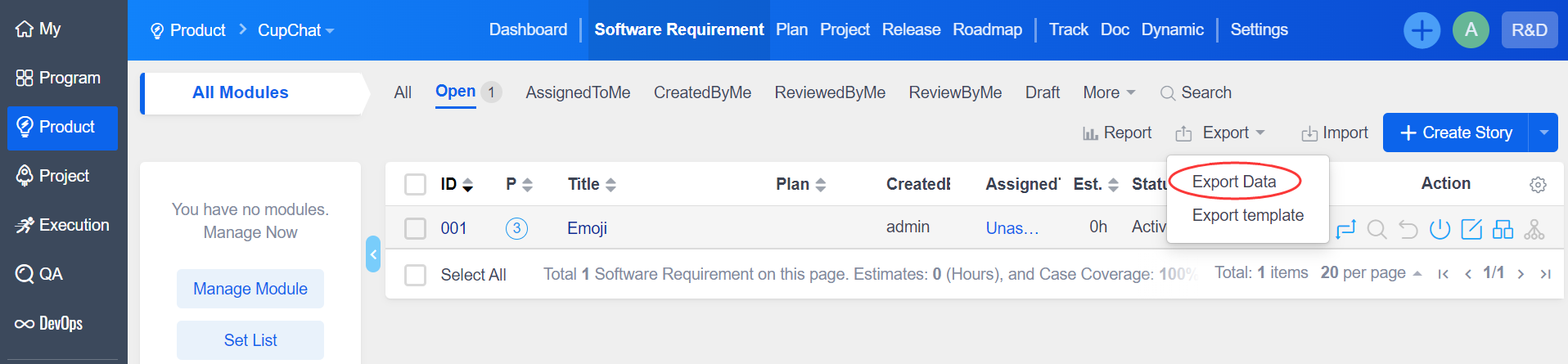
Let's take the example of exporting stories. Click "Product"-"Software Requirement"-"Export"-"Export Data".
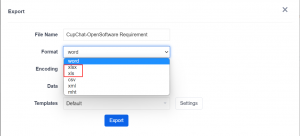
Select the format as xlsx or xls.
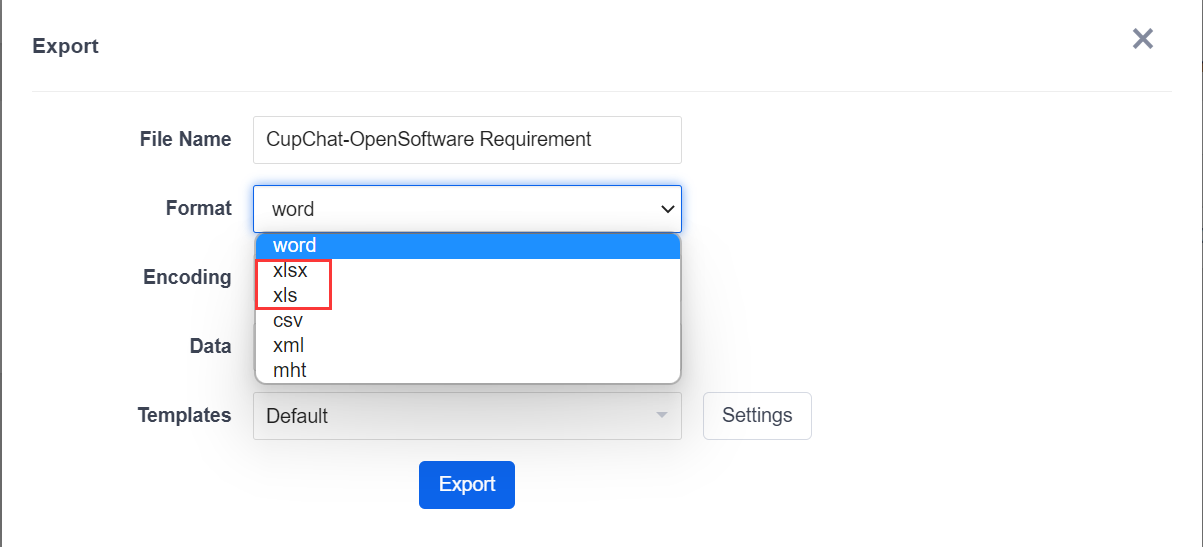
If you want to export the images in the target object, just select the format as mht, and the export of the attachment is not available for now.
The table style is optimized.

2. Import
2.1 Filling Data by the Built-in Template
There are two sources for importing data.
- Make additions, deletions, and changes to the exported data file and then import it.
- Add data to the exported template file.
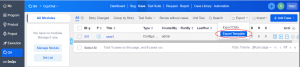
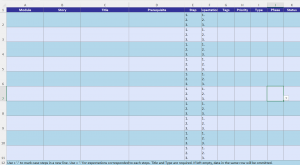
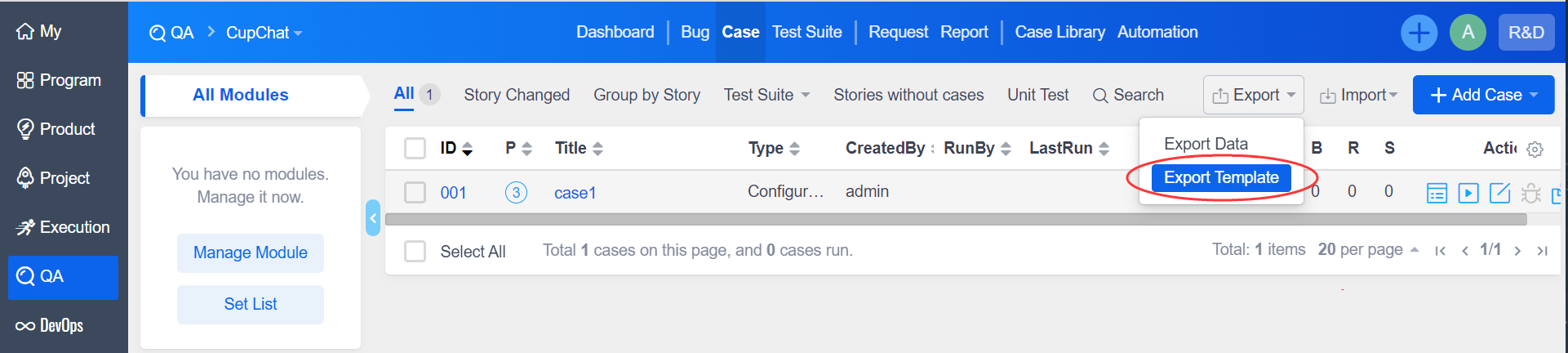
Take the example of importing a case. Click "Export" - "Export Template".
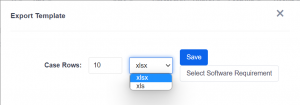
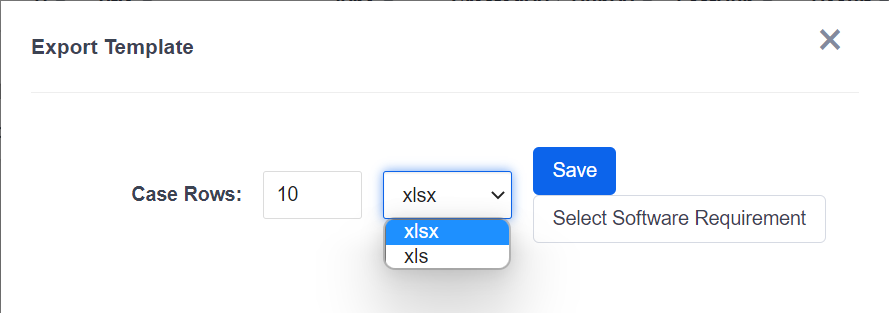
Select the format.
Fill in data according to the format in the template.
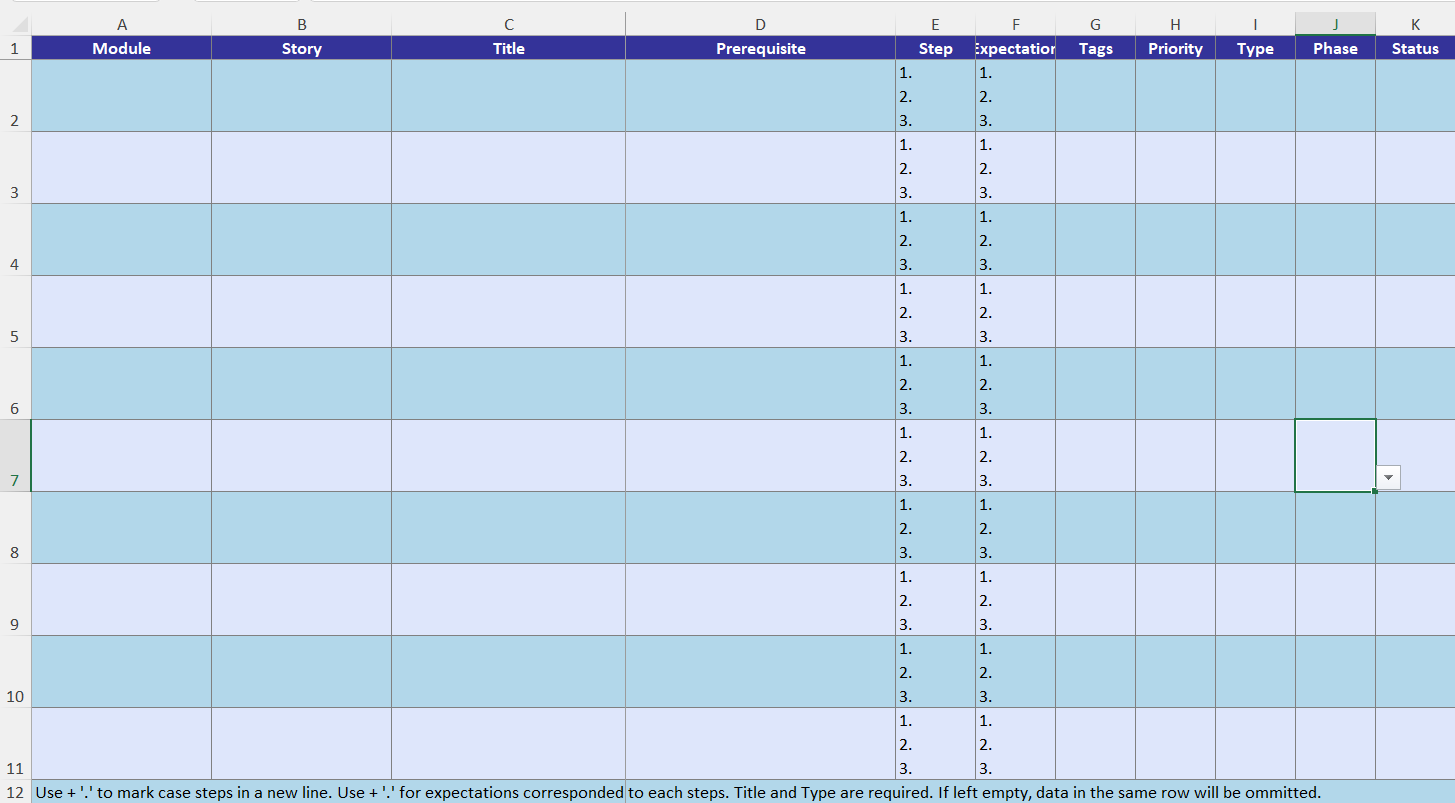
2.2 Import Data
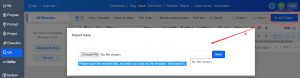
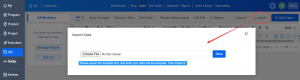
Click "Import", and then select the target file.
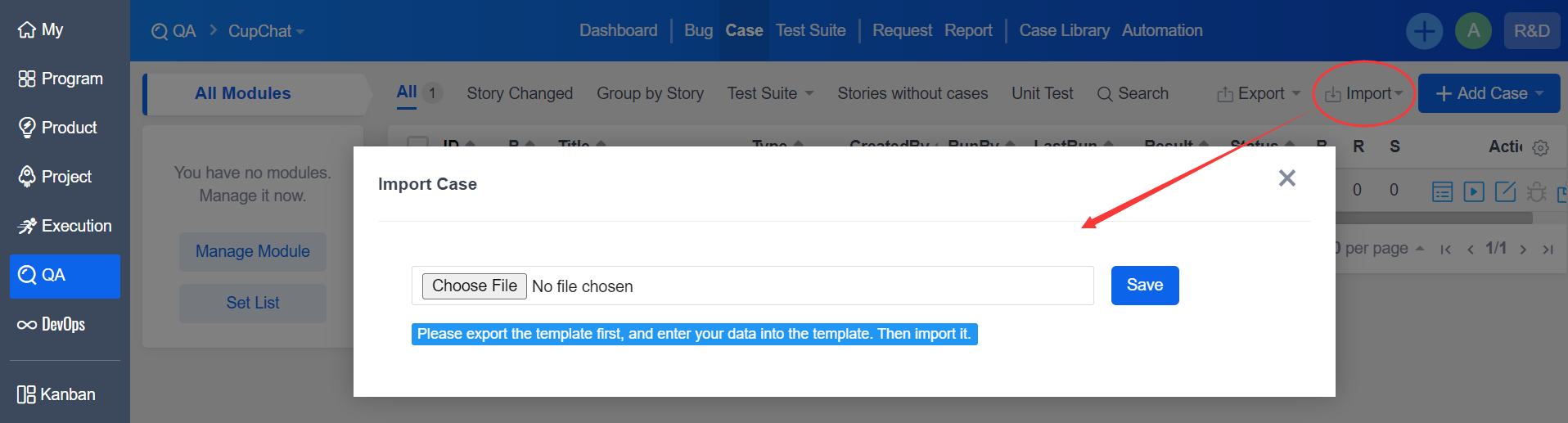
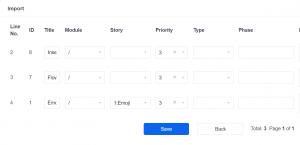
Confirm the imported data.
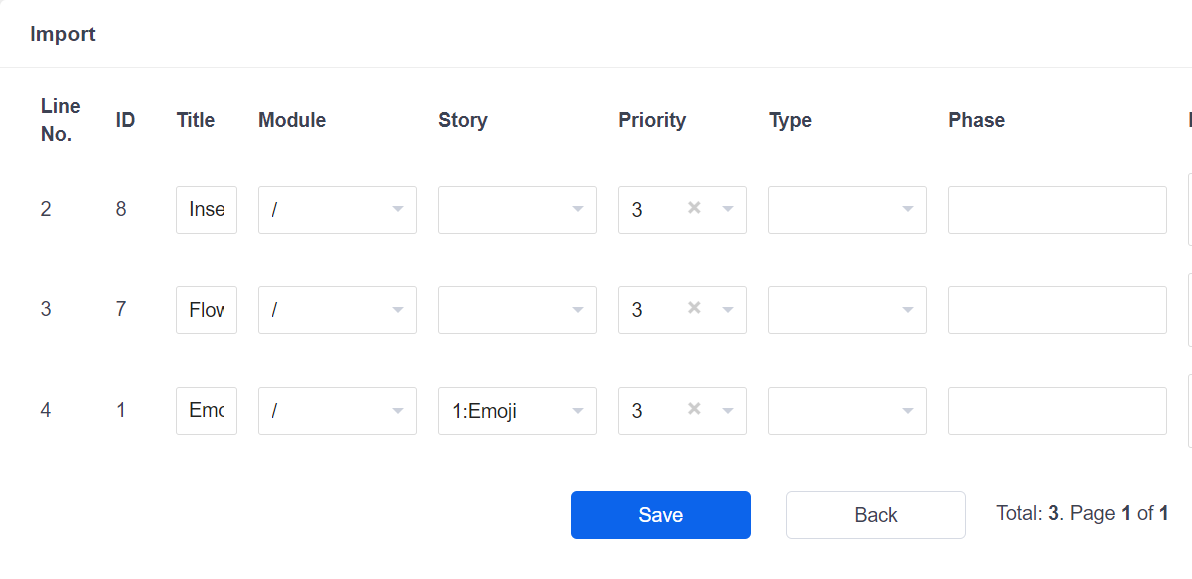
Click Save and the case is imported successfully.
The Excel Export/Import feature can be purchased separately.
Please contact Philip if you are interested in this extension.
Email: [email protected]
Skype: philip517
Click here to learn more about the extension Excel Export/Import.