Catalog
Statistics
ZenTao Biz can summarize and analyze the data in the system to generate reports. At the same time, ZenTao supports exporting the reports to the local computer and also supports the custom reports. In the "Statistics" section, ZenTao summarizes data from products, projects, QA, and the company, then presents the data in multiple dimensions through reports. The product-related reports, project-related reports, and QA-related reports can be viewed in ZenTao Opensource Series, there is no further elaboration. As for the custom report, we will discuss it in the next chapter.
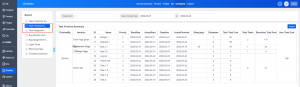
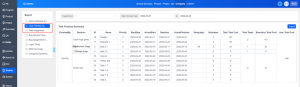
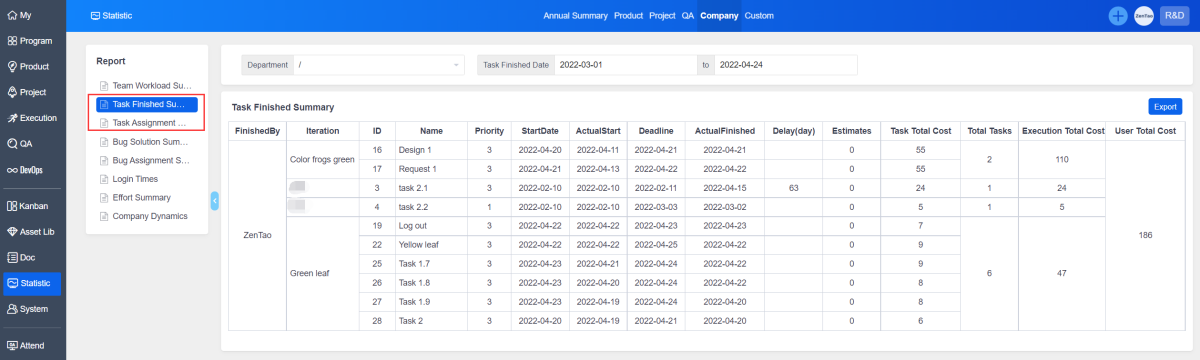
1. Task Finished Summary
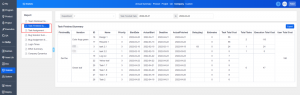
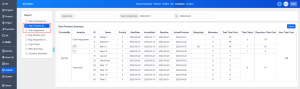
The Task Finished Summary in "Statistics" - "Company" allows you to count the status and hours cost of all tasks over time.
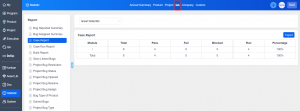
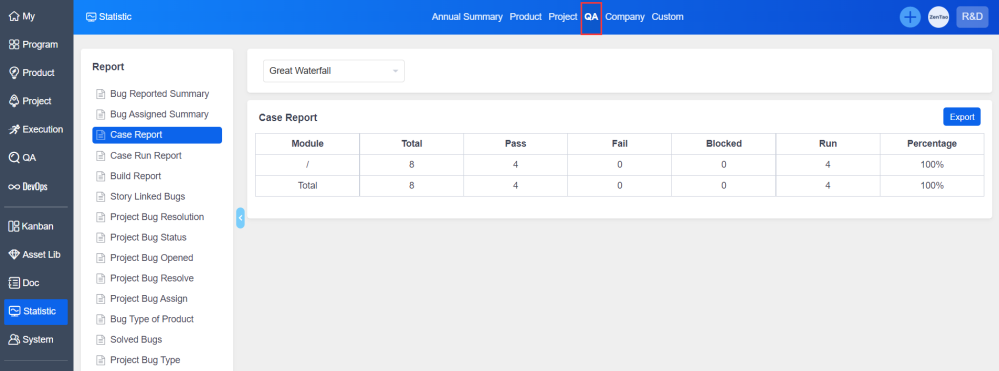
2. Case Report
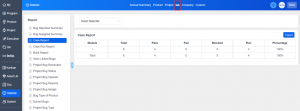
The Case Report in "Statistics" - "QA" allows you to count the number of cases, the result of case execution (Run), and the pass rate of cases (Percentage).
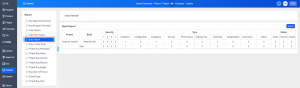
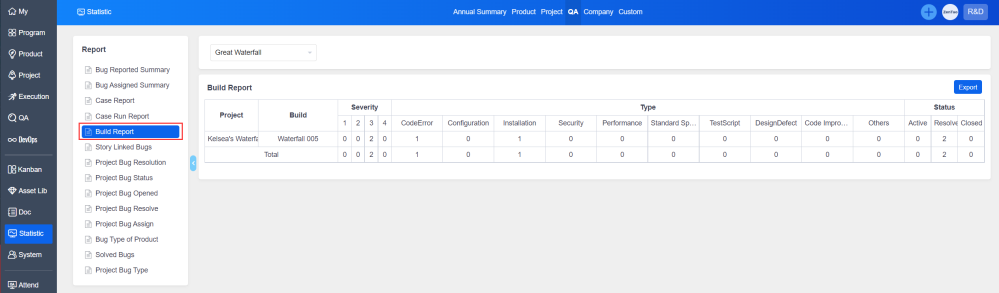
3. Build Report
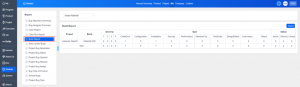
The Build Report in "Statistics" - "QA" allows you to count the data of each build.
The Statistics feature can be purchased separately.
Please contact Philip if you are interested in this extension.
Email: [email protected]
Skype: philip517
Click here to learn more about the extension Report (Statistics).