

Catalog
You can upgrade ZenTao open source to ZenTao Biz. Look at the example below. It is to upgrade ZenTao via one-click installation package for Window to ZenTao Biz.
Note: One-click installation package for Windows is in xampp/zentao/ and that for Linux /opt/zbox/zentao/.
1. Before the upgrading
1.1 Make sure that ZenTao open source is accessible.
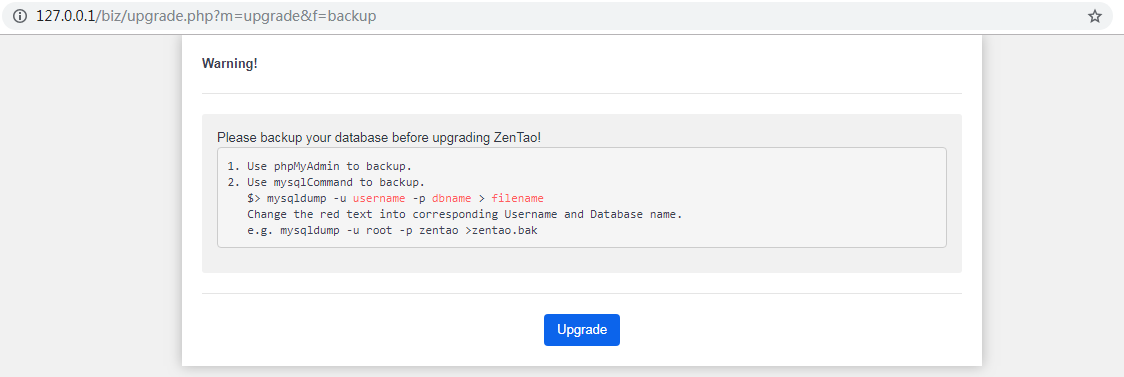
1.2 Back up data for ZenTao open source and refer to the manual HERE.
2. Ioncube Loader
If you are using the one-click installation package of ZenTao which has Ioncube, you can skip this step.If you are using the uniserver or other PHP environments, you can refer to this article //www.zentao.pm/book/zentaoprohelp/135.html to install the loader.
3. Download ZenTao Biz installation package
3.1 Choose the installation package that fits your PHP version.
3.2 Go to https://www.zentao.pm/download.html to download ZenTao Biz.
3.3 Unzip the downloaded file and you will get a file named zentaopms. Delete .htzaccess and .ztaccess in zentaopms/www.
4. Override the directory
4.1 Copy all files in zentaopms/ to override the xampp/zentao/ installed in one-click installation package for Windows. That is to press ctrl+a and then press ctrl+c, and go to xampp/zentao/ and press ctrl+v.
4.2 Unzip the license file of ZenTao Biz and copy its last four files to zentao/config/license/. If there is not such folder, create one.
5. Start upgrading
5.1 Visit ZenTao, and start upgrading. For example, the address to visit ZenTao is http://127.0.0.1:81/zentao, so enter http://127.0.0.1:81/zentao/upgrade.php in the browser, so the upgrade will be started.
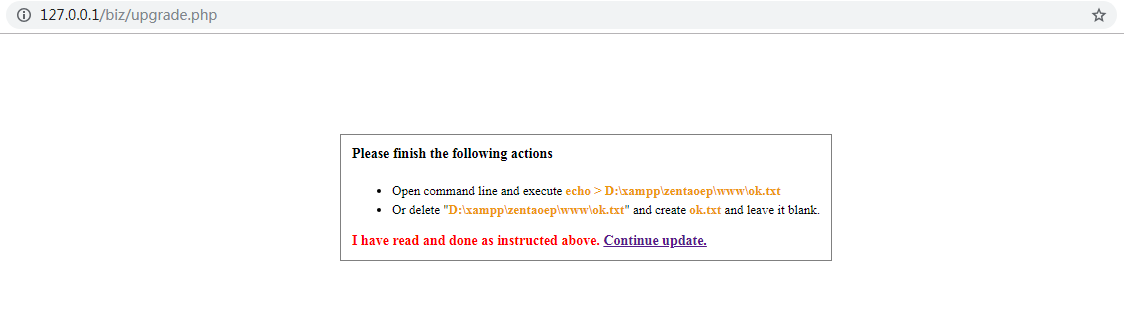
5.2 Follow the instruction and create ok.txt. If there is ok.txt, delete it. Then create a new one.
5.3 Create ok.txt, and click Continue Upgrading.
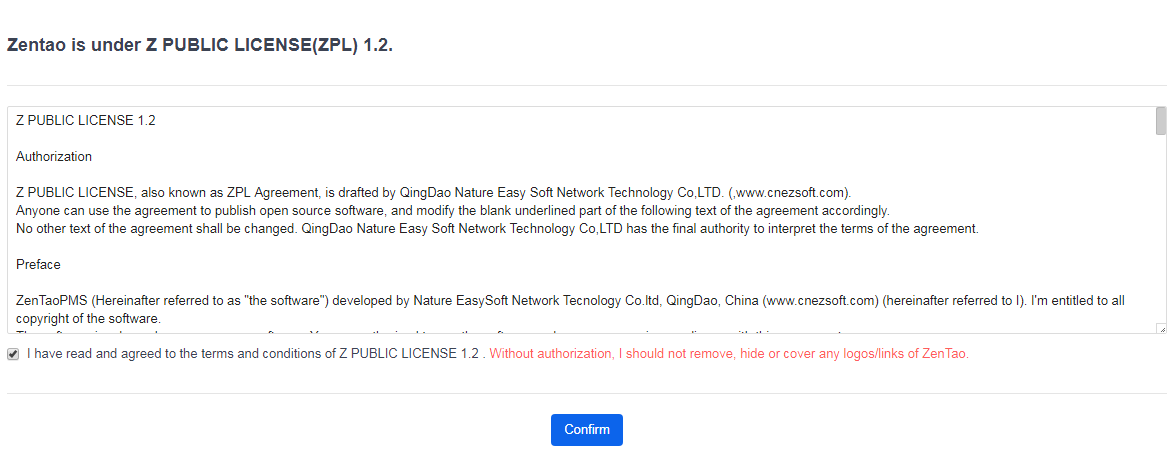
Keep the ZenTao logo and abide by ZPL (Z Public License).
It is VERY IMPORTANT to back up your data before upgrading.
Choose the version of ZenTao open source.
SCREENSHOT
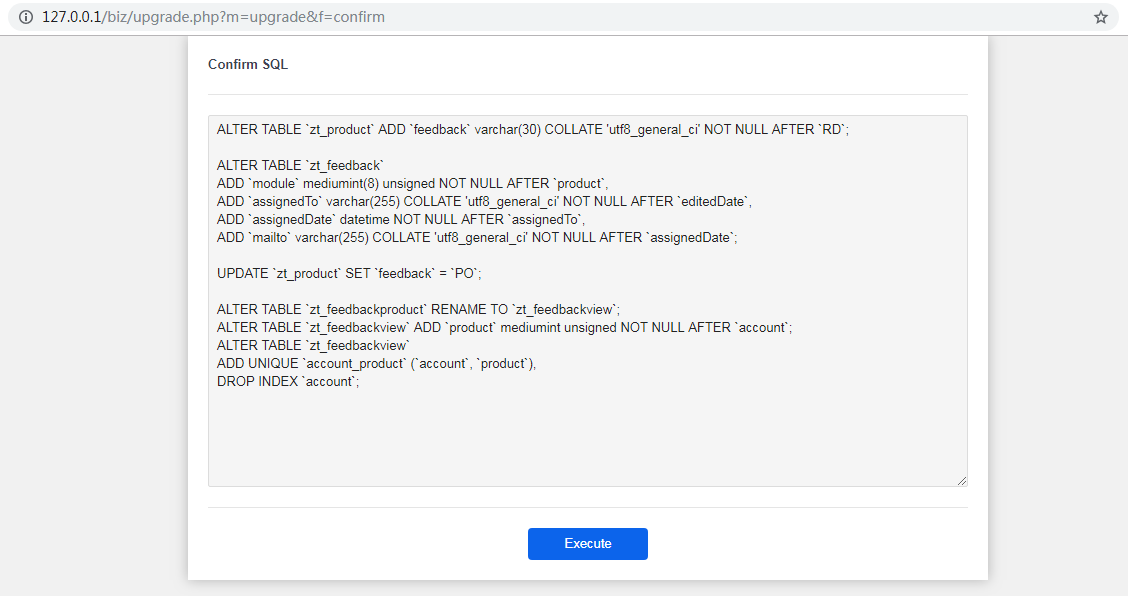
Execute the SQL for upgrading.
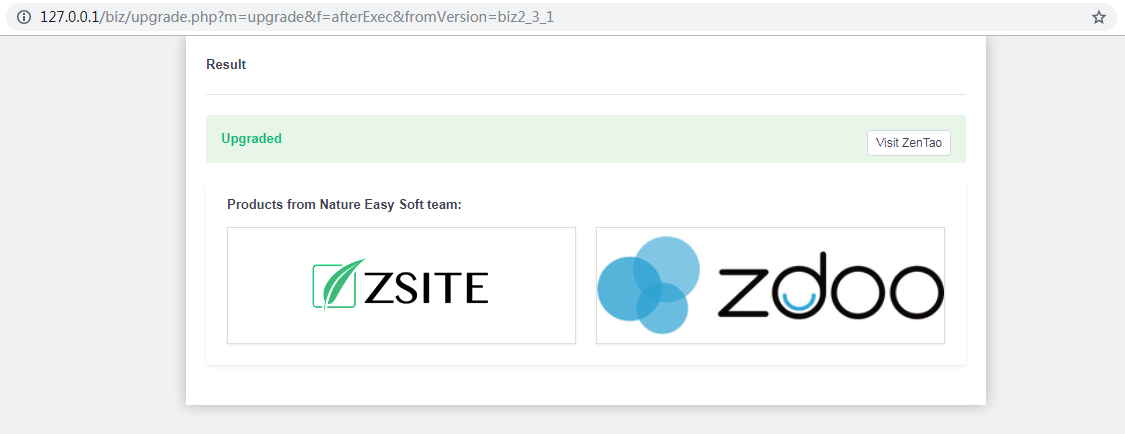
If you see the page below, your upgrading is finished. Click Visit ZenTao to start your ZenTao Biz. The address to visit ZenTao Enterprise is the same.
If any questions, contact us at [email protected].



