Catalog
ZenTao Biz is developed based on ZenTao Open Source and added Operations Management (OPS), Office Automation (OA), Feedback Management, and enhanced Document Management (Doc). You can view files online and compare files.
If you would like to have a free trial of ZenTao Enterprise, contact us at [email protected].
For general features of ZenTao, you can refer to
Now let's talk about how to add users and manage privileges in ZenTao Biz.
1. ZenTao Biz interfaces
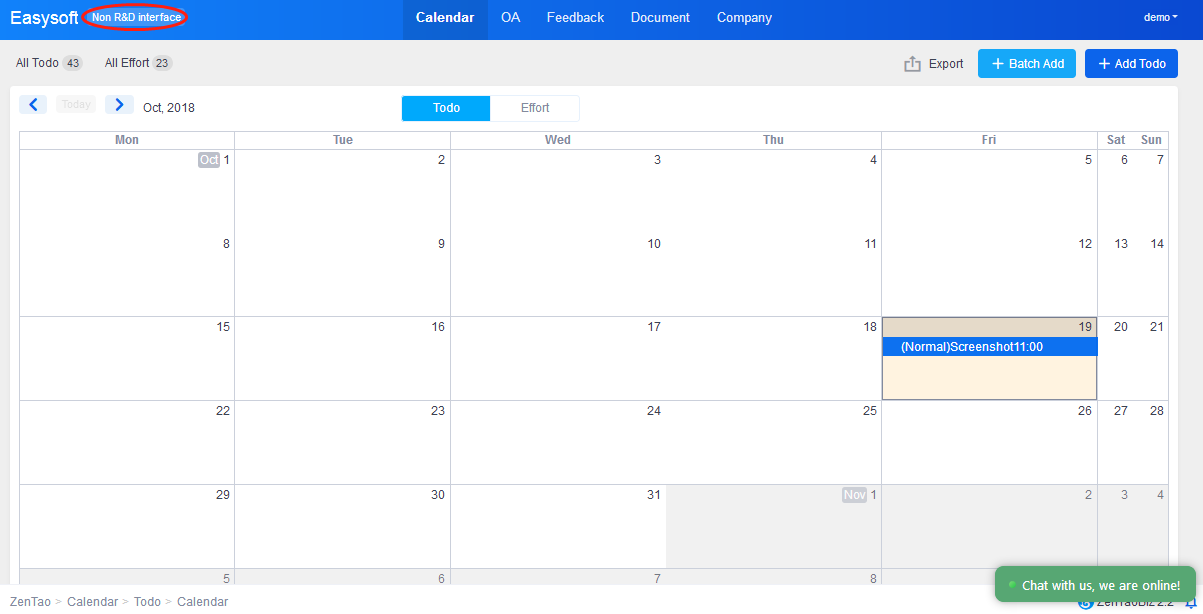
ZenTao Biz has two types of interfaces. One is for developers and the other for Feedback users(non-developer users). When logging in ZenTao Biz, you can choose either the interface for developers or for Feedback users.
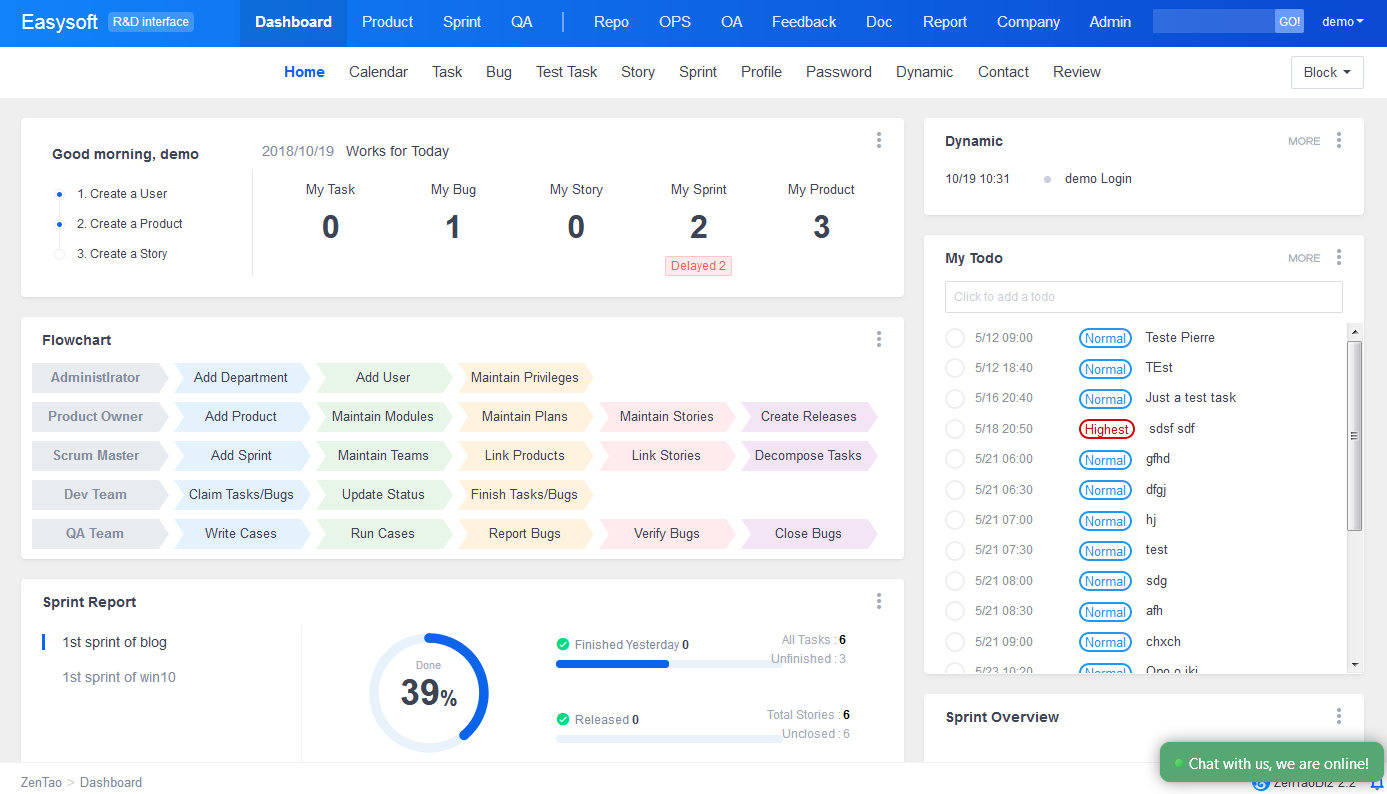
Interface for developers
Interface for Feedback users.
2. Add a user and privileges
When adding a user, you can choose from developer/Feedback users. Check Feedback(Non-developer) Interface, and the user will see the interface for Feedback users after they log in. The default setting of Feedback users is about what they can read and write in Feedback module.
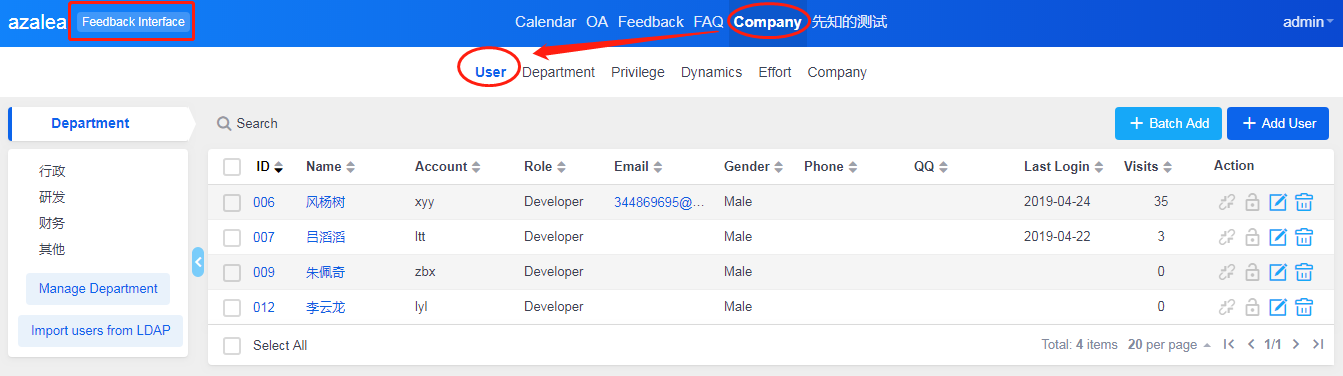
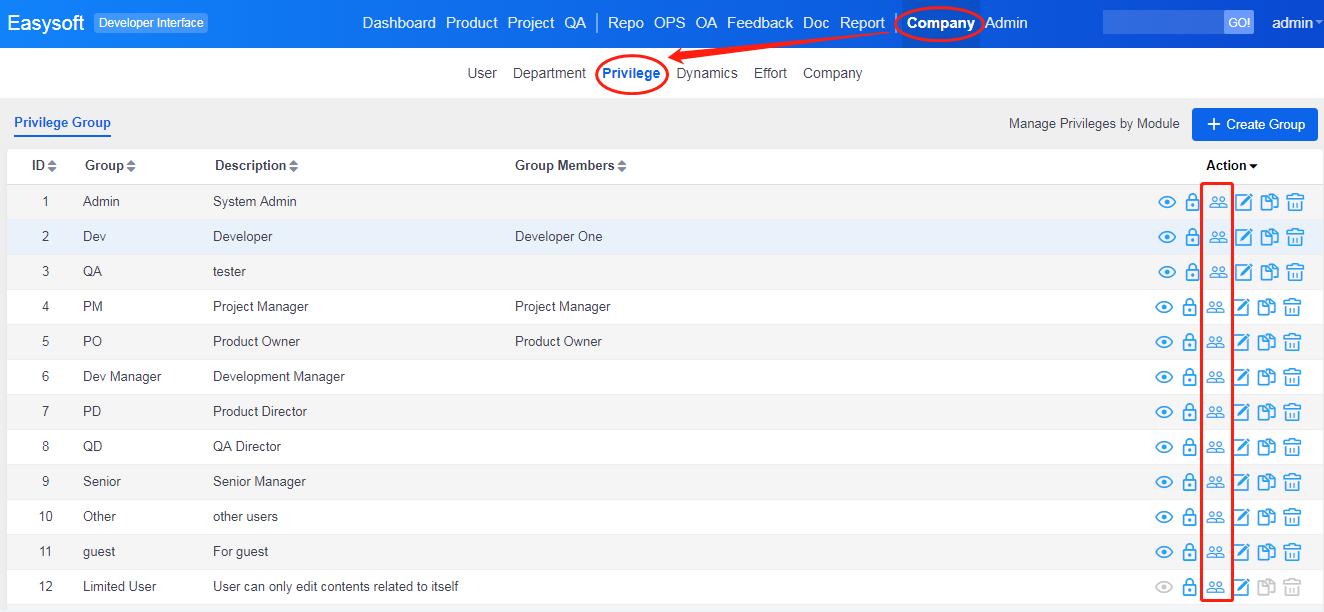
You can edit the privileges of the user by going to Company->Privilege.
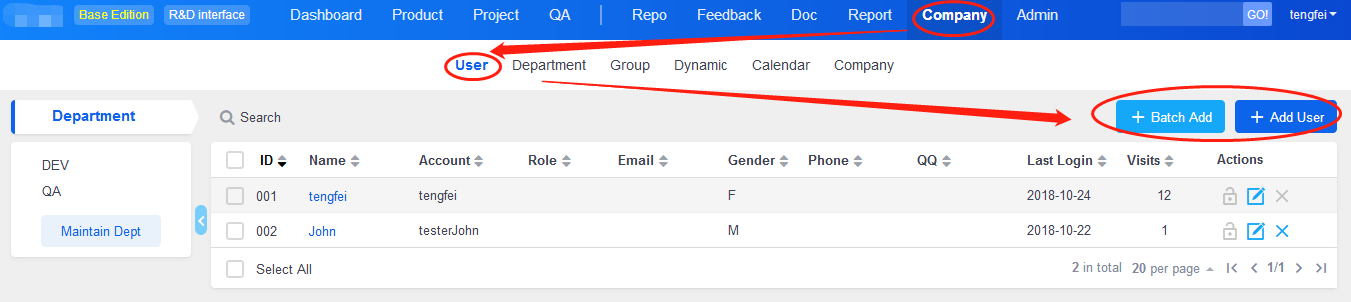
After you add the user, you will see the page below.
For Feedback users, users who can only view and edit in Feedback module, ZenTao administrator can view and edit their privileges by going to Company->Privilege on the Feedback interface.