Catalog
Software Story
Software Story
- Can be added by clicking "Software Story"
- Can be linked with the product story which belongs to the project
- Can be synced from the execution story of the project
1. Create a story in "Project" -- "Software Story"
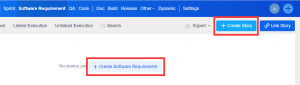
1.1 Go to a specific project, click "Software Story" to enter the story list page.
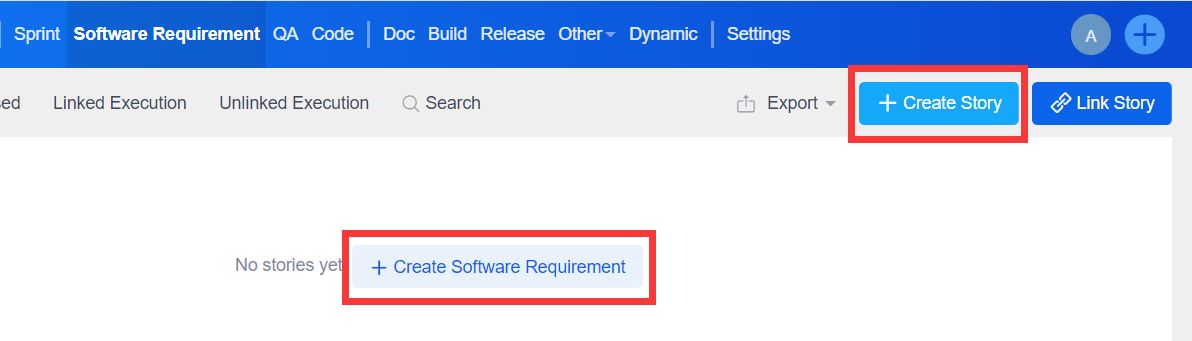
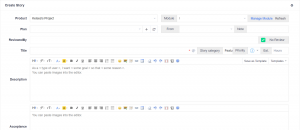
1.2 Click "Create Software Story" or "Create Story".
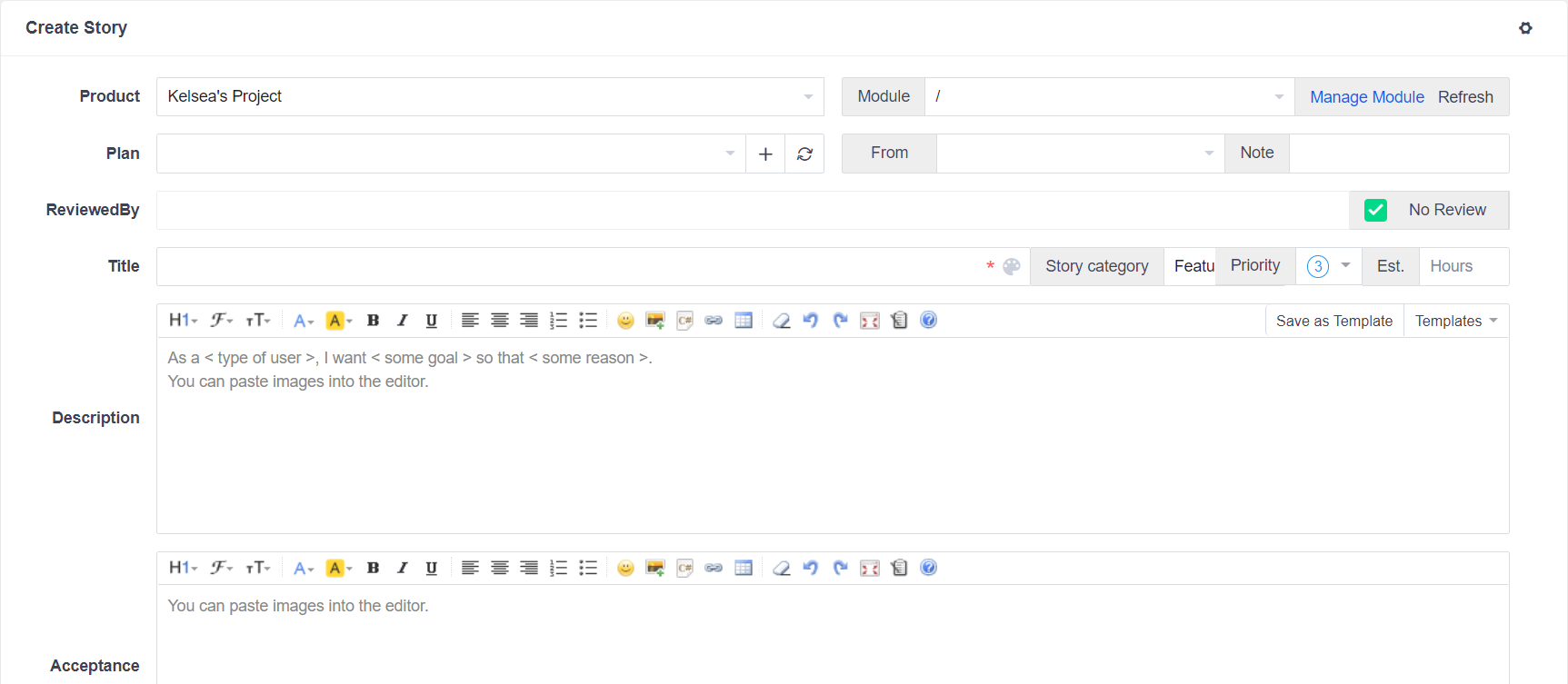
Note: If you turn on the "User Story" in "Admin" -- "Custom" -- "Concept", you will see the option of "User Story".
User Story
- User storys are storys interpreted or developed by product managers, technical support or sales personnel, etc. It is a demand for the product from the user's point of view based on their actual need.
- The source of user storys can be the result of the analysis of the original storys.
- It can also be the result of data analysis, market research and other creative management methods. Generally speaking, the granularity of this user story is big.
2. Link stories to a project
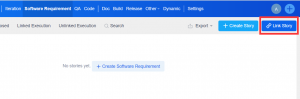
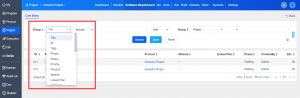
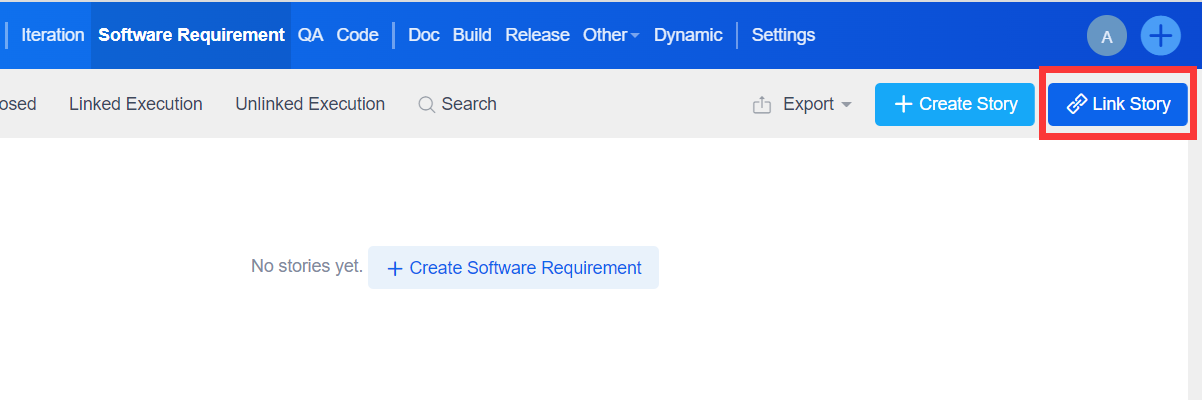
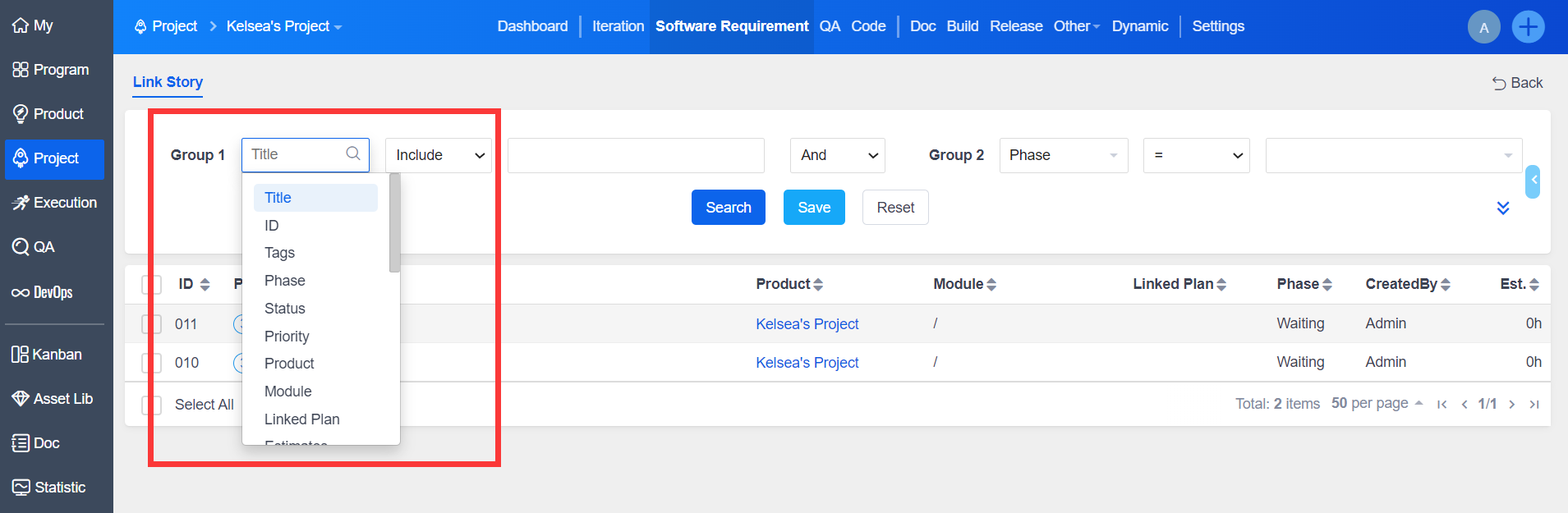
Click "Link Story", select the items needed in the drop-down menu, and then click Save.
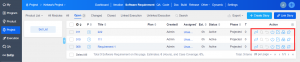
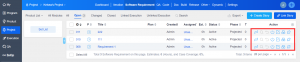
Actions including Change, Close, Edit, Add Case, Unlinked Software Story can be taken in the Software Story list.
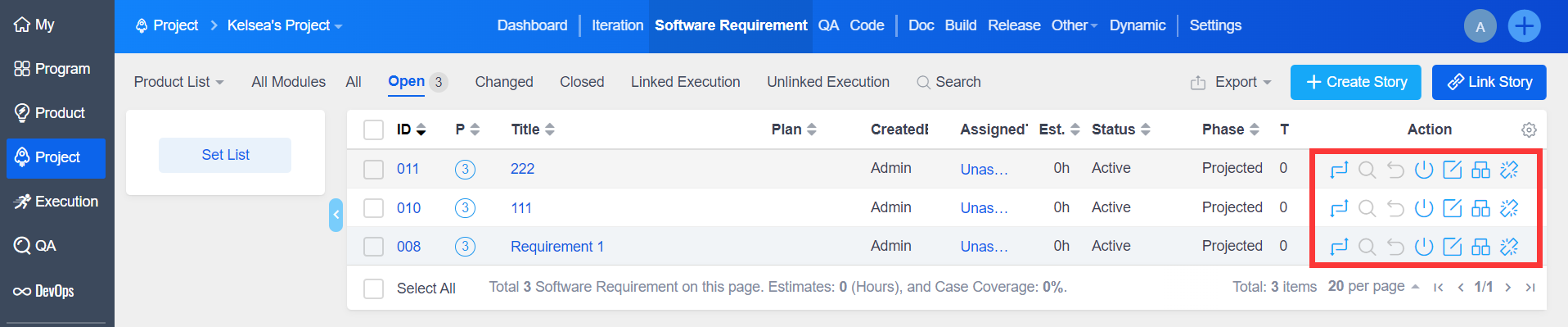
In the case of the software story that has been linked to the project execution list, when you remove the story from the project storys list, you will be prompted to go to the Execution -- Software Story to remove it first before you can remove it from the project.