
Configuration & content
Does Sanplex support document storage, versions, and search?
Short answer
Yes. This feature is available in Sanplex Free, Standard and Premium. Sanplex provides document storage, version history, side-by-side comparison and keyword search. Documents can be managed from the Documents area or opened through Quick Access when linked to work items.
Availability: Available in Free, Standard and Premium
In this article
Browse, create and find documents
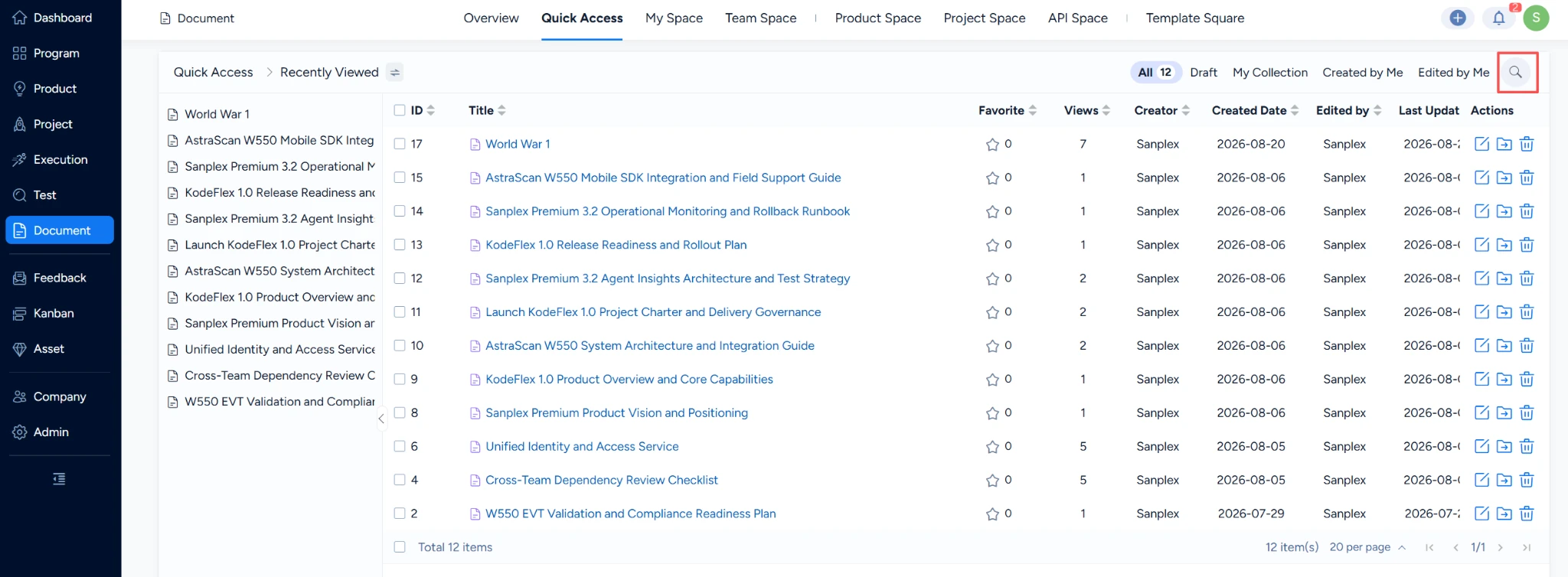
- Open the Document section to browse existing documents or create a new one.
- Use Quick Access to open a document you are authorized to view, including documents linked to a task or story.
- Click the search icon and enter a keyword to locate matching documents.
Review document history
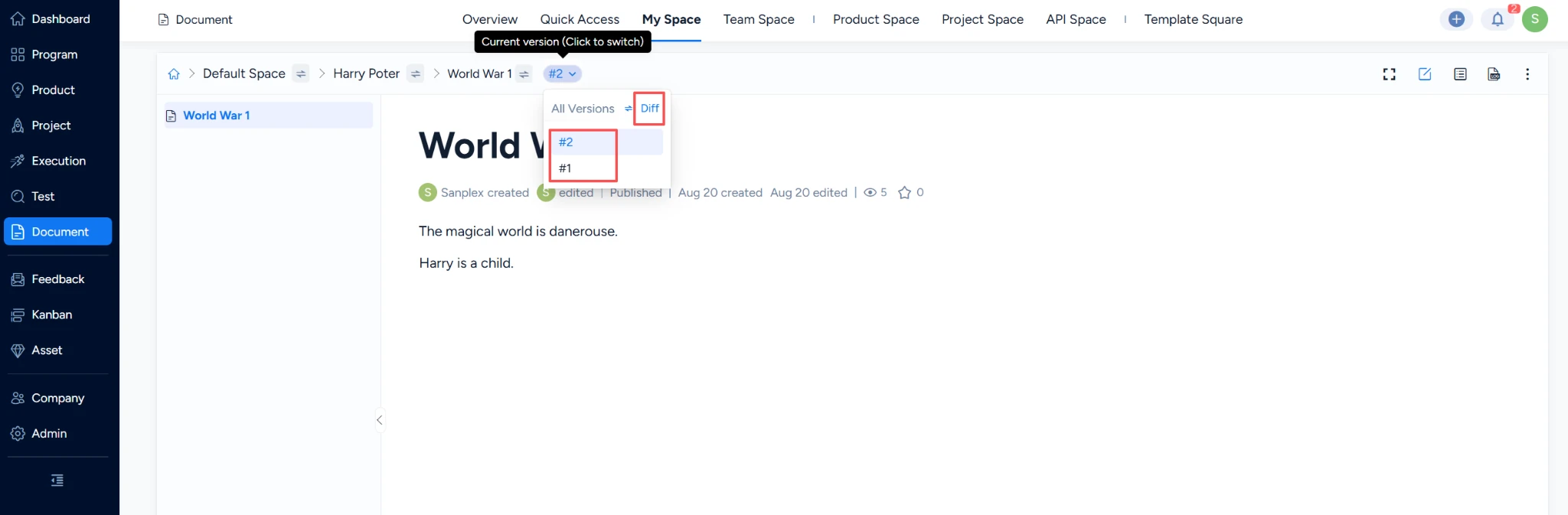
- Open the document whose history you want to review.
- Open its version history.
- Compare two versions side by side to identify differences and changes.
Note: Document visibility still depends on permissions. Use version comparison during review to understand what changed before approving the latest content.


