Business Model Canvas: Free Template and How to Use It
3 hours agoPUBLISHED INAgile
 ali
ali 2026-10-07 14:53:00
 0
0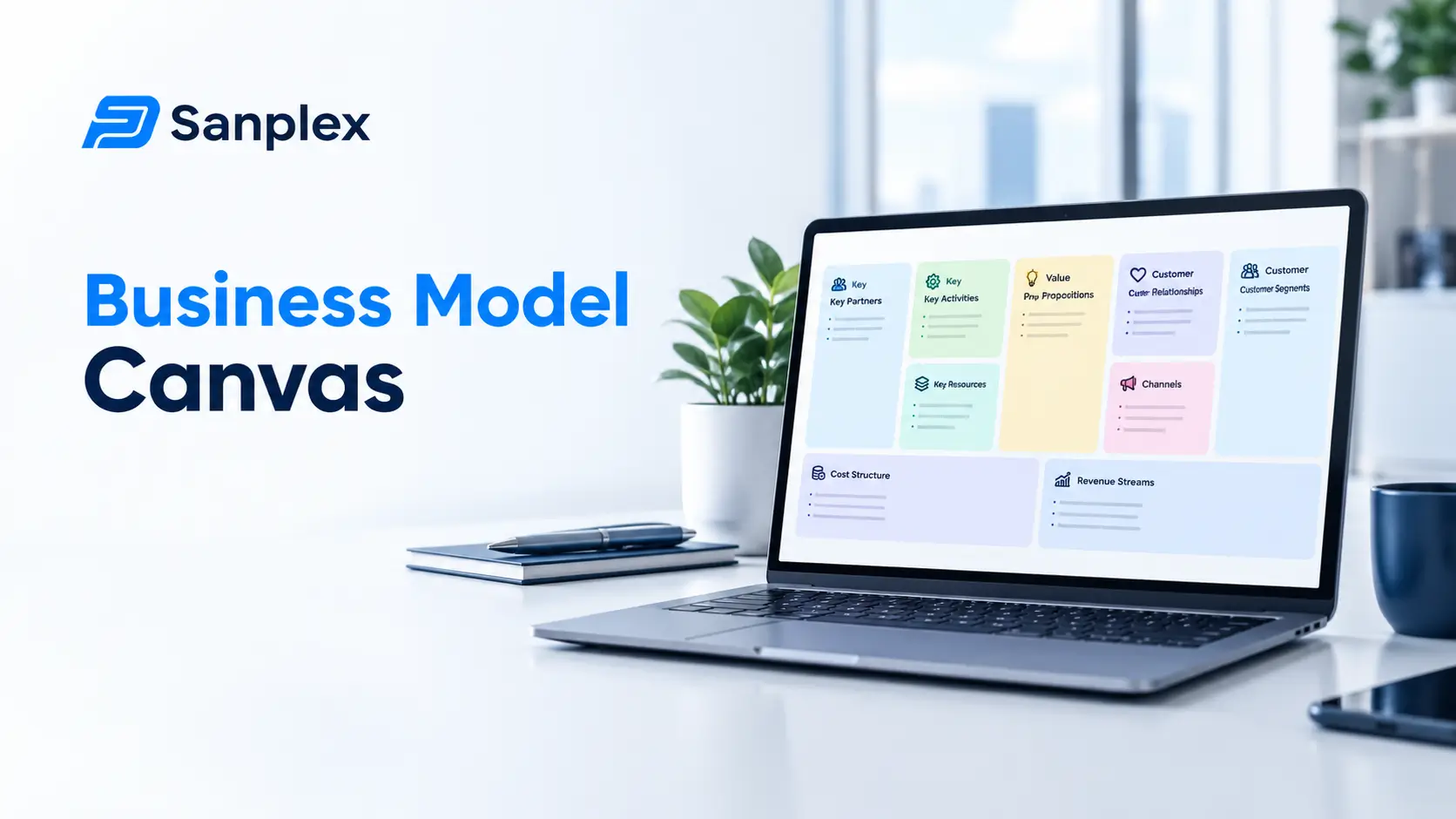
I've watched teams spend three weeks on a forty page business plan that nobody opened again. Then I've watched a different team sketch a business model canvas in an afternoon and use it for a year. The canvas wins for one boring reason. It fits on one page, so people actually read it.
In this guide you'll get the nine blocks explained in plain words, a copy and paste template, and a worked example for a software product. After that we'll talk about where the canvas fits in real product planning, and what usually goes wrong.
What is the business model canvas?
The business model canvas is a visual tool for describing a business model on a single page. Alexander Osterwalder came up with it, and it became famous through the book Business Model Generation, which he wrote with Yves Pigneur. Instead of paragraphs of prose, you fill nine boxes that show who you serve, what you offer and how the money works.
For product teams it's handy because it forces the awkward questions early. Who is this really for? Why would they pick us? What will it cost to run? Those are far cheaper to answer on paper than after six months of development.
The nine building blocks
Customer segments
The groups of people or companies you want to serve. Be specific. "Small businesses" is a shrug. "Design agencies with five to twenty people" is something you can find and talk to.
Value propositions
The problem you solve or the need you meet, in the customer's words. If you can't say it in one sentence, keep working.
Channels
How customers hear about you, try you, buy from you and get support. Think website, sales calls, partners, app stores.
Customer relationships
The kind of relationship each segment expects. Self service, personal support, a community, or something in between.
Revenue streams
How you earn money from each segment. Subscriptions, one off fees, usage charges, services. Say what customers pay for, not just how much.
Key resources
The assets you can't do without. People, software, data, brand, money.
Key activities
The things you must do well to make the model work, like building the product, running support or generating leads.
Key partnerships
Suppliers and partners you rely on, such as hosting providers, payment processors or integration partners.
Cost structure
The biggest costs of running all this. People usually find that two or three items eat most of the budget, and it's useful to see them written down.
A free business model canvas template you can copy
Paste this table into a doc, a whiteboard tool or a slide, and fill each cell with short bullet points. Keep every answer to a line or two.
|
Block |
Questions to answer |
|---|---|
|
Customer segments |
Who exactly are we serving? Who is the first group we'll win? |
|
Value propositions |
What problem do we solve? Why us instead of the alternative? |
|
Channels |
How do they find us, try us and buy? |
|
Customer relationships |
How much hand holding do they expect? |
|
Revenue streams |
What will they pay for, and how will they pay? |
|
Key resources |
What do we need to have? |
|
Key activities |
What must we do really well? |
|
Key partnerships |
Who do we depend on? |
|
Cost structure |
What are our biggest costs? |
What order should you fill it in?
Many people start at the top left and work down, which isn't wrong. But I get better results with this order: customer segments, value propositions, channels, revenue streams, and only then the rest. If the first four don't hold together, polishing the costs block is wasted effort.
A worked example for a software product
Let's say a small team wants to build a simple project tracker for design agencies. A first pass at the canvas might look like this.
|
Block |
Example |
|---|---|
|
Customer segments |
Design agencies with 5 to 20 people that juggle many client projects |
|
Value propositions |
See every client project and deadline in one view, without a heavy tool |
|
Channels |
Website with a free trial, design communities, agency owner referrals |
|
Customer relationships |
Self service with fast email support, plus onboarding calls for bigger teams |
|
Revenue streams |
Monthly subscription per user, with a small free plan |
|
Key resources |
Two developers, a designer, cloud hosting, customer feedback |
|
Key activities |
Building features, support, content marketing |
|
Key partnerships |
Hosting provider, payment processor, calendar and file storage integrations |
|
Cost structure |
Salaries, hosting, marketing, support tools |
None of this is magic, and half of it will turn out wrong. That's fine. The point is that the guesses are now written down, so you know what to test first, and so nobody can claim later they always knew it would work out this way.
How to run a canvas workshop in an hour
You don't need a facilitator or a fancy tool. A whiteboard, a pack of sticky notes and a timer are enough. Here's a rhythm that has worked well for small teams.
-
Ten minutes: everyone silently writes customer segments and value propositions on separate notes
-
Fifteen minutes: stick them up, group similar ones and pick the first customer group
-
Twenty minutes: fill in channels, revenue streams and costs together
-
Ten minutes: list the three riskiest assumptions on the canvas
-
Five minutes: choose who tests which assumption, and by when
That last step is what separates a useful canvas from a pretty poster. Without owners and dates, it just hangs on the wall.
Questions that sharpen the canvas
When the room goes quiet, these tend to get things moving. Who would be most upset if this product disappeared? What are they using today, even if it's a spreadsheet? What would make them switch? Honest answers to those three usually rewrite at least half the canvas.
Turning the canvas into a product plan
A canvas isn't a plan on its own. Think of it as the thinking that comes before the plan. Once the model hangs together, move into the details. Your value proposition and customer segments feed straight into a requirements document, and our free PRD template gives you a ready structure for it.
Next, decide what to build and in what order. The key activities and revenue streams blocks help you see which features matter most, and product roadmap planning shows how to turn those choices into a timeline. And keep in mind that a canvas goes stale. Products change as they age, and so do their business models. Our piece on understanding product lifecycle management explains why it pays to revisit it.
Business model canvas vs a business plan
Where the canvas wins
It's fast, visual and easy to change. You can redo it every quarter without groaning.
Where a business plan still matters
If you're asking a bank or investor for money, you'll probably need the longer document with financials. The canvas helps you write it, though. Treat it as the outline.
Mistakes that make the canvas useless
Writing it alone
A canvas filled in by one person is a personal opinion. Get sales, support and engineering in the room.
Being vague
"Everyone" is not a customer segment. Pick a first group.
Filling it in once and forgetting it
Put a reminder in the calendar to review it every few months. Update what you learned.
Skipping the testing
Every cell is a guess. Pick the riskiest guess, talk to real customers, and change the canvas based on what they say.
When to redraw your canvas
A few moments are worth a fresh look. You hear the same customer complaint five times. A competitor changes how it charges. A big new cost shows up. Or you're about to decide what to build next quarter. If none of those has happened, a light review every three months is plenty.
Don't overwrite the old version. Save it with a date, and compare the two later. It's a surprisingly honest record of how your thinking changed.
Keeping the canvas next to the work
I'd suggest storing the canvas in your team wiki, right beside the requirements and roadmap. In Sanplex the built in wiki sits next to your backlog and sprints, so the thinking and the doing stay in the same place.
Frequently asked questions
What is the business model canvas?
It's a one page visual tool that describes how a business creates, delivers and earns value, using nine building blocks such as customer segments, value propositions and cost structure.
Who created the business model canvas?
Alexander Osterwalder developed it, and it was popularized by the book Business Model Generation, written with Yves Pigneur.
How long does it take to fill in a business model canvas?
A first draft usually takes an hour or two with a small team. Testing and refining the guesses takes much longer, and that's the useful part.
Is the business model canvas only for startups?
No. Established companies use it to plan new products, test new markets and explain their model to new staff.
What is the difference between a business model canvas and a PRD?
The canvas describes the business side: who the customers are, how you earn money and what it costs. A PRD describes what the product itself should do. Most teams use the canvas first, then write the PRD.
|
Keep your canvas and your plan together Store the canvas in your Sanplex wiki next to the backlog and roadmap. Start free. Start with Sanplex |
Related Blogs
Lead Time vs Cycle Time in Agile: The Difference