Confluence Pricing 2026: Full Cost Breakdown
September 21, 2026PUBLISHED INAgile
 ali
ali 2026-09-21 15:42:00
 0
0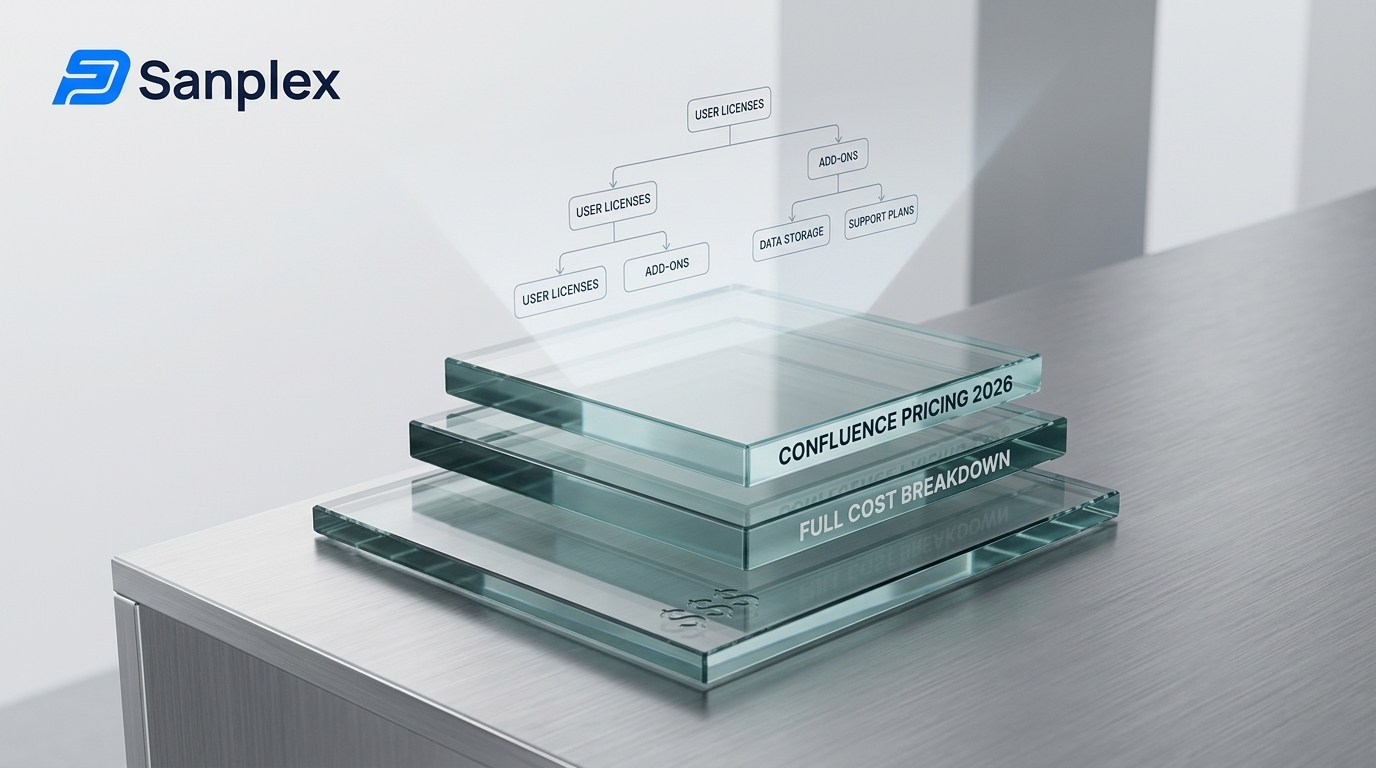
Confluence pricing looks simple until you multiply the per seat rate by your actual headcount. A team of 20 pays a very different number than the $5.42 a month you see advertised. Here is what each Confluence plan costs in 2026, what triggers the jump to the next tier, and how the total stacks up against a tool that bundles documentation in from the start.
How Much Does Confluence Cost in 2026?
Confluence has four tiers. Free covers up to 10 users at no cost, Standard runs $5.42 per user a month, Premium is $10.44 per user a month, and Enterprise is custom priced through Atlassian's sales team.
|
Plan |
Price |
Storage |
What you get |
|---|---|---|---|
|
Free |
$0, up to 10 users |
2 GB |
Unlimited pages, basic collaboration and templates |
|
Standard |
$5.42 per user a month |
250 GB |
Unlimited users, permissions, 100 automation runs a month, 25 Rovo AI credits per user |
|
Premium |
$10.44 per user a month |
Unlimited |
Advanced permissions, analytics, 1,000 automation runs per user, 24/7 support, 70 Rovo AI credits per user |
|
Enterprise |
Custom, quote only |
Unlimited |
Multiple sites, data residency controls, identity management |
Why the List Price Understates the Real Bill
A 20 person team on Standard works out to roughly $108 a month, not the $5.42 headline figure. A 100 person team on Premium crosses $1,000 a month before anyone adds a marketplace app. The per seat model means the real number only shows up once you plug in your own headcount.
What Do You Get on Confluence Free?
Free is a real plan, not a demo, and it stays free as long as you stay under 10 users.
-
Unlimited pages and a basic template library
-
2 GB total storage across the workspace
-
Community support only, no guaranteed response time
-
No advanced permissions or page level access control
Where Free Runs Out
The 10 user cap is the real wall. Most teams outgrow Free the moment a project needs input from someone outside the original small group, well before storage becomes the limiting factor.
What Does Confluence Standard Include?
Standard removes the user cap and adds the basic admin tools a growing team actually needs.
-
Unlimited users on the workspace
-
250 GB of storage
-
Space permissions and page restrictions
-
100 automation runs a month
Who Standard Actually Fits
Standard suits a team that needs real access control, chemistry between a few departments, and doesn't lean on automation heavily. Once automation becomes part of the daily workflow, 100 runs a month disappears fast.
Why Does Premium Nearly Double the Price of Standard?
Premium moves from $5.42 to $10.44 a seat, and the jump is mostly about scale and support, plus a larger AI credit allowance. Storage goes unlimited and automation rises tenfold to 1,000 runs a user a month.
-
Unlimited storage, no more counting gigabytes
-
24/7 support with a one hour response target on critical issues
-
A 99.9% uptime SLA
-
Advanced analytics on how spaces and pages get used
The AI Credits Nobody Reads the Fine Print On
Rovo AI search and chat isn't actually Premium exclusive. Standard includes 25 Rovo credits per user a month, and Premium raises that to 70. Both are metered by a monthly credit allowance rather than unlimited use, which is easy to miss since the marketing pages emphasize the AI feature itself more than the fact that it's rationed.
What Does Confluence Enterprise Actually Cost?
Enterprise has no published price. It's quote only, billed annually, and built for organizations running multiple Confluence sites under one governance model.
-
Everything in Premium
-
Data residency and identity management controls
-
Centralized management across multiple sites
-
Atlassian Guard Standard included for security and provisioning
Who Actually Ends Up on Enterprise
This tier is aimed at large, regulated organizations, not a team that just wants more automation runs. If data residency and identity management aren't a compliance requirement, Premium usually covers the gap for far less.
What Hidden Costs Catch Teams Off Guard?
The advertised prices are only part of the real budget line.
-
Diagram, reporting and workflow marketplace apps are billed separately from the base plan
-
Atlassian revises Confluence pricing periodically, so the per seat rate is always worth checking against the live calculator on Atlassian's pricing page before budgeting a large deployment
-
Real world annual costs for small teams often land between $1,000 and $5,000 once add ons are included
Budget for the Add Ons Before You Commit
If your team plans to use Confluence as a full knowledge base with diagrams and structured reporting, price out the marketplace apps you'll need before comparing plans, since that's often where the real gap between vendors shows up.
Confirm the Exact Rate Before Budgeting
Atlassian prices Confluence through a live calculator rather than a single fixed number, and rates get revised periodically. The $5.42 and $10.44 figures above are Atlassian's commonly published per seat rates at the time of writing, but running your own headcount through the official calculator is worth doing before finalizing a budget, especially for a larger team.
How Does This Compare to a Tool Like Sanplex?
Confluence is a dedicated wiki first, built to be the documentation hub for an entire company, not just one engineering team. Tools positioned as Confluence alternatives for project heavy teams take a different approach. Sanplex has an embedded wiki style documentation and knowledge base built directly into the same system as requirements, test cases and releases, so a team doesn't have to pay for a separate tool just to keep docs next to the work.
Where Confluence Still Wins
If your real need is a company wide knowledge base outside of software projects, marketing docs, HR policies, cross department wikis, Confluence's macro and template ecosystem is more mature than a documentation feature bolted onto a project tool. That's a genuine reason to keep Confluence even alongside a tool like Sanplex for engineering specific work.
Checking Other Tools in the Same Category
It's worth comparing this against other platforms before deciding. The Monday pricing breakdown and Asana pricing breakdown cover the same per seat math for those two tools, and Sanplex pricing lays out where a full lifecycle tool lands by comparison.
How Should You Budget for Confluence at Different Team Sizes?
The per seat model makes the total easy to calculate once you know your headcount, but teams still tend to underestimate it because they price against the smallest advertised number.
-
A 10 person team on Standard runs about $54 a month, easy to approve without much discussion
-
A 50 person team on Standard is closer to $270 a month, still modest, but worth a real budget line
-
A 100 person team on Premium crosses $1,000 a month before a single marketplace app gets added
Model the Number You'll Actually Be At in a Year
Pricing against your current headcount is a common mistake. If the team is growing, model the seat count you expect in twelve months, since the jump from Standard to Premium often happens right when growth makes budgeting tightest.
Frequently Asked Questions
Is Confluence Free actually usable long term?
Yes, as long as your team stays under 10 users and 2 GB of storage. There's no time limit on the Free plan.
What's the cheapest paid Confluence plan?
Standard, at $5.42 per user a month, is the cheapest paid tier.
Why is Confluence Premium almost double the price of Standard?
Premium adds unlimited storage, 24/7 support, a 99.9% uptime SLA and a much larger automation allowance, on top of AI search and chat metered by credits.
Does Confluence charge extra for diagrams and reporting?
Yes, most diagram, reporting and workflow tools are marketplace apps billed separately from the base Confluence plan.
Is Sanplex a replacement for Confluence?
For project documentation tied to requirements, test cases and releases, yes. For a company wide wiki outside of software projects, Confluence's ecosystem is still more built out.
If you're weighing a dedicated wiki against a tool that keeps docs and delivery together, sanplex.com has the details, and a quick conversation with the team is usually the fastest way to see whether it fits your setup.
Related Blogs
Trello Pricing 2026: Full Cost Breakdown