Trello Pricing 2026: Full Cost Breakdown
September 18, 2026PUBLISHED INAgile
 ali
ali 2026-09-18 18:02:00
 0
0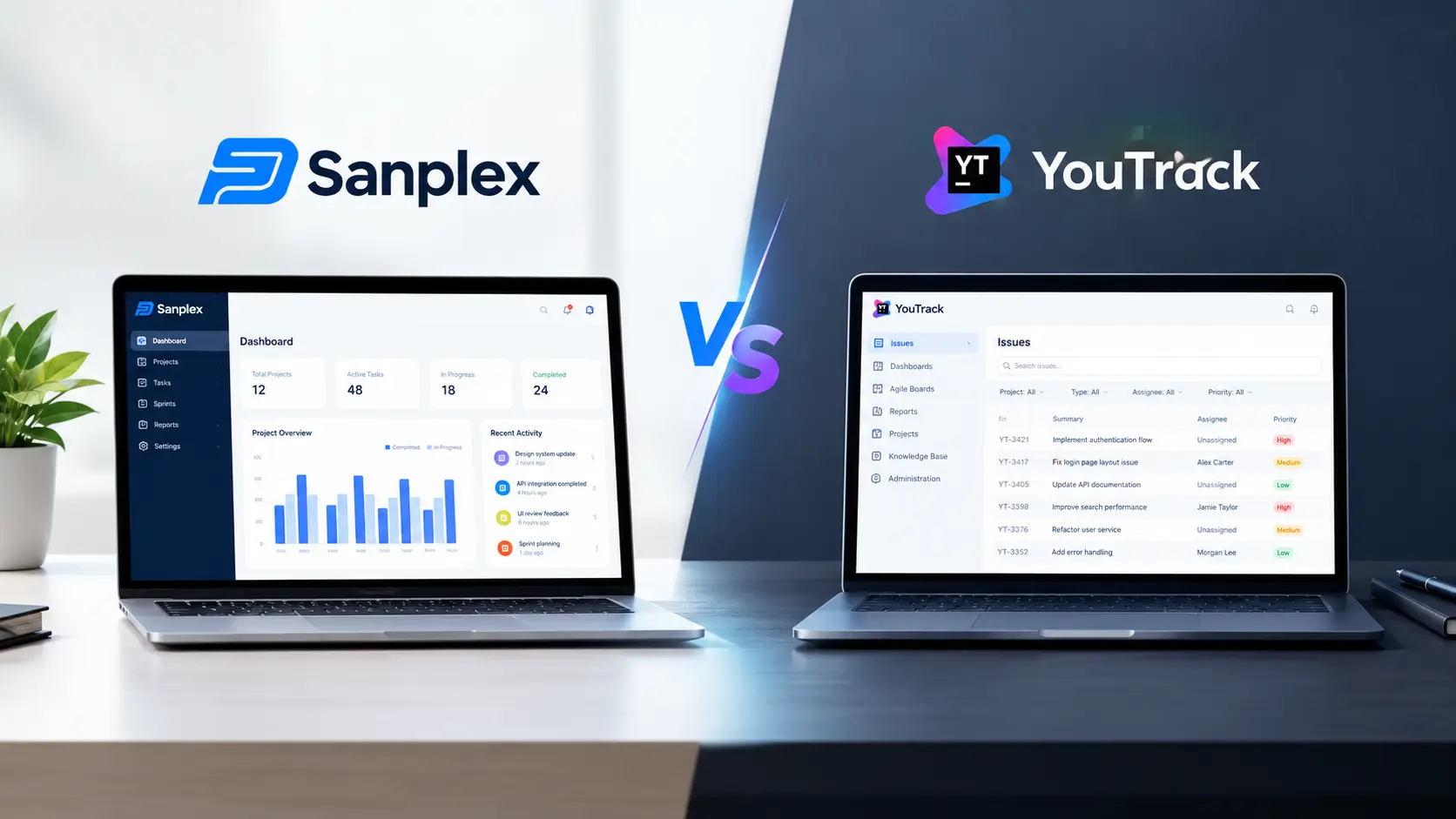
Trello pricing looks simple on the surface. Four tiers, one price per seat, done. But most teams end up paying more than the sticker price once Power Ups, guest seats and Atlassian Access get factored in. Here is what each Trello plan actually costs in 2026, where the hidden costs hide, and how the total compares to a full lifecycle tool like Sanplex.
How Much Does Trello Cost in 2026?
Trello has four plans. Free costs nothing, Standard runs $5 per user a month, Premium is $10 per user a month, and Enterprise starts at $17.50 per user a month with a 50 seat minimum.
|
Plan |
Annual billing |
Monthly billing |
What you get |
|---|---|---|---|
|
Free |
$0 |
$0 |
10 boards per workspace, unlimited cards, unlimited Power Ups, 250 automation runs a month |
|
Standard |
$5 per user monthly billed annually |
$6 per user billed monthly |
Unlimited boards, custom fields, 250 MB file storage, 1,000 automation runs |
|
Premium |
$10 per user monthly billed annually |
$12.50 per user billed monthly |
Adds Calendar, Timeline, Table, Dashboard and Map views plus unlimited automation runs |
|
Enterprise |
$17.50 per user monthly, 50 seat minimum |
Annual only |
Adds SSO, SCIM provisioning, unlimited workspaces and organization wide permissions |
Annual Billing vs Monthly Billing
The prices in the table assume annual billing, which is how Trello lists its official rate. Pay monthly instead and Standard jumps to $6 a seat while Premium goes to $12.50. On a 15 person team that gap adds up to a few hundred dollars a year, so it's worth locking in annual billing once you know you're staying.
What Do You Get on Trello's Free Plan?
The Free plan is genuinely usable, not just a trial. It stays free forever and covers the basics most small teams need.
-
Up to 10 boards per workspace
-
Unlimited cards and unlimited Power Ups
-
10 collaborators per workspace
-
250 Butler automation runs a month
Where the Free Plan Starts to Feel Small
For a two or three person team tracking a simple task list, Free is often enough. The limits start to bite once you pass 10 boards or burn through the automation runs mid month, which tends to happen right around the time a second project gets added.
What Does Trello Standard Add for $5 a Month?
Standard costs $5 per user a month on annual billing, or $6 monthly. The jump from Free mostly removes limits rather than adding new features.
-
Unlimited boards instead of 10
-
Custom fields on cards
-
250 MB file storage per attachment
-
1,000 automation runs a month, up from 250
Who Actually Needs Standard
Standard is the plan most small teams settle on once Free starts to feel cramped. A 12 person marketing team I looked at recently was paying $72 a month for Standard and still had to add a separate $9 a month Power Up for time tracking, since that's not something Trello builds in natively at any tier.
Why Does Trello Premium Cost Double the Price of Standard?
Premium doubles the price of Standard to $10 per user a month annually, and the reason is the view types. Free and Standard only give you the board view.
-
Calendar, Timeline, Table, Dashboard and Map views
-
Unlimited automation runs
-
Workspace level templates
-
Admin and security controls not available below this tier
The Views Are the Real Upgrade
If your team needs to see deadlines on a timeline or pull a simple dashboard, Premium is usually where you end up, not Standard. Teams that stay on Standard longest tend to be the ones who never needed anything but a board in the first place.
What Do You Actually Get on Trello Enterprise?
Enterprise is billed annually only, starts at $17.50 per user a month, and requires a minimum of 50 seats. That works out to roughly $10,500 a year just to get in the door, before adding a single additional user.
-
Everything in Premium
-
Single sign on and SCIM provisioning included at no extra charge
-
Unlimited workspaces and organization wide permissions
-
Multi board guests and public board management controls
The SSO Math Worth Knowing
On every other tier you need Atlassian Access as a separate purchase to get single sign on. Enterprise folds that in, which narrows the real gap between Premium plus Atlassian Access and a straight Enterprise seat more than the headline price suggests.
What Hidden Costs Does Trello Not Advertise?
The advertised per seat price is rarely the full story. A few things tend to catch teams off guard.
-
Monthly billing costs noticeably more than annual on every paid tier, roughly 17 to 20 percent higher
-
A guest added to more than one board gets billed as a full seat on your plan, not treated as a free guest
-
Some Power Ups require their own separate subscription on top of your Trello plan
-
Single sign on through Atlassian Access is a separate cost below Enterprise
None of This Is Hidden, Just Easy to Miss
These costs are all documented on Trello's own pricing page, so calling them hidden isn't quite fair. They just rarely show up in the headline number teams compare when they're shopping around, which is where the surprise usually comes from later.
How Does Trello's Pricing Compare to Sanplex?
Trello is a kanban board first, and everything else gets layered on top. Tools built as a Trello alternative for teams doing structured software work, with Sanplex pricing that includes a free tier plus Standard around $39.9 per user a year and Premium around $59.9 per user a year, start from a different assumption entirely, and land well under what a year of Trello Standard or Premium costs per seat.
What Sanplex Adds That Trello Does Not
The comparison isn't just about the number though. Sanplex is built around a four tier structure covering Program, Project, Product and Execution, with native requirements management, test case linkage, bug tracking and release coordination in one system. Trello doesn't attempt any of that, and it isn't trying to. If your team just needs a visual board for a small project, Trello's simplicity is a genuine advantage, and Sanplex's structure will feel like more tool than you need.
Moving From Trello to Sanplex Isn't a One Click Job
If you do outgrow Trello, it helps to know upfront how a move actually works. Sanplex doesn't offer a one click sync or a direct API import from Trello. The real path is exporting your Trello data to Excel, mapping the fields using Sanplex's import template, then importing. Trello checklists also don't convert automatically into Sanplex subtasks, you add those manually with the Add Subtask action once the import finishes. A full walkthrough is in the guide to migrate from Trello to Sanplex, and it's a fair amount of manual setup rather than a flip of a switch.
Checking Other Tools in the Same Category
It's also worth seeing how Trello's pricing stacks up against other tools before deciding. The Jira pricing breakdown and ClickUp pricing breakdown cover the same per seat math for those two tools.
Quick Answers
Is Trello actually free forever, or just a trial?
Free is a permanent plan, not a trial. It covers 10 boards per workspace, unlimited cards and 250 automation runs a month with no expiration date.
What is the cheapest paid Trello plan?
Standard, at $5 per user a month on annual billing or $6 monthly, is the cheapest paid tier.
Does Trello charge extra for single sign on?
Yes, below Enterprise you need Atlassian Access as a separate purchase for SSO. Enterprise includes it in the base price.
Is Sanplex cheaper than Trello for a growing team?
On a per seat annual basis, Sanplex's published Standard and Premium pricing runs lower than Trello's equivalent tiers, though the two tools are not solving quite the same problem, so price should not be the only factor.
Can I move my Trello boards into Sanplex without losing data?
Yes, but not automatically. You export your Trello boards to Excel, map the fields to Sanplex's import template, then import. Checklists need to be rebuilt as subtasks manually afterward.
Pricing pages only tell you so much on their own. If you're weighing Trello against something built for a larger scope, sanplex.com has the full breakdown, and if a specific question about your team size keeps coming up, a short call with the team usually answers it faster than another comparison post would.
Related Blogs
Sanplex vs Linear