Free Product Roadmap Template (Download)
September 21, 2026PUBLISHED INAgile
 ali
ali 2026-09-21 15:55:00
 0
0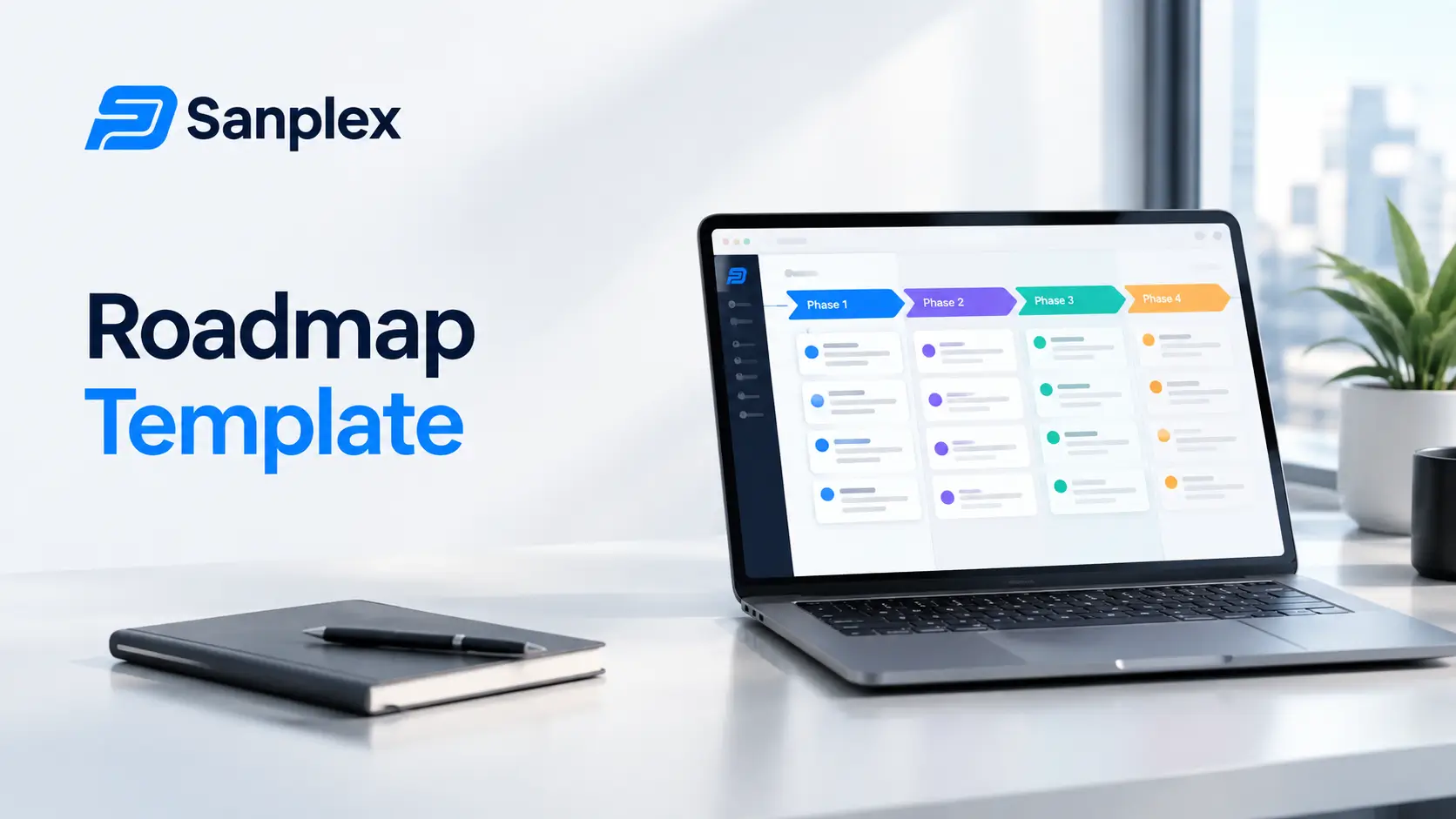
A product roadmap template only earns its place if people actually update it after the kickoff meeting. Most templates fail for the same reason, too many columns, no clear owner, and no link between what's on the roadmap and what's actually in the backlog. Here's a simple structure that avoids that, plus a worked example you can copy.
Why Do Most Roadmap Templates Stop Getting Used?
Most roadmap templates die within a quarter, not because the format was wrong, but because nobody could tell at a glance whether it was still accurate.
-
Too many columns, so updating it becomes its own chore instead of a two minute task
-
No single owner per item, so updates fall through the cracks between people
-
Dates treated as commitments, so people stop trusting the document once the first date slips
-
No connection to the actual backlog, so the roadmap and the real work quietly drift apart
A Template Is Only as Good as the Habit Around It
The columns below work well specifically because there are only five of them. Add a sixth or seventh and the odds of someone skipping the update entirely go up fast.
What Should a Product Roadmap Template Include?
A working roadmap template needs just enough structure to stay useful without becoming its own project to maintain.
|
Column |
Purpose |
|---|---|
|
Theme or Initiative |
The outcome you're driving, not a list of features |
|
Target Quarter |
A rough window, not a promised date |
|
Status |
Not started, in progress, shipped, or cut |
|
Owner |
One name, not a team |
|
Success Metric |
How you'll know it worked |
A Worked Example Row
Theme: Reduce onboarding drop off. Target Quarter: Q1. Status: In progress. Owner: Priya. Success Metric: Cut time to first project setup from 12 minutes to under 5. That single row tells anyone in the company what's happening and why, without needing a meeting to explain it.
How Do You Fill Out a Roadmap Template Step by Step?
-
Start with outcomes, not features. Write what should be true for the user once this ships, not the feature name
-
Pull each theme from your actual backlog rather than inventing new ones on the spot
-
Assign one owner per row, even if a team is doing the work, someone still has to be accountable for the update
-
Set the target quarter loosely and revisit it every planning cycle rather than treating it as a fixed deadline
-
Review the whole sheet monthly and cut anything that's been stuck in the same status for two reviews in a row
Keep the Roadmap Separate From the Backlog
The roadmap should stay at the theme level. Once you start listing individual tickets on it, it turns into a second backlog that drifts out of sync with the real one within a month.
How Does This Fit With Other Planning Templates?
A roadmap rarely stands alone. Once a theme moves into active planning, it usually needs a free PRD template to define scope, and once it's shipping, a free sprint retrospective template to capture what worked. If multiple people are accountable across a theme, a free RACI matrix template clears up who actually owns what before it becomes a point of confusion mid quarter.
What Format Should the Template Actually Be In?
A spreadsheet works for most teams starting out, but the right format depends on who's reading it and how often.
-
A simple spreadsheet works fine for internal planning reviewed monthly by a small team
-
A slide deck version works better for quarterly leadership updates, since it forces the theme level view rather than letting detail creep in
-
A shared doc with a table works well when several people need to comment directly on specific rows
Pick One Format and Stop Switching
Teams that maintain the same roadmap in three formats, a spreadsheet, a slide deck, and a doc, almost always end up with three versions that disagree with each other within a month. Pick the format the actual audience needs and update that one.
Is a Spreadsheet Template Enough, or Do You Need Software?
For a single stakeholder deck or a small team, this template in a spreadsheet is genuinely enough. You don't need software to fill out five columns. Where it starts to break down is when the roadmap needs to update automatically as the underlying work changes, that's where product roadmap planning tools like Sanplex come in, since they tie the roadmap theme directly to the requirements and releases behind it instead of relying on someone remembering to update a spreadsheet.
The Honest Trade Off
Software adds visibility and reduces the manual updating, but it also adds a tool your team has to adopt. If your roadmap only gets reviewed once a quarter by three people, the spreadsheet template above will serve you just as well.
How Do You Present a Roadmap to Stakeholders Without Overpromising?
The same document that works internally is usually too detailed for a leadership update. Strip it down to themes and status only, and leave target quarters out of the headline view entirely.
-
Group rows by status first, shipped, in progress, planned, so the wins are visible immediately
-
Say what changed since the last update instead of re-presenting the whole roadmap from scratch
-
Frame target quarters as current thinking, not a commitment, every single time you show the document
The Quarter Is a Guess, Say So Out Loud
Stakeholders remember dates far longer than they remember the caveat that came with them. It's worth repeating the caveat every time rather than assuming it carried over from the last meeting.
Common Questions
How often should a product roadmap be updated?
Monthly is a reasonable default for most teams. Weekly updates usually mean the roadmap is being used as a task list, which is a different document.
Should a roadmap show exact dates?
Rough quarters hold up better than exact dates. Specific dates on a roadmap tend to get treated as commitments even when they were never meant to be.
Who should own the roadmap document?
One product owner or product manager, even if input comes from several people. A roadmap without a single owner tends to drift.
What's the difference between a roadmap and a backlog?
A roadmap tracks themes and outcomes at a quarterly level. A backlog tracks individual tickets ready for a sprint. Mixing the two makes both harder to maintain.
Can this template scale to a larger team?
The columns scale fine, but a spreadsheet version starts to strain once several teams are updating it at once. That's usually the point where dedicated roadmap software earns its cost.
If you want to see how a roadmap connects to real requirements and releases instead of living in its own spreadsheet, sanplex.com walks through it, and the team is happy to show a live example if you book a short call.
Related Blogs
Confluence Pricing 2026: Full Cost Breakdown