What Is a Barcode Generator? A Quick Explainer
September 22, 2026PUBLISHED INAgile
 ali
ali 2026-09-22 13:45:00
 0
0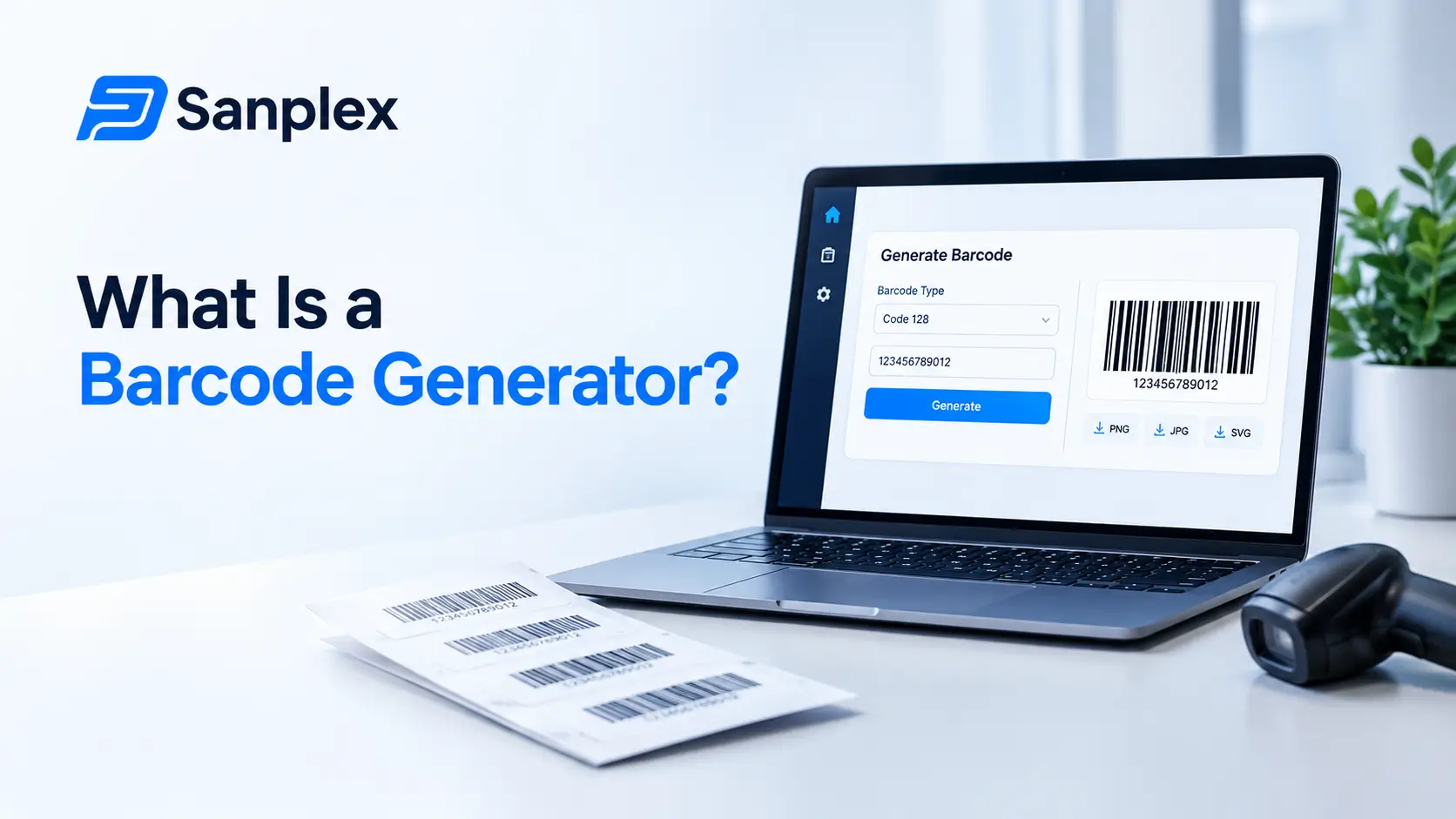
A barcode generator sounds like a narrow, purely operational tool, and on the surface it is. Underneath that, for any project team dealing with physical parts, test units, or shipped hardware, barcode generation quietly becomes part of how the whole project stays traceable. This guide covers what a barcode generator actually does, the different barcode types in common use, and how this fits into a broader project and manufacturing workflow rather than sitting off to the side as a purely warehouse concern, including practical rollout examples, hardware and cost considerations, and where teams commonly go wrong when setting this up for the first time.
What Is a Barcode Generator, in Plain Terms?
A barcode generator is software that takes a piece of data, a part number, a serial number, a batch identifier, and turns it into a scannable visual code, either a traditional linear barcode or a two dimensional code like a QR code or Data Matrix. The generator produces the printable image, nothing more, the actual tracking value comes from what a team does with it afterward.
A Barcode Generator Is Not the Same as a Scanner
Generating a barcode and reading one are two different tools solving two different halves of the same problem. A generator creates the code, a scanner reads it back, usually into whatever inventory or project system is tracking the underlying item. Confusing the two matters when evaluating tools, since a platform strong on generation is not automatically strong on the scanning and database side, and the reverse is just as common. Procurement decisions that treat these as one purchase sometimes end up with a mismatch, a great generator paired with weak downstream tracking, or the other way around.
What Types of Barcodes Do Teams Actually Use?
Different barcode formats exist because they solve different problems, more data capacity, smaller printable size, or compatibility with a specific industry's existing scanning infrastructure.
|
Barcode type |
Best suited for |
|
UPC/EAN |
Retail products, consumer packaged goods |
|
Code 128 |
Shipping, logistics, general purpose inventory |
|
Code 39 |
Automotive, defense, older industrial systems |
|
QR code |
Consumer facing codes, larger data payloads, easy phone scanning |
|
Data Matrix |
Small part marking, electronics, aerospace traceability |
QR Codes and Data Matrix Codes Pack More Data Into Less Space
Traditional linear barcodes can really only hold a single identifier, everything else lives in a database that identifier points to. Two dimensional codes like QR and Data Matrix can hold meaningfully more data directly in the code itself, batch number, manufacture date, a short URL, which matters when a part is too small for a large linear barcode or when a scan needs to work without a live database connection.
How Do Barcode Generators Actually Work?
At a technical level, a generator takes the input data, applies the encoding rules for the chosen barcode symbology, and renders the result as an image or a print ready file, often with a human readable version of the data printed underneath for manual reference when a scanner is not available.
Static vs Dynamic Barcode Generation
A static barcode encodes a fixed piece of data set once and never changed after printing. A dynamic barcode, most commonly seen with QR codes, encodes a short URL that can be redirected to different content later without reprinting the physical code. For a manufacturing serial number, static is almost always the right choice, since the identity of a physical part should not change after the label is printed.
Why Do Hardware and Manufacturing Project Teams Need This at All?
• Tracking individual units through a multi stage assembly or testing process without relying on someone remembering which unit is which
• Linking a physical part back to the specific requirement, test case, or work order it belongs to
• Recalling exactly which batch or serial range was affected if a defect is discovered after shipping
• Giving field technicians a fast way to pull up a unit's full history without manual lookup
The Real Value Is Traceability, Not Just Labeling
Sticking a barcode on something is trivial. The actual value comes from what that barcode connects to, a full, queryable history of that specific unit's requirements, test results, and change history. A barcode with nothing meaningful behind it is just a sticker, and teams that generate codes without first building the system to back them tend to end up with exactly that.
How Does Barcode Tracking Connect to Test Case Management?
For hardware teams, a physical test unit and a digital test case need to stay linked throughout the testing process, not just at the start. Test case management: a complete guide covers the broader discipline this fits into, and a barcode scan at each test stage is often the simplest, least error prone way to confirm the physical unit being tested actually matches the test case being logged against it.
Manual Entry Is Where Test Records Usually Go Wrong
A technician typing a serial number by hand introduces a real, recurring source of error, a transposed digit links a test result to the wrong unit entirely. Scanning a barcode removes that specific failure mode, which is a large part of why barcode tracking becomes standard practice the moment testing volume grows past a handful of units.
How Does This Connect to Release Management?
Hardware releases carry an extra layer that pure software releases do not, physical units that shipped need to trace back to a specific build and configuration. Release management process covers this broader discipline, and barcode based serial tracking is frequently the mechanism that actually connects a shipped physical unit back to the exact software and hardware revision it left the factory with.
How Should Barcode Data Integrate With Project Management Software?
A barcode is only as useful as the system behind it. Scanning a code that pulls up a rich, current record, requirements, test history, change log, is meaningfully different from scanning a code that pulls up a static, rarely updated spreadsheet row.
• The barcode value should map directly to a real, queryable record, not just a label with no live system behind it
• Scanning should update status in real time where possible, not require a separate manual data entry step afterward
• Access to scan history should be visible to the people who actually need it, quality, support, engineering, not siloed in one team's local spreadsheet
Avoid Barcode Systems That Live Outside the Main Project Record
A common, avoidable mistake is running barcode tracking in an isolated inventory tool that never actually connects back to the requirements and test data living in the main project system. That gap means someone has to manually reconcile two systems, which defeats much of the point of automating the tracking in the first place. The reconciliation work tends to fall to whoever notices the discrepancy first, usually well after the gap has already caused confusion somewhere downstream.
What Does a Practical Barcode Workflow Look Like End to End?
Step One: Generation at the Start of Production
A unique serial number gets generated and printed as a barcode the moment a unit enters production, tied immediately to the work order and requirements it's being built against.
Step Two: Scans at Each Test Stage
As the unit moves through assembly and test stations, each scan logs a timestamp and status against that specific serial number, building a real, chronological history rather than a single end of line pass or fail.
Step Three: Final Scan Before Shipment
A final scan at packaging links the unit's complete build and test history to the shipment record, so a support team looking up that serial number later sees the full picture, not just a shipped confirmation.
Step Four: Field Support and Warranty Lookups
When a customer contacts support about a specific unit, scanning or entering the serial number pulls up its actual build configuration and test history, turning a generic troubleshooting conversation into one grounded in what that specific unit actually is.
What Should You Actually Look For in a Barcode Generator Tool?
• Support for the specific barcode symbology your industry or customers require, not just one default format
• Batch generation for producing large runs of sequential serial numbers, not just one code at a time
• Export formats compatible with your actual label printer, not just a generic image file
• An audit trail of what was generated and when, useful if a serial number range is ever questioned later
What Are Common Mistakes Teams Make With Barcode Systems?
• Reusing serial numbers or ranges by accident, which corrupts historical traceability for both units involved
• Choosing a barcode format too dense to print reliably at the physical size the part actually requires
• Treating the barcode as the tracking system itself, rather than as a key that points to the real system behind it
• No backup process for when a barcode label is damaged or unreadable in the field
Always Have a Manual Fallback
A barcode that cannot be scanned, a smudged label, damaged packaging, should not mean the unit's history becomes unreachable. Printing the identifier in plain, human readable text alongside the barcode is a small, cheap safeguard against this exact situation.
How Does This Apply Specifically to Manufacturing Teams?
Manufacturing project teams typically deal with this at a larger scale than a single hardware product team, tracking components, subassemblies, and finished goods simultaneously. Project management software for manufacturing teams covers the broader tooling context this fits into, where barcode based tracking is usually one piece of a larger system covering scheduling, quality, and supplier coordination together.
How Does This Apply to Hardware Development Specifically?
For teams building hardware products from the ground up, barcode tracking often starts earlier than full production, prototype and pilot units benefit from the same discipline before scale manufacturing begins. Project management for hardware development teams covers how this kind of physical traceability fits alongside the broader requirements and test management work a hardware team already does.
How Does Physical Asset Tracking Intersect With Resource Planning?
Physical units and test equipment are a resource just like people and time, and they can become a bottleneck the same way an overbooked engineer can. Multi project resource planning explained covers the general discipline, and barcode tracked equipment, a limited number of test rigs shared across multiple projects, is a common, concrete example of a physical resource that needs the same visibility as a person's calendar.
Shared Test Equipment Is an Easy Bottleneck to Miss
A test rig tracked only informally, on a whiteboard or in someone's memory, tends to become a silent bottleneck that only becomes visible once two teams show up wanting it at the same time. Barcode scans logging when equipment checks in and out make this contention visible before it turns into a scheduling conflict.
What Traceability or Compliance Requirements Come Into Play?
Regulated industries, aerospace, medical devices, automotive safety components, often have explicit traceability requirements that barcode systems exist specifically to satisfy, full genealogy from raw material through finished, shipped unit.
• Full serial level traceability from component to finished product, not just batch level tracking
• Retained records for a defined period after shipment, often years, not just through initial delivery
• Ability to produce a complete recall list quickly if a specific batch or supplier lot is found defective
Data Retention and Storage Location Matter Here Too
For regulated industries, where traceability data is stored, and for how long, is not a minor technical detail. Teams with strict compliance requirements should confirm their project and inventory systems retain this history for the required period and, where relevant, keep it within required data residency boundaries.
Are There Industry Standards Behind Barcode Formats?
Most widely used barcode formats are governed by industry standards bodies, which matters when a team needs their barcodes to be readable by partners, suppliers, or customers outside their own systems.
• GS1 maintains the standards behind many retail and logistics barcodes, including UPC and GS1-128, a variant of Code 128
• Aerospace and defense industries often follow specific ATA or MIL-STD marking requirements for Data Matrix codes on small parts
• Automotive suppliers frequently follow AIAG standards for parts labeling and traceability
Check Customer or Supplier Requirements Before Choosing a Format
A team building a product that ships into an existing supply chain, automotive, aerospace, medical device, often does not get to freely choose a barcode format. The customer or regulatory body upstream frequently specifies it, and confirming that requirement before settling on a barcode generator saves a painful rework later if the wrong format was chosen from the start.
What Hardware Considerations Come Into Play Beyond the Software?
A barcode generator produces a file or image, but getting a durable, scannable label onto a physical part involves real hardware decisions that the generation step alone does not solve.
• Label material needs to survive the part's actual environment, heat, chemicals, outdoor exposure, not just look fine on a desk
• Print resolution needs to match the barcode density, a high density Data Matrix code on a small part needs a genuinely capable printer, not a basic office one
• Scanner hardware needs to match the barcode type in use, some handheld scanners handle 2D codes poorly even if they claim general compatibility
Testing the Full Chain Matters More Than Testing the Software Alone
A barcode that renders perfectly on screen can still fail in practice if the printer cannot reproduce it at the required density, or if the label material degrades before the part reaches its final destination. Testing the complete chain, generation, printing, application, and scanning under real conditions, catches problems that testing the software in isolation misses entirely. A short pilot run of a few dozen labels through the actual environment a part will face, heat, moisture, handling, is usually enough to catch a material or print setting problem before it becomes a much larger issue across a full production batch.
What Does This Cost in Practice?
Barcode generation software itself is often inexpensive or bundled into a broader inventory or project system, but the full cost of a barcode program includes more than just the generation tool.
|
Cost area |
What drives it |
|
Generation software |
Often low cost or included in a broader platform |
|
Label printers |
Ranges widely based on print volume and durability needs |
|
Label stock |
Specialty materials, cold or chemical resistant, cost more per unit |
|
Scanning hardware |
Handheld scanners vs fixed mount vs mobile device cameras |
|
Integration work |
Connecting scan events to the actual project or inventory system |
Integration Work Is Often the Hidden Cost
Teams frequently budget for the visible hardware, printers and scanners, and underestimate the engineering time needed to actually wire scan events into the systems that make the data useful. A barcode scanned into a system nobody built a proper record for is not meaningfully different from not scanning it at all.
How Does Team Size Change What Setup Actually Makes Sense?
A five person hardware startup building a handful of prototype units has very different needs than a manufacturing operation producing thousands of units a month, and the right level of investment scales accordingly.
• Small teams can often start with a simple, even free, barcode generator and manual scanning against a basic spreadsheet or lightweight system
• Mid sized teams typically need scan events to feed automatically into their actual project and test management system
• Larger manufacturing operations usually need dedicated scanning stations integrated directly into the production line itself, not handheld ad hoc scanning
Start With the Minimum That Solves the Real Problem
Over investing in a heavy, integrated system before volume actually justifies it wastes budget better spent elsewhere. Under investing past the point where manual tracking genuinely breaks down creates real traceability gaps. Matching the setup to actual current volume, and revisiting it as that volume grows, avoids both mistakes.
What Are Common Myths About Barcode Tracking in Project Environments?
|
Myth |
Reality |
|
Barcodes are only for retail and warehouses |
They're widely used in manufacturing, hardware, and lab environments for traceability |
|
Any barcode format works the same for any use case |
Format choice affects data capacity, print size, and industry compatibility |
|
QR codes are always better than traditional barcodes |
Traditional formats are often faster to scan and more robust for industrial environments |
|
Barcode tracking is a warehouse concern, not a project management one |
It directly feeds test, release, and traceability records project teams depend on |
Should a Team Use a Generic Barcode Generator or One Built Into Project Software?
Standalone, generic barcode generators are widely available, often free, and perfectly capable of producing correct codes in any common format. The real question is not whether they can generate a valid barcode, most can, but what happens to the data connected to that barcode afterward.
• A generic tool produces the image and nothing more, the team still has to build or maintain the connection to their actual tracking system separately
• A generator built into the same platform as requirements and test data can tie a new serial number directly to a work order the moment it's created
• For a very small, informal use case, a free standalone tool is often genuinely sufficient and not worth replacing
The Decision Usually Comes Down to Integration Effort
A generic tool is not a wrong choice, it's a reasonable one for teams with light, occasional barcode needs. The tradeoff becomes real once scanning volume grows enough that manually connecting barcode data to the rest of the project record becomes its own recurring task, at which point an integrated option starts saving meaningful time.
What Does a Real Rollout Scenario Look Like End to End?
Abstract advice is harder to apply than a concrete example. Here is a fairly typical path a mid sized hardware team follows when introducing barcode tracking for the first time.
Month One: Choosing a Format and Pilot Scope
The team picks Data Matrix for its small parts, since board level components leave little room for a larger linear barcode, and scopes the pilot to a single product line rather than the entire catalog at once. A basic generator produces sequential serial numbers tied to each unit's work order.
Month Two: Manual Scanning Alongside Existing Process
Technicians scan each unit at three checkpoints, incoming inspection, final test, and packaging, while the team continues its existing paper based tracking in parallel as a safety net. This overlap period surfaces printer and label durability issues before they become a production wide problem.
Month Three: Removing the Manual Fallback
Once scan data reliably matches the manual records with no meaningful gaps, the team retires the paper process for this product line. Scan events now feed directly into the same system holding requirements and test case data, so a serial number lookup shows a unit's complete history in one place.
Months Four Through Six: Expanding to Additional Product Lines
With the format, hardware, and integration proven on one product line, the team expands to two more, reusing the same setup rather than re-evaluating barcode formats and printers from scratch each time.
What This Rollout Illustrates
The pilot was deliberately narrow, one product line, one barcode format, with an overlap period rather than an immediate full cutover. That caution is what let real problems, label durability, printer settings, surface on a small, manageable scale rather than across the entire operation at once.
How Does This Differ Between Low Volume Prototyping and High Volume Manufacturing?
A team building five prototype units and a team producing five thousand units a month are solving a similar underlying problem at very different scales, and the right tooling reflects that difference.
|
Factor |
Low volume prototyping |
High volume manufacturing |
|
Serial generation |
Manual or simple batch generation is fine |
Automated generation tied directly to production line software |
|
Scanning |
Handheld scanner or even a phone camera |
Fixed mount scanners integrated into the line |
|
Data integration |
Can tolerate some manual reconciliation |
Needs real time integration, manual steps do not scale |
|
Label durability |
Often less critical for short lived prototypes |
Needs to survive the full product lifecycle and environment |
Do Not Build High Volume Infrastructure for a Low Volume Problem
A five person team building ten prototype units does not need a fully automated, line integrated scanning system, a simple generator and a handheld scanner solves the actual problem at that scale. Building the heavier infrastructure too early is wasted effort that would be better spent on the product itself.
Frequently Asked Questions
Can a barcode generator create codes for more than one symbology?
Most modern generators support multiple formats, UPC, Code 128, QR, Data Matrix, within the same tool, since teams frequently need different formats for different purposes, packaging versus small part marking, for example.
Do small hardware teams really need this, or is it just for large manufacturers?
Even a small team building a handful of prototype units benefits from basic serial tracking, since the alternative, tracking units by memory or an informal spreadsheet, breaks down quickly once more than a couple of units exist at once.
Is a QR code always a better choice than a traditional linear barcode?
Not necessarily. QR codes hold more data but can be slower to scan reliably in harsh industrial lighting conditions compared to a well tuned linear barcode scanner, which is why plenty of manufacturing environments still default to Code 128 or Code 39.
How does barcode tracking relate to warranty and support later?
A properly tracked serial number lets a support team pull a unit's full build and test history the moment a customer reports an issue, turning a generic troubleshooting conversation into one grounded in that specific unit's actual history.
What happens if a barcode label gets damaged?
A good system prints the identifier in human readable text alongside the barcode specifically for this situation, and keeps the underlying record accessible by manual serial number entry, not solely through a successful scan.
Should barcode data live in a separate system from the main project tool?
Ideally not. Keeping barcode driven scan data connected to the same system holding requirements, test cases, and release records avoids the manual reconciliation work that comes from running two disconnected systems side by side.
Does a barcode format choice lock a team in permanently?
Not permanently, but switching formats after significant production volume has already shipped means running two systems in parallel for legacy units, which adds real overhead. Choosing carefully upfront based on actual requirements, rather than defaulting to whatever is easiest to set up, avoids that later cost.
Can barcode scanning work without an internet connection?
Yes, for static barcodes tied to locally cached or offline capable systems, scanning does not require a live connection at the moment of the scan. Syncing that data back to a central system can happen later, though teams relying on this pattern need a clear process for that sync step, not just an assumption it will happen automatically.
Is it worth generating barcodes in bulk ahead of production, or one at a time?
Bulk generation ahead of a production run is common and saves time, but it requires careful control over the sequential range to avoid duplicates or gaps. Generating one at a time as each unit enters production is slower but removes that specific risk, which is why some teams prefer it for lower volume, higher value products where a duplicate serial number would be a serious problem.
If physical unit tracking needs to connect directly to requirements, test cases, and release records instead of a separate inventory tool, sanplex.com shows how that fits together, or talk it through with the team to see how it would work for your specific product and volume.
Related Blogs

Sanplex 4.0 Conversational AI: What's New in This Release