Catalog
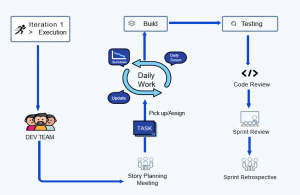
DEV Team Workflow in ZenTao
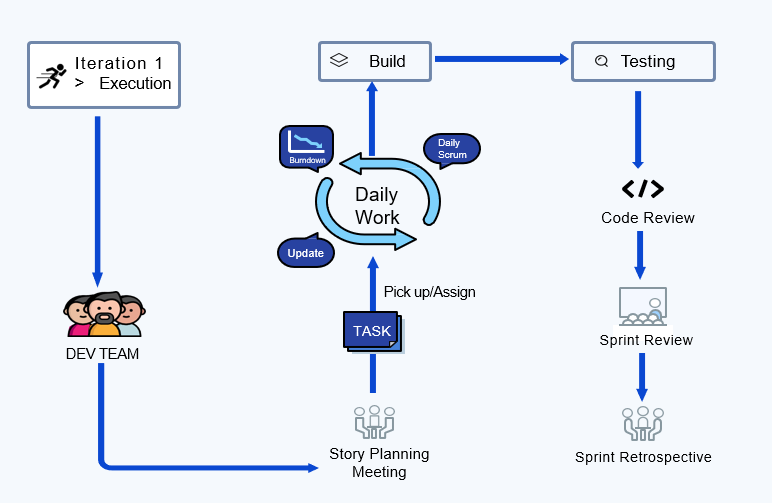
Story Planning Meeting
Developers, together with the Scrum Master, listen to the Product Owner to explain the requirements and decompose software requirements into tasks. At this meeting, developers are expected to:
- Listen carefully to ensure there is no bias in understanding the requirements.
-
Work together with Scrum team to estimate work hours for each software requirement using Agile Poker and break down these stories into tasks.
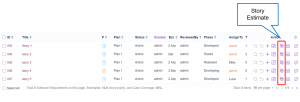
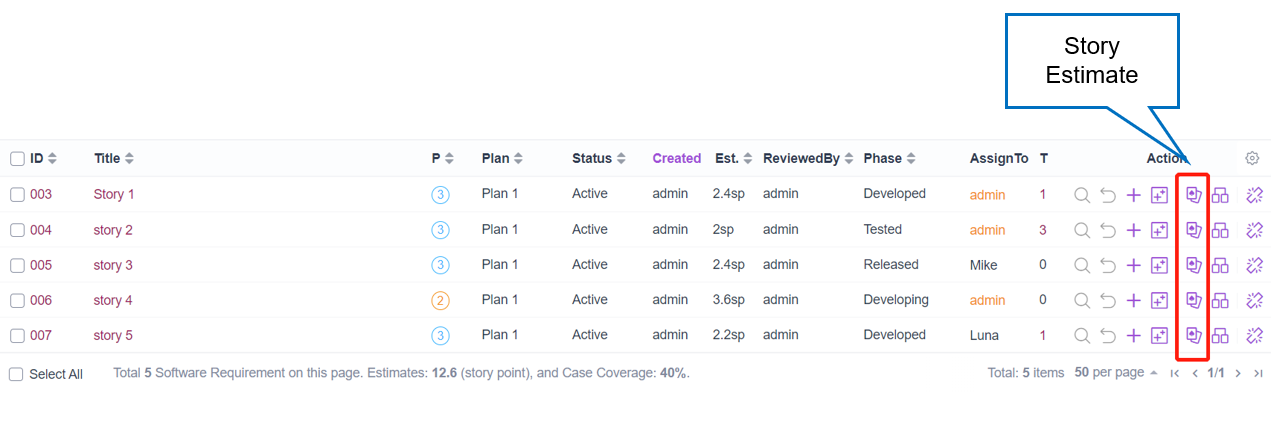
- Select Execution > Execution List > Software requirement > Story Estimate.
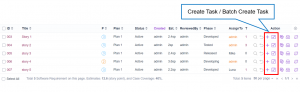
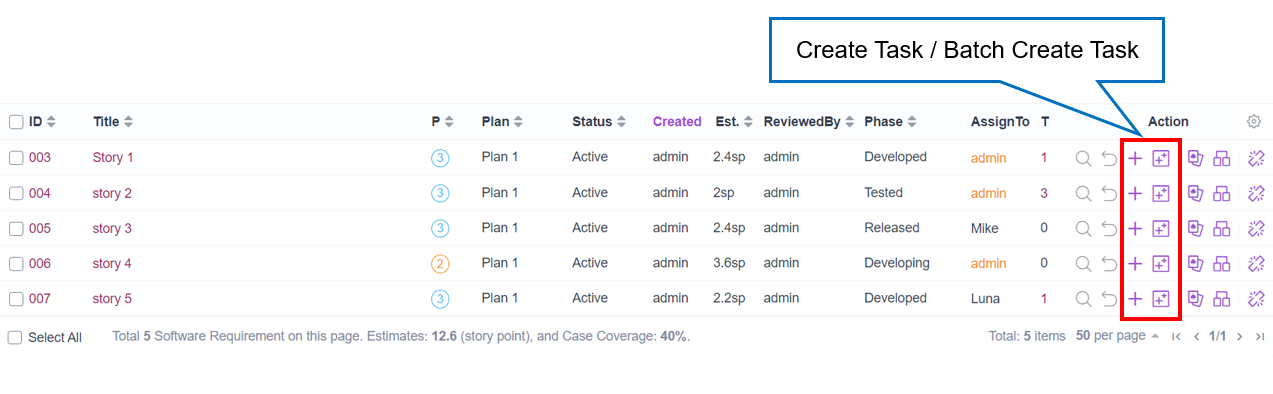
- Select Execution > Execution List > Task > Create task/Batch create tasks or select Execution > Execution List > Software requirement > Create task/Batch create tasks.
- Pick up tasks or accept the assigned tasks, after the task decomposition is complete.
Development Phase
During the development phase, developers need to complete the following works:
- Daily development: Continuous Integration, Continuous Delivery
- Update task status: update task status start, finish, close, cancel, and activate in ZenTao.
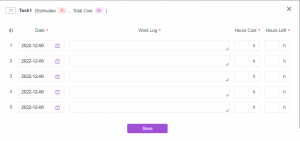
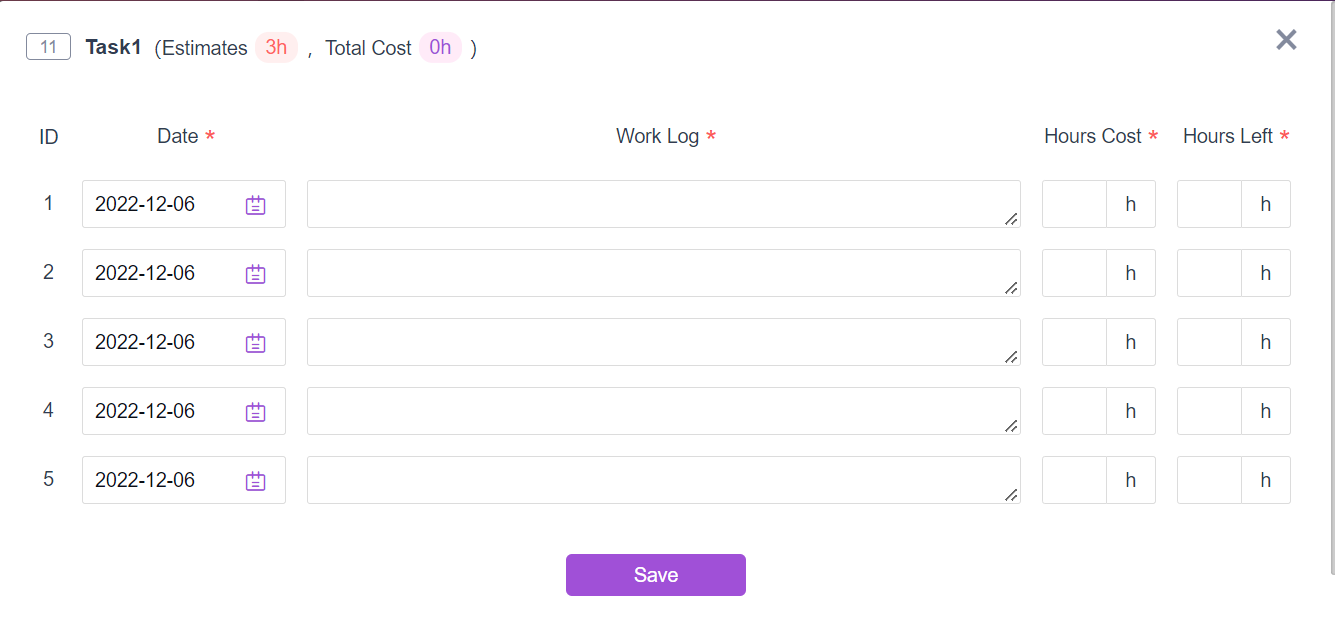
- Update work Log: update daily task spending hours, estimated remaining hours, and daily work details.
- Daily stand-up meeting: describe what you did yesterday, and what you're doing today. Identify obstacles and align iterative goals.
Test Builds
After completing the development of this iteration requirements, the developers will be able to create a Build and link all the finished stories and resolved bugs.
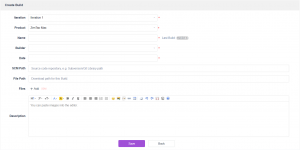
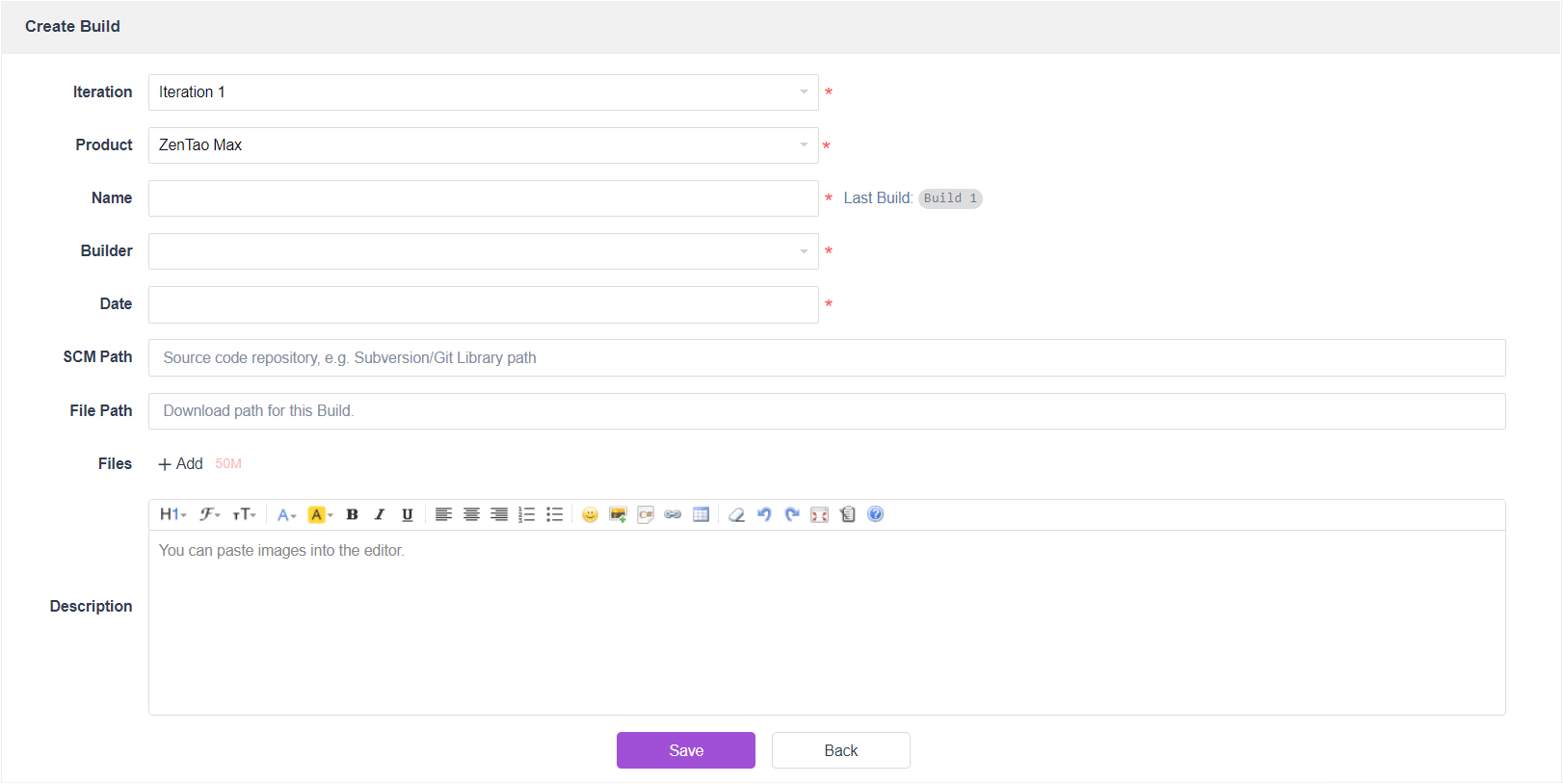
- For product-based project, select Execution > Iteration List > Build > Create Build.
As a developer, you can edit the test build's
- Iteration
- Product
- Name
- Builder
- Date
- SCM Path
- File Path
- Files
- Description
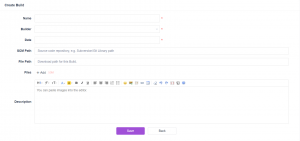
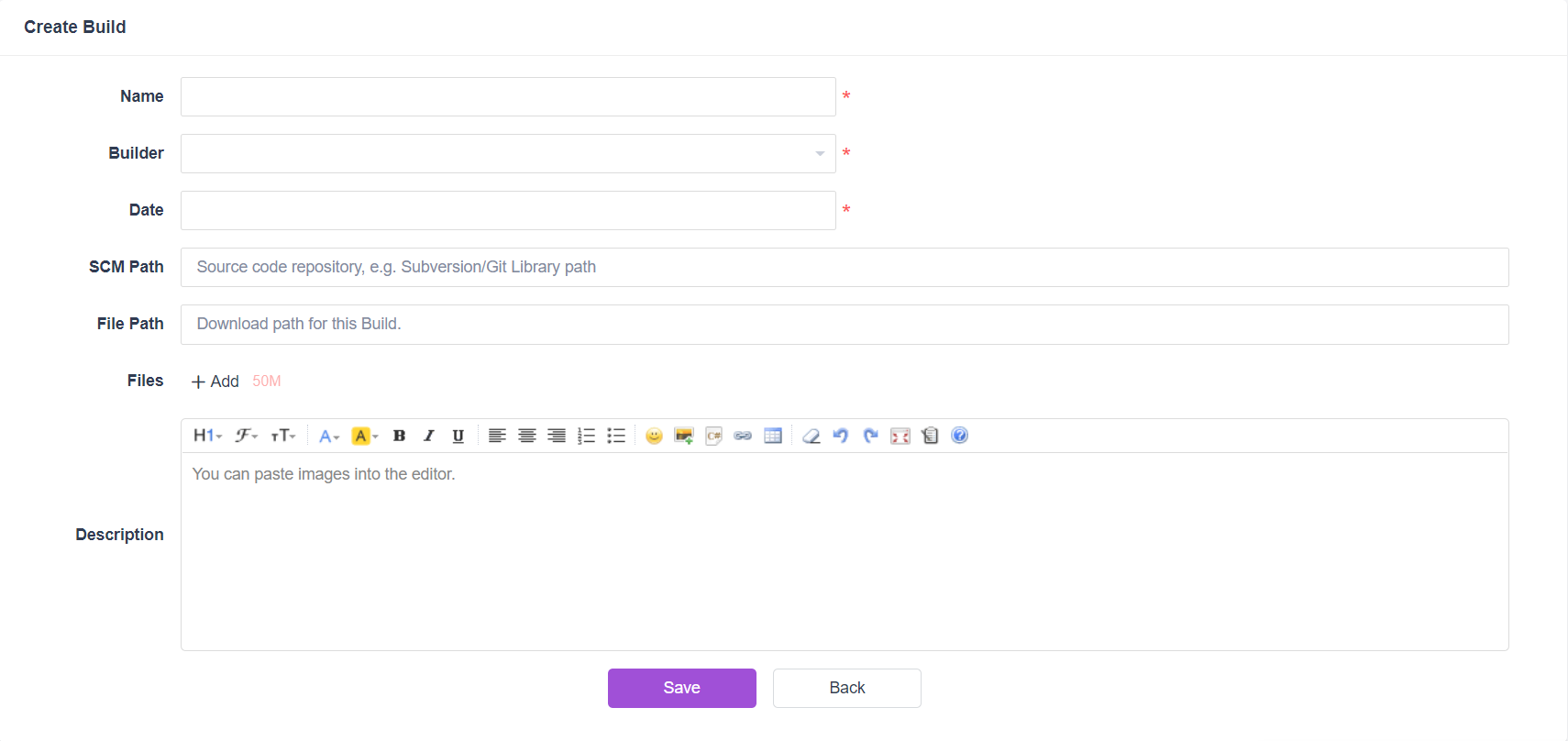
- For non-product-based project, select Project > Project List > Build > Create Build.
As a developer, you can edit the test build's
- Name
- Builder
- Date
- SCM Path
- File Path
- Files
- Description
- Select Build Name < Finished Software Requirement < Link Software Requirement.

- Select Build Name < Resolved Bugs < Link Bug.

Submit Test Requests
Developers will be able to submit the test builds to the test team.
In ZenTao, you can submit test requests via the following three paths:
- For product-based project, select Execution > Iteration List > Build > Submit Request.
- For non-product-based project, select Project > Project List > Build > Submit Request.
- For all types of project, select QA > Request > Submit Request.
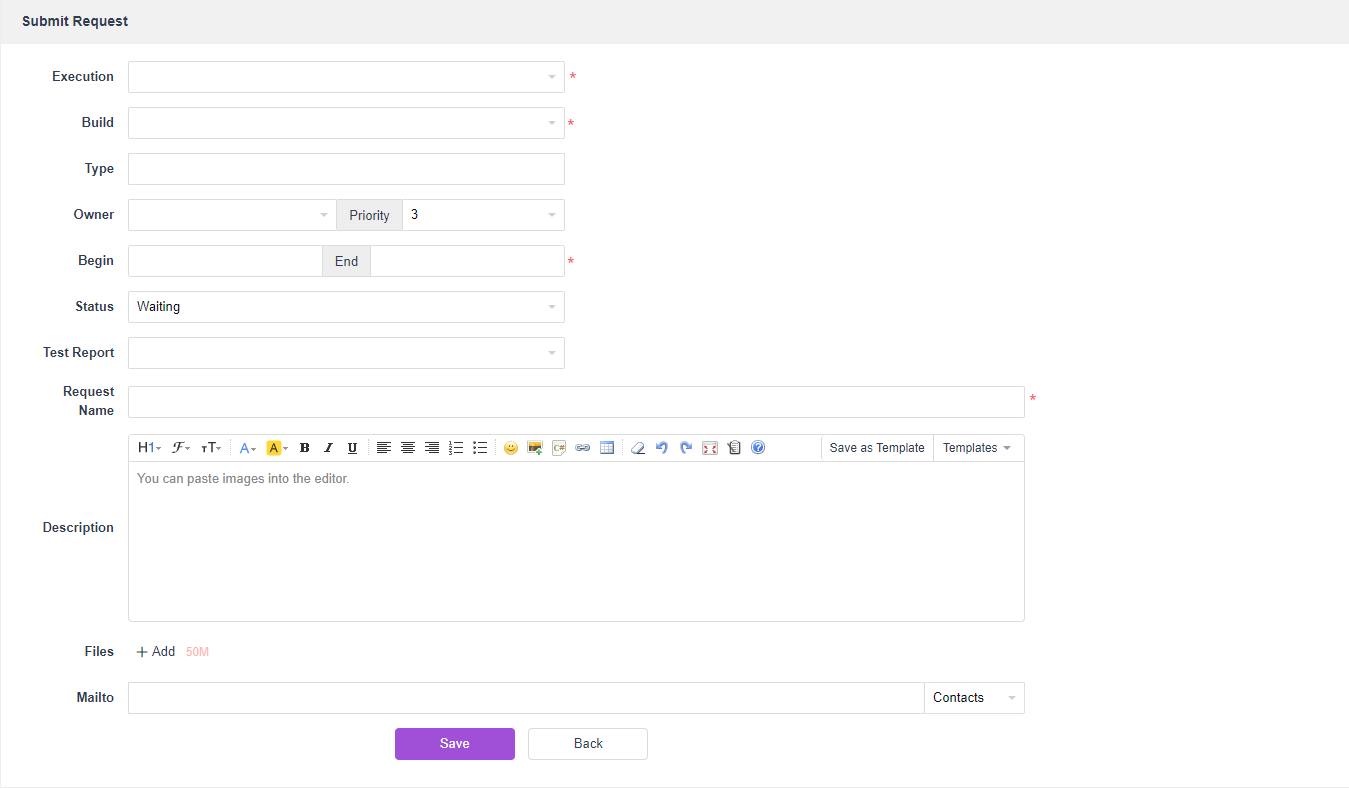
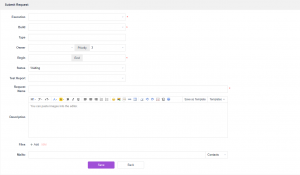
And then you will be able to edit the relevant test request information
As a developer, you can edit the test request's
- Execution
- Build
- Type
- Owner
- Priority
- Begin and End
- Status
- Test Report
- Request Name
- Description
- Files
- Mail To