After the plan is created, editing the stories can be performed. How product managers edit the stories in Sanplex:
1.Create the story
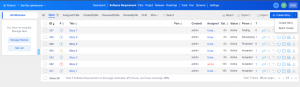
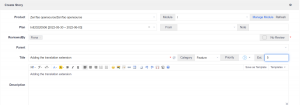
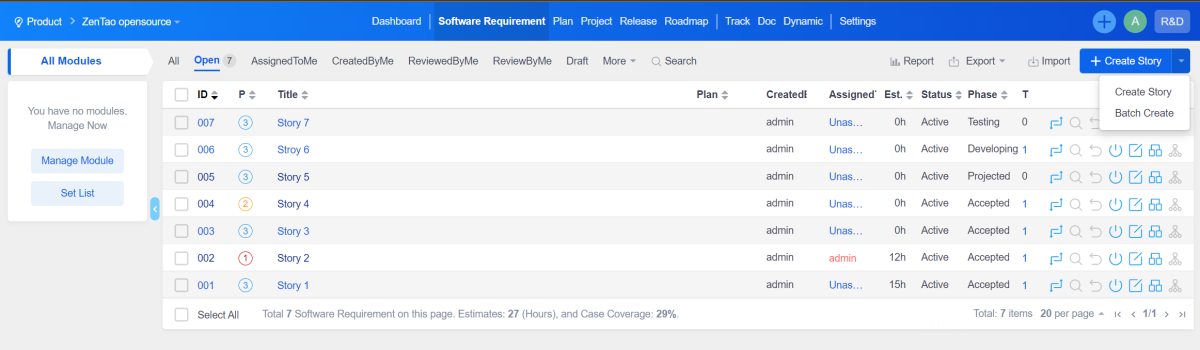
On the Product--Software Story page, click the "Create story" button,
On the Software Story page, you can select an plan. It can also be linked on the plan page.
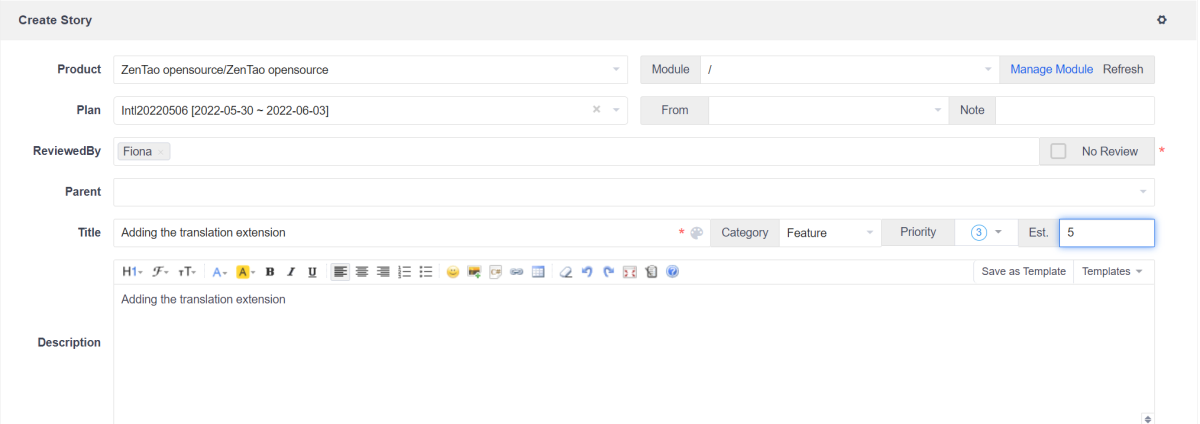
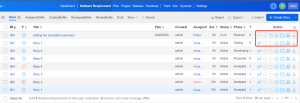
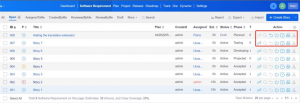
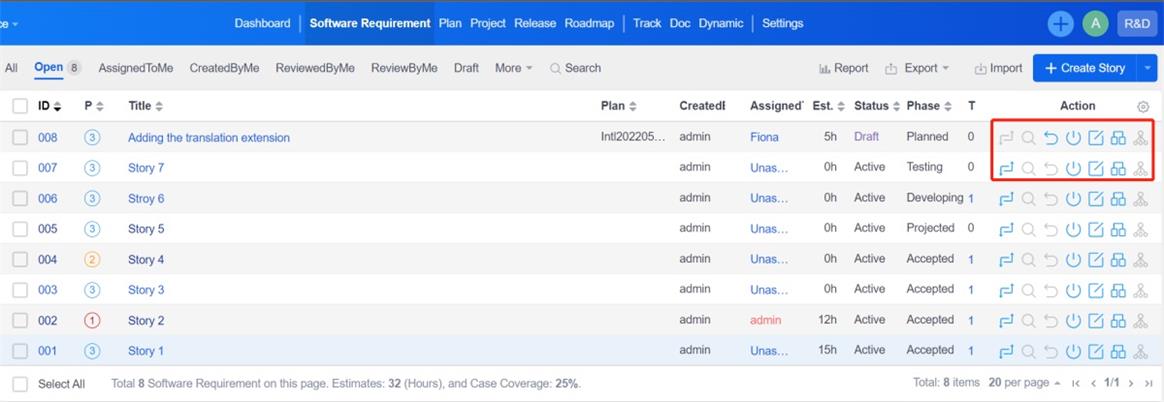
After clicking "Save", it will automatically return to the storys list. The storys can be changed, reviewed, closed, edited, use cases created or sub-storys added through the action buttons.
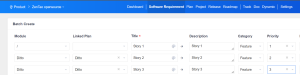
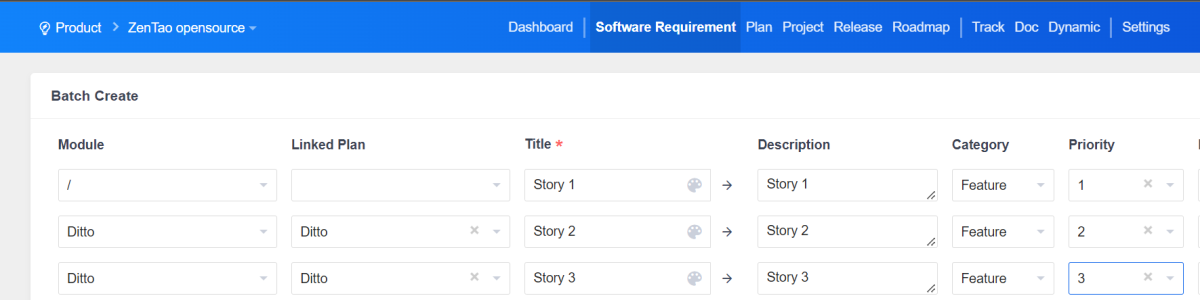
2.Batch create stories
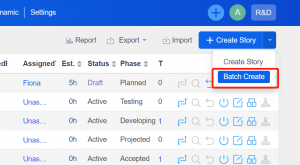
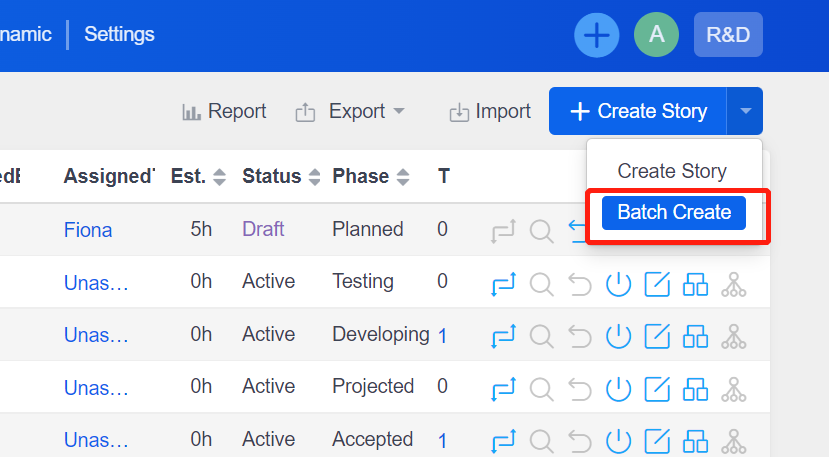
Click "Create Story" - "Batch Create".
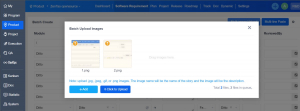
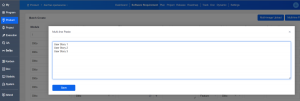
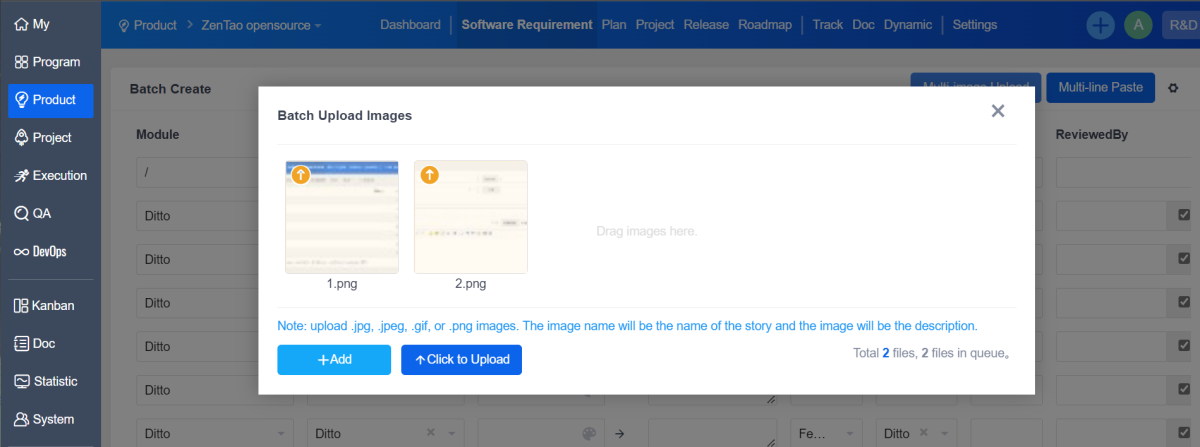
You can choose "multi-image upload" and "multi-line paste"
"Multi-line paste" is to use each row as the story content.
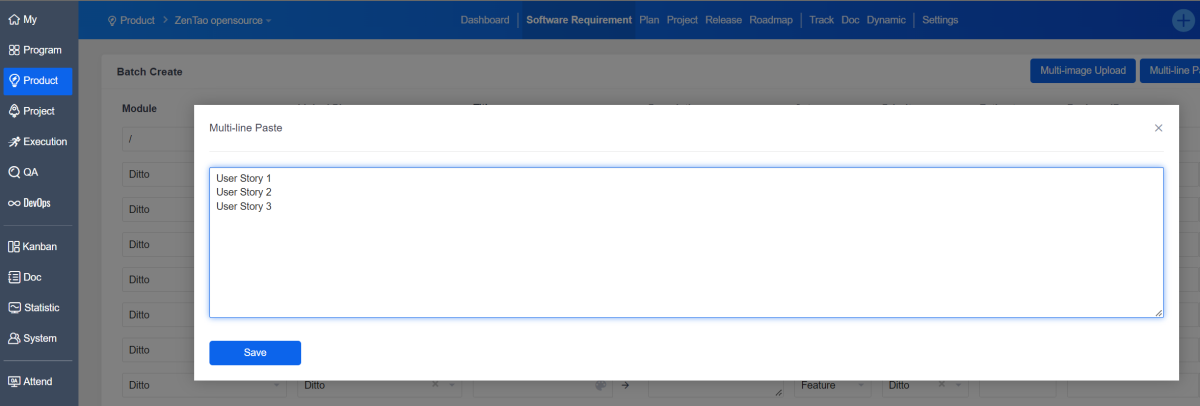
After saving, you need to manually select the module, plan, type, priority and other information.
3.Link the story to plan
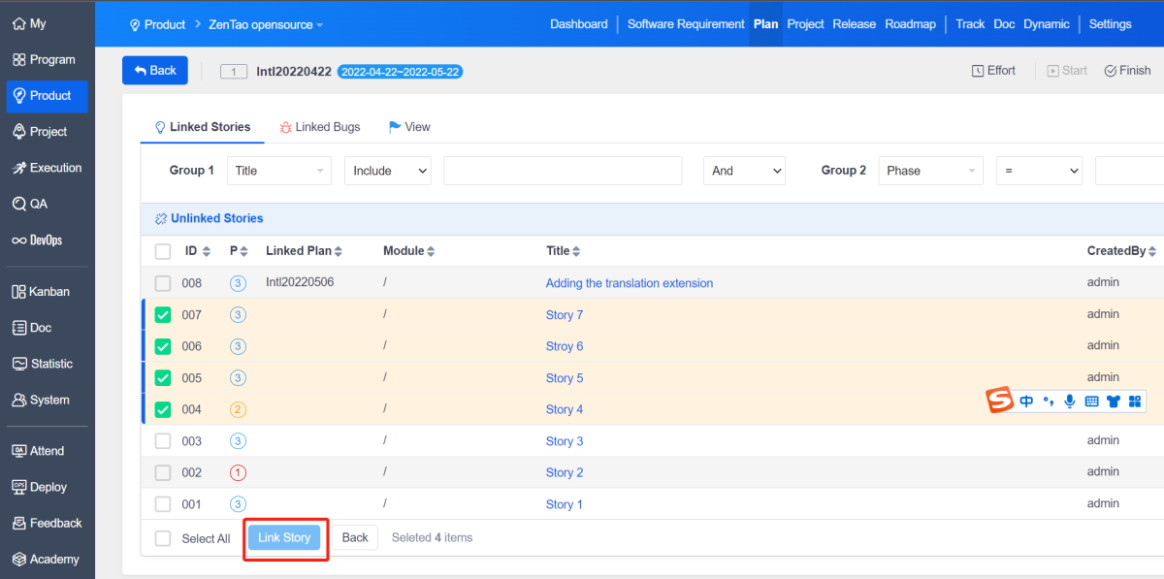
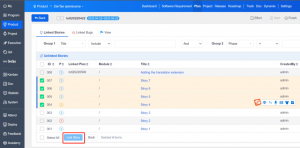
In addition to link plans when creating story, batch link can also be made under the plan page.

Select the plan and click "link the software story".