Backstage Settings of Version 15
1 Download and Upgrade to 15.0+ Series
2 New Features of Sanplex 15 Series
3 Interface Changes of 15 Series
4 Update to the Latest Version
5 Quick Start of 15 Series
6. Basic Application of Version 15
6.1 Beginner
6.2 Add Integrally
6.3 API Library
7. Base On The Roles
7.1. Admin
7.1.1 Edit Departments and Team Members
7.1.2 Edit Users
7.1.3 Edit Privilege
7.2. Program Leader
7.2.1 Create a Program
7.2.2 Link to Products
7.2.3 Create a Project
7.2.4 Manage Staffs
7.2.5 Add a Program Stakeholder
7.3. Product Owner
7.3.1 Create a Product
7.3.2 Edit Modules
7.3.3 Product Multi-branch/Platform Management
7.3.4 Edit Plans
7.3.5 Edit Stories
7.3.6 Review a Story
7.3.7 Create a Release
7.3.8 Tracking Progress
7.4. Project Manager
7.4.1 Edit Projects and Execution
7.4.2 Edit Teams
7.4.3 Link to Stories
7.4.4 Split Tasks
7.4.5 Tracking Progress
7.4.6 Waterfall Project
7.4.7 Kanban Project
7.5. Development Team
7.5.1 Apply for Tasks and Bugs
7.5.2 Update Status
7.5.3 Complete Tasks and Bugs
7.5.4 Submit Codes
7.5.5 The General Kanban, Story Kanban, Bug Kanban, and Task Kanban
7.6. Test Team
7.6.1 Edit Users' Case
7.6.2 Execute Users' Case
7.6.3 Submit a Bug
7.6.4 Test and Close a Bug
8. DevOps Features
8.1 Git/SVN Repository Management and Viewing Code
8.2. Integrate GitLab
8.2.1 Integrate GitLab, Bind Users, Link to Issues and Create a Build
8.2.2 Integrate GitLab and Submit the Merge Requests
8.2.3 GitLab Privilege in Sanplex
8.3 Integrate Jenkins and Create a Build
8.4 Integrate SonarQube
9 General Kanban
10. Backstage Settings of Version 15
10.1 Desktop
10.2 Model
10.3 Custom
10.4. Message
10.4.1 Mail
10.4.2 Webhook
10.4.3 Browser
10.4.4 Settings
10.5 Extension
10.6 Secondary Development
10.7 System
10.8 Jira Data Migration Checklist and FAQ
10.9 Data Migration from Jira
10.10 Data Migration from Confluence
10.11 Registration Menu and Privilege
11. Privileges Management and Access Control of Version 15
11.1 Privileges Management and Access Control for Programs
11.2 Privileges Management and Access Control for Products
11.3 Privileges Management and Access Control for Projects
11.4 Privileges Management and Access Control for Executions
11.5 Access Control and Data Relationships for Projects and Executions

Secondary Development

2022-01-24 16:34:46
Jing
3638
Last edited by on 2025-07-23 09:04:49
Share links
Summary : Sanplex also provides secondary development functions, including API, database, editor, and application.

Develop

Sanplex also provides secondary development functions, including API, database, editor, and application.

For the secondary development mechanism of Sanplex, please refer to "Secondary Development Mechanism".

1. API

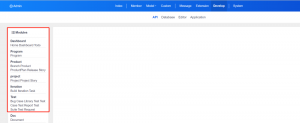
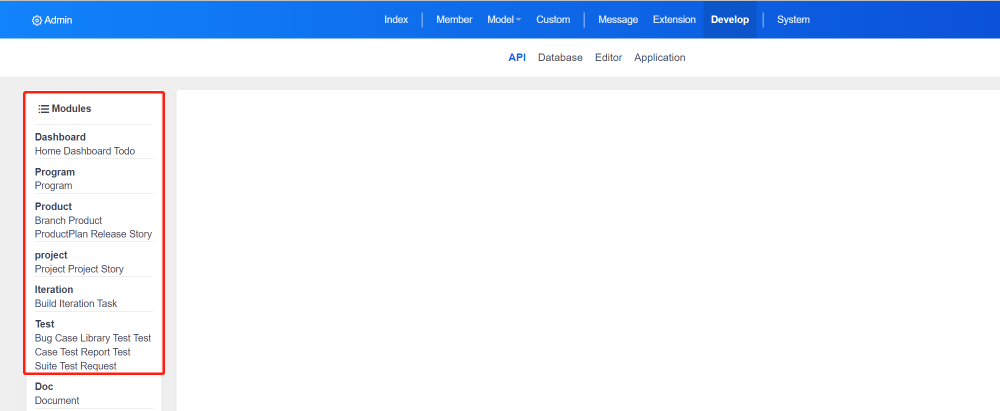
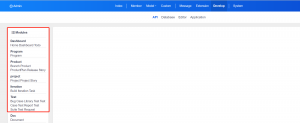
Click "Modules" on the right to query the API parameters of Sanplex.

For the use of API, please refer to "API Mechanism".
2. Database

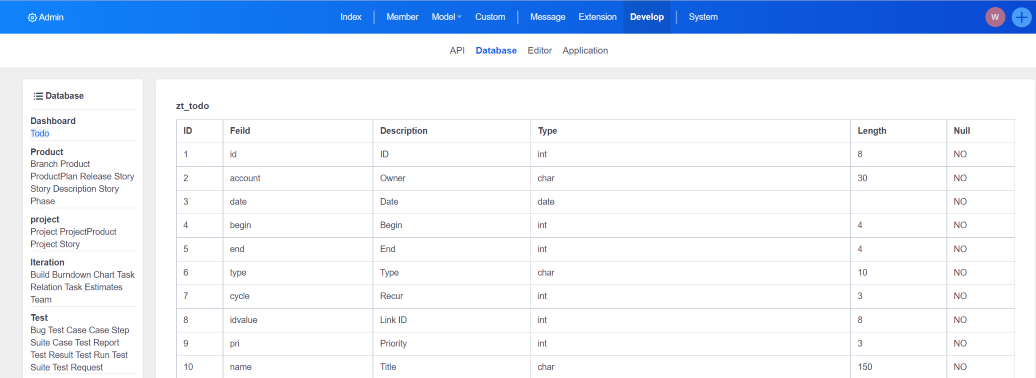
Click "Admin" - "Develop" - "Database" to learn about the database design of Sanplex.

Please refer to "Sanplex Directory Structure" for the specific database directory structure.

3. Editor

For security reasons, the editor for secondary development needs to be installed through an extension before it can be used.

  • For the installation method of extension, please refer to "Extension".
  • For the use of the editor, please refer to "Editor".

4. Application

Sanplex has a built-in function of integrating Sanplex in third-party applications, easily connecting Sanplex data with third-party applications. Third-party applications must access Sanplex in GET mode, and Sanplex returns data in JSON format.

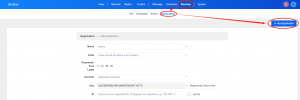
Click "Add Application".
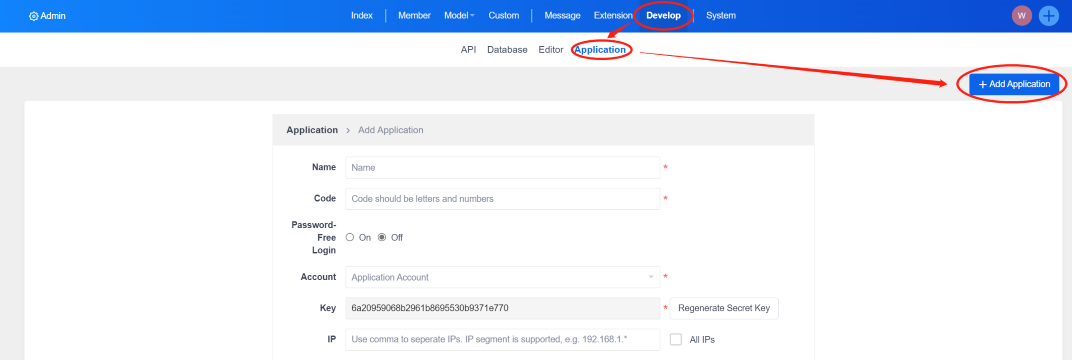
Please refer to "Integrating Sanplex in Third-Party Applications" for details on adding methods.
Write a Comment
Comment will be posted after it is reviewed.