Catalog
Model
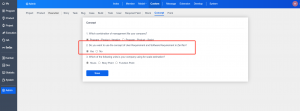
In ZenTao version 15, the selection of requirement concepts has been added. You can choose to use software requirements, R&D requirements, soft requirements, stories, and demands as the concepts to be displayed in ZenTao according to your preferences and habits.
-
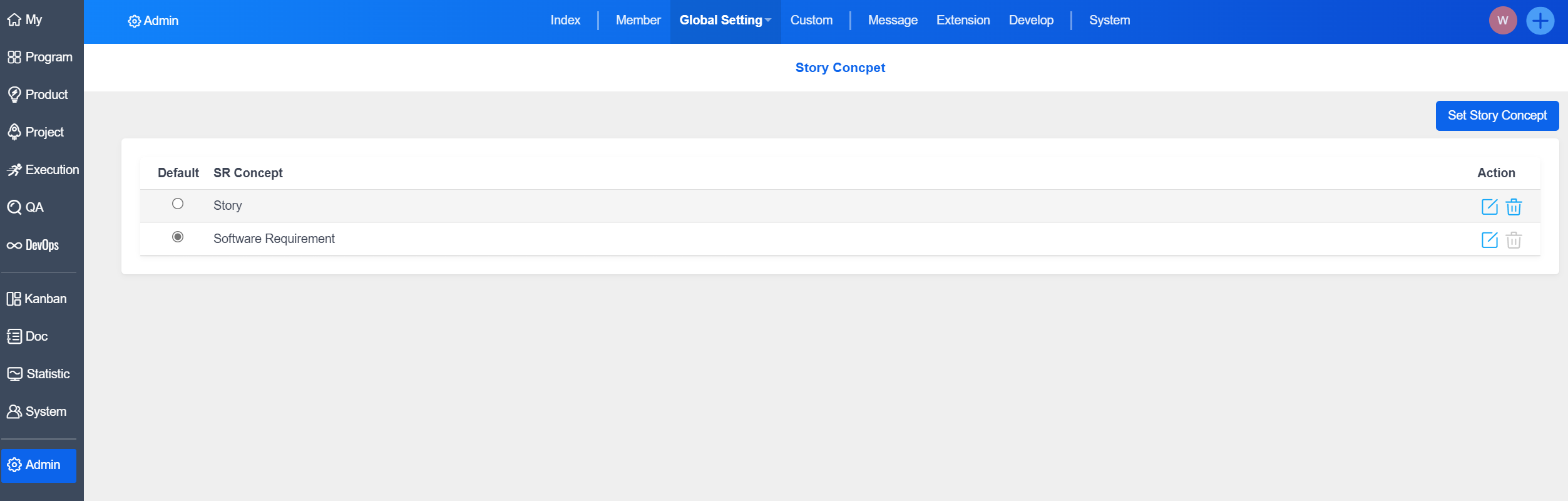
ZenTao version 15 uses the concept of Story by default.
-
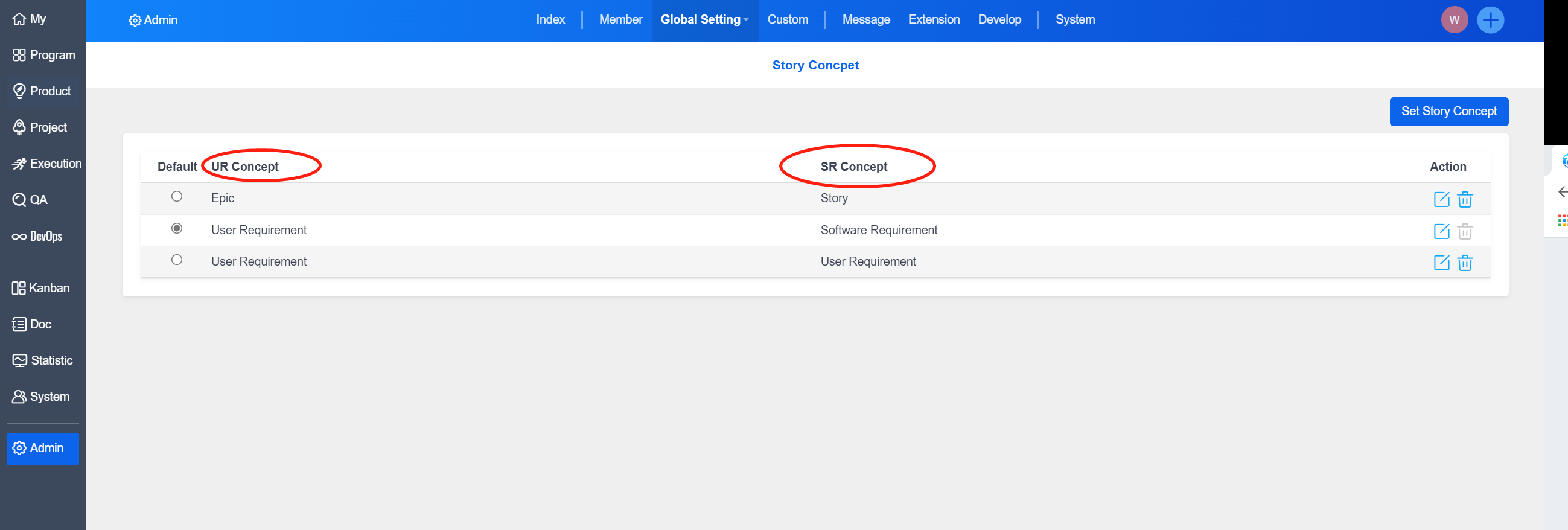
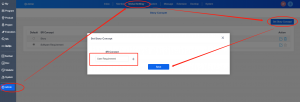
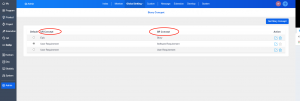
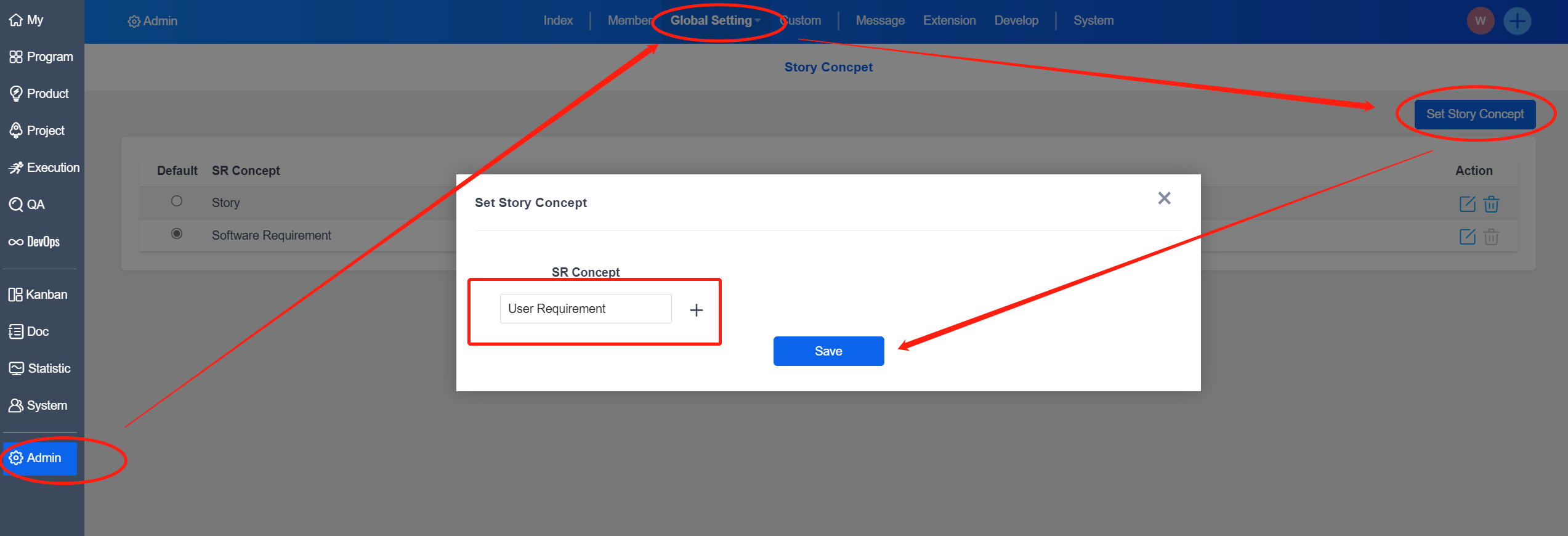
Under "Admin" - "Global Setting" - "Set Story Concept", administrators can also add requirement concepts. Click "Set Story Concept" and fill in the concept in the input box.
-
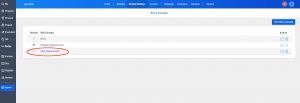
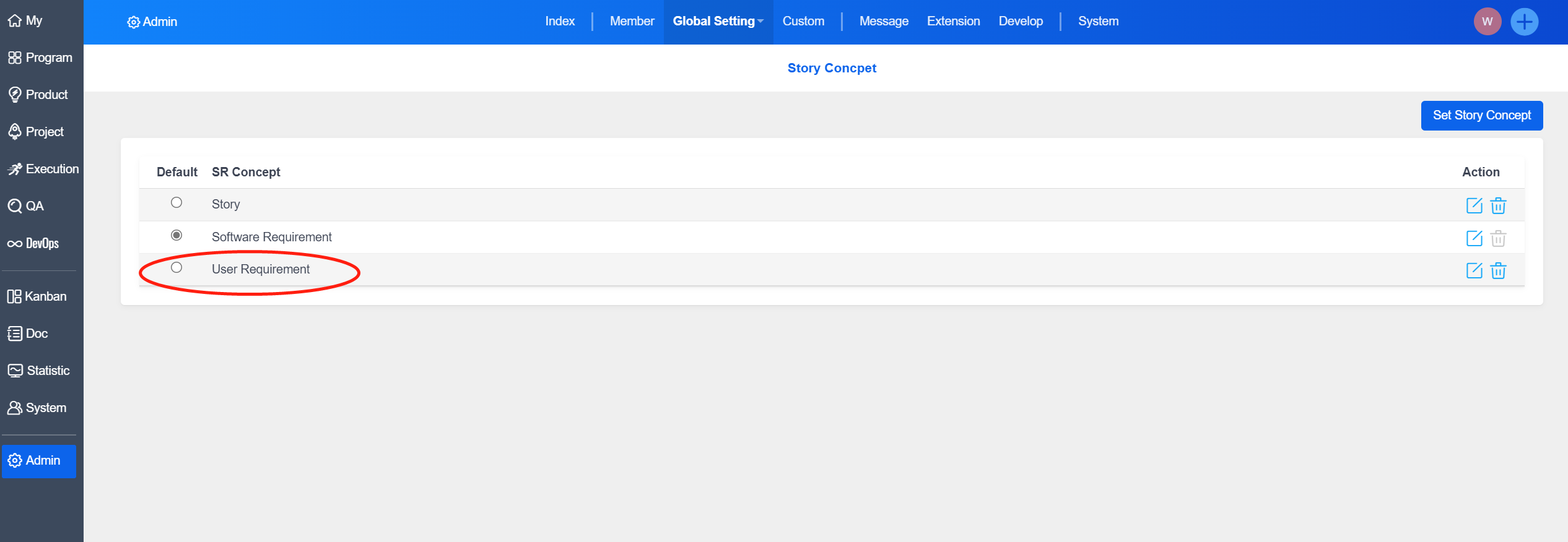
Click "Save", you can see the concept just added in the soft requirements list.
-
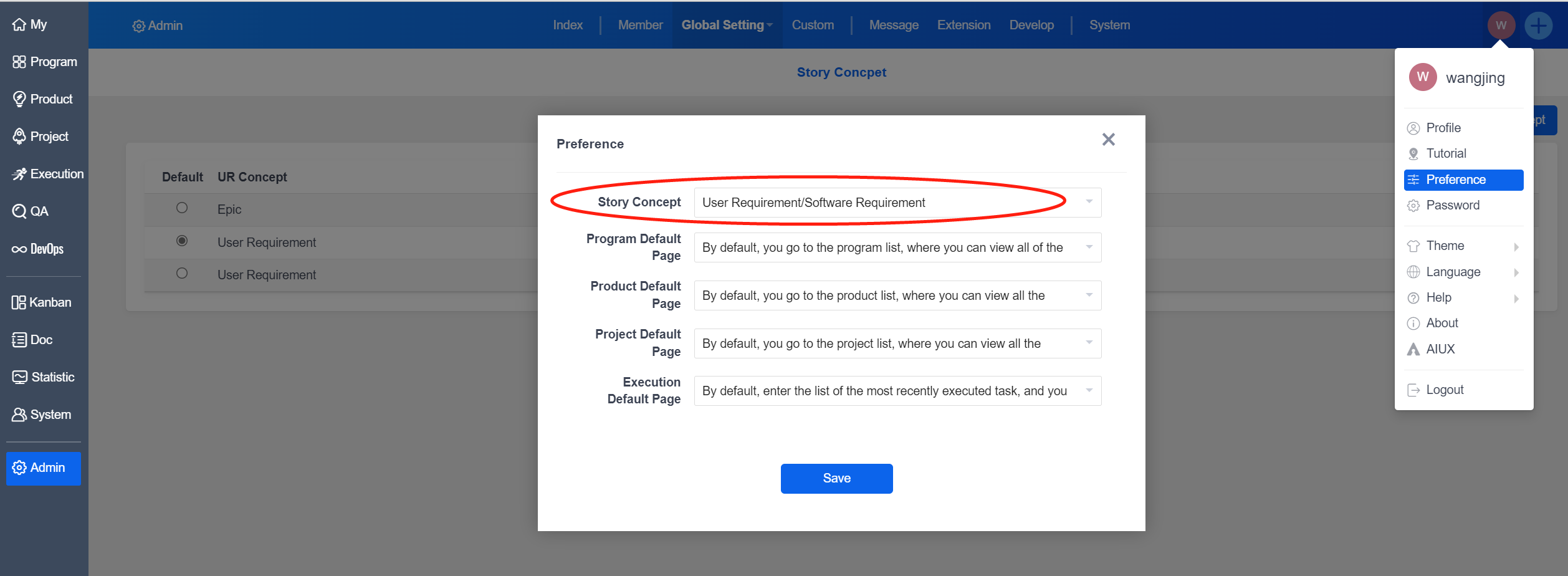
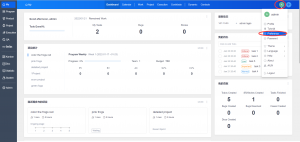
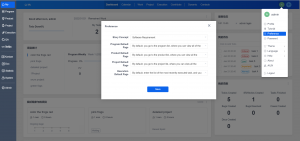
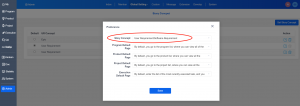
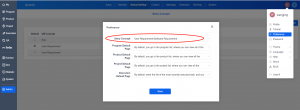
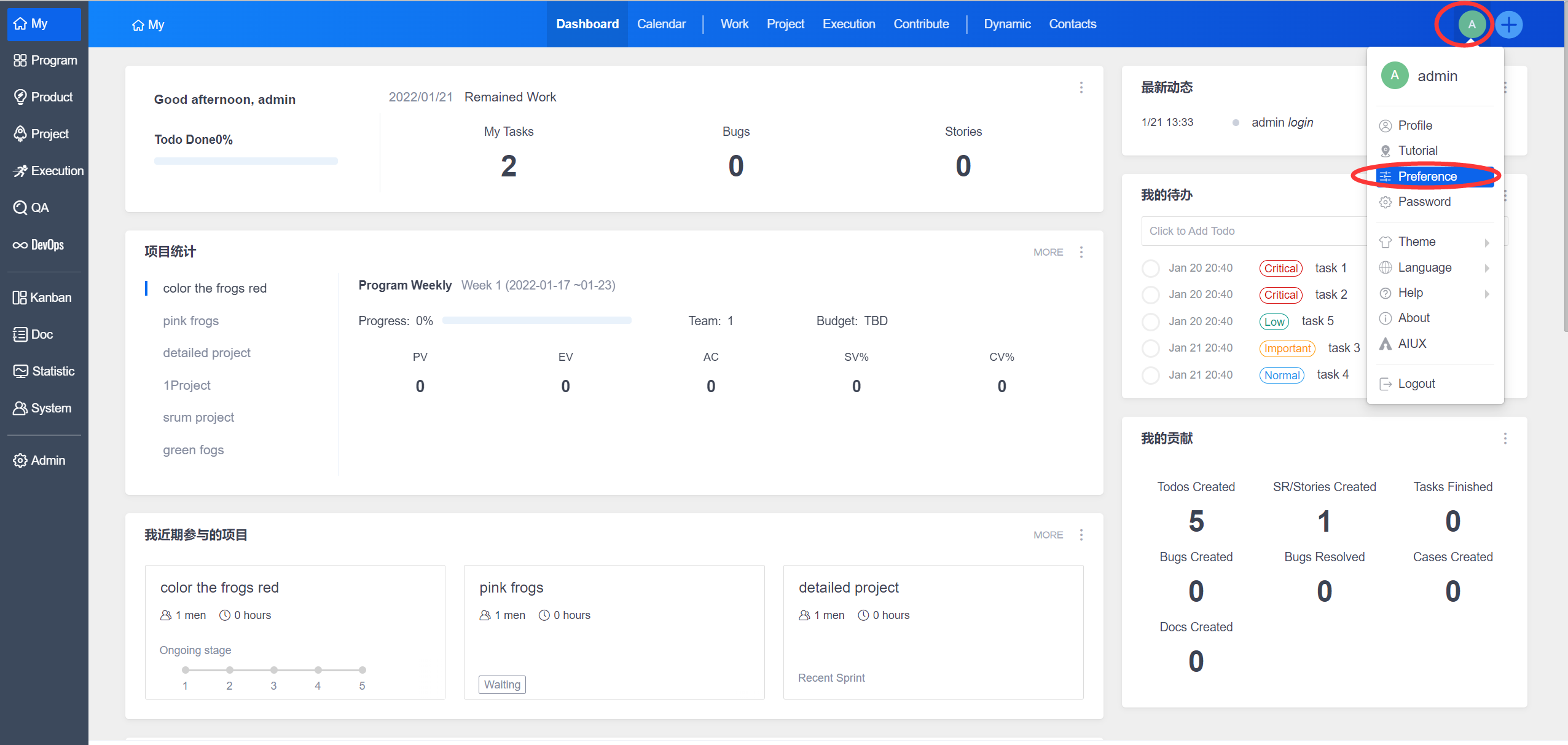
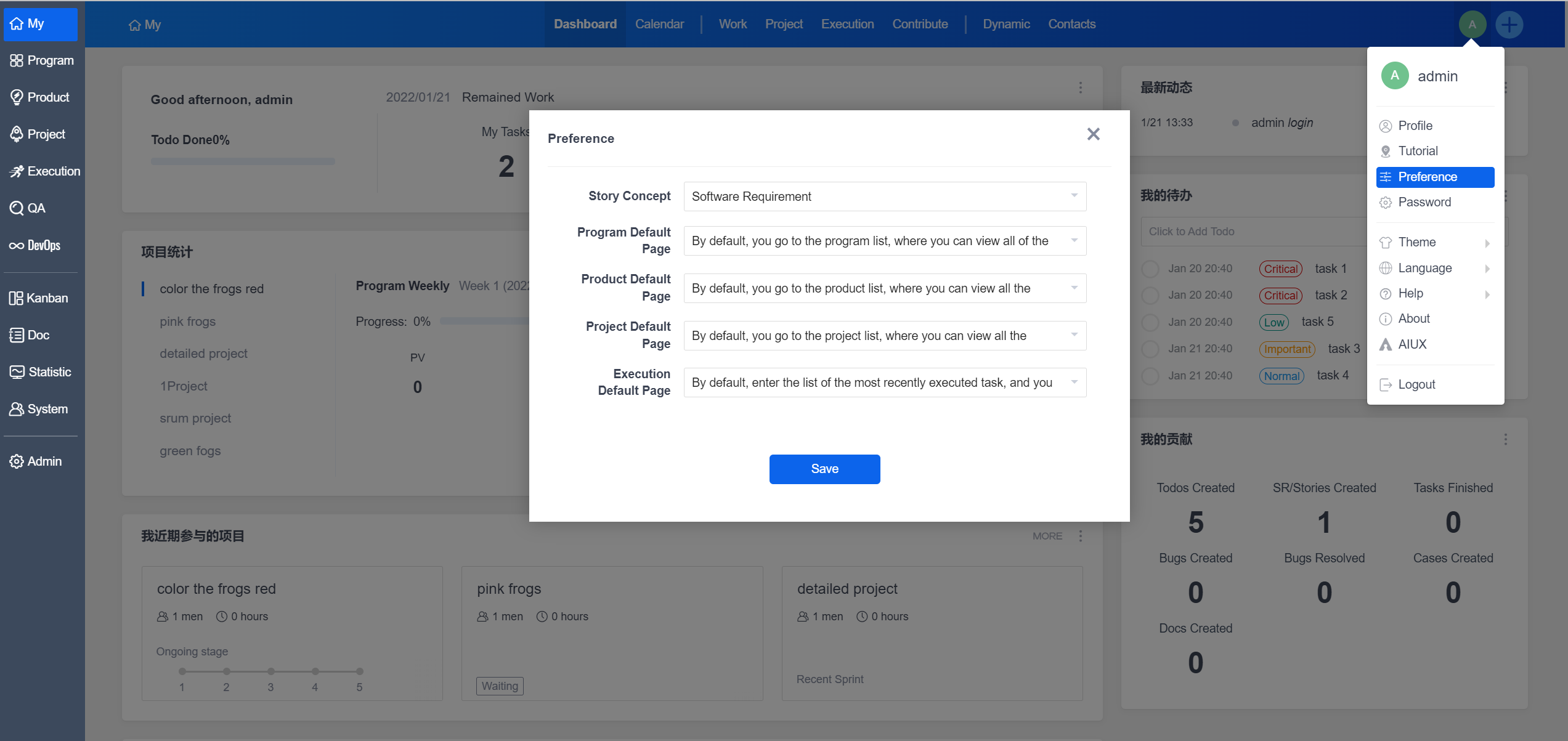
When other users log in, they can set it in "Preference".
-
If the user does not set the requirement concept under "Preference", the concept of "Software Requirement" will be used by default.
-
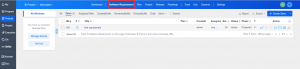
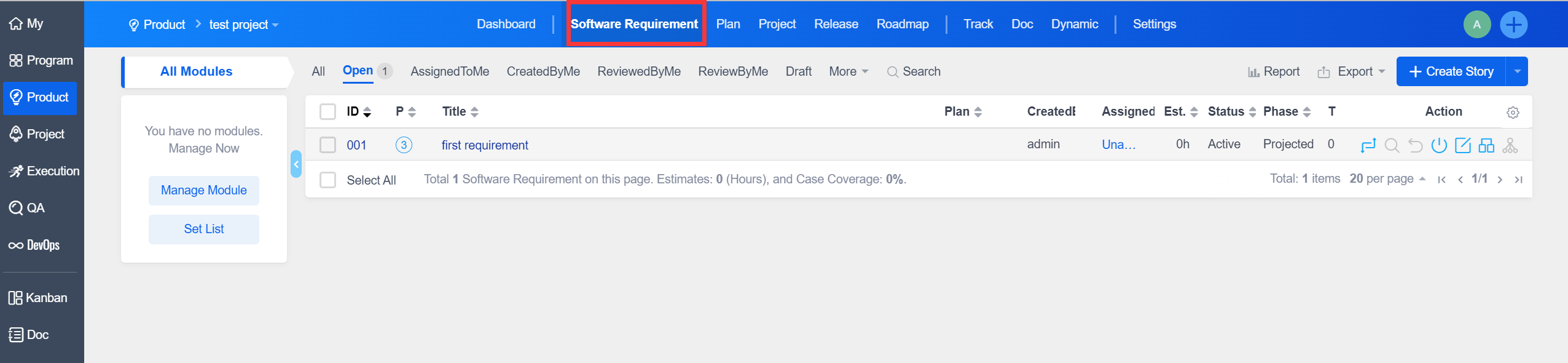
After setting, you can see that the requirements under the product has changed.
Notes:
If you have set up the concept of user requirements and stories under "Admin" - "Custom" - "Concept", please pay attention to the following two points.
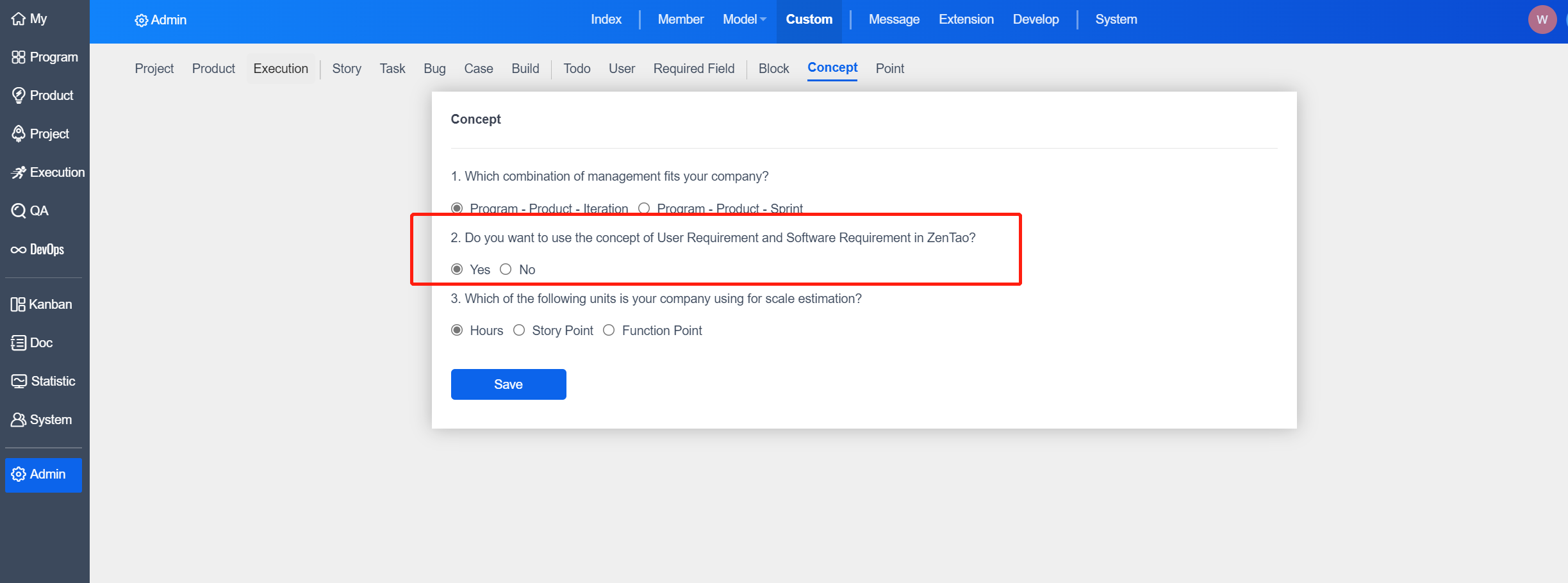
- Under "Global Setting" - "Story Concept", there will be "Use Requirement Concept" and "Soft Requirement Concept".
- In "Preference", you can also see the requirement concept combinations.