Catalog
Edit Modules
Requirements module is to help product managers to classify and maintain requirements.
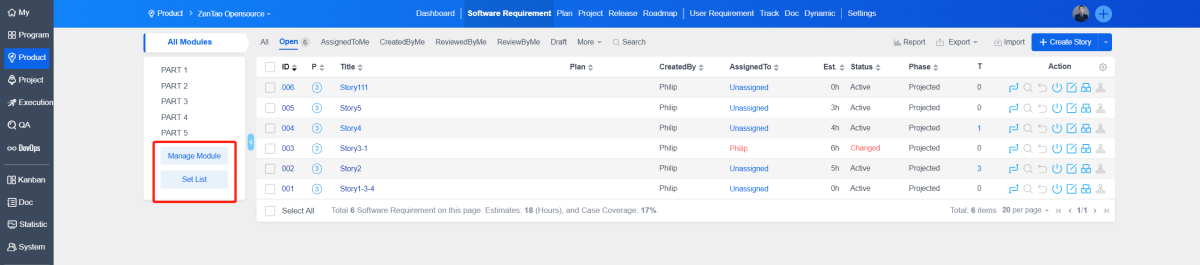
1. Manage module
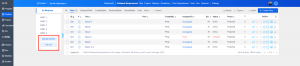
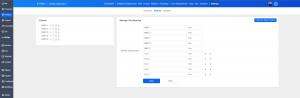
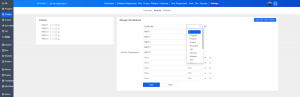
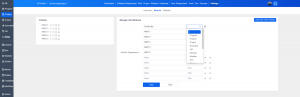
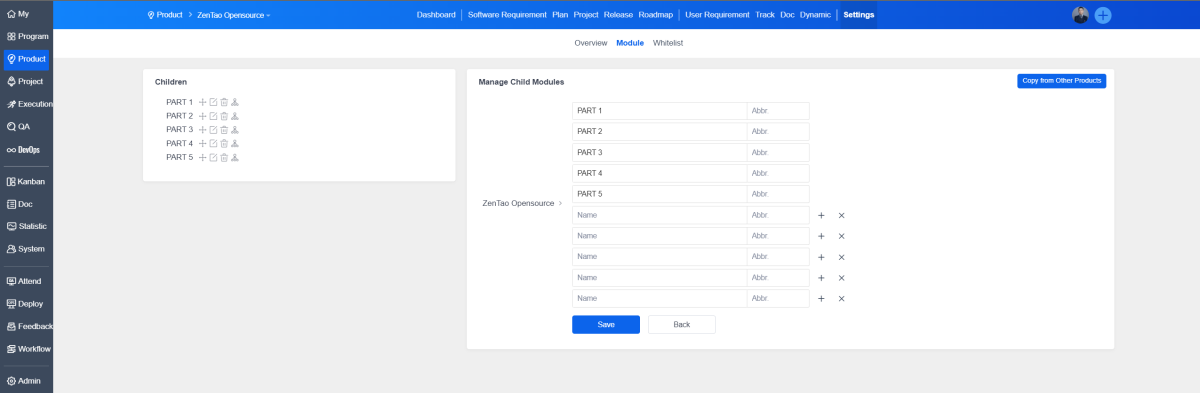
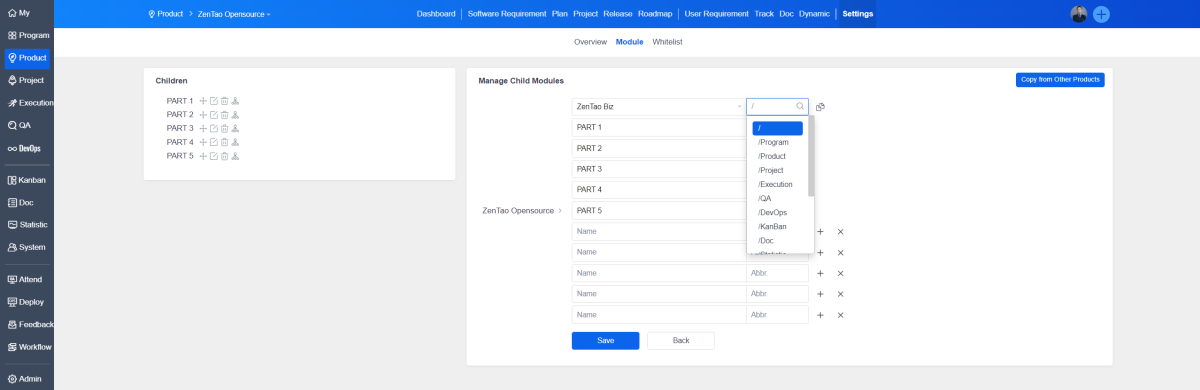
On the left side of the "R&D Requirements" page of a specific product, click "Manage Module". Maintenance can also be performed under "Settings" - "Module" for a specific product.
After clicking Save, return to the module page. You can also click "Sub-module" to maintain sub-modules of existing modules.
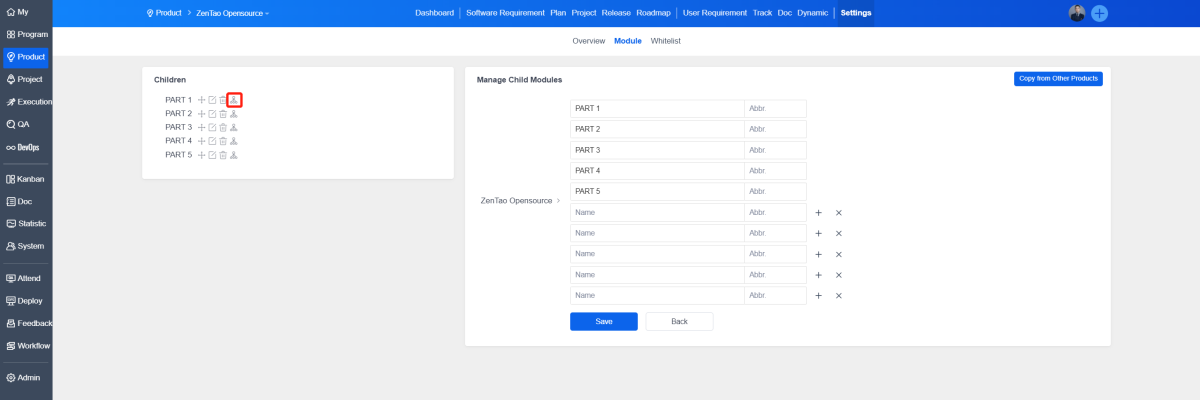
Click "Copy Module" to select modules of other products to copy.
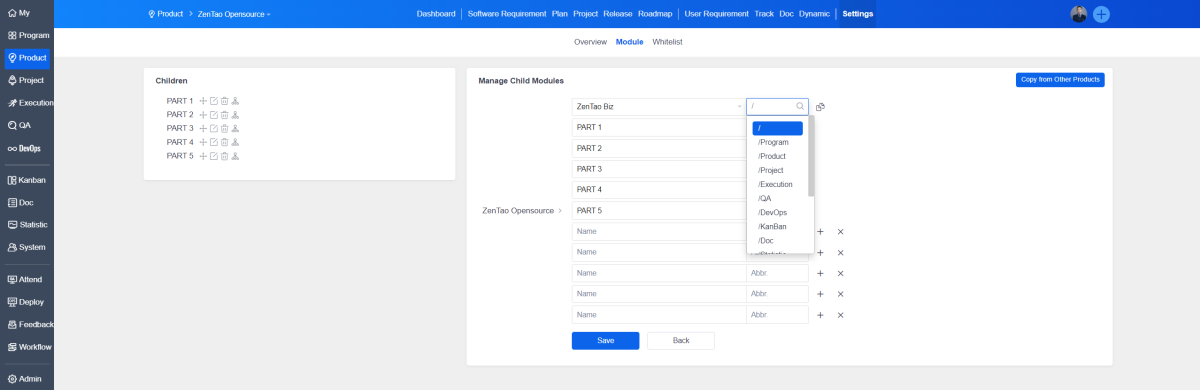
This allows for quick addition of similar requirement modules.
2. Module Settings
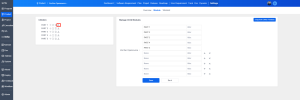
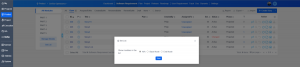
Click "Module Settings" to set whether to display modules of a certain level on the requirement list page.
2. Module Settings
Click "Module Settings" to set whether to display modules of a certain level on the requirement list page.
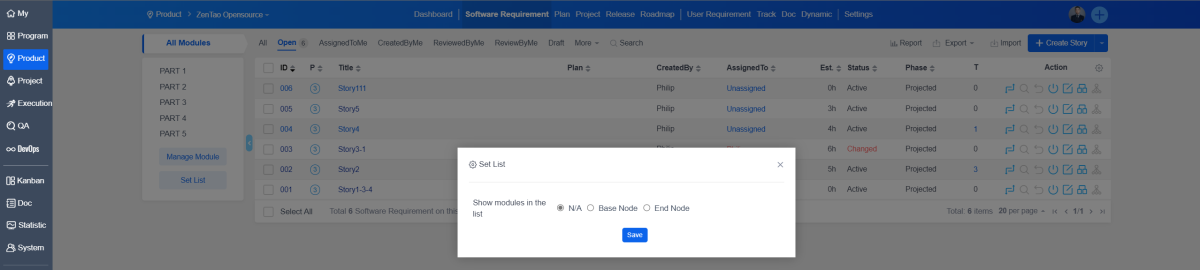
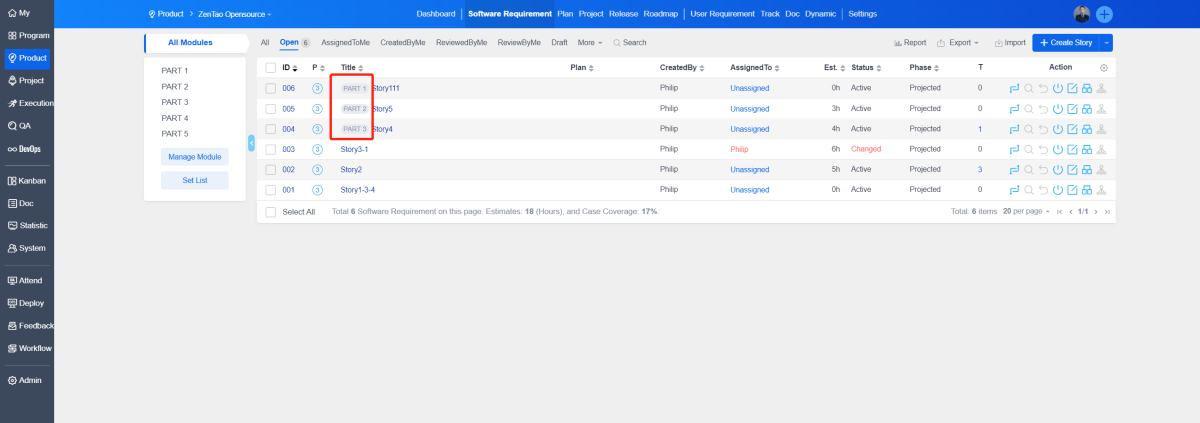
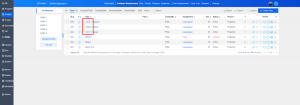
If you select "End Nude", in the requirement list, the abbreviation of the last episode of modules will be displayed before each requirement name.