Catalog
1. Why you need to fix weak passwords
ZenTao one-click installation package is offered in open source, professional and enterprise versions, and the default username and password for all sites are admin/123456.
If the user only installed the open source version and the passwords for pro/ent sites are not changed, it will cause a problem. One can visit pro/ent sites and log in, if someone knows the IP address. What is worse, this account is a super administrator.
Let's see this example. A user installed ZenTao via the one-click installation package, and the domain name is http://test.com. The address of the open source version is http://test.com/zentao. Others can visit http://test.com/pro to access the professional version admin(account)/123456(password).
2. How to fix weak passwords
Solution 1
Log in ZenTao Pro/Ent sites, and change the password.
Example: If you only installed the open source version, the addresses to visit pro and ent versions are http://127.0.0.1/pro and http://127.0.0.1/biz.
Solution 2 (Linux one-click installation)
If ZenTao pro/ent sites are not installed, you can delete or rename site directories and only keep the current site directory.
Example: If you only installed the open source version, you can delete or rename /opt/zbox/app/zentaopro and /opt/zbox/app/zentaoep. If you only installed the professional version, you can delete or rename /opt/zbox/app/zentao and /opt/zbox/app/zentaoep.
Solution 3 (Windows one-click installation)
Log in the database and modify the password in zt_user in the database of pro/ent sites.
Example: If you only installed the open source version, log in the database, and modify the password in zt_user in the database of the zentaopro and zentaoep(/ent). If you only use the professional version, log in the database and modify the password in the zt_user table of the zentao and zentaoep(/ent) databases.
3. Steps to fix it
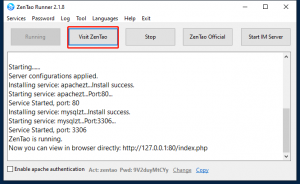
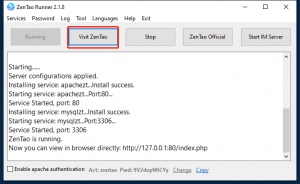
3.1 Start the ZenTao runner and visit ZenTao.
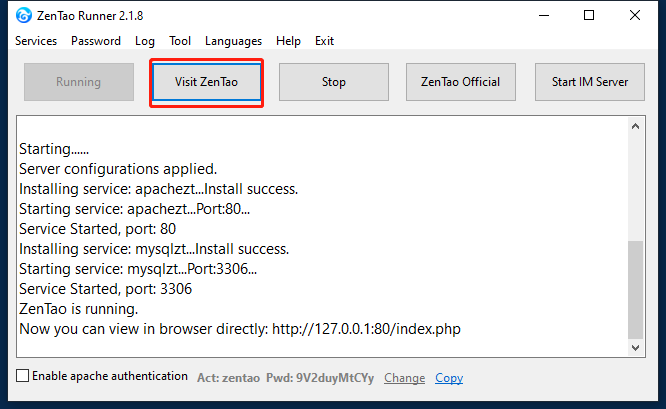
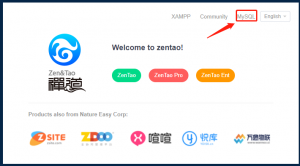
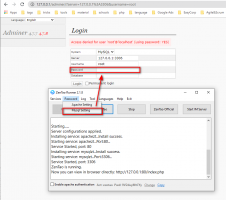
3.2 Click MySQL.
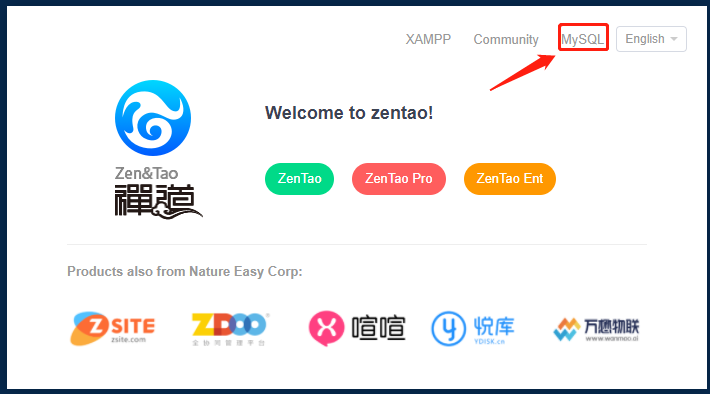
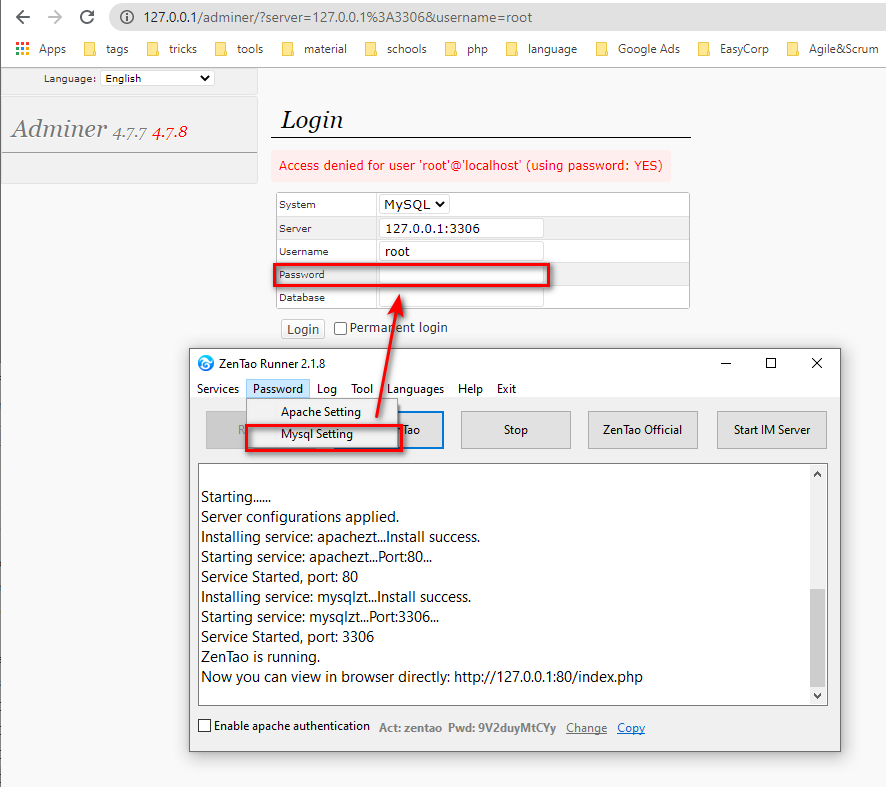
3.3 Log in the database Adminer. You can find the password for root in ZenTao Runner-Password-Mysql Setting.
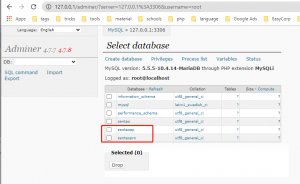
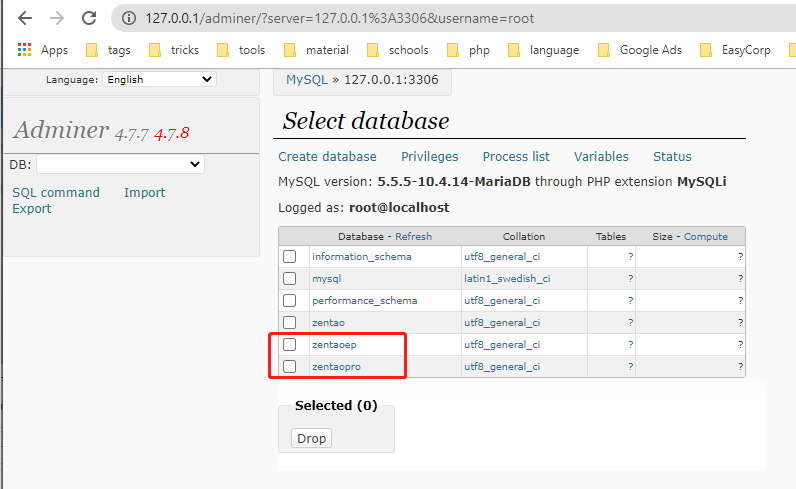
3.4 Select the database for zentaopro or zentaoep(/ent).
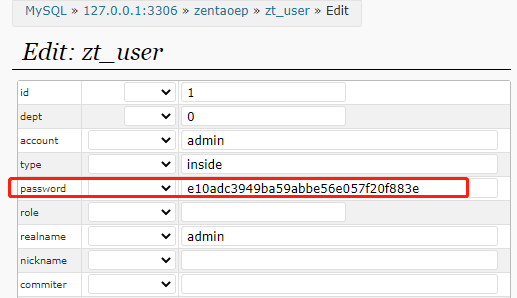
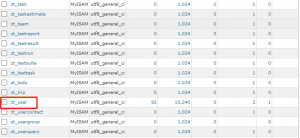
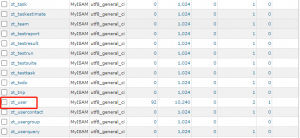
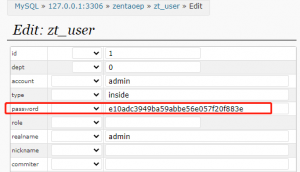
3.5 Select zt_user.
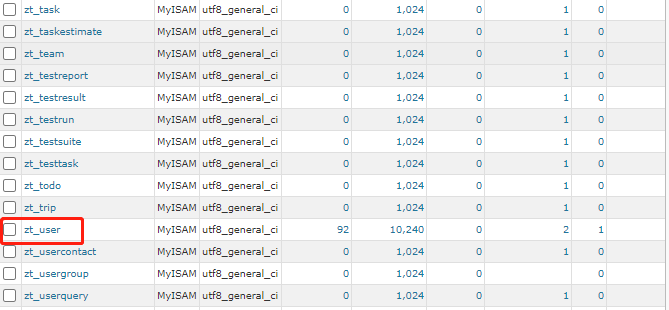
3.6 Edit password.