Catalog
ZenTao is designed to be a collaborative tool for Agile teams, but it is also useful to manage work for individuals. Back in 2009, ZenTao was used to manage projects for developing ZenTao itself. At that time, the DEV team is only one developer who was also the product owner. When talked about that situation with friends later, he said that ZenTao was a project management tool for just one person.
Now let’s have a look at how to manage individual work by ZenTao.
1. Create a todo
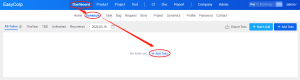
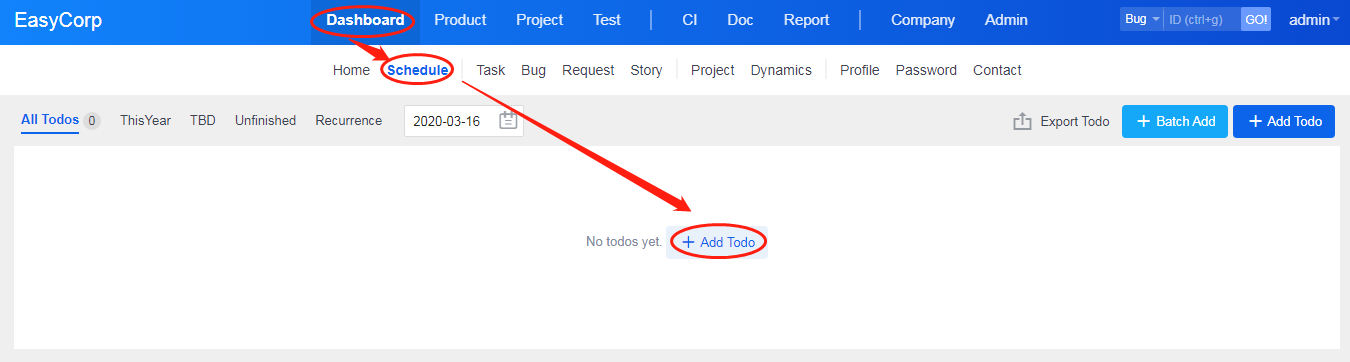
Go to Dashboard->Schedule and click Add Todo.
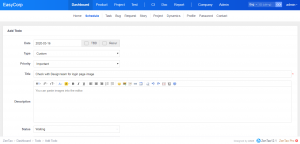
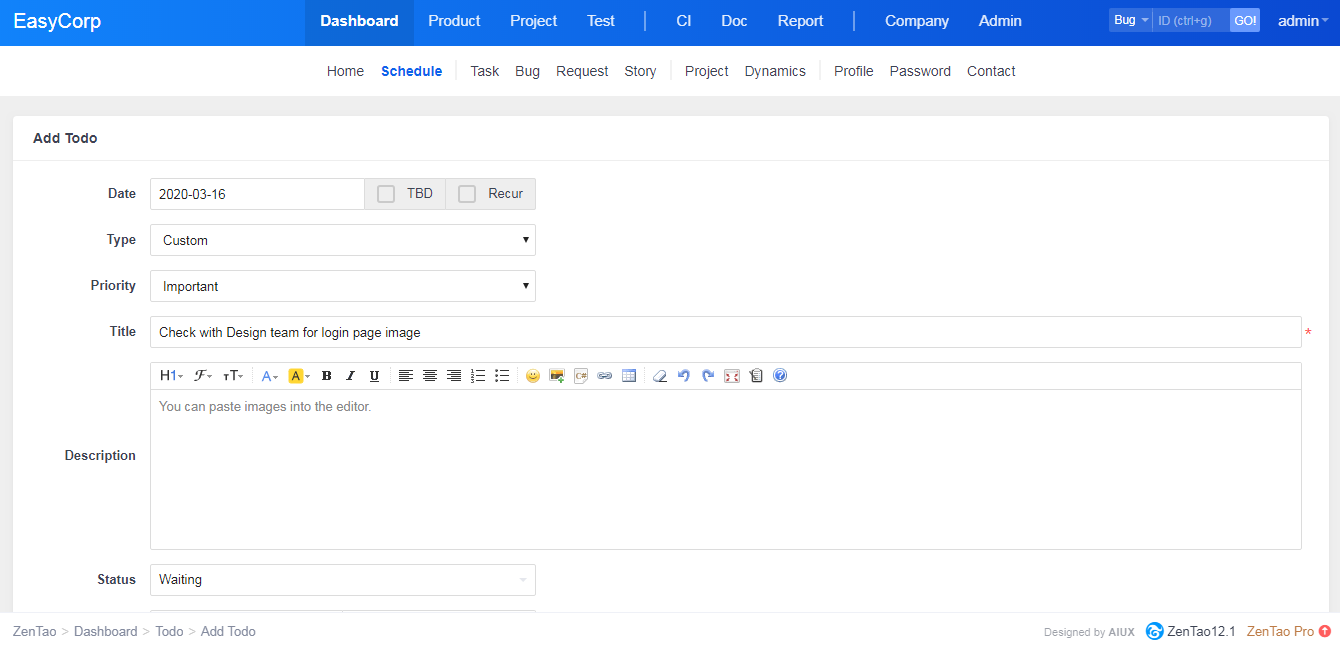
The page of creating a Todo will display. You can set the time frame or leave it empty for later. If you don't want others to see this Todo, check Private box.
Note
- Choose "Custom" as the Type of the Todo, then you can enter any title for it.
- Choose other types, you can choose the related item from the drop-down menu if you have been assigned to the bug/task/story.
2. View Todos
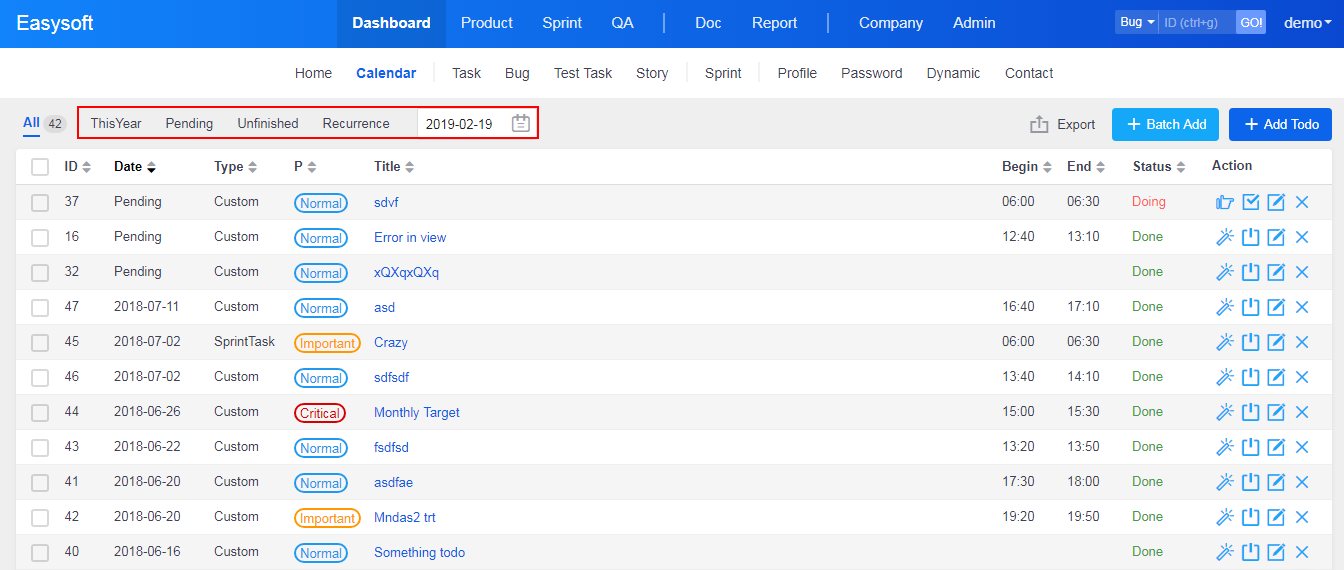
ZenTao has a variety of labels as filters to search the Todo you want.
Actually, you can learn lessons from the concept of project management using ZenTao to manage your personal work. You can manage your private projects, such as buying a house, preparing for postgraduate exams, in ZenTao and track it.