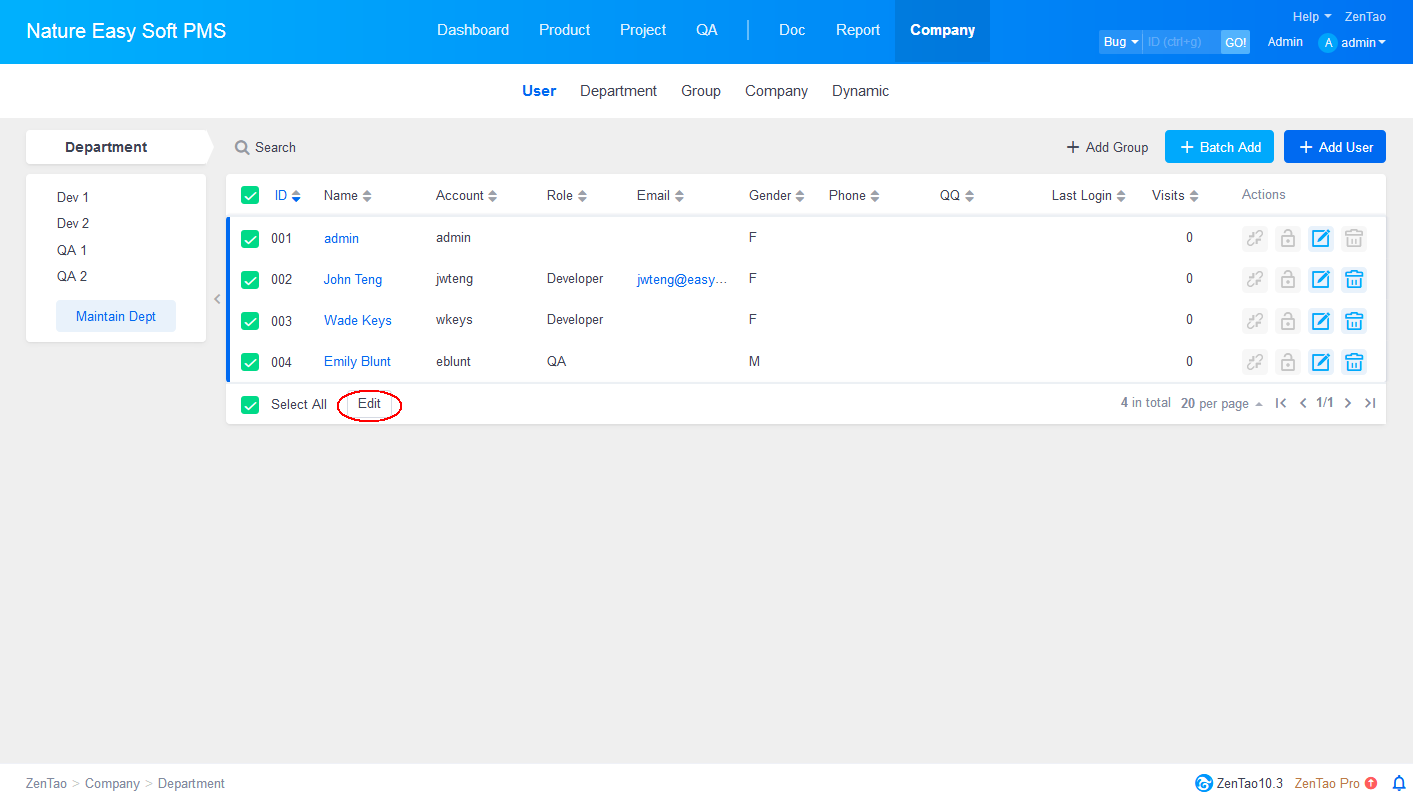
Manage Users in batches
-
2015-09-10 10:38:09
-
azalea
-
12474
-
Last edited by on 2021-12-29 14:02:02
-
Share links
The function of managing users in batches has been added since Zentao 4.0. You can easily create several accounts at one time.
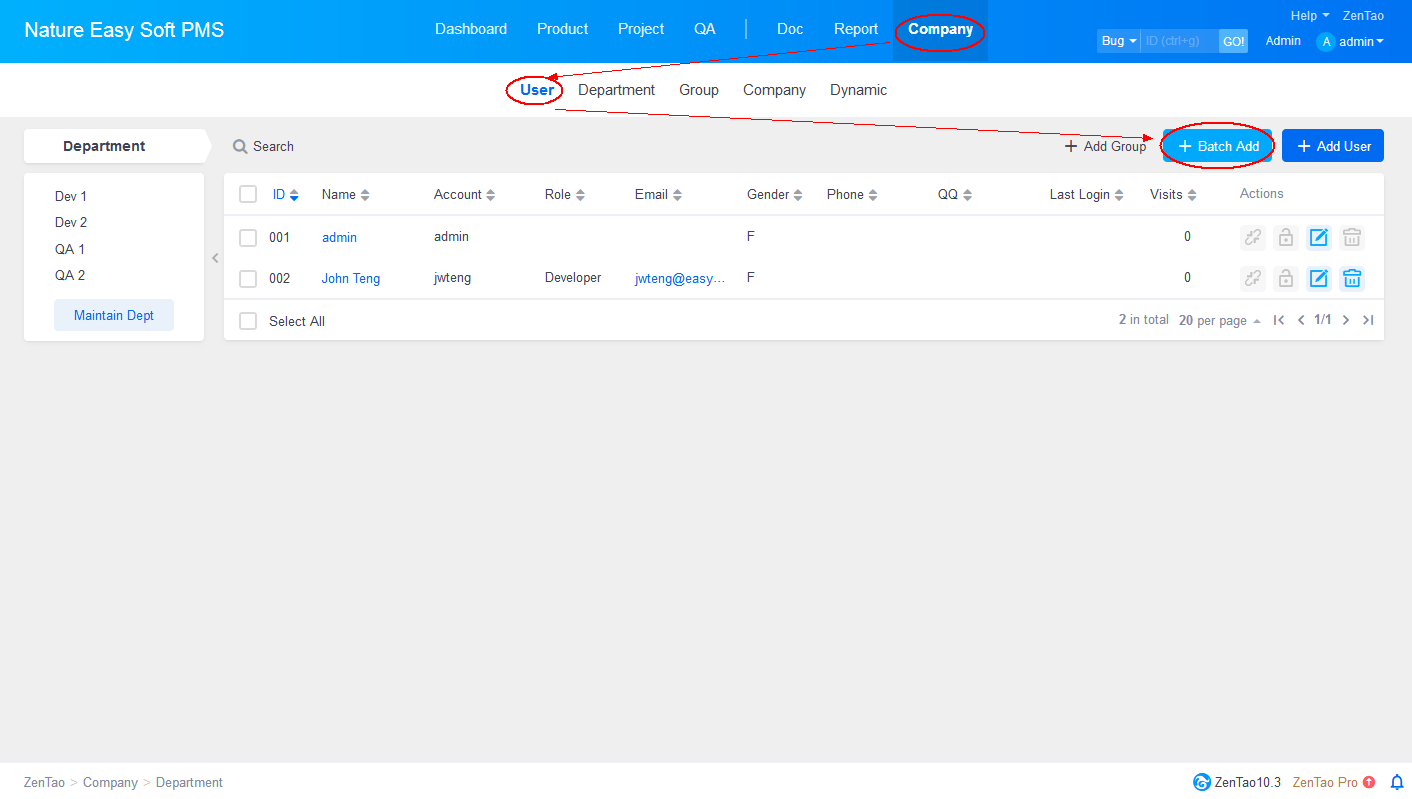
1. Log in ZenTao as an administrator and then click Company.
2. Choose User and then click to Batch Add.
In addition to adding users in batches, you can also select users on the user list to edit in baches.