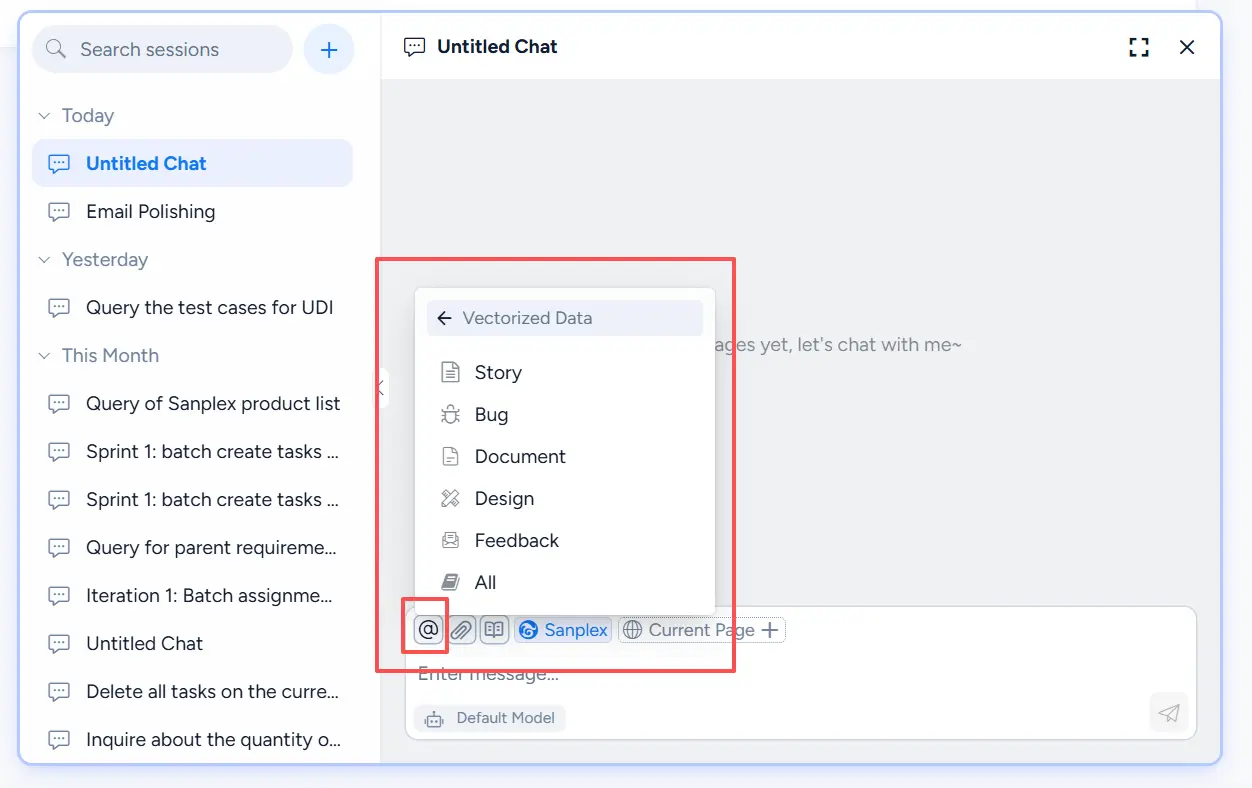
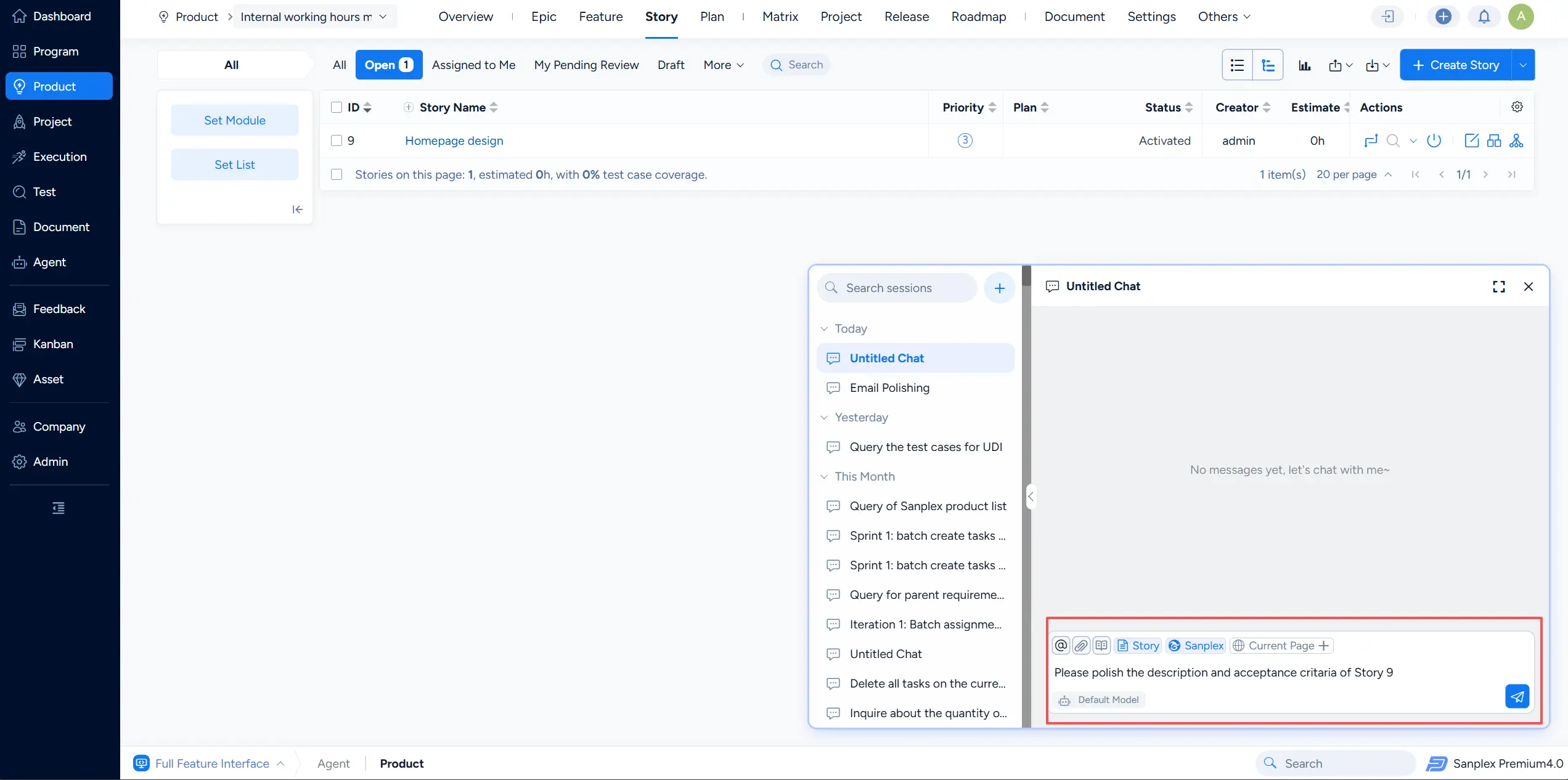
The Conversation feature enables natural-language interaction with integrated large language models (LLMs). Users can input text to obtain information, perform tasks, or resolve issues.
1. Go to the Agent module. By default, you will enter the Conversation page. On the left is the Recent Conversations list, grouped by conversation date.
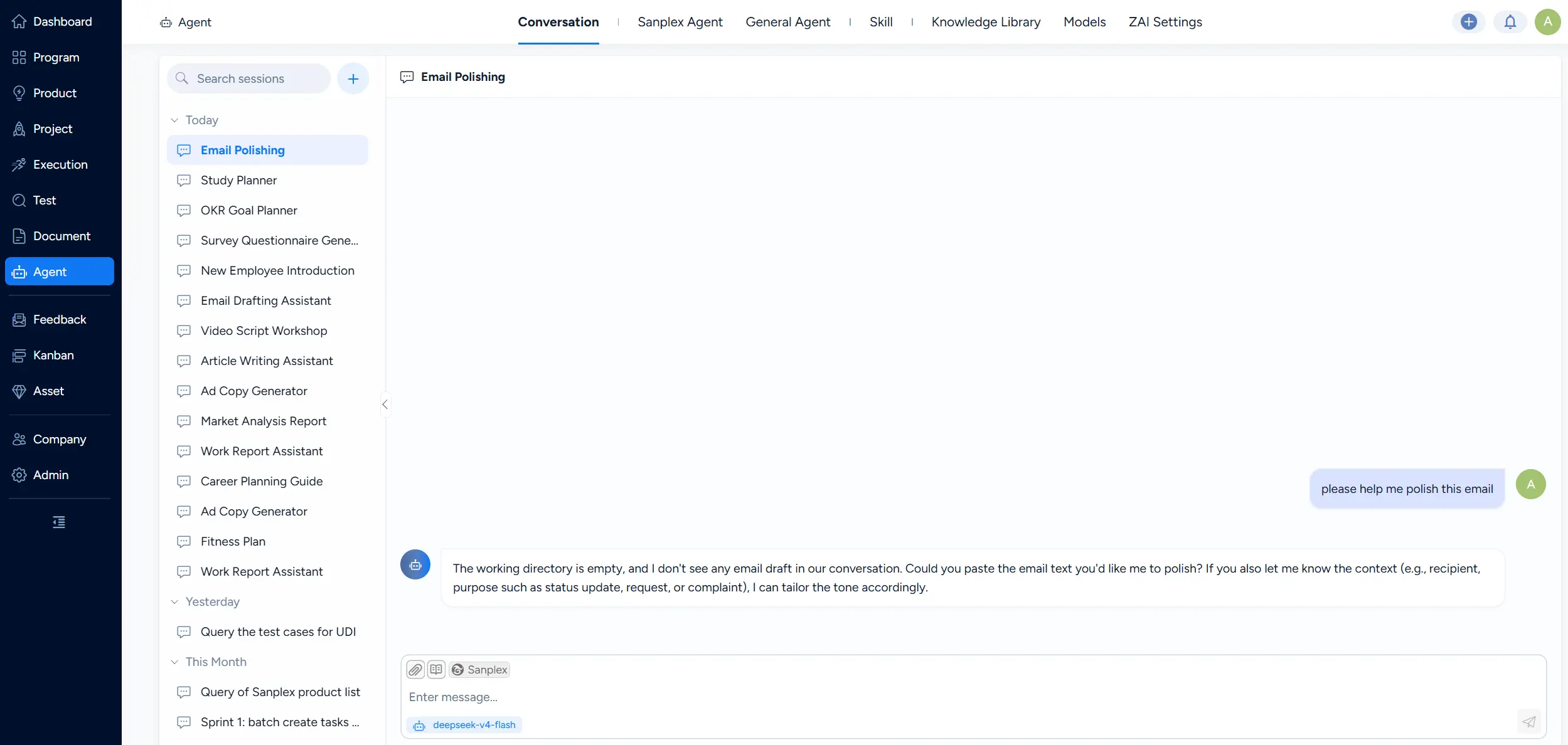
2. In Conversation, you can create, delete, and rename conversations. Click the Add button on the right side of the search bar to create a new conversation. Select an existing conversation to rename or delete it.
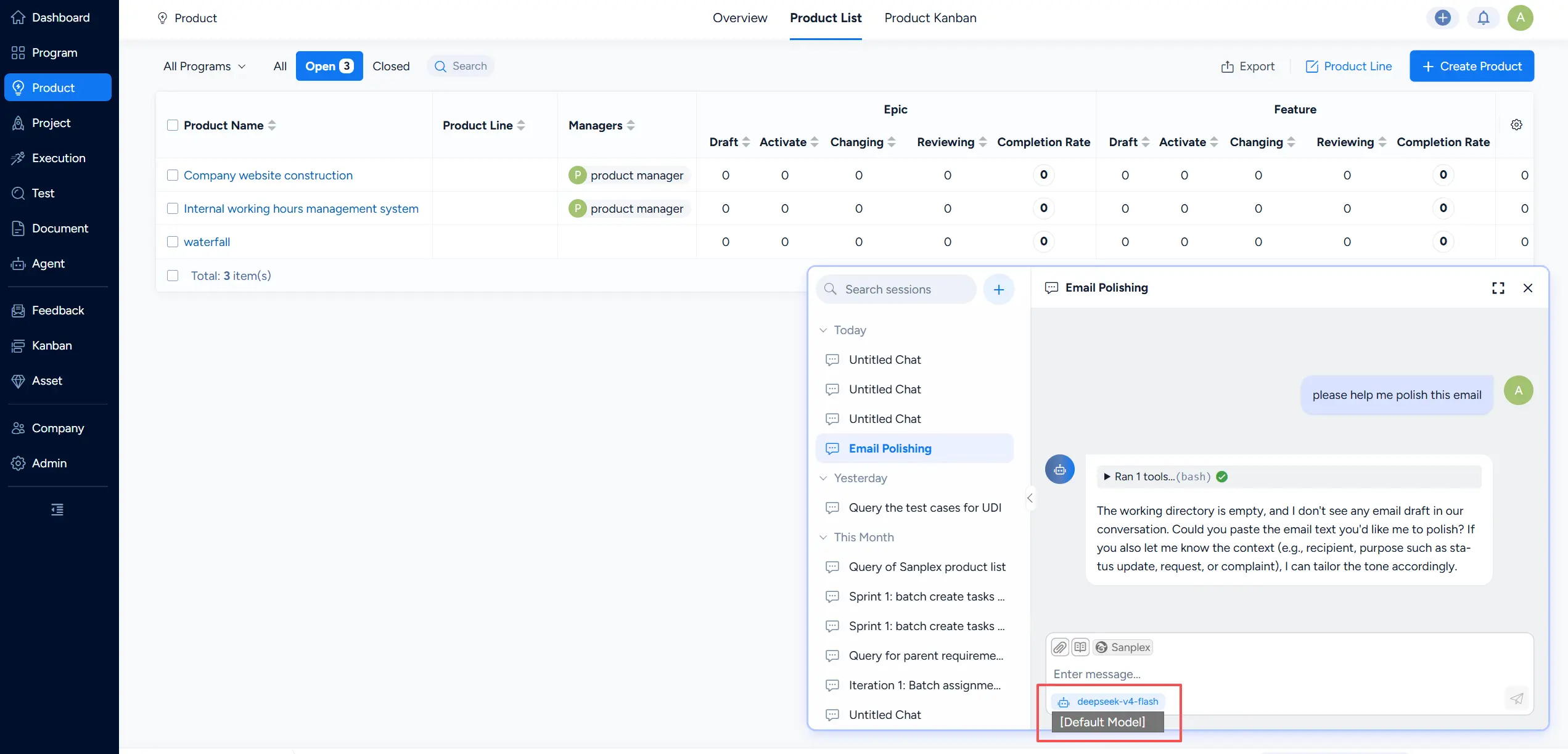
3. When you navigate to other pages in the system, Conversation collapses into an Agent bubble in the lower-right corner. Click the bubble to open a floating chat window on top of the current page; its capabilities are the same as the Conversation page.
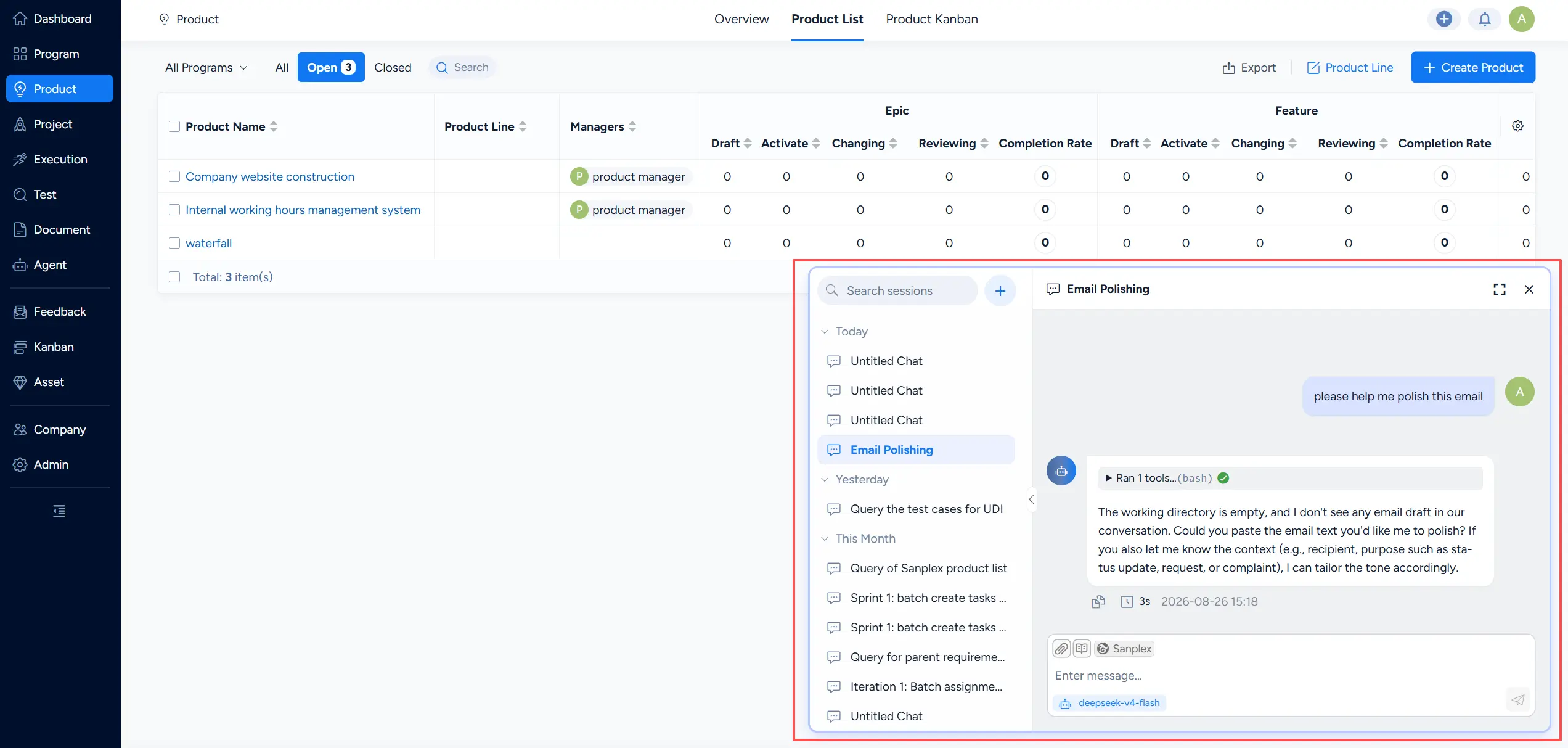
4. When starting a new conversation, you can switch to a different configured language model.
5. If you have enabled Data Vectorization in ZAI Settings, you can also use @ mentions in Agent Chat to reference Sanplex object data as conversation context.