Catalog
In Admin > Features > Dashboard, you can configure Dashboard elements such as To-dos and blocks.
I. To-do Settings
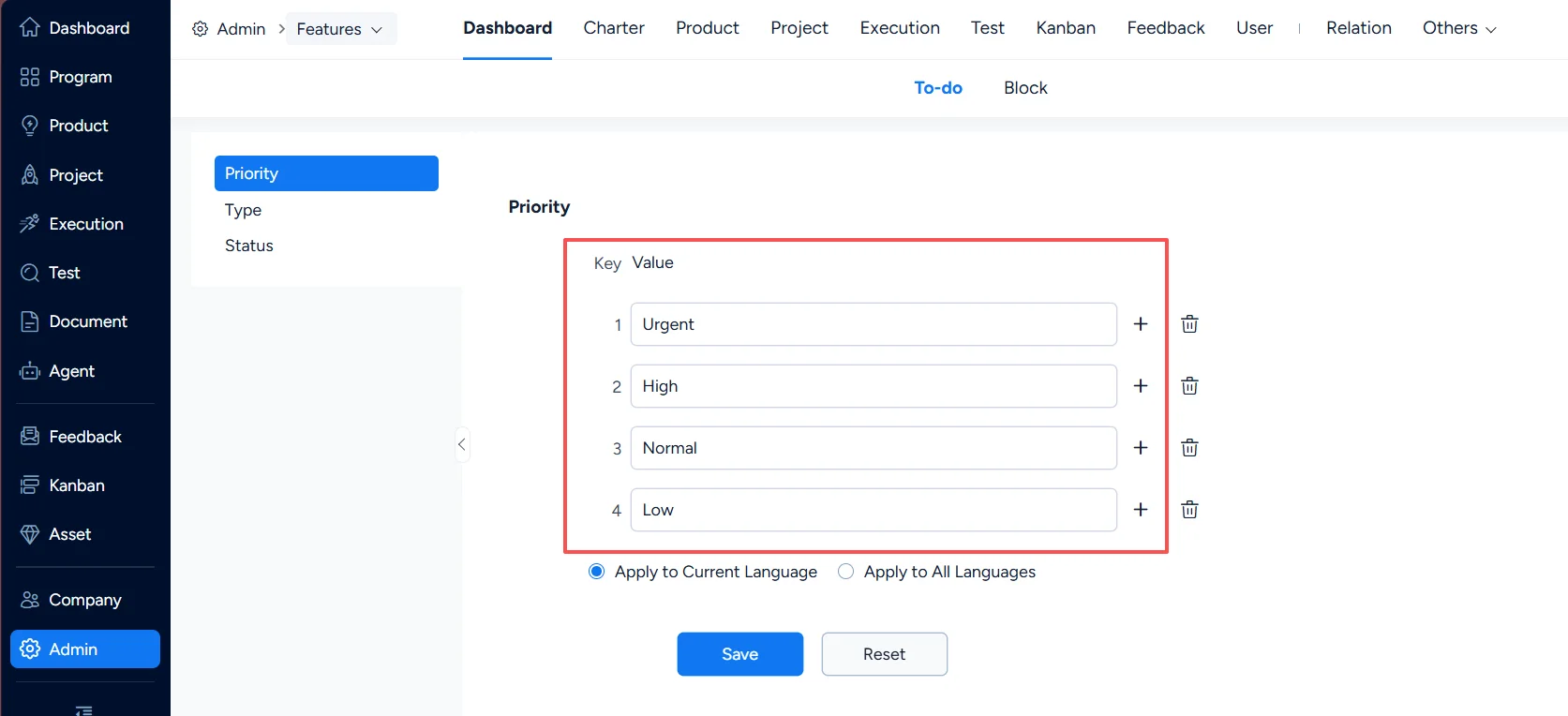
1. To-do – Priority
In Dashboard > To-do > Priority, you can configure To-do priorities.
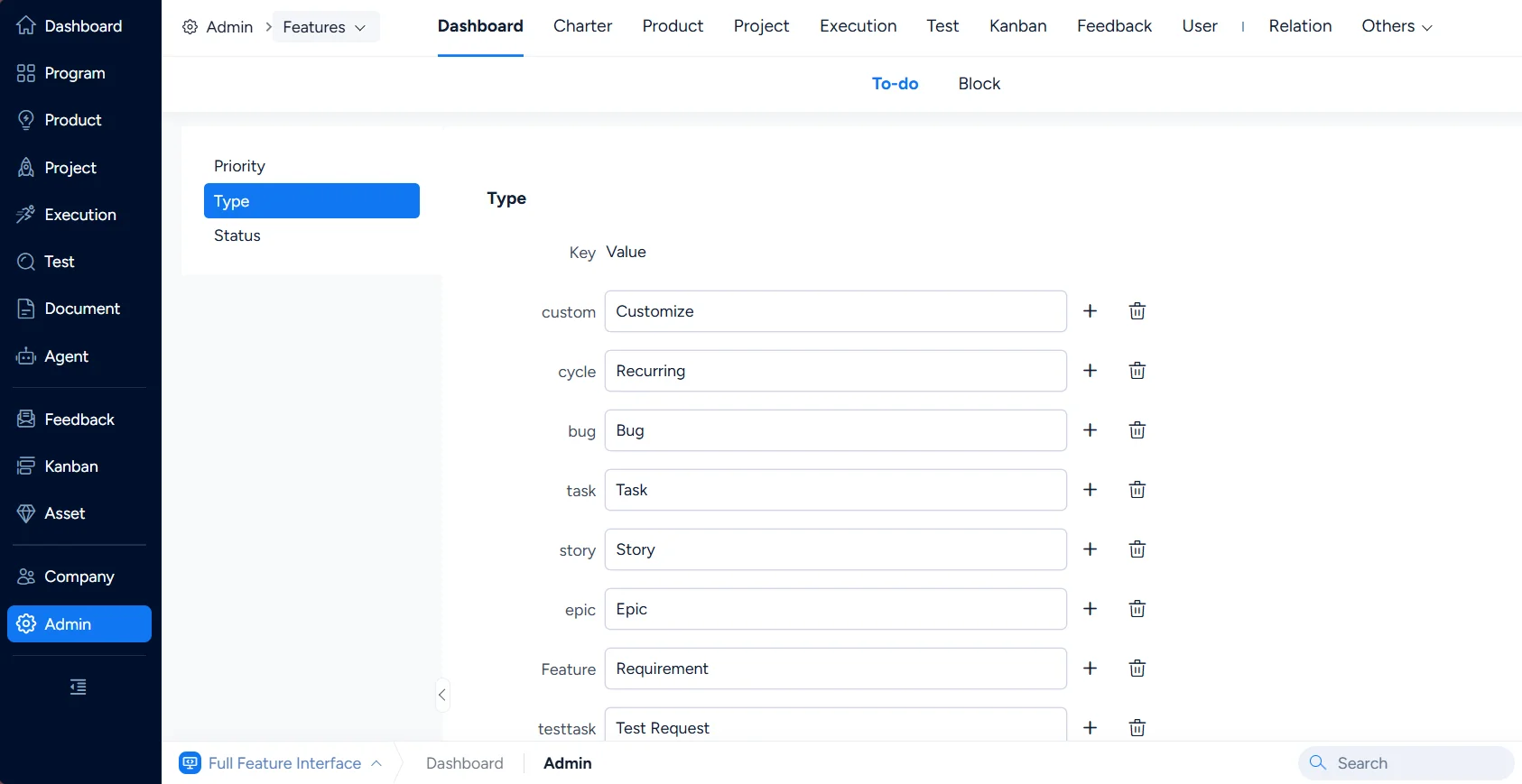
2. To-do – Type
In Dashboard > To-do > Type, you can configure To-do types.
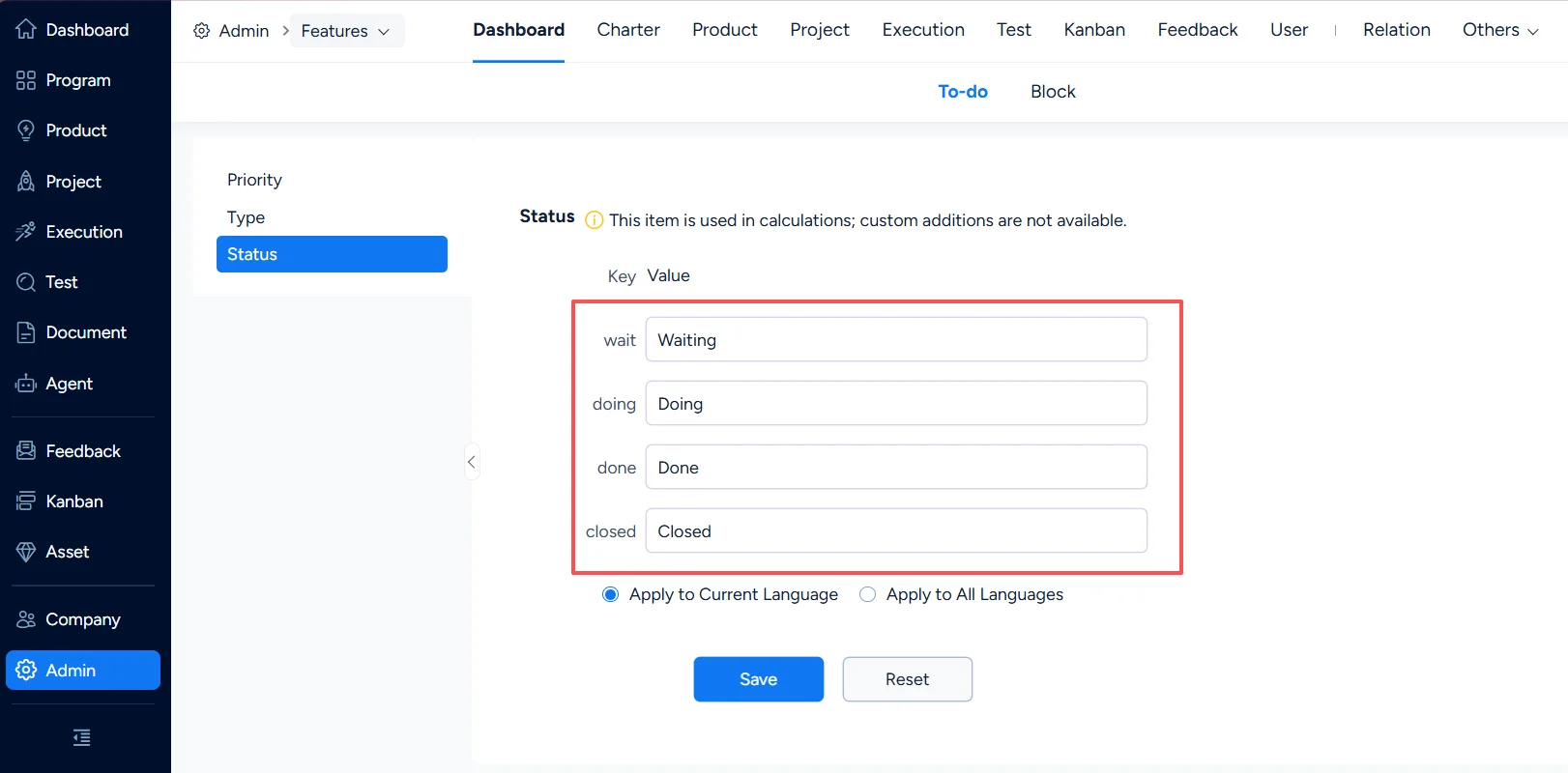
3. To-do – Status
In Dashboard > To-do > Status, you can configure To-do statuses.
II. Block Settings
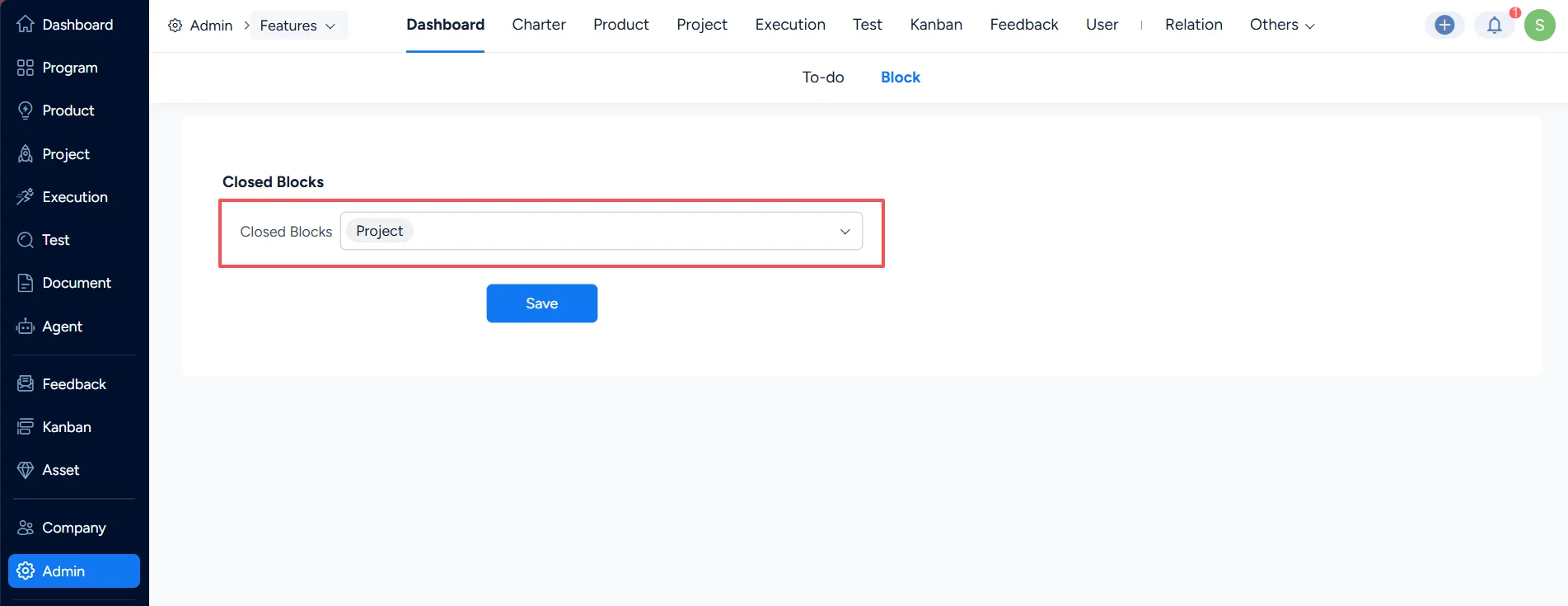
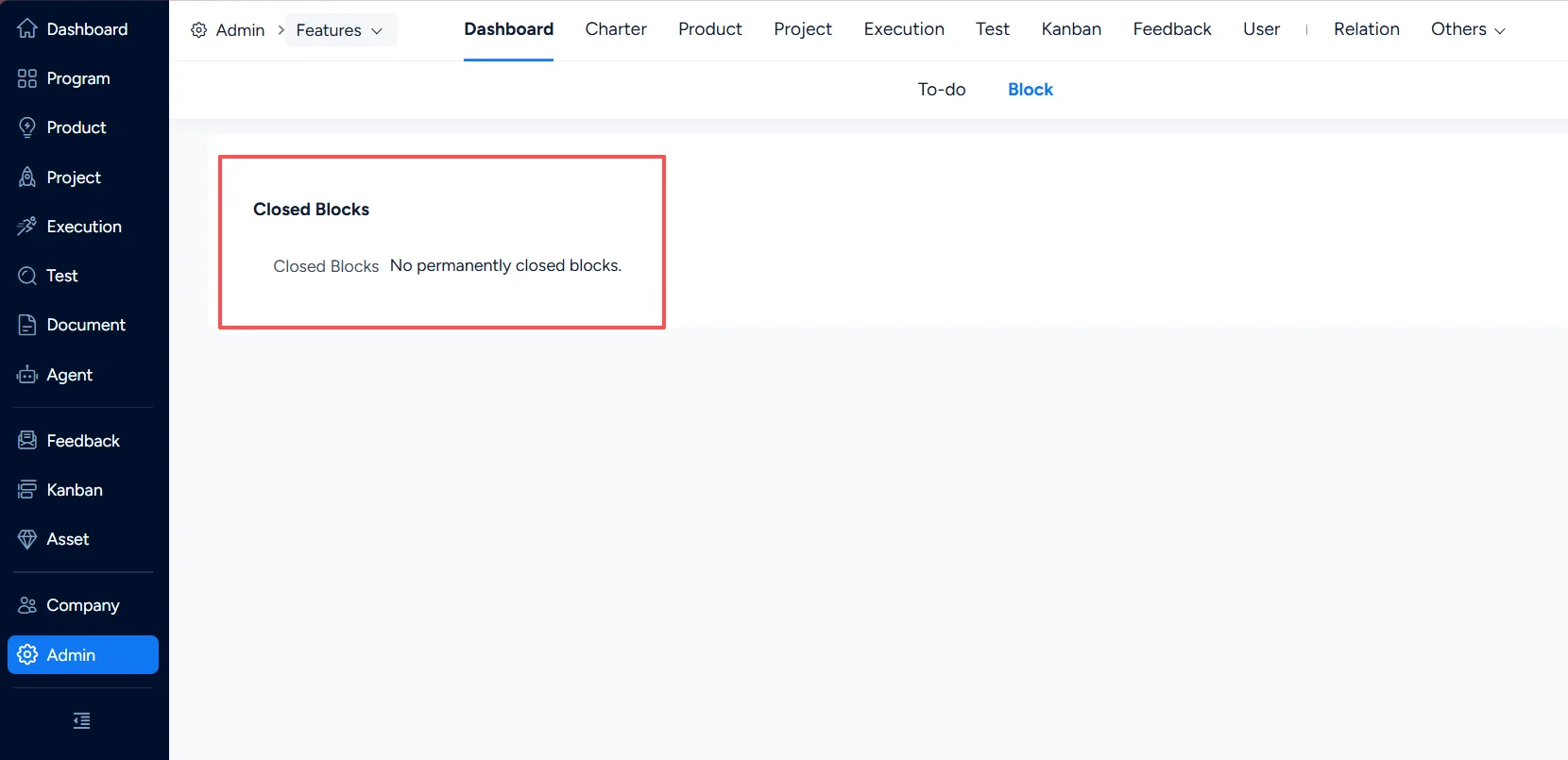
In Features > Dashboard > Block, you can view the blocks that have been disabled on the Dashboard and restore disabled blocks.
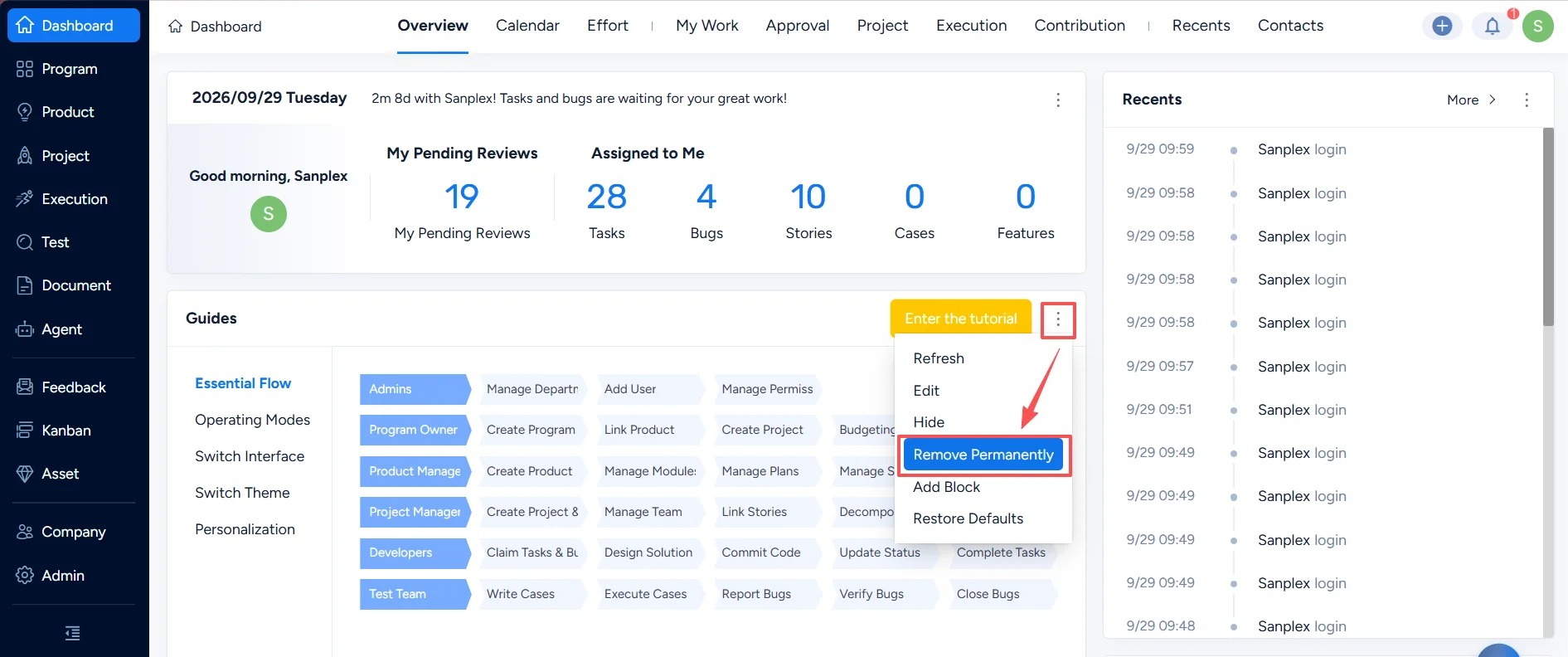
To delete a block from Dashboard: navigate to the Dashboard, select a block and click Remove Permanently.
To restore a block: navigate to Features > Dashboard > Block, delete the block name in the Closed Blocks list, then click Save.