

Catalog
In Admin > System > Security, you can configure password security settings and manage weak passwords.
1. Password Settings
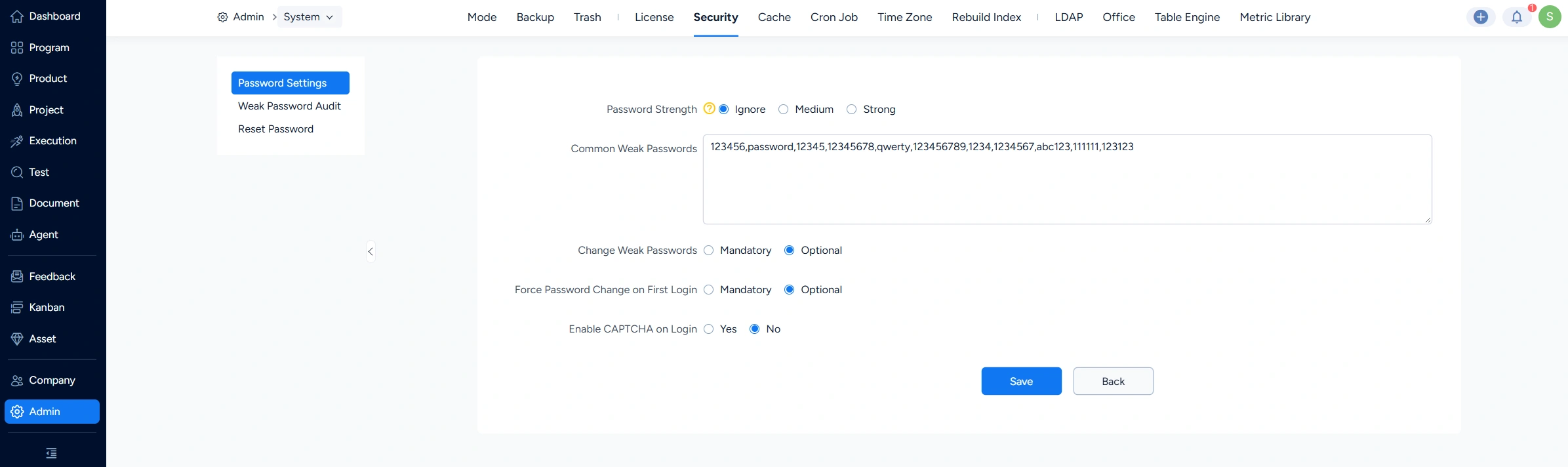
You can configure the password security level, common weak passwords, whether to force weak-password users to change their passwords, whether to force a password change on first login, and whether to use CAPTCHA during login.
2. Weak Password Audit
The Weak Password Audit page lists users with weak passwords. You can update user information for accounts identified with weak passwords.

3. Reset Password
On the Reset Password page, you can configure whether users can reset passwords via email. When enabled, users can reset their passwords using their email address.



