Catalog
Sanplex supports multi-level Program structures by allowing you to create sub-programs under an existing Program. You can create a sub-program directly from the Program List or select a parent when creating a new Program.
1. Create a Sub-Program from the Program List
In Project View, locate the parent Program in the Program List and use the sub-program action in the Actions area to create a Program under it.

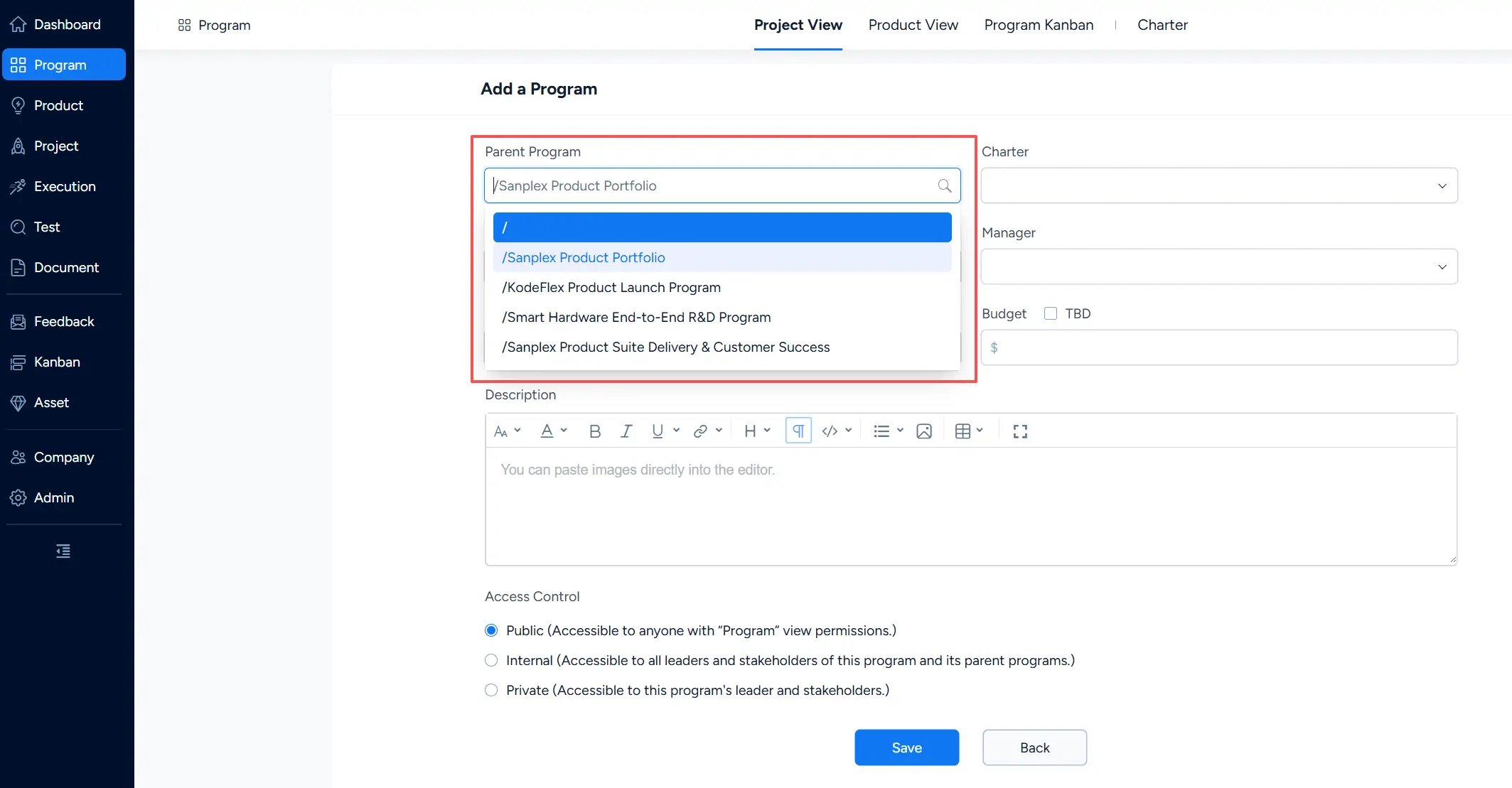
2. Select a Parent Program When Creating a Program
You can also click Create Program and select the appropriate Program from the Parent Program field.
Selecting a parent places the new Program under that Program in the hierarchy. To create a top-level Program, leave the Parent Program at the top level.