

Catalog
Sanplex provides Cron Job to periodically run operations such as updating burn-down charts and performing backups, so users don’t need to configure scheduled tasks manually.
1. Enable Cron Job
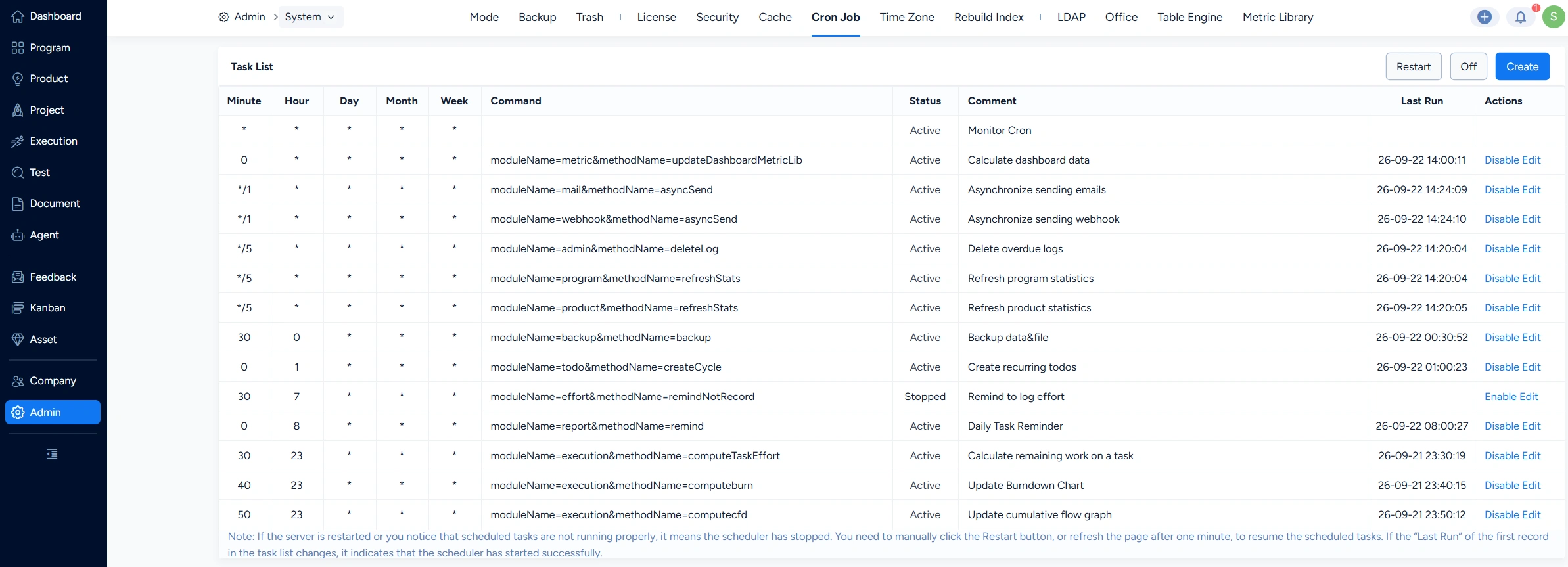
Only after Cron Job are enabled can you view the list of built-in scheduled tasks in the system.

2. View Built-in Cron Jobs
Sanplex includes several commonly used built-in Cron Jobs, including: update burn-down charts, update cumulative flow diagrams, generate daily task reports and etc.
3. Create a Cron Job
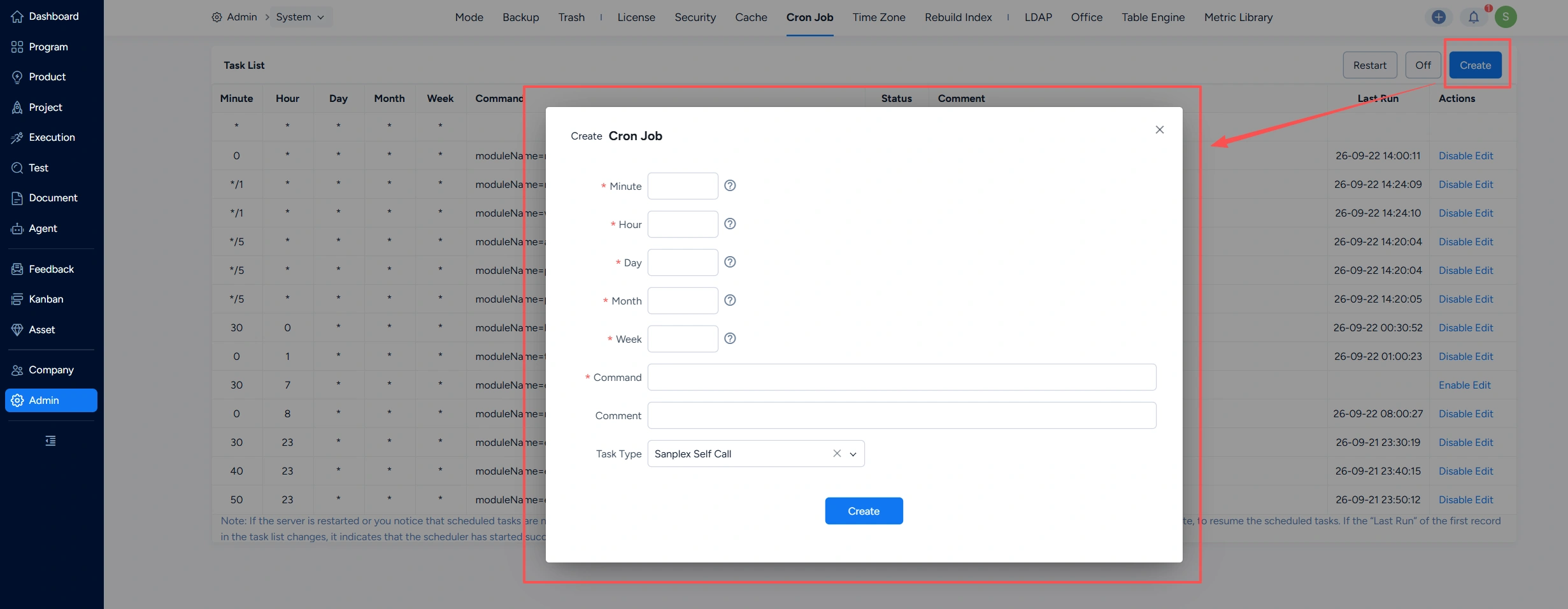
Click Create in the top-right corner to create a cron job.
4. Disable Cron Jobs
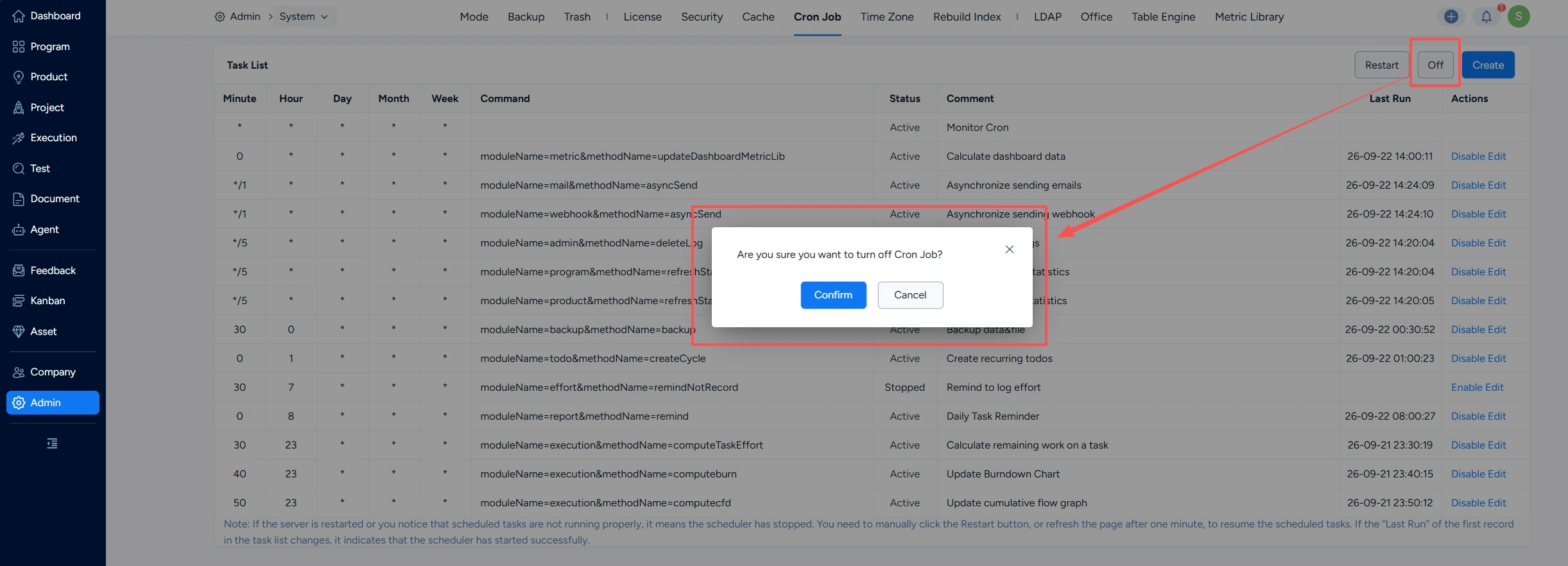
Click Off in the top-right corner to disable cron jobs.
5. Restart Cron Jobs
Click Restart in the top-right corner to restart cron jobs.



