Catalog
I. Sanplex System Administrators
Sanplex provides three types of administrators:
- Super Administrator: The user with ID 001 in Sanplex. This user has all permissions, and all operations are not restricted by permission controls.
- System Administrator: A system-level administrator who has all permissions listed in the permission list.
- Project Administrator: Project owners automatically have project administrator permissions.
After installing Sanplex successfully, you may need to log in as the configured super administrator to add and maintain departments and users.
Note: When using Sanplex for the first time, log in with the super administrator account admin and the initial password 123456 to complete basic setup.
II. User Management
On the Admin home page, click Users to open the user management page, where you can manage users, departments, and permissions.
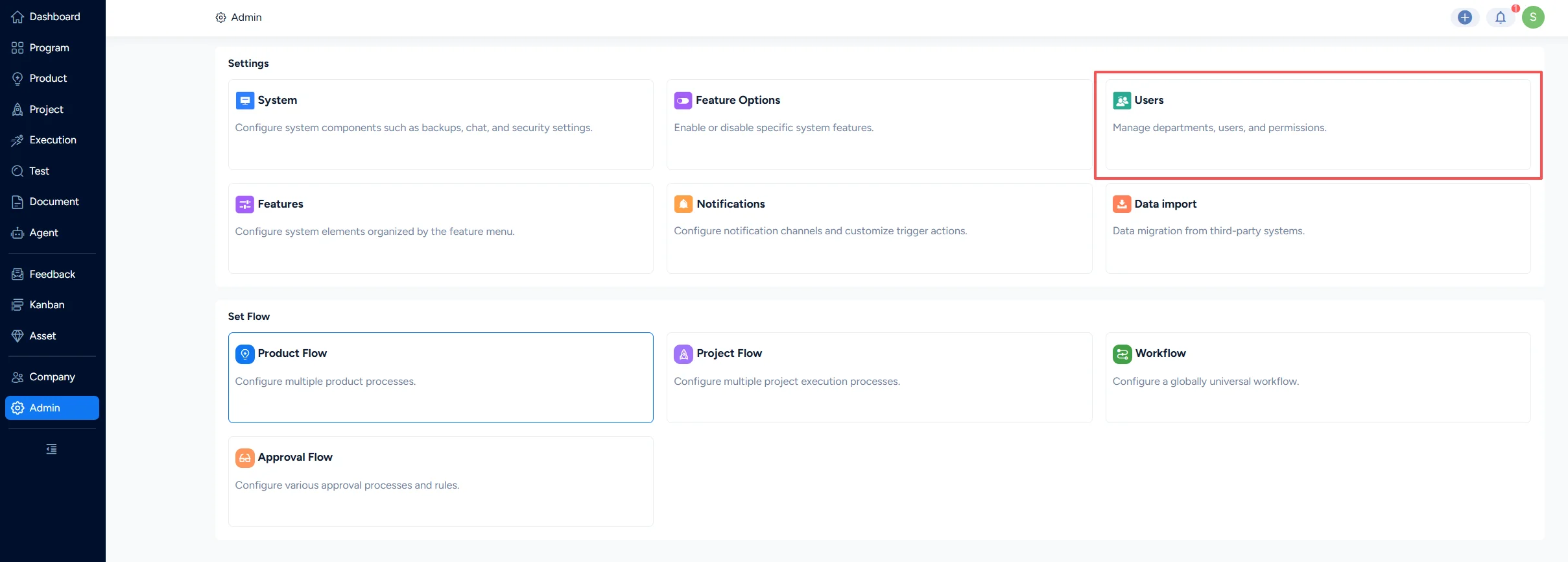
Click here to check the details of Sanplex user management.
III. Set Departments
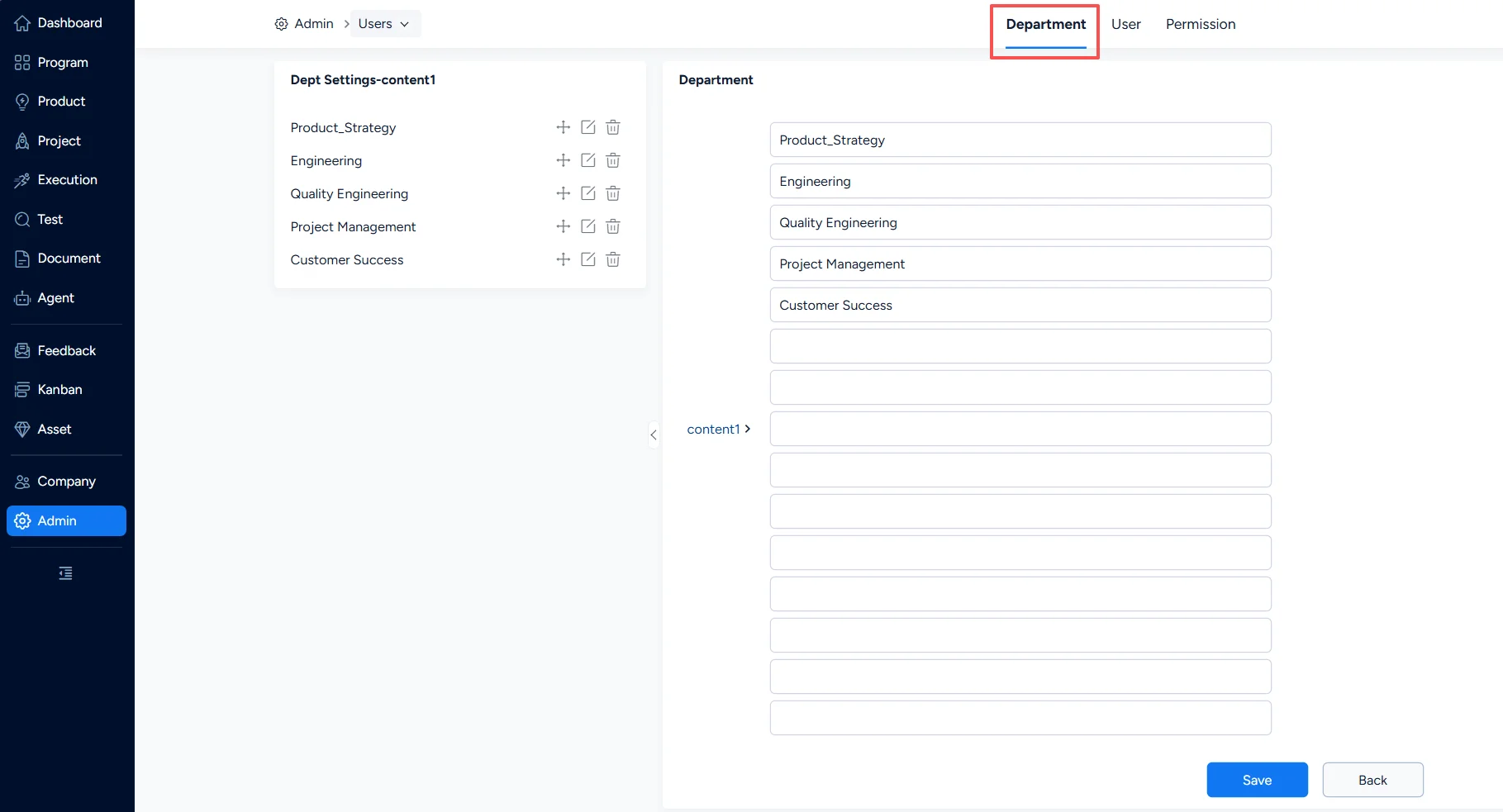
Before adding users, you should first set departments. Go to Admin > Users > Department to add and manage departments.
IV. View Company Profile
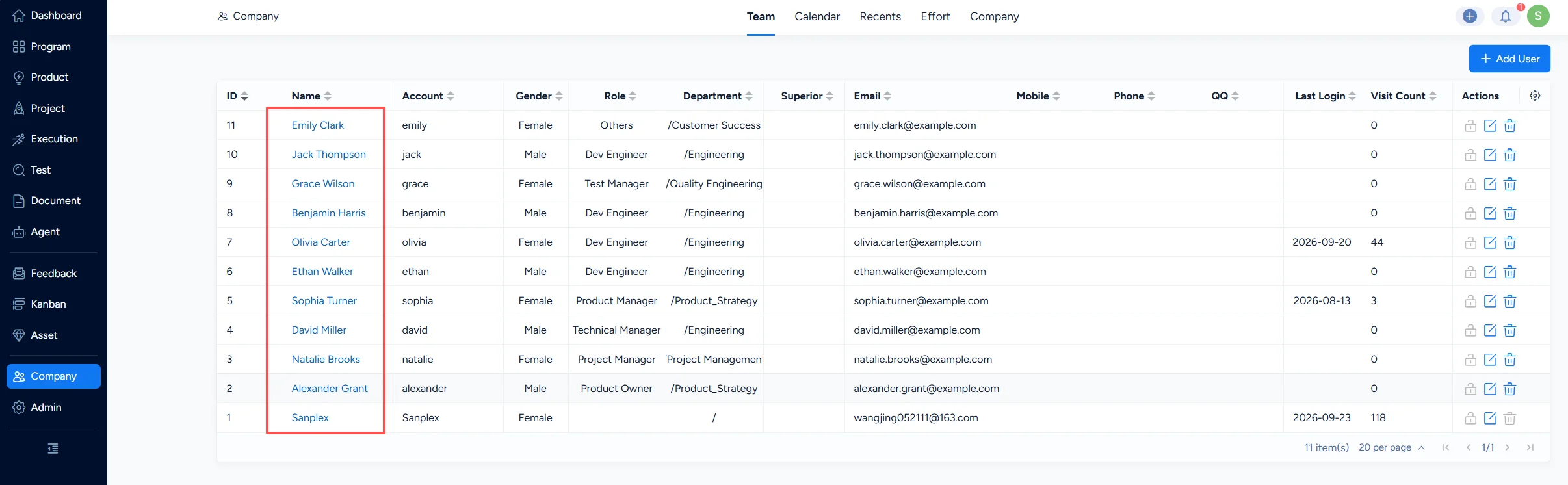
In the Company module of Sanplex, you can view members and recents, and configure basic company information.
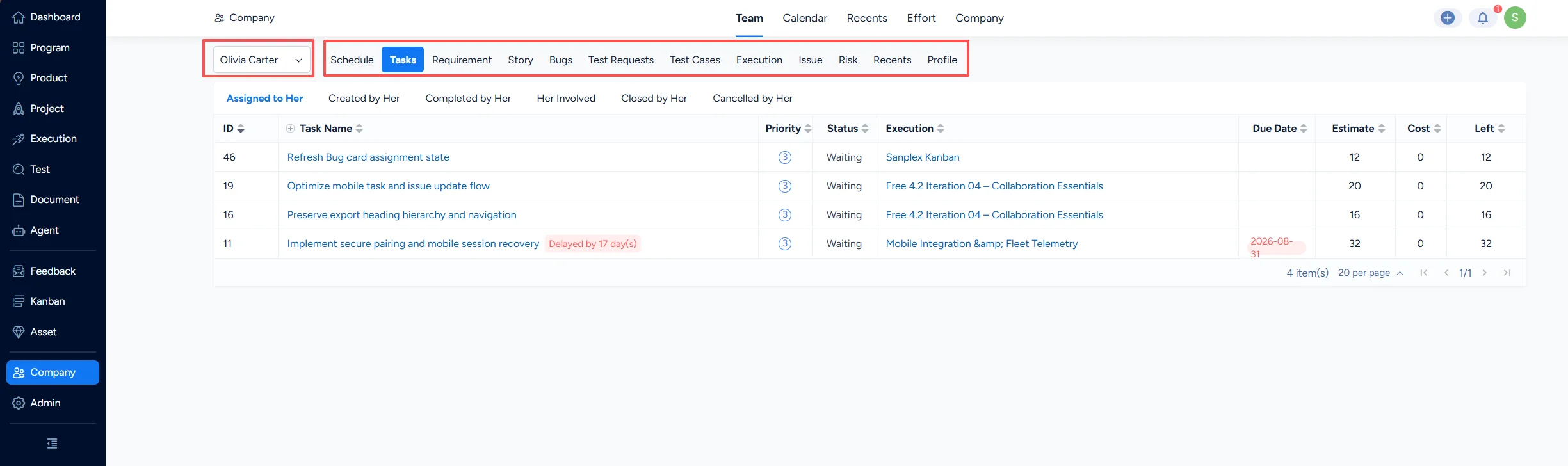
Click a name in the team list to view the user’s work information.
The current user can only view work information for users in their own department.
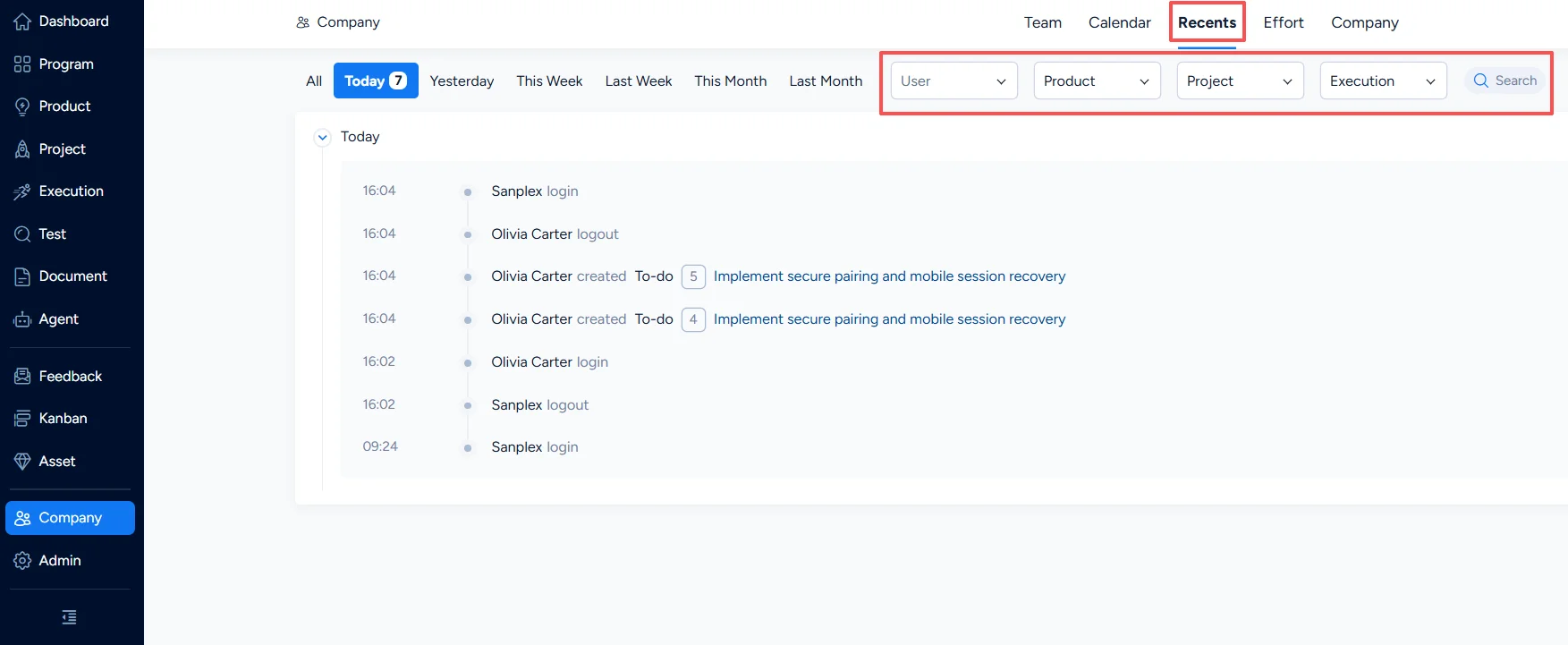
Go to Company > Recents to view all operations in the Sanplex system. By default, it shows today’s activities. You can filter by user, product, project, sprint, etc. to review activities.
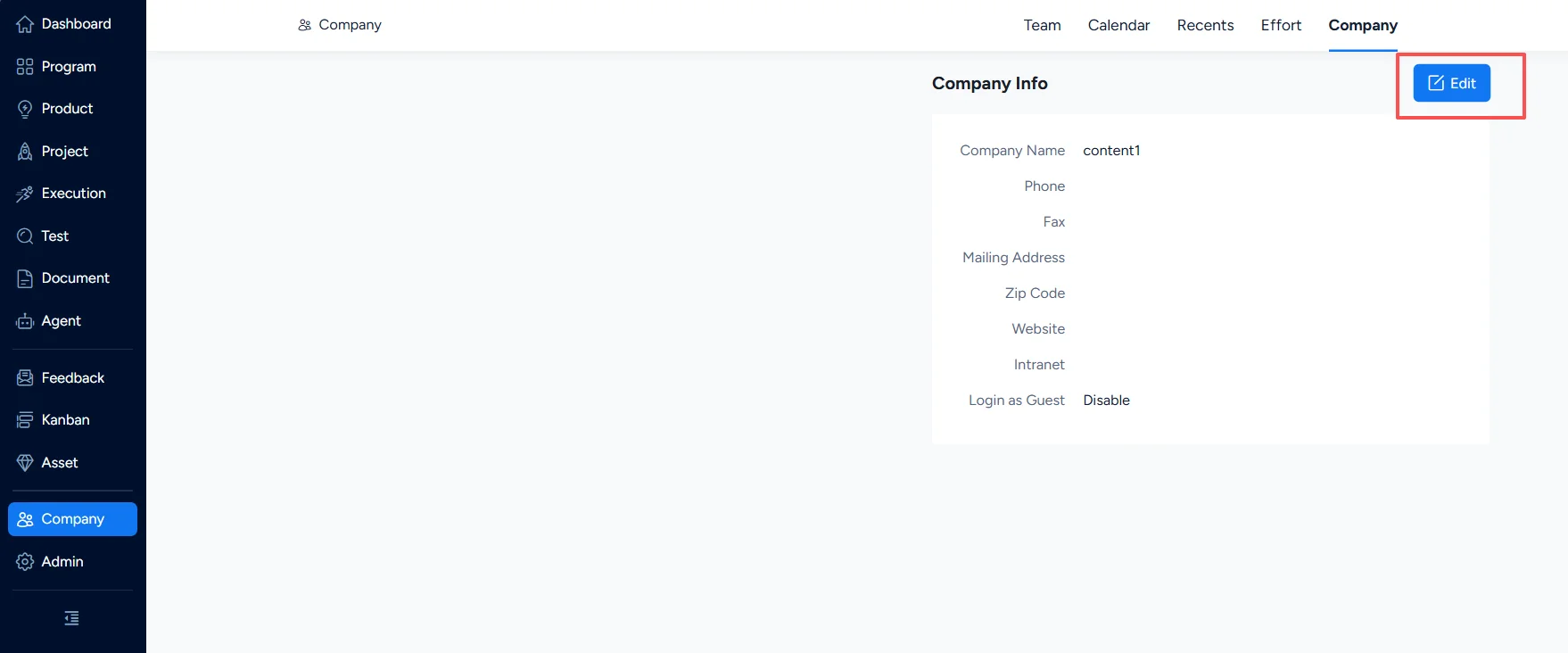
Under Company > Company, you can edit basic company information and configure whether anonymous login is allowed.