Catalog
Go to Admin > Feature Options > Test to configure the elements of Bugs, Test Cases, Test Suites, Test Requests, Test Reports, and the Test Case Library.
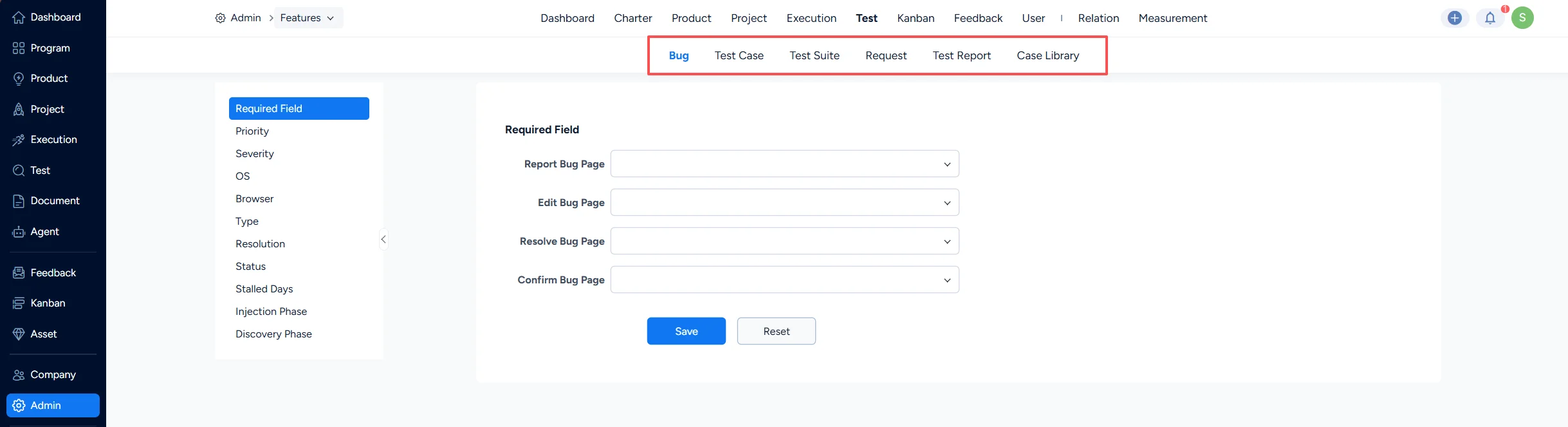
I. Bug Settings
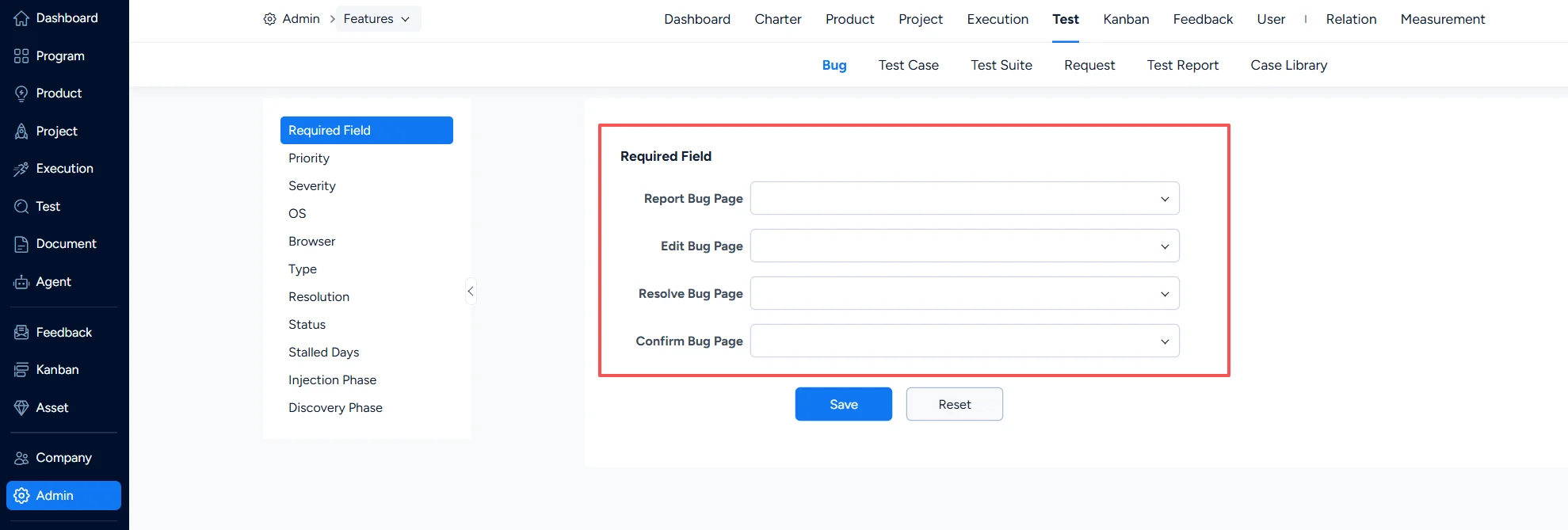
1. Bug – Required Fields
Under Test > Bug > Required Field, you can set which fields are mandatory when a bug is submitted, edited, or resolved.
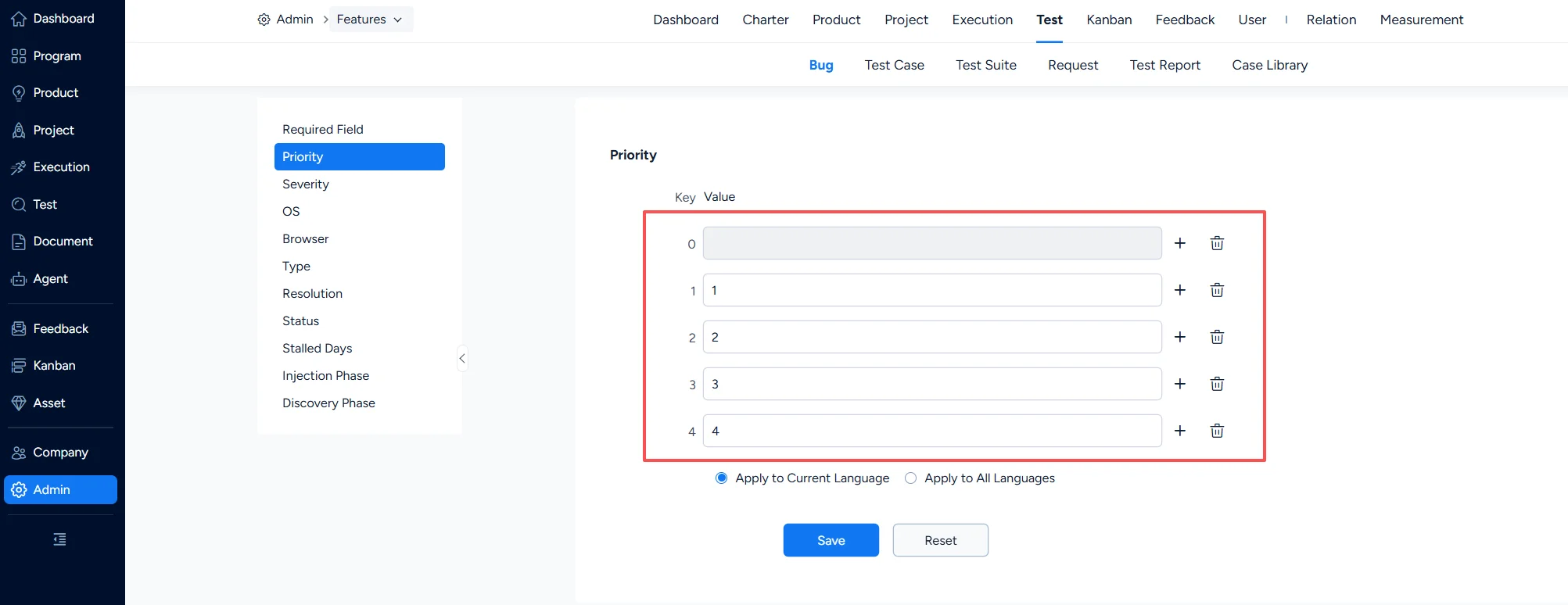
2. Bug – Priority
Under Test > Bug > Priority, you can configure bug priorities.
3. Bug – Severity
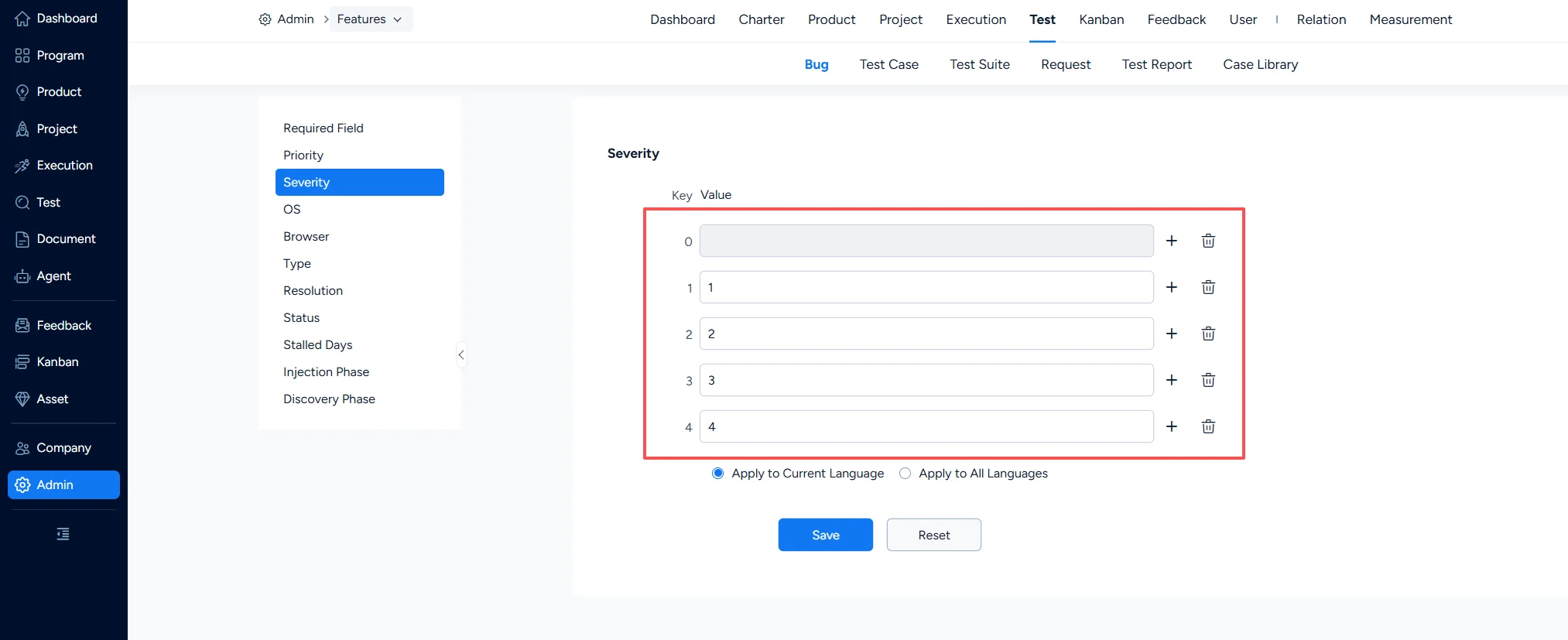
Under Test > Bug > Severity, you can configure bug severity levels.
4. Bug – Operating System
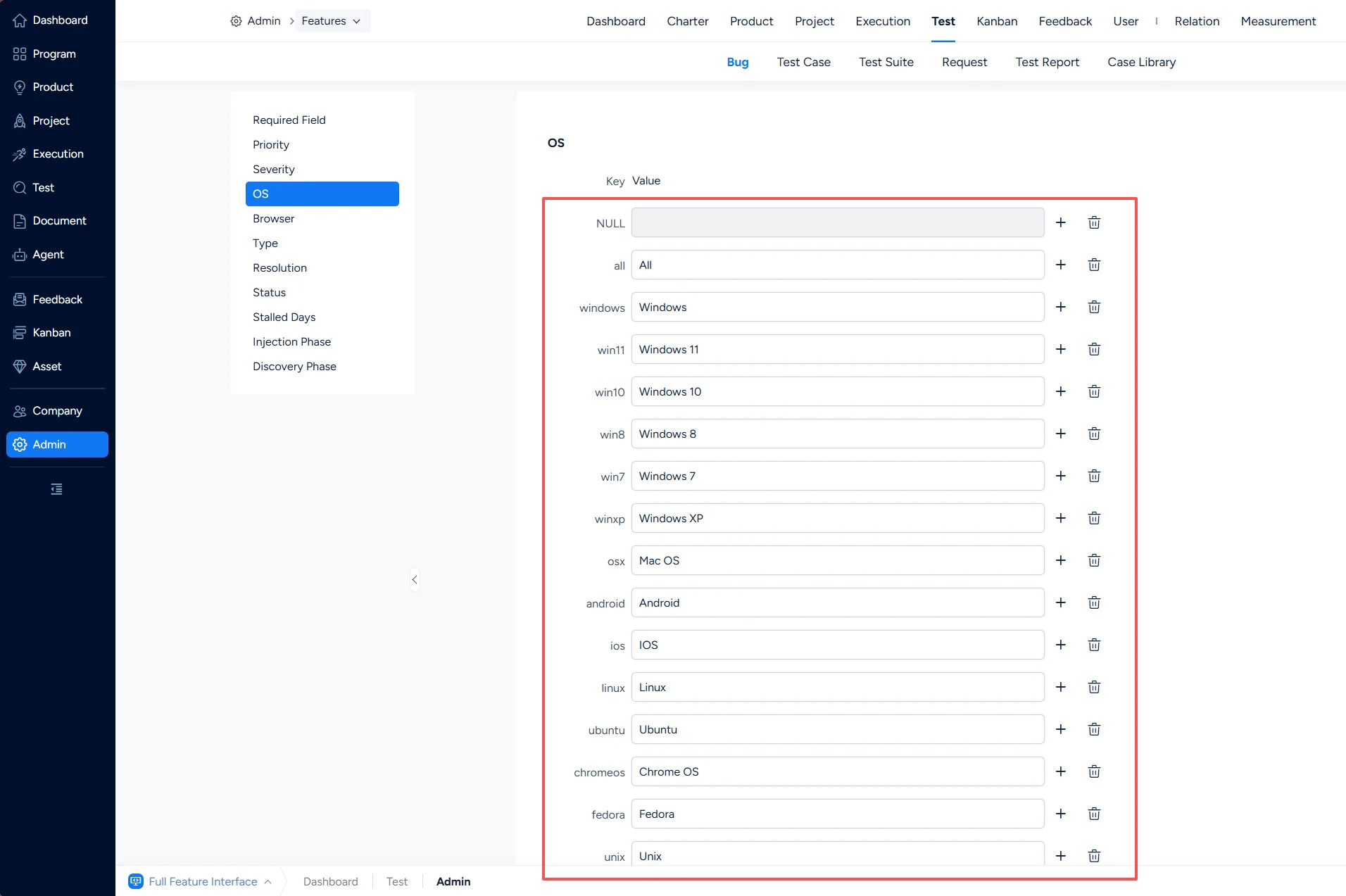
Under Test > Bug > OS, you can configure the operating systems associated with bugs.
5. Bug – Browser
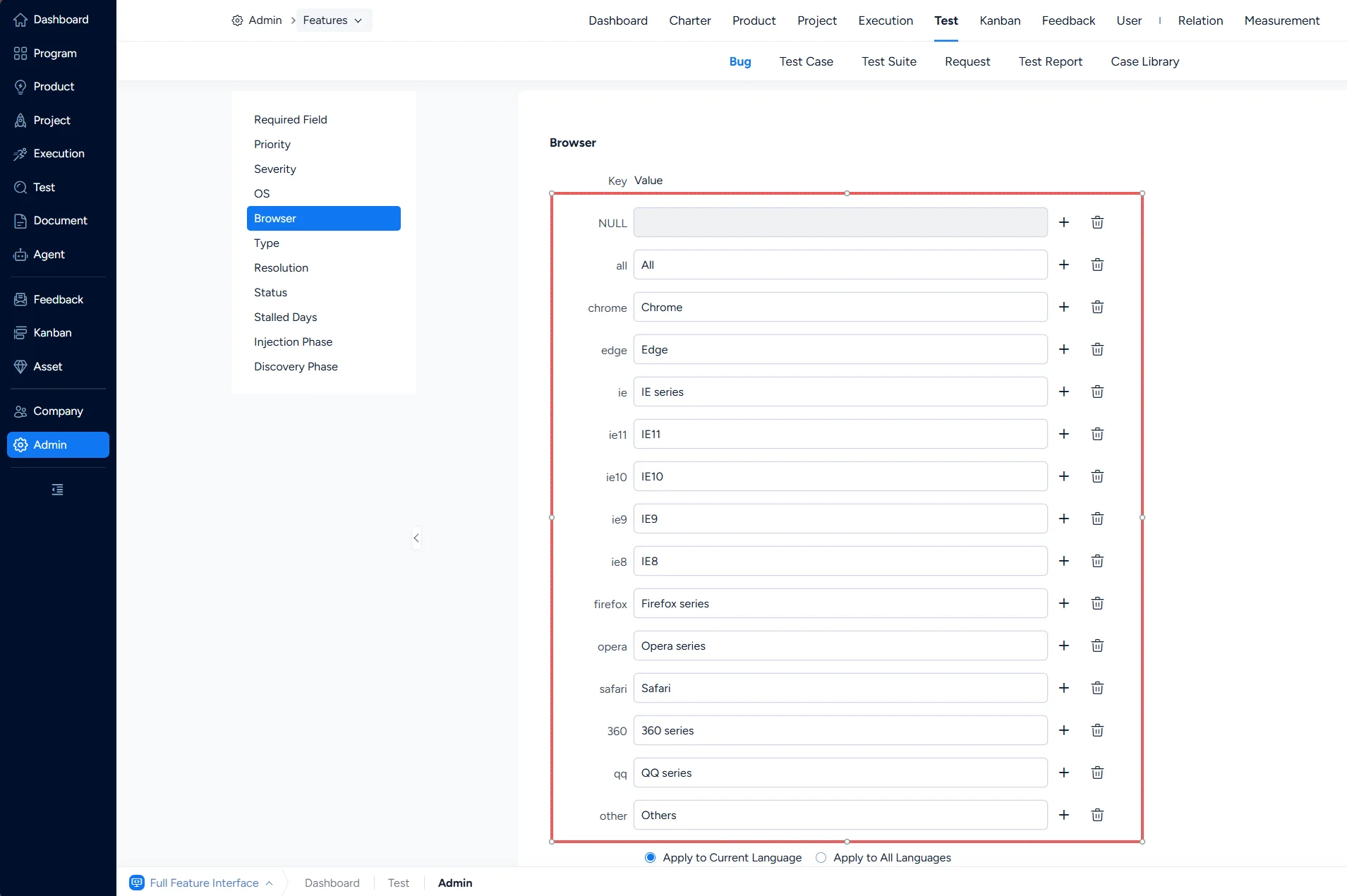
Under Test > Bug > Browser, you can configure the browsers associated with bugs.
6. Bug – Type
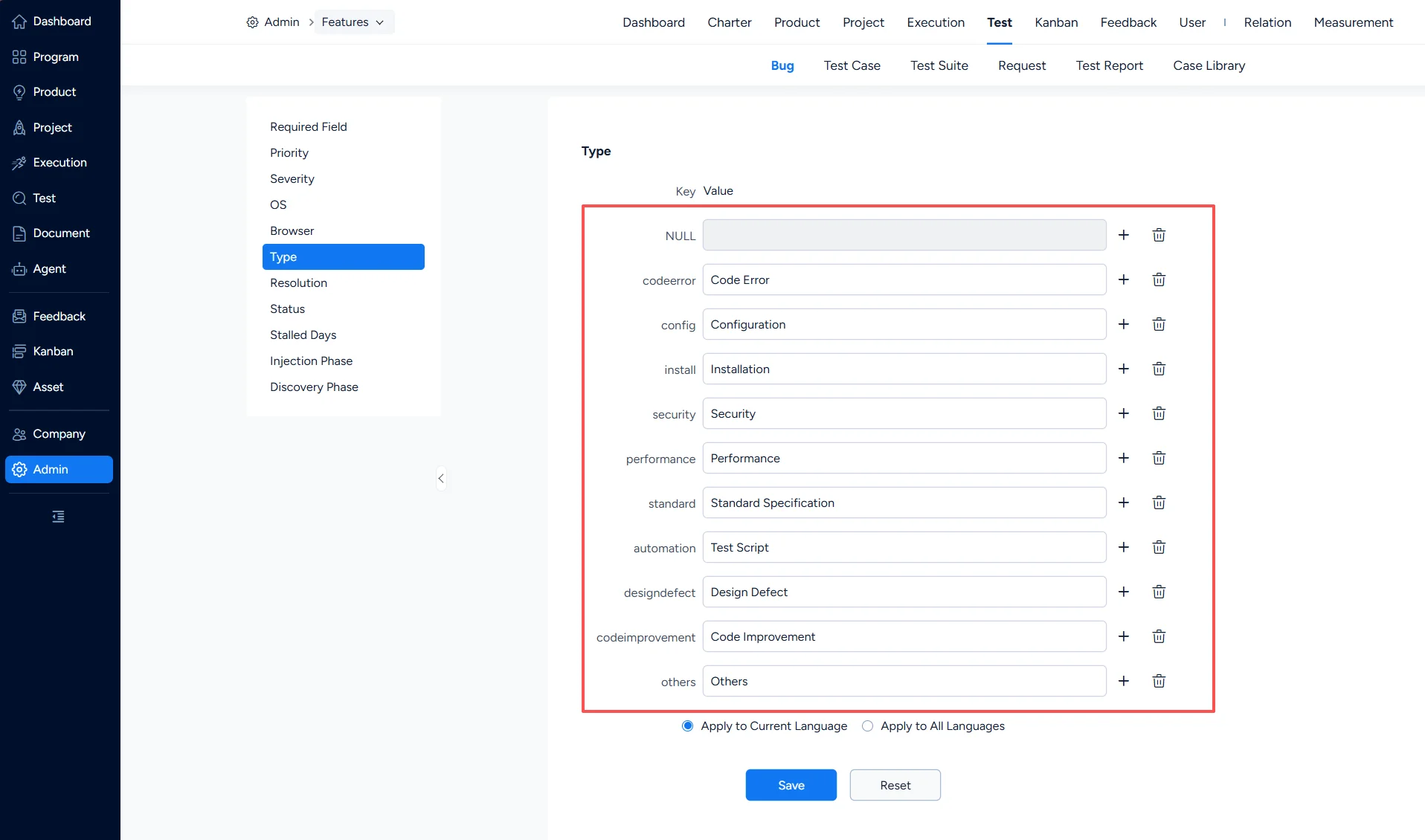
Under Test > Bug > Type, you can configure bug types.
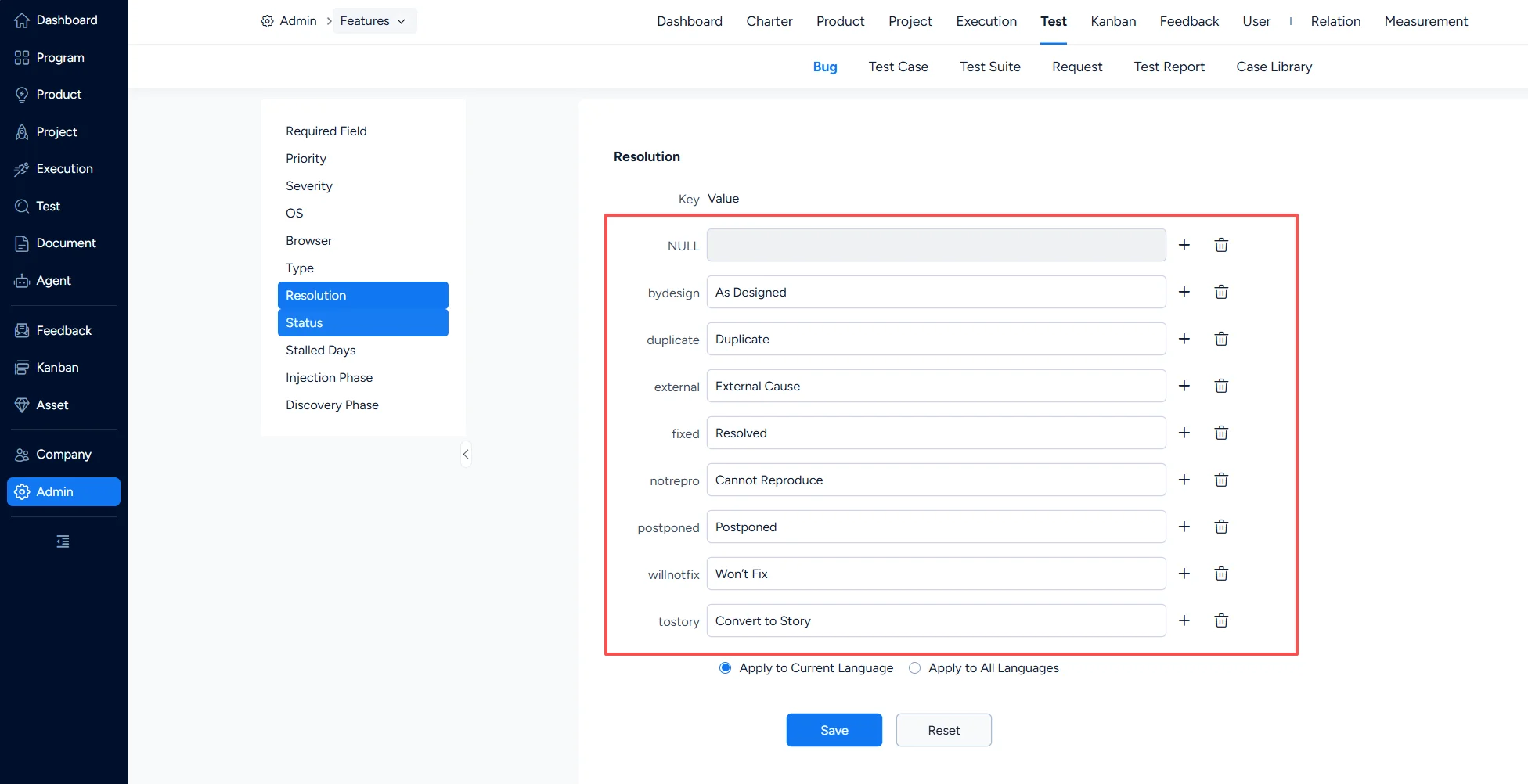
7. Bug – Resolution
Under Test > Bug > Resolution, you can configure bug resolutions.
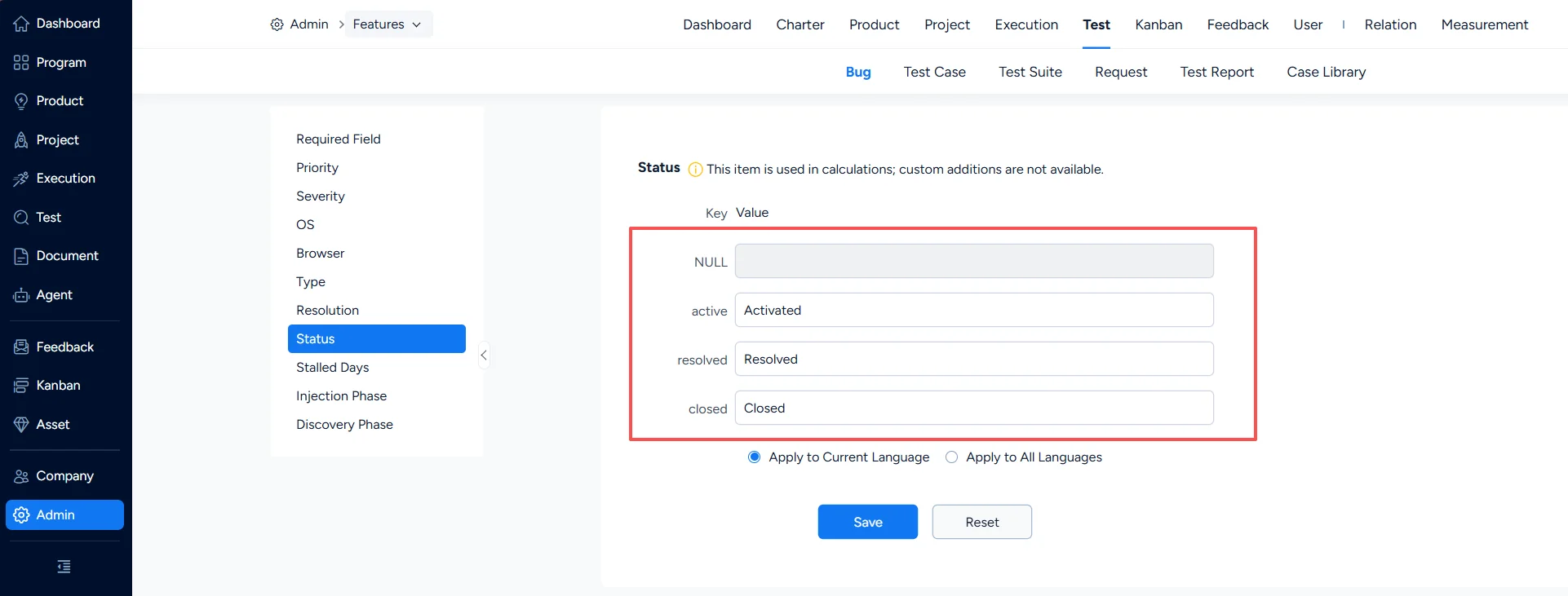
8. Bug – Status
Under Test > Bug > Status, you can configure bug statuses.
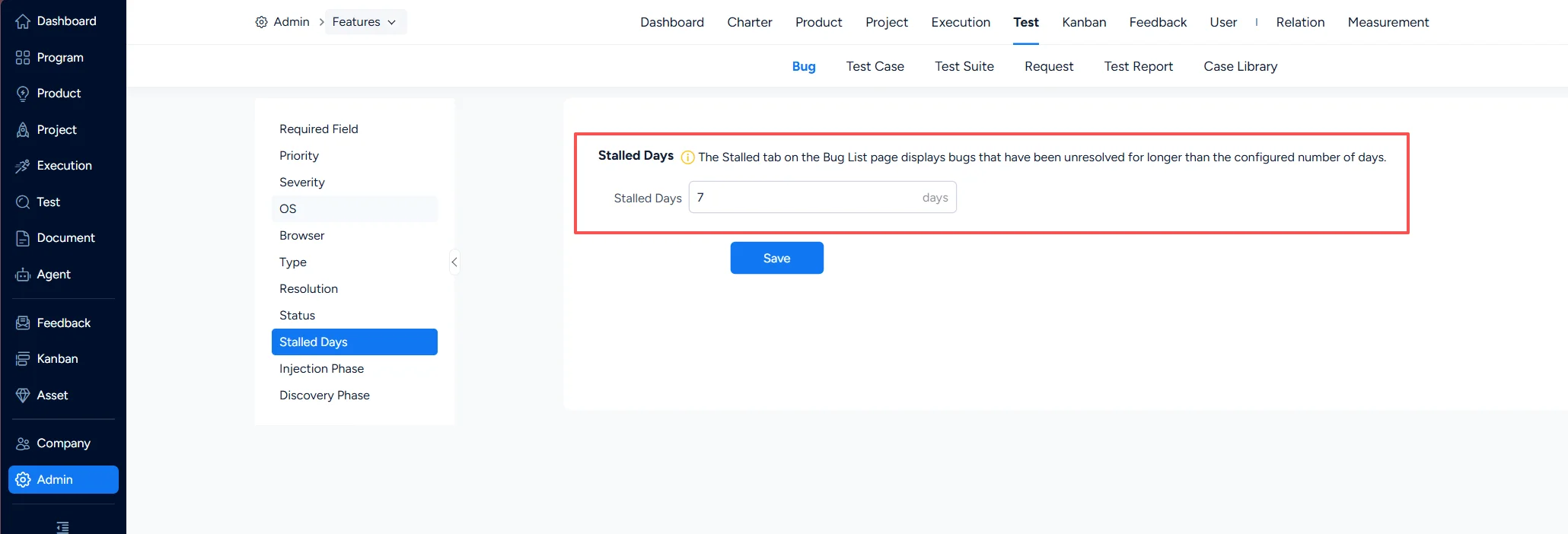
9. Bug – Stalled Days
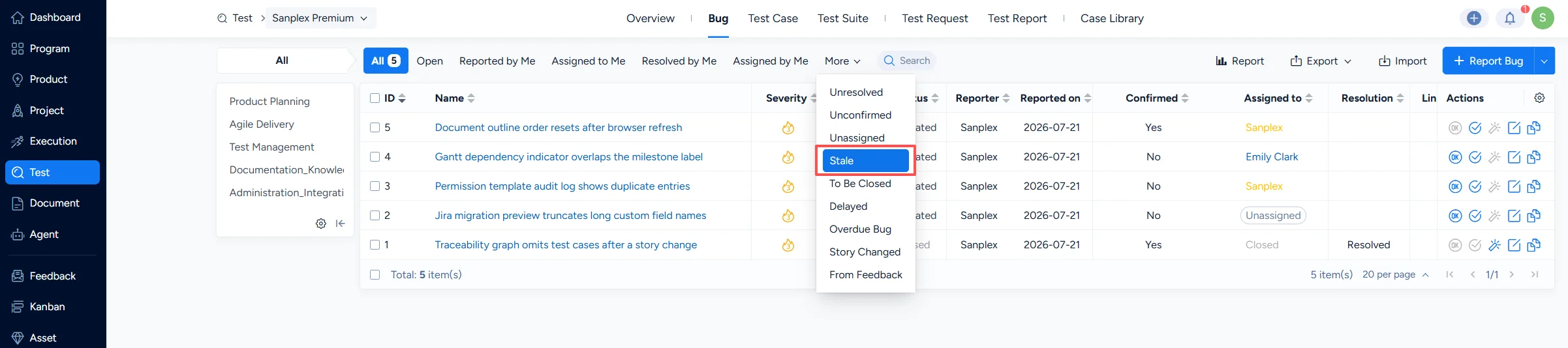
Under Test > Bug > Stalled Days, you can configure the Stale tag on the bug list page, so that bugs left unhandled before the specified number of days are listed.
II. Test Case Settings
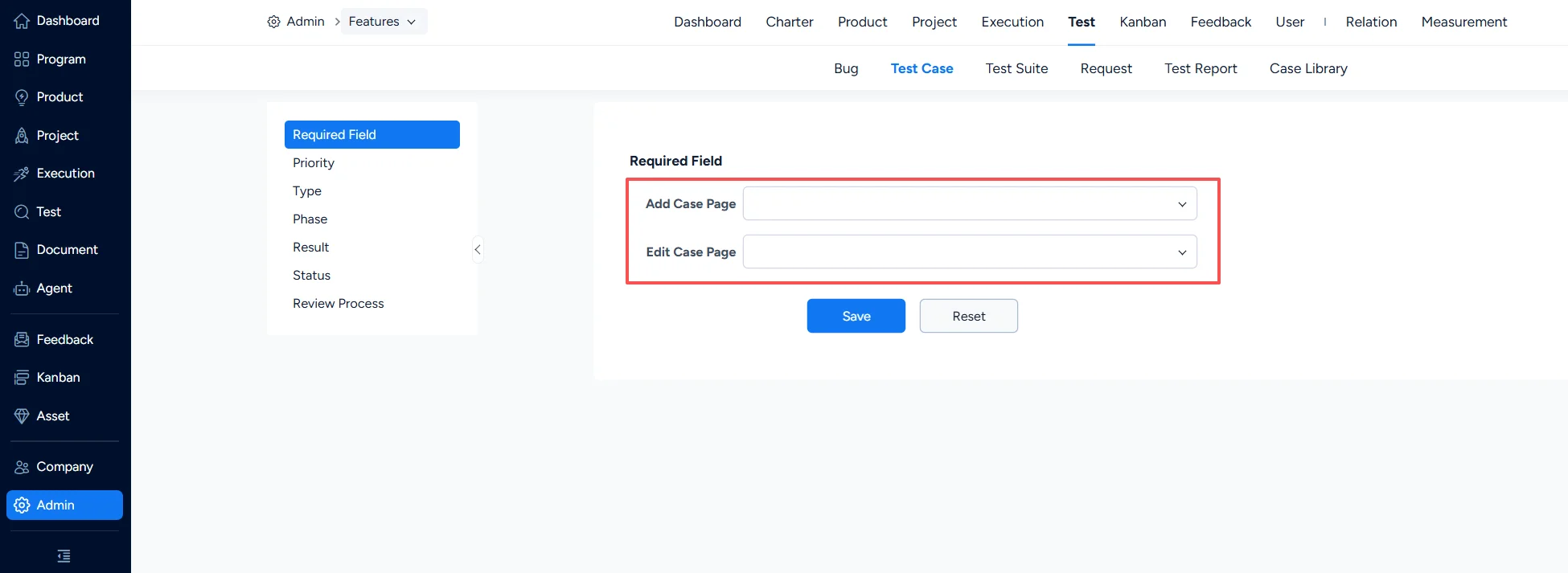
1. Test Case – Required Field
Under Test > Test Case > Required Field, you can set which fields are mandatory when a test case is created or edited.
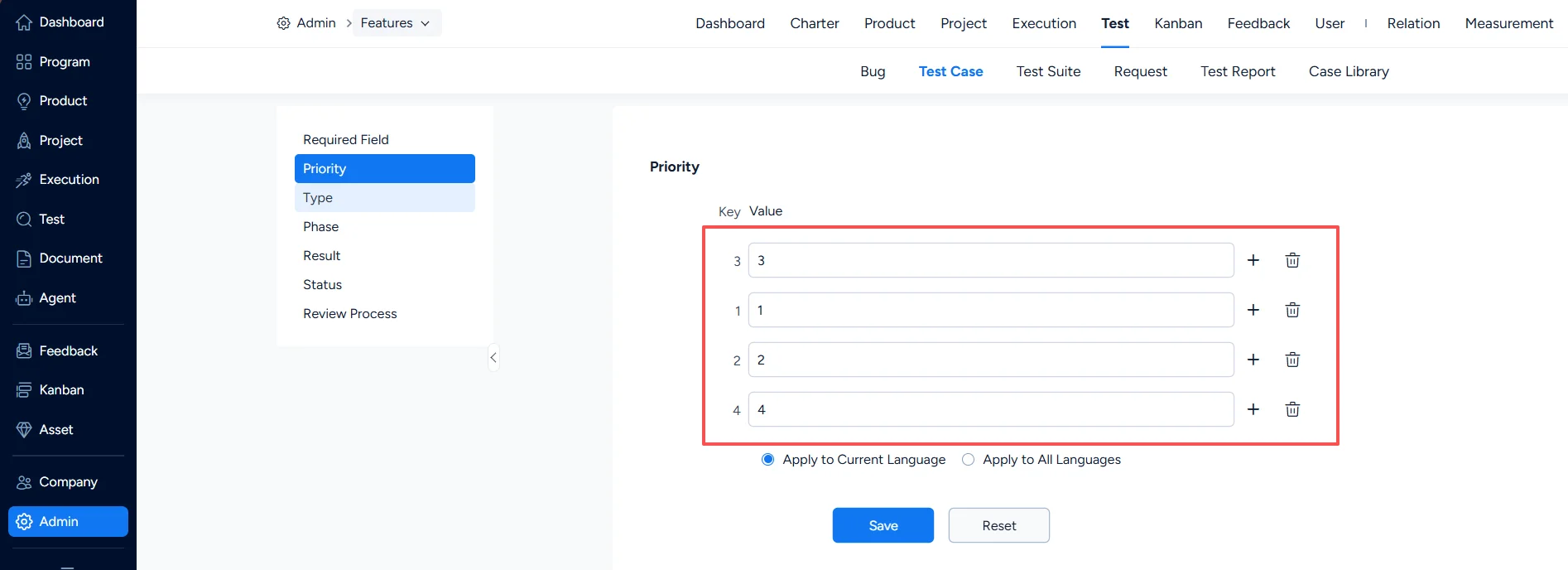
2. Test Case – Priority
Under Test > Test Case > Priority, you can configure test case priorities.
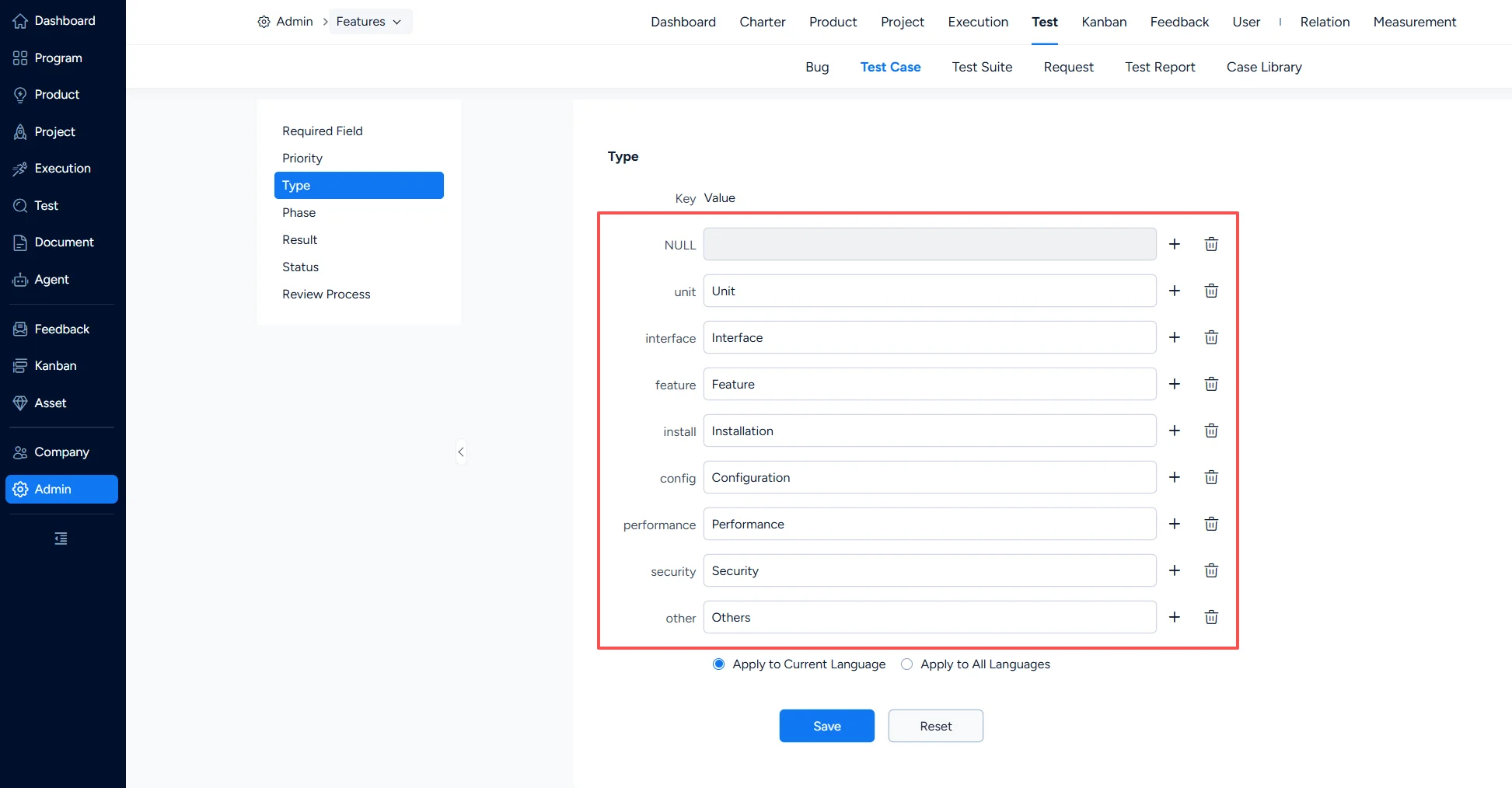
3. Test Case – Type
Under Test > Test Case > Type, you can configure test case types.
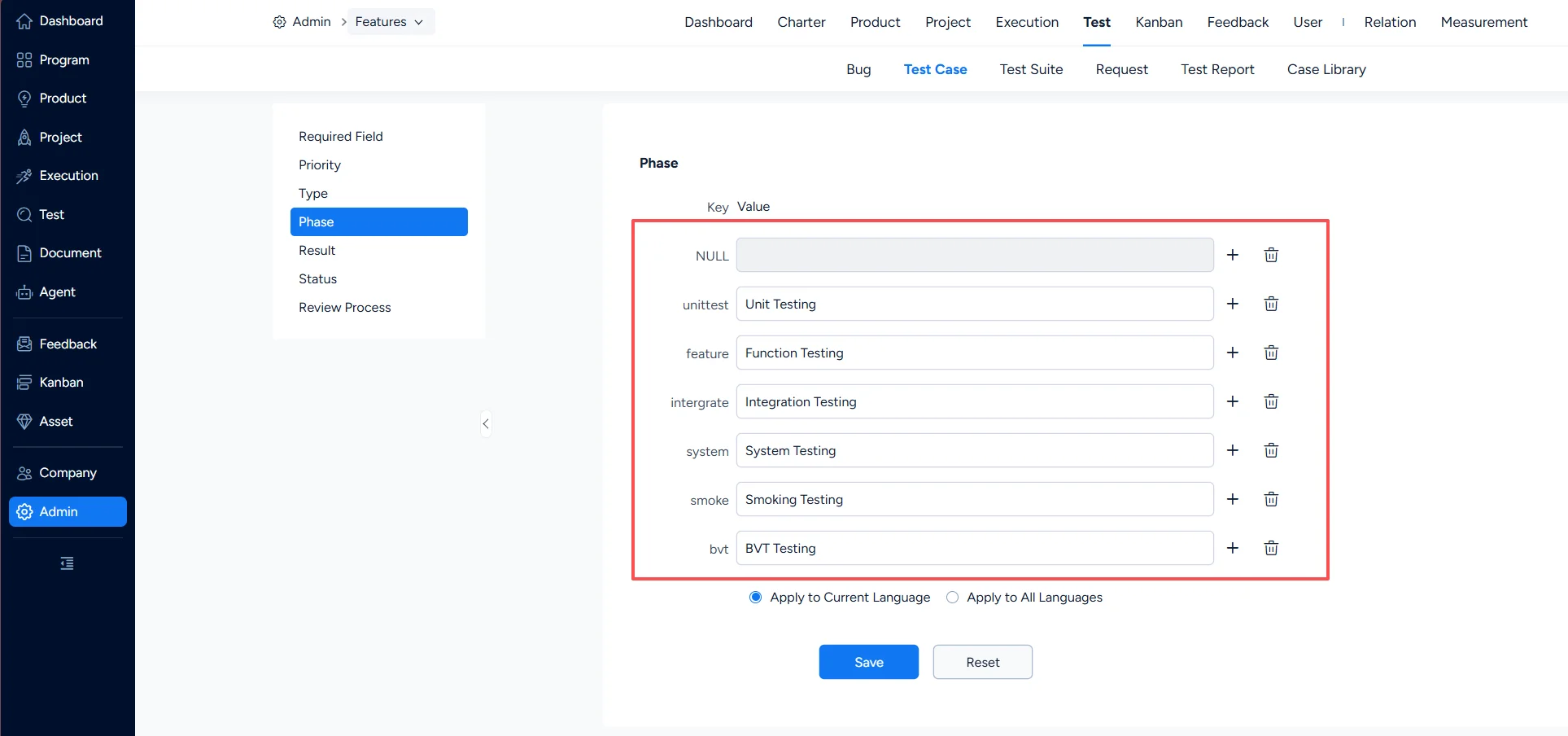
4. Test Case – Phase
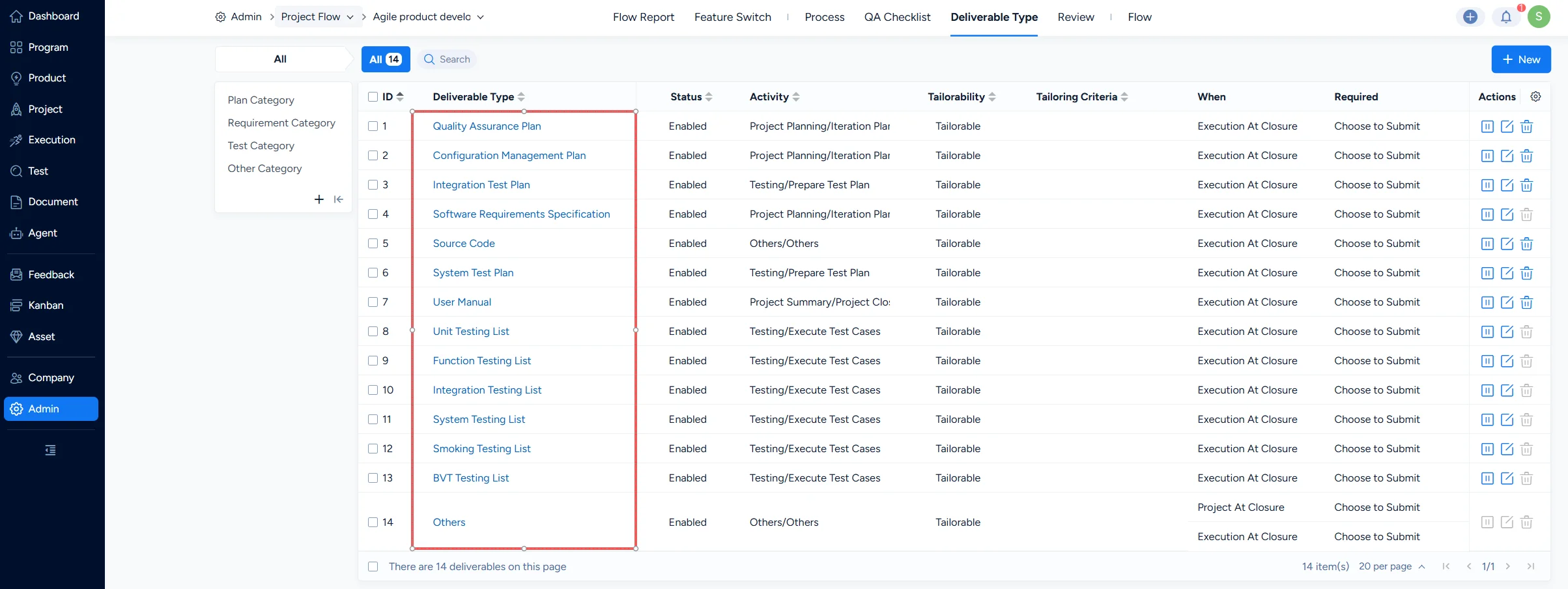
Under Test > Test Case > Phase, you can configure the phases that test cases apply to. The phases you configure here are automatically generated as a corresponding Phase list under the Test category of Deliverable Types in Admin > Project Flow.
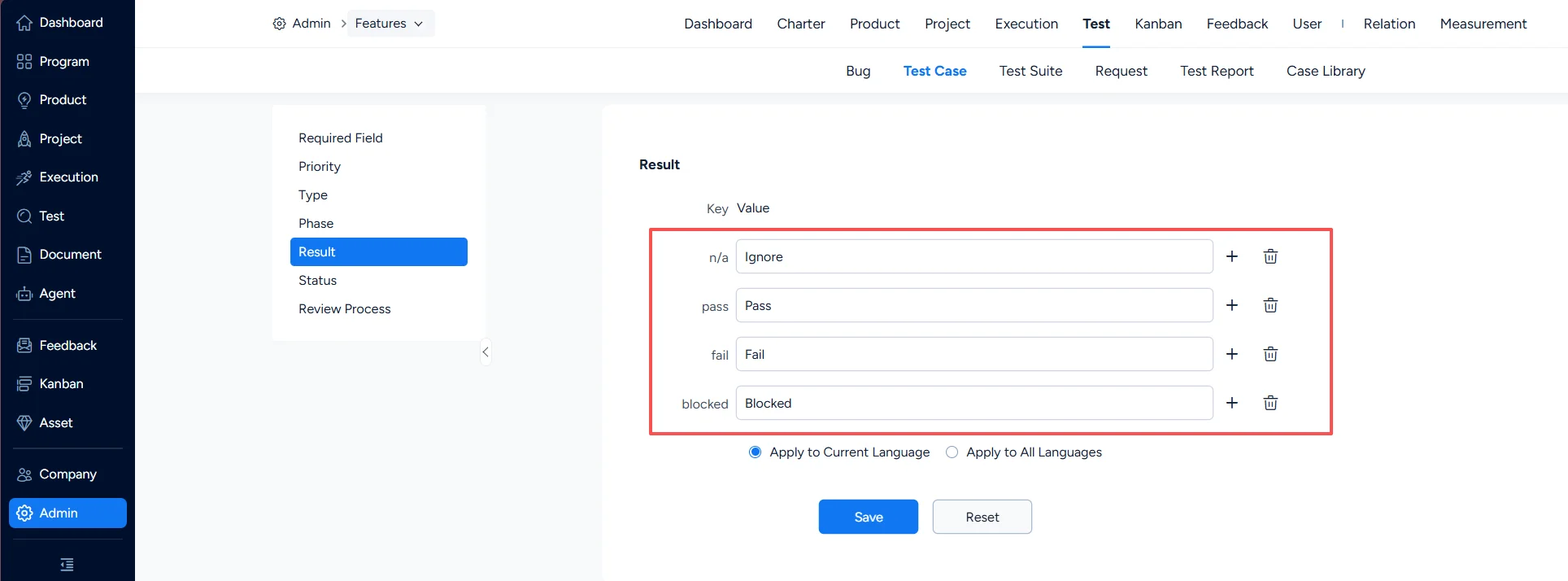
5. Test Case – Result
Under Test > Test Case > Result, you can configure test case results.
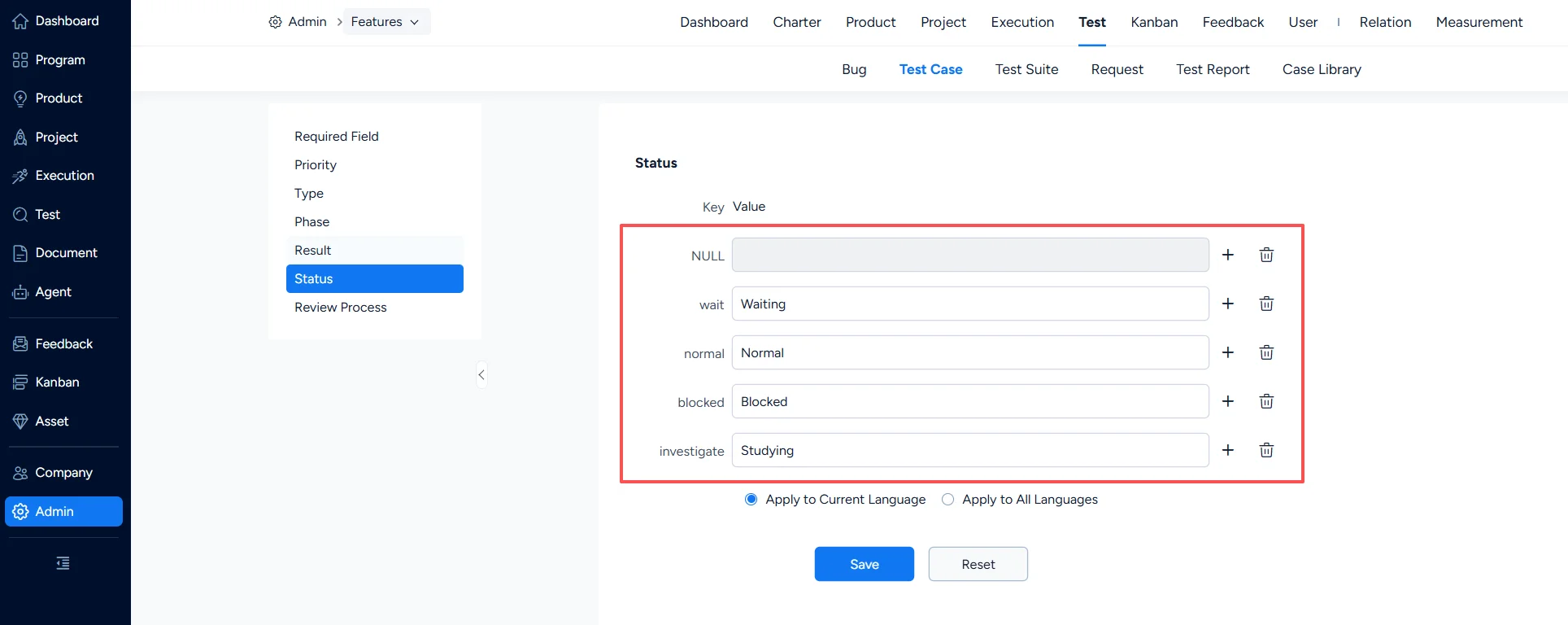
6. Test Case – Status
Under Test > Test Case > Status, you can configure test case statuses.
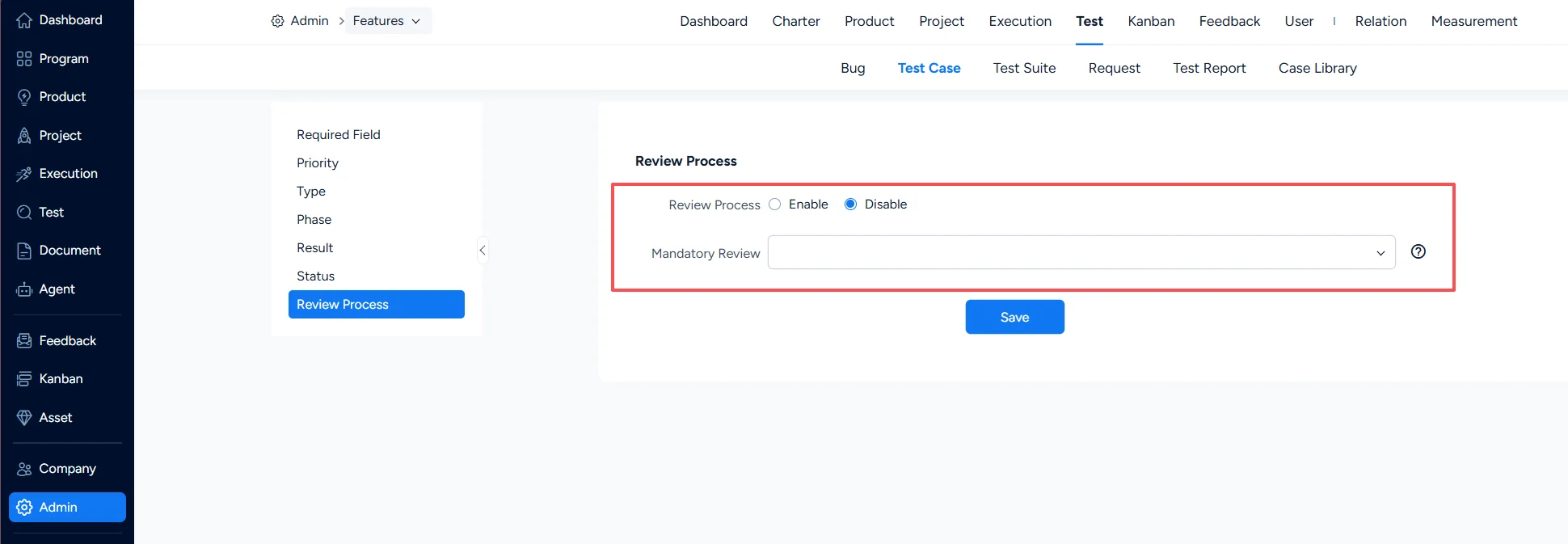
7. Test Case – Review Process
Under Test > Test Case > Review Process, you can configure whether the review process is enabled for test cases. If a mandatory reviewer is designated, test cases submitted by that reviewer must go through the review process, whether or not the review process is enabled.
III. Test Suite Settings
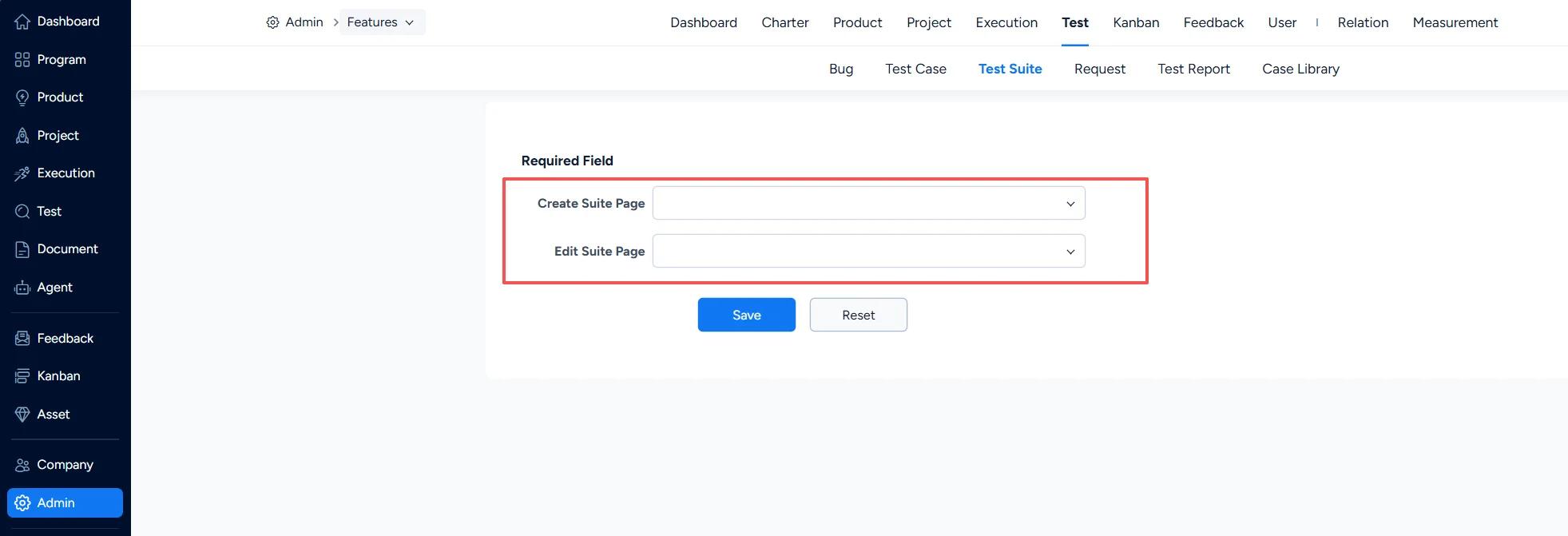
Under Test > Test Suite > Required Field, you can set which fields are mandatory when a test suite is created or edited.
IV. Test Request Settings
1. Test Request – Required Field
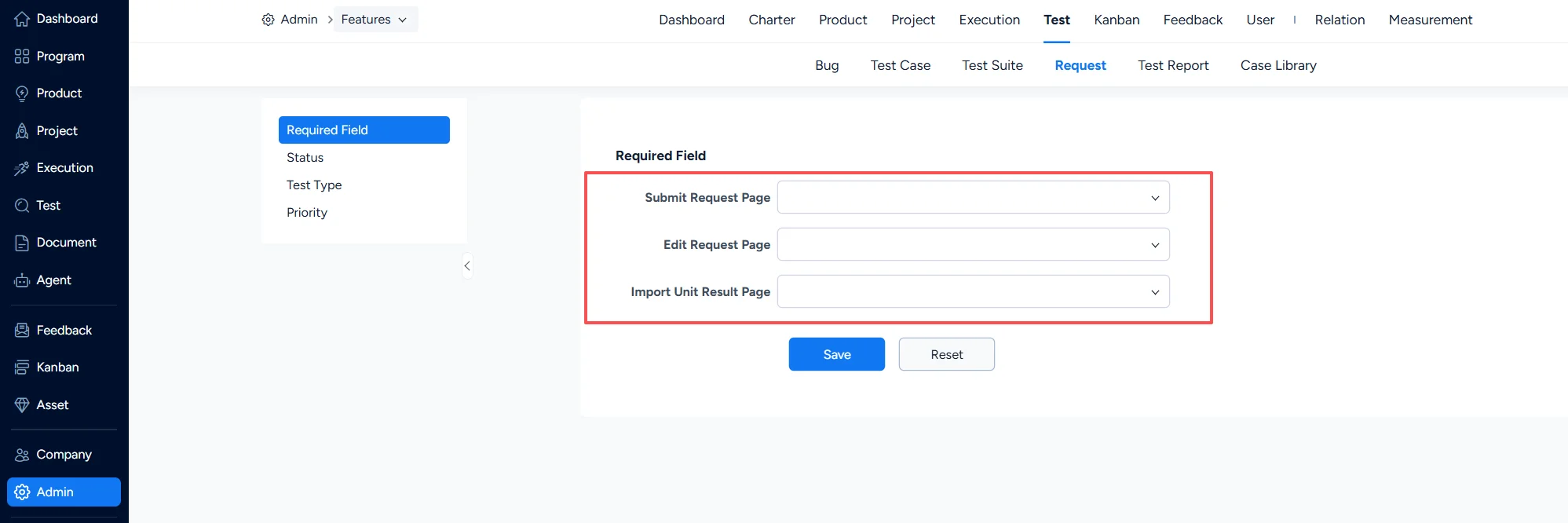
Under Test > Test Request > Required Field, you can set which fields are mandatory for a test request.
2. Test Request – Status
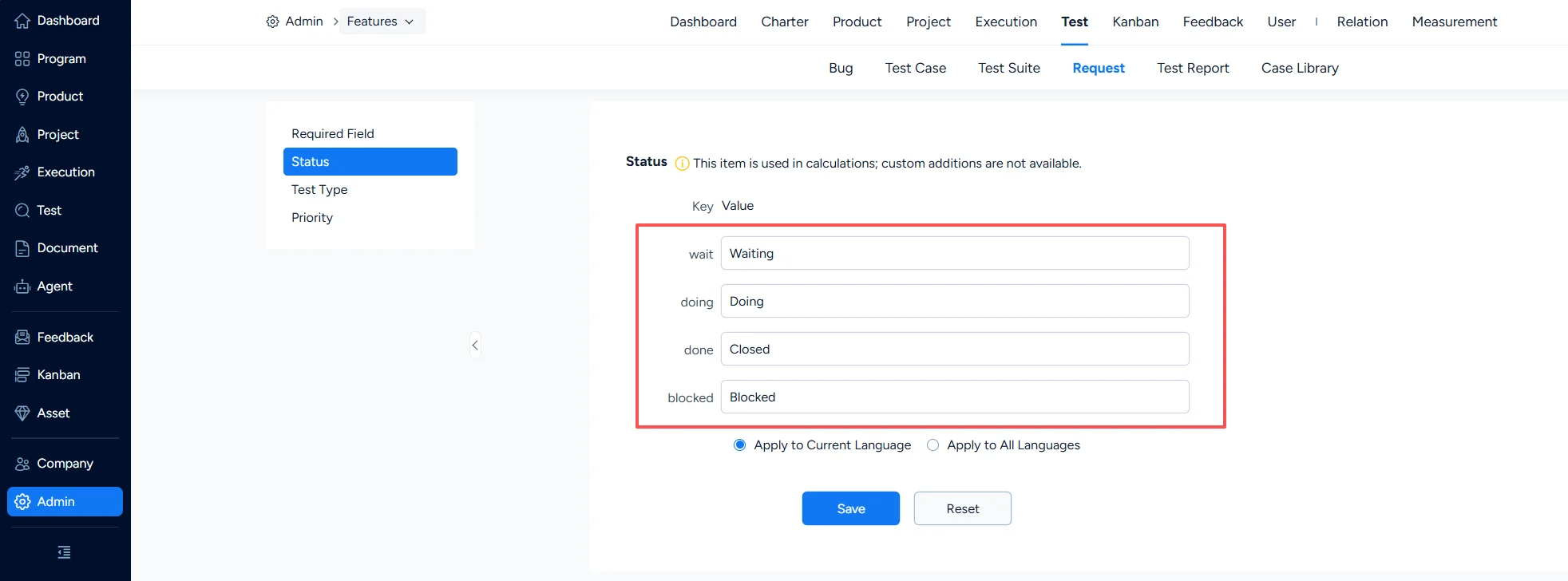
Under Test > Test Request > Status, you can configure test request statuses.
3. Test Request – Test Type
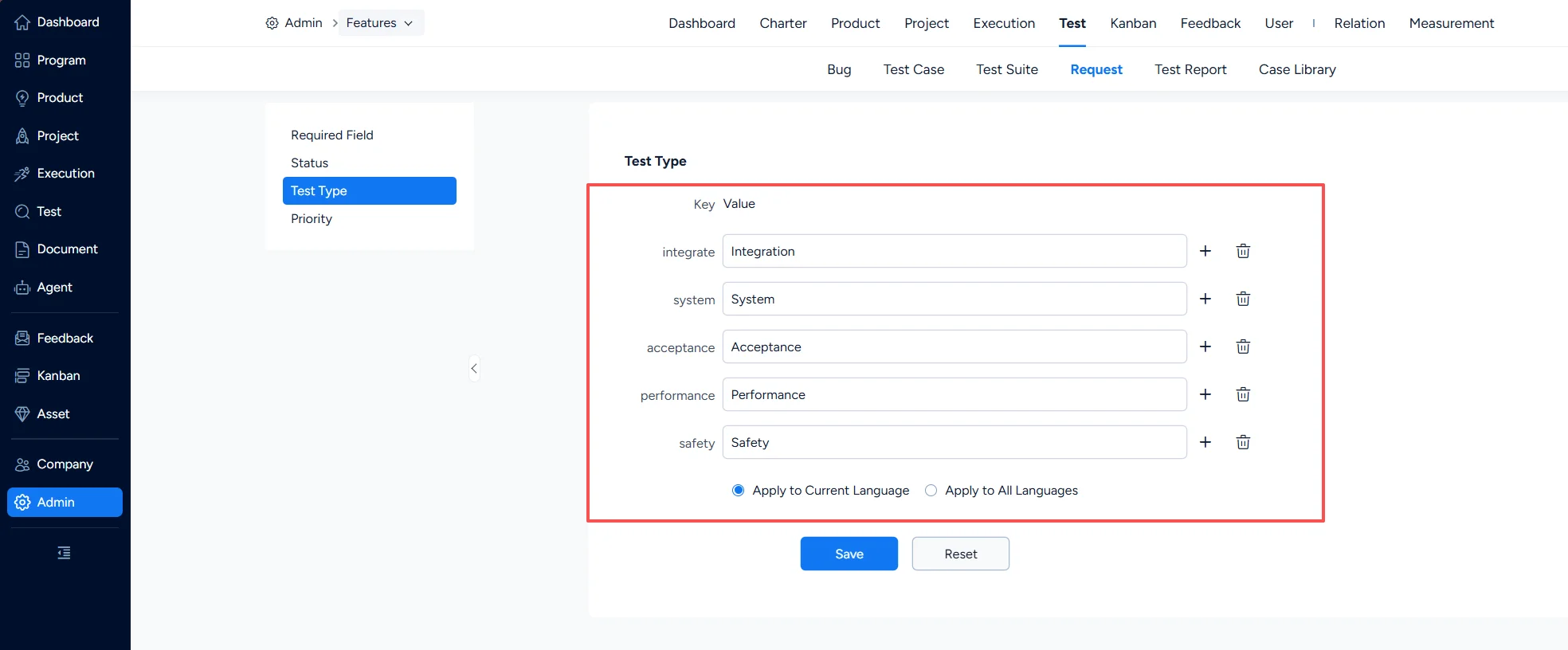
Under Test > Test Request > Test Type, you can configure the test types of test requests.
4. Test Request – Priority
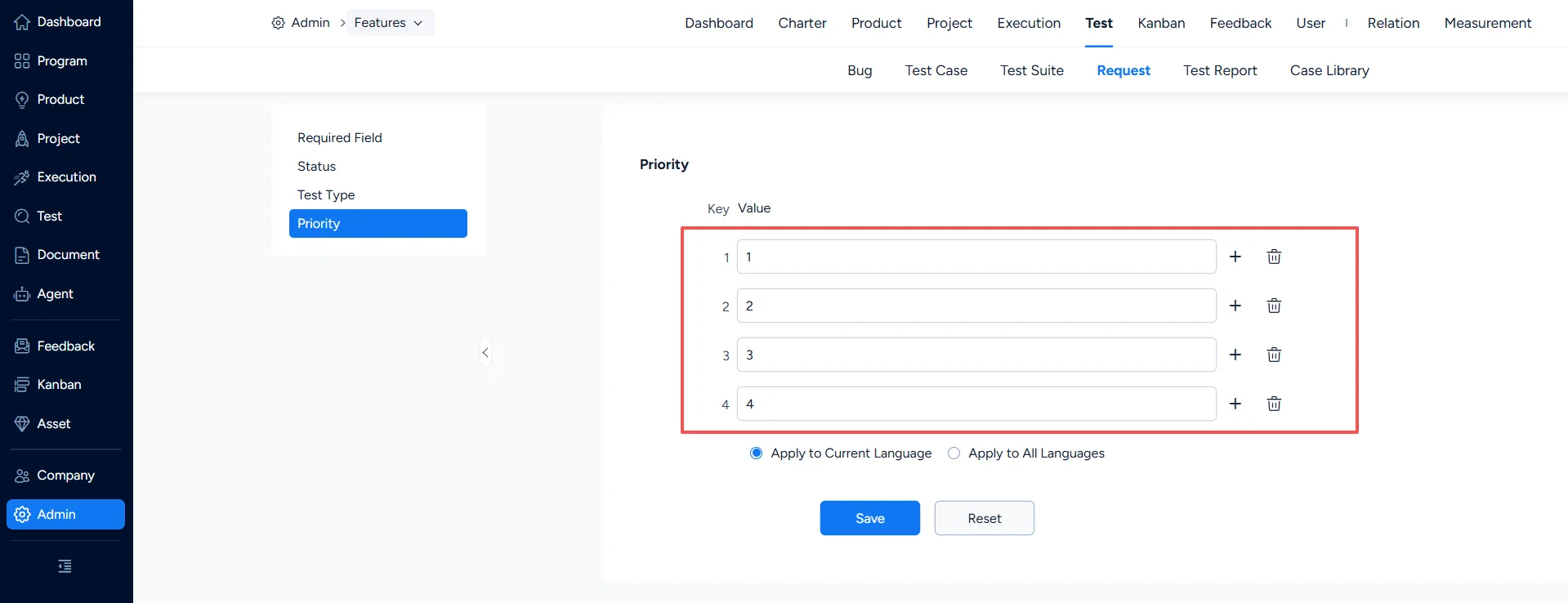
Under Test > Test Request > Priority, you can configure test request priorities.
V. Test Report Settings
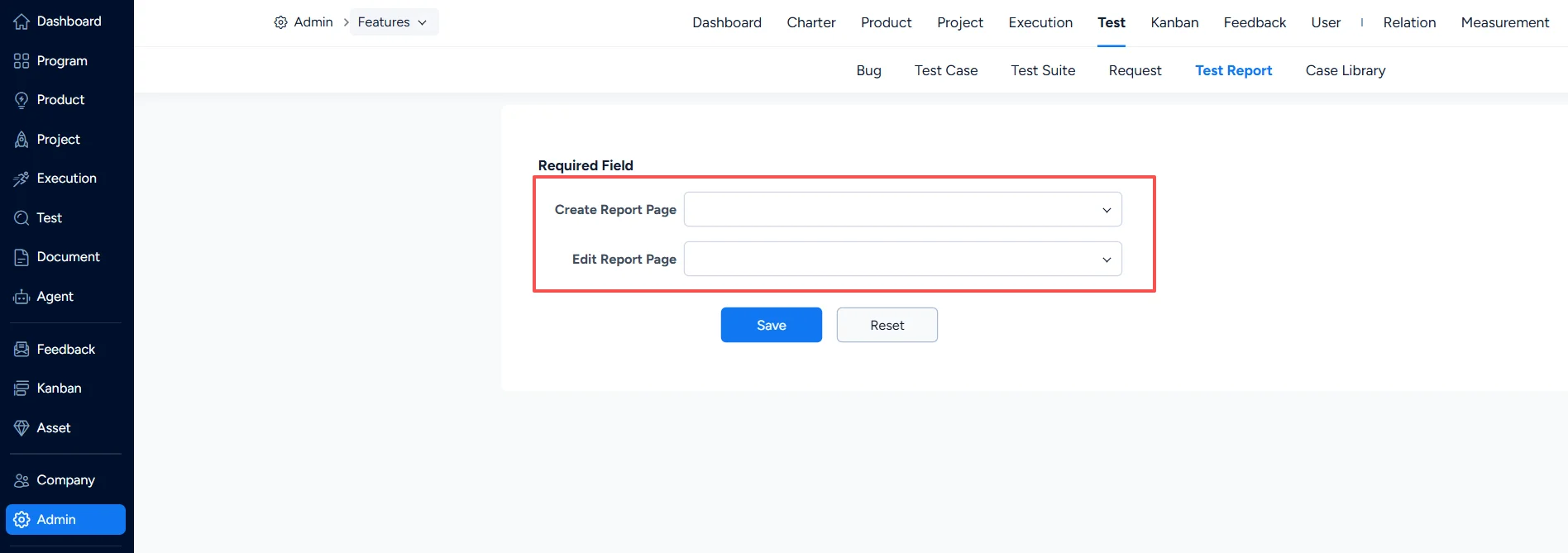
Under Test > Test Report > Required Field, you can set which fields are mandatory when a test report is created or edited.
VI. Test Case Library Settings
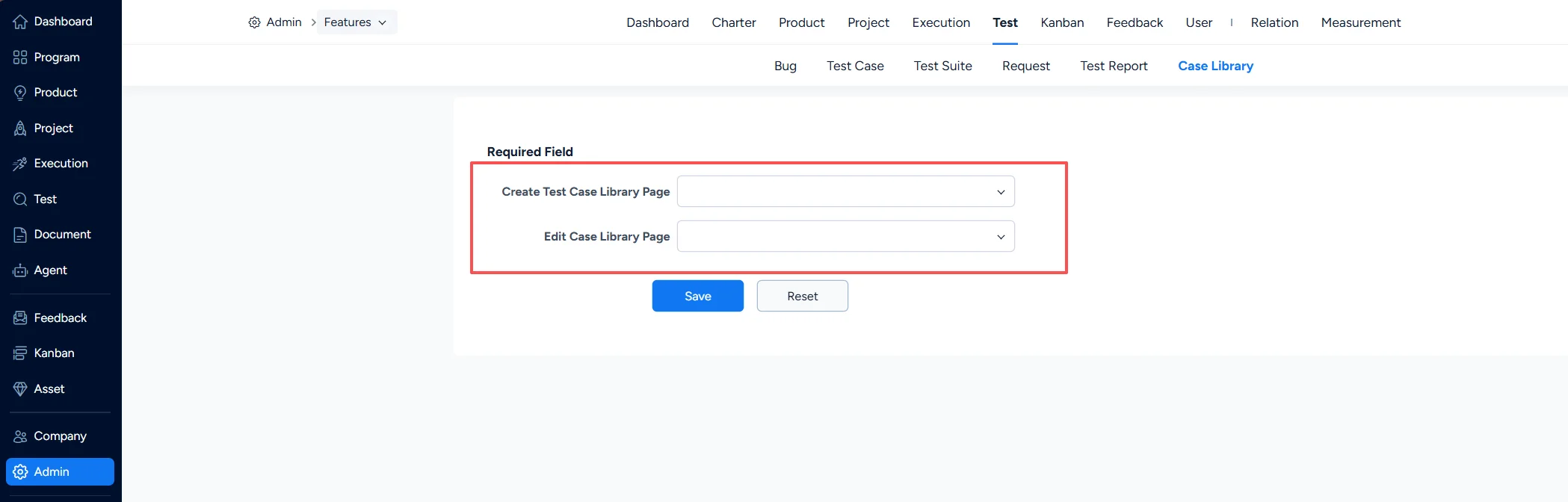
Under Test > Test Case Library > Required Field, you can set which fields are mandatory when a test case library is created or edited.