Catalog
Go to Admin > Features > User to configure the required fields, roles, statuses, available contact methods, and whether deleted users are listed.
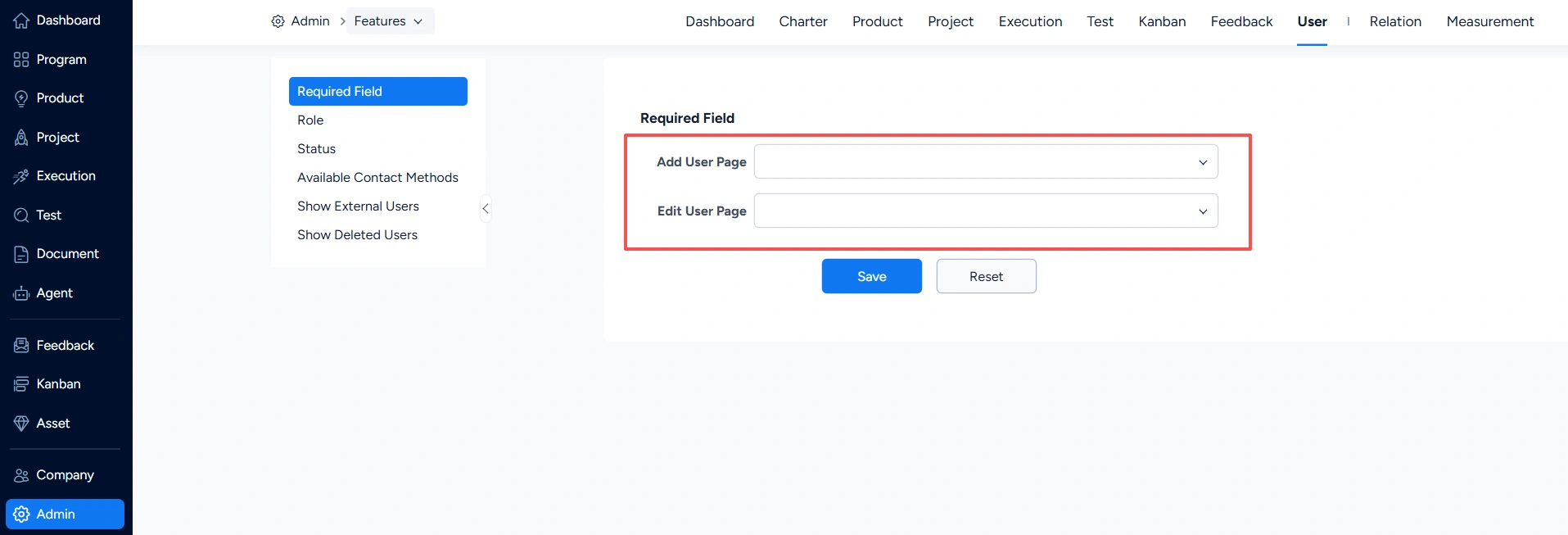
I. User – Required Field
Under User > Required Field, you can set which fields are mandatory on the Add User and Edit User pages.
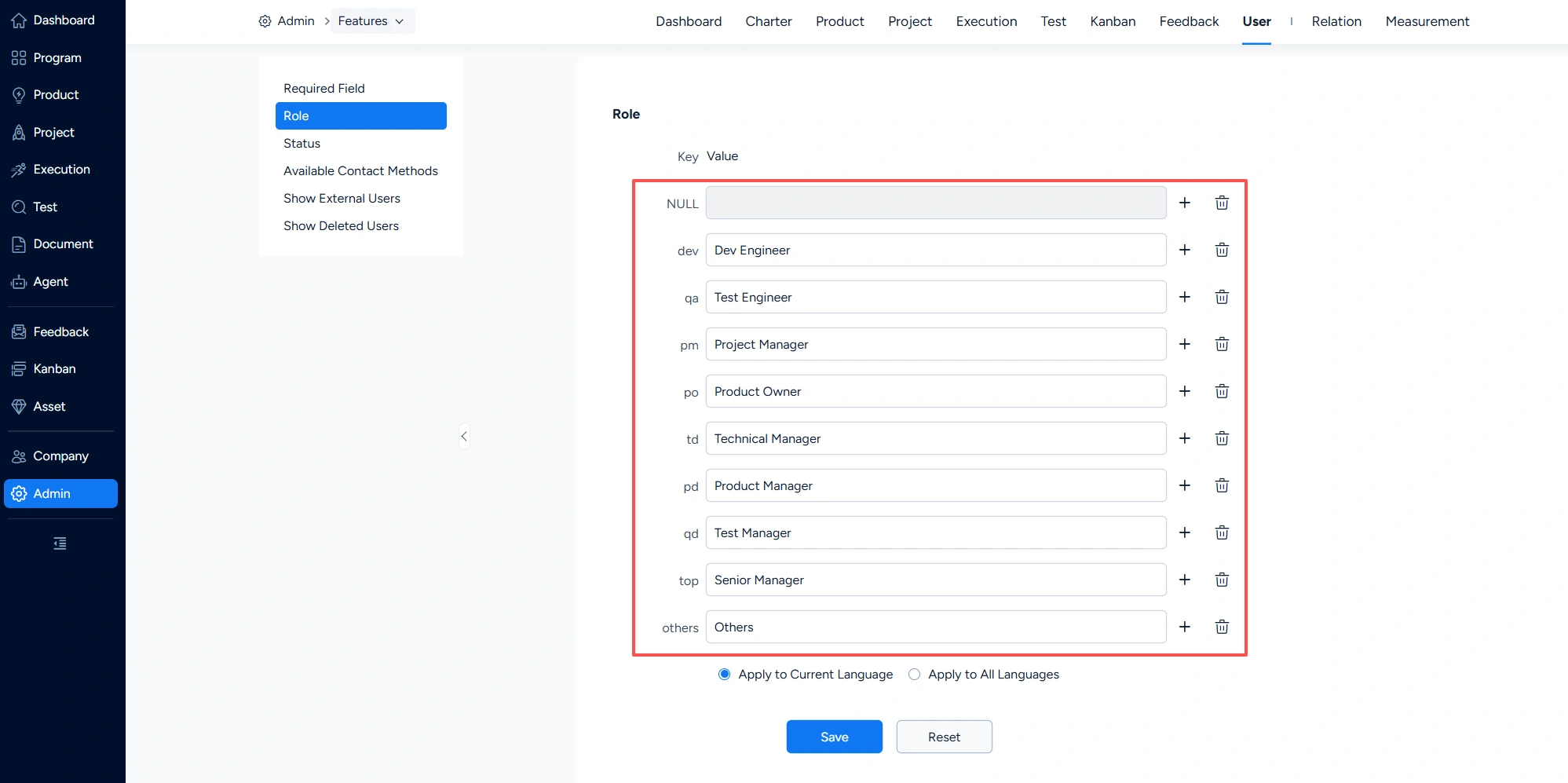
II. Users – Role
Under User > Role, you can configure role information.
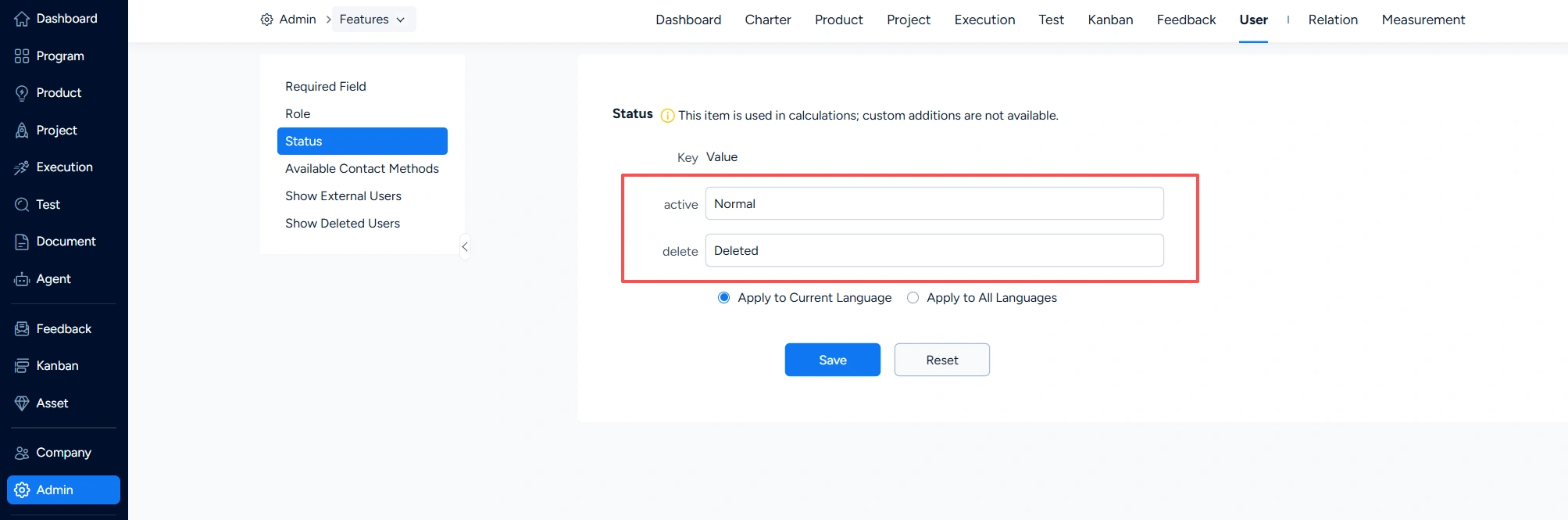
III. User – Status
Under User > Status, you can configure user statuses.
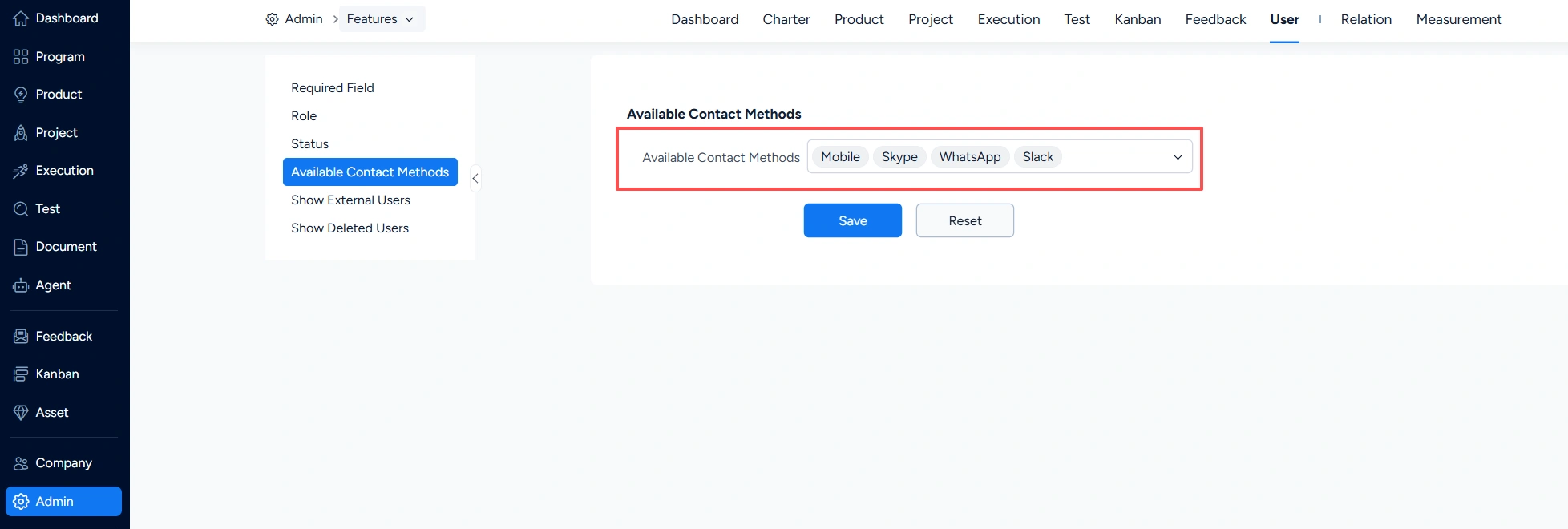
IV. Users – Available Contact Methods
Under Users > Available Contact Methods, you can configure contact method information.
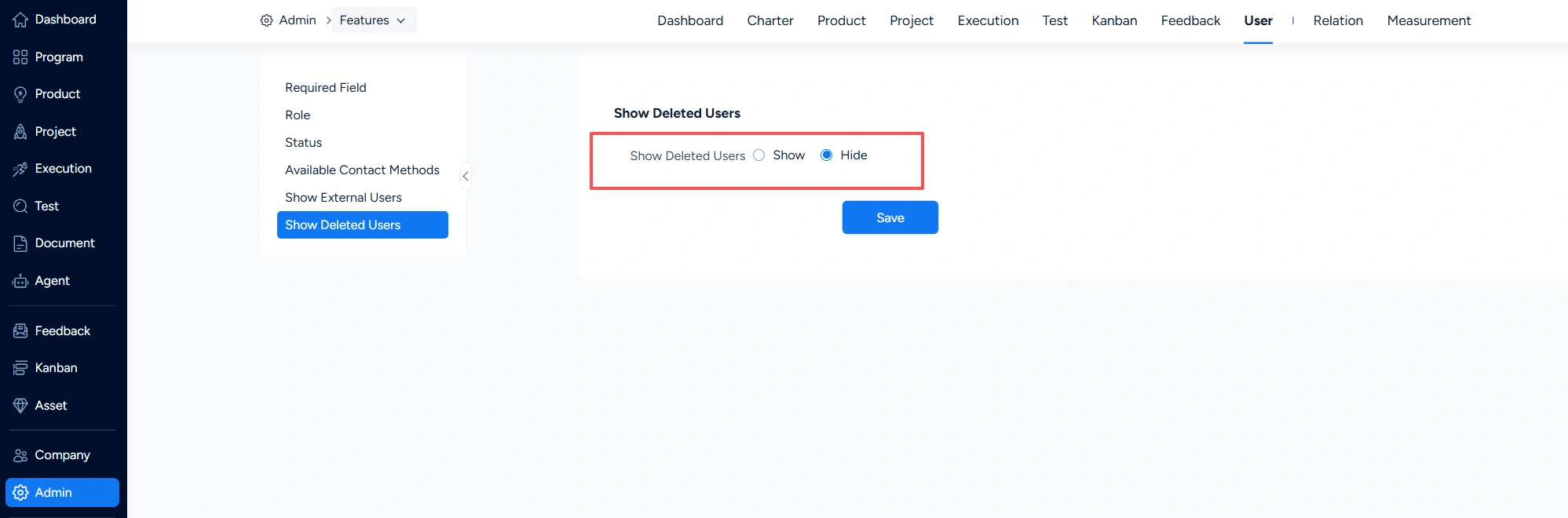
V. User – Show Deleted Users
Under User > Show Deleted Users, you can configure whether deleted users are displayed in Sanplex.