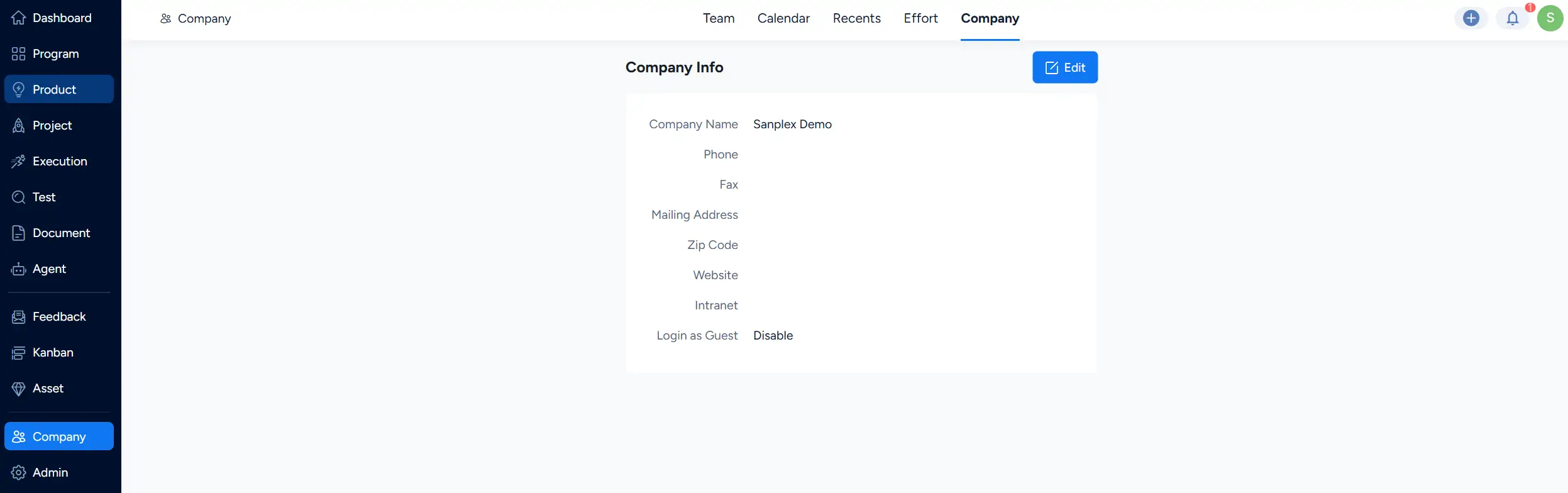
In Company > Company, you can view and maintain basic company information.
Access to this page is controlled by permissions. All users should be able to view company information by default, while edit permissions can be assigned to specific users as needed.
Go to Company > Company to view the company information.
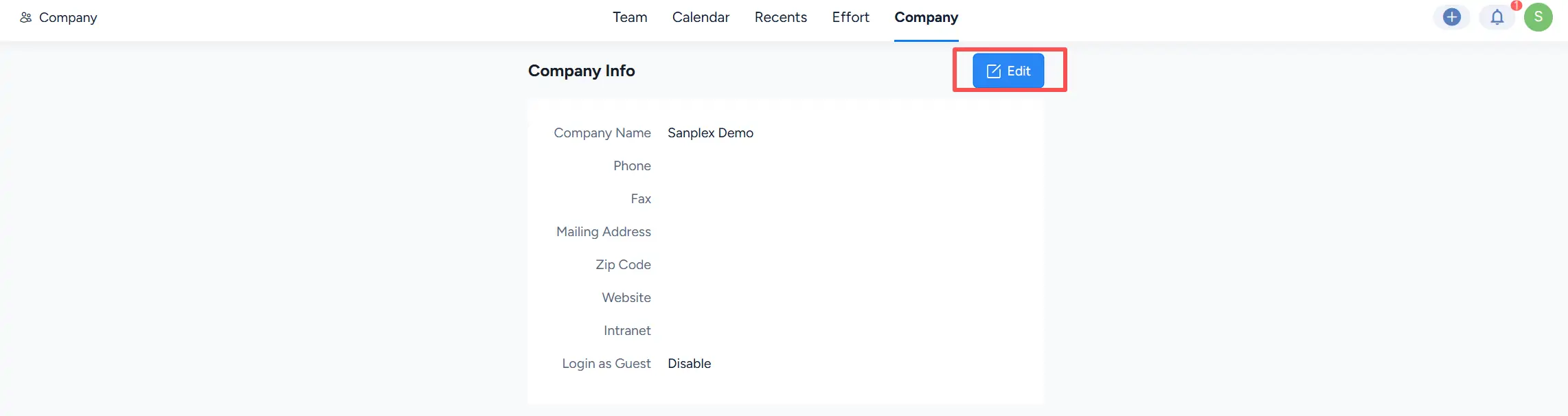
Click Edit to modify the company information.
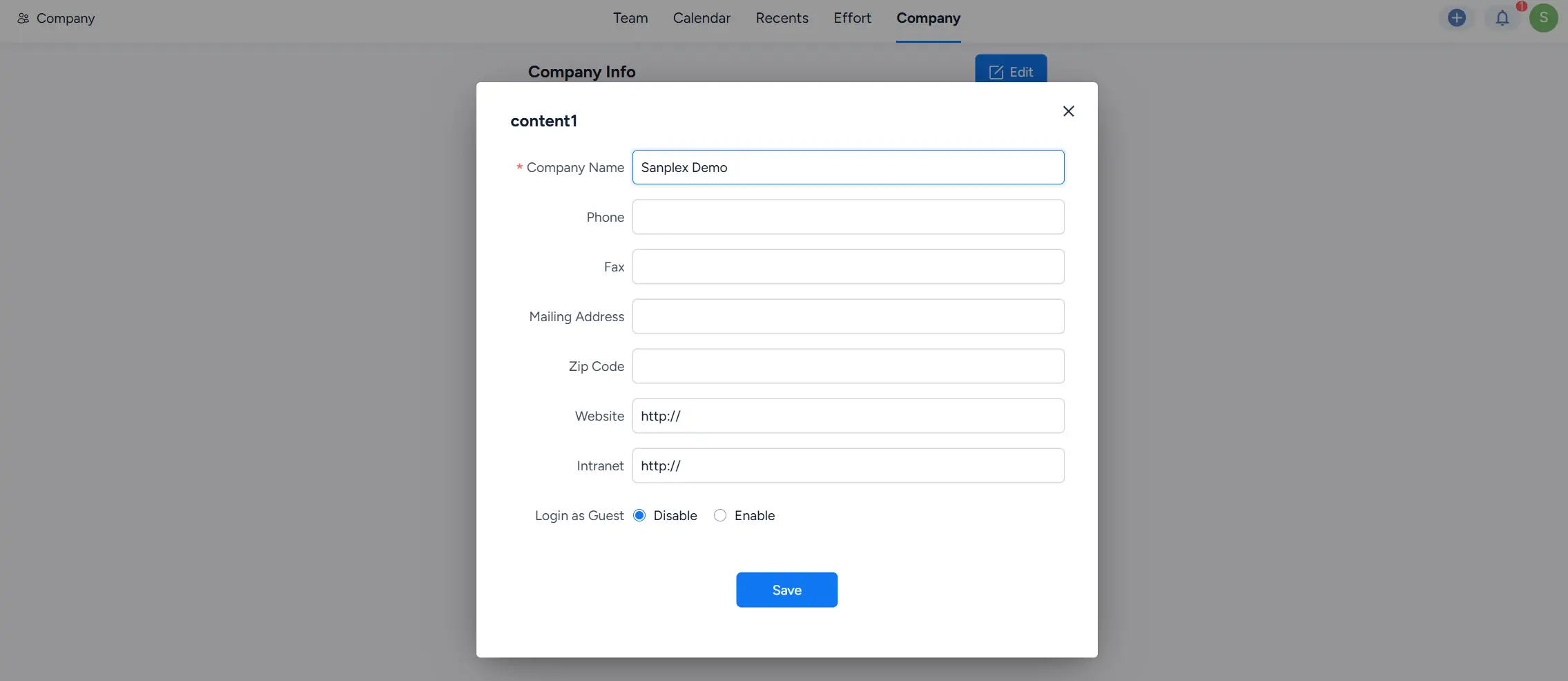
In the edit dialog, update the company details as needed, including the Company Name, Phone, Fax, Mailing Address, Zip Code, Website, and Intranet. You can also configure Login as Guest. Click Save to apply the changes.