

Project flows support configurable feature toggles, which let you turn off the features you do not use. Once a feature is turned off, it is no longer available in projects and project templates.
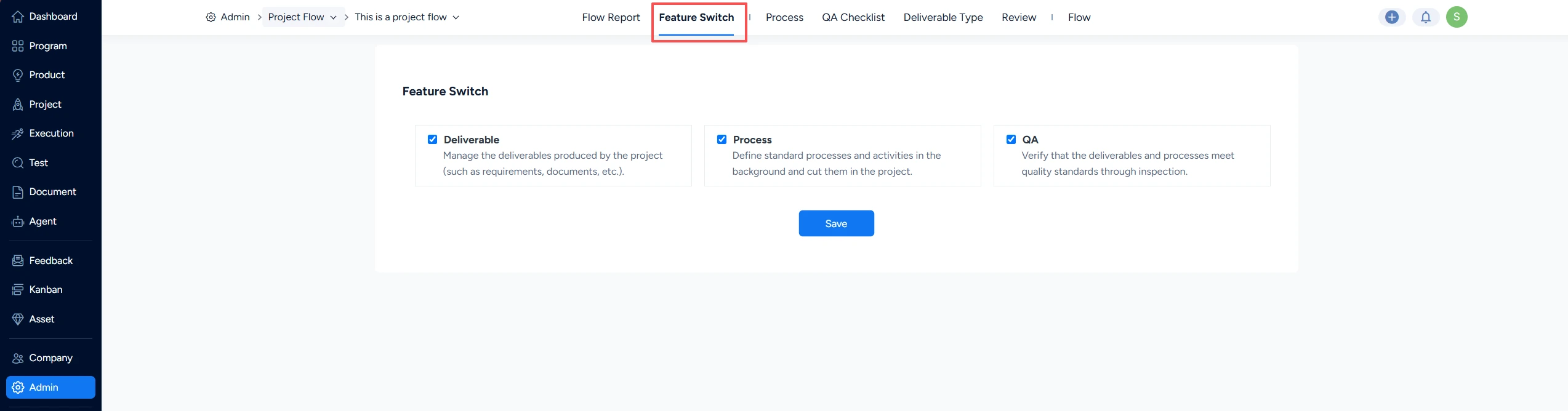
Go to Admin > Project Flow, click the Design button of a flow, and then click Feature Switch.
There you can turn off the features you do not need. Once a feature is turned off, it is no longer available on the front end in the projects and project templates that apply this flow.
Note: The Deliverable feature must be enabled before Baseline can be enabled. The Baseline feature must be enabled before Change can be enabled.


